
Sanity System - Survival Horror
Bedrock add-on listed for Minecraft 1.21–26.x (behavior pack only). File opened and checked on 15 Sep 2026; installs from the MC Bedrock Mods app on Android.
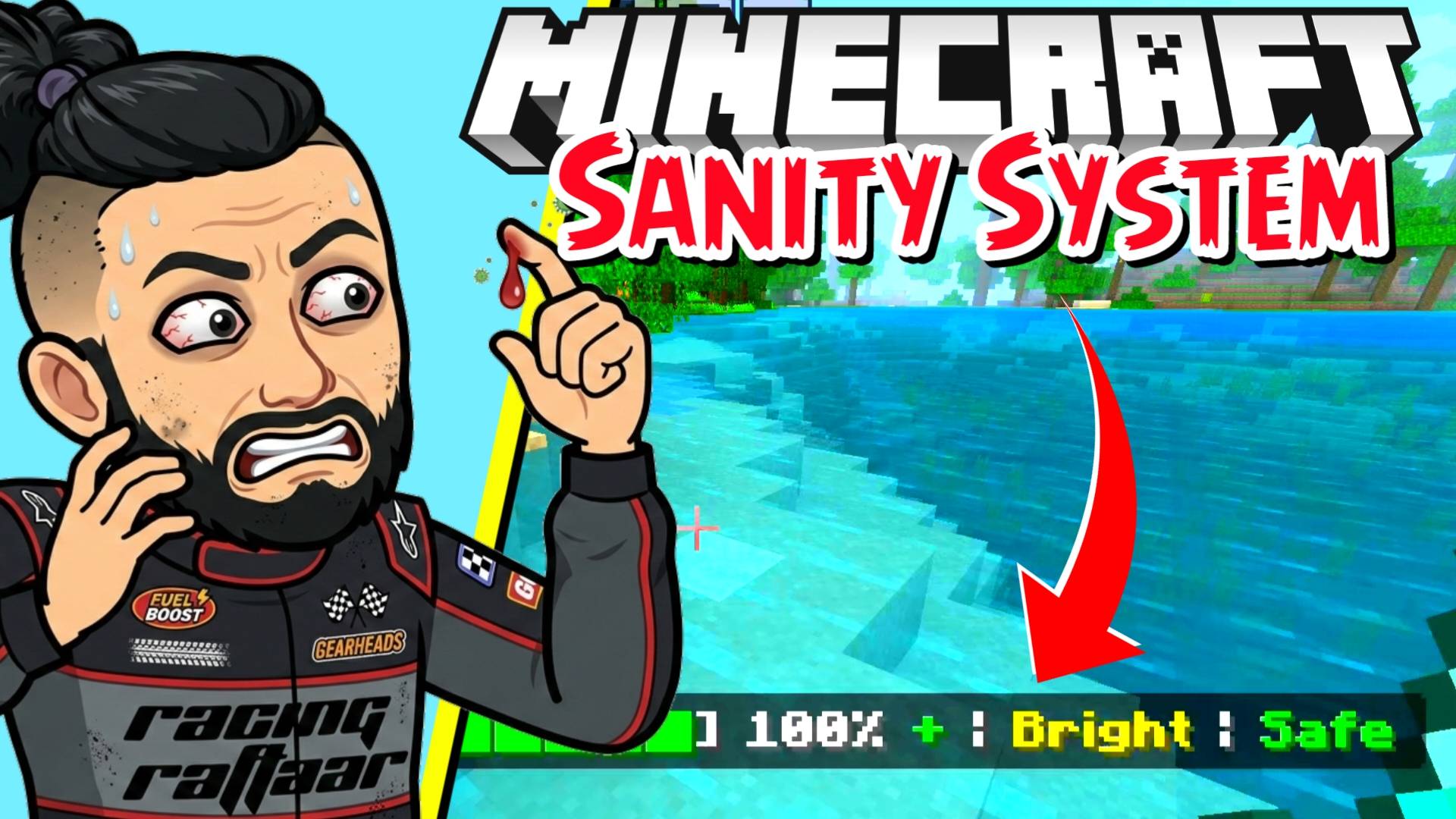
Introduce a terrifying new mechanic to your Minecraft survival world! Manage your sanity levels by staying in the light and resting regularly. If your…
I don't know my version
RR SANITY SYSTEM
Your mind is your greatest weapon — and your greatest weakness
What is RR Sanity System?
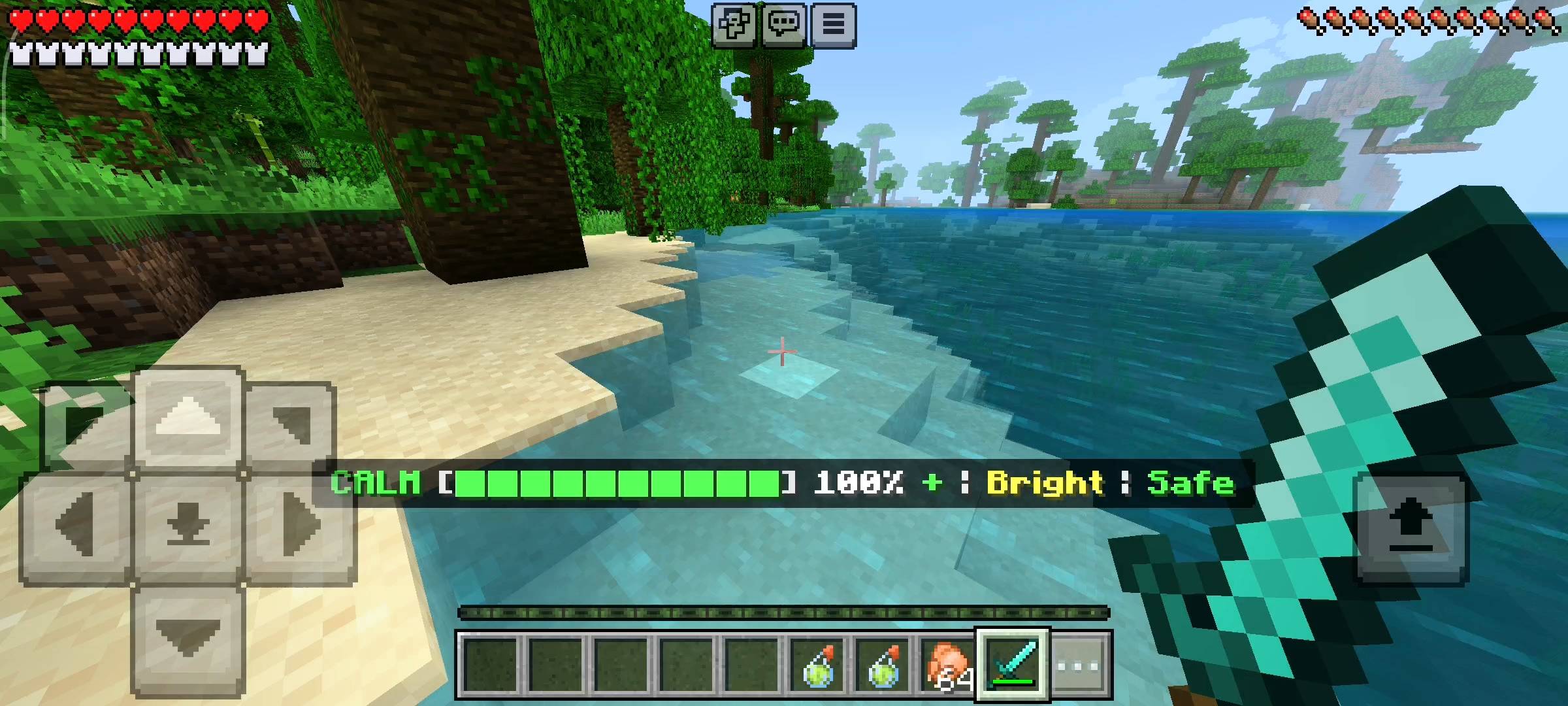
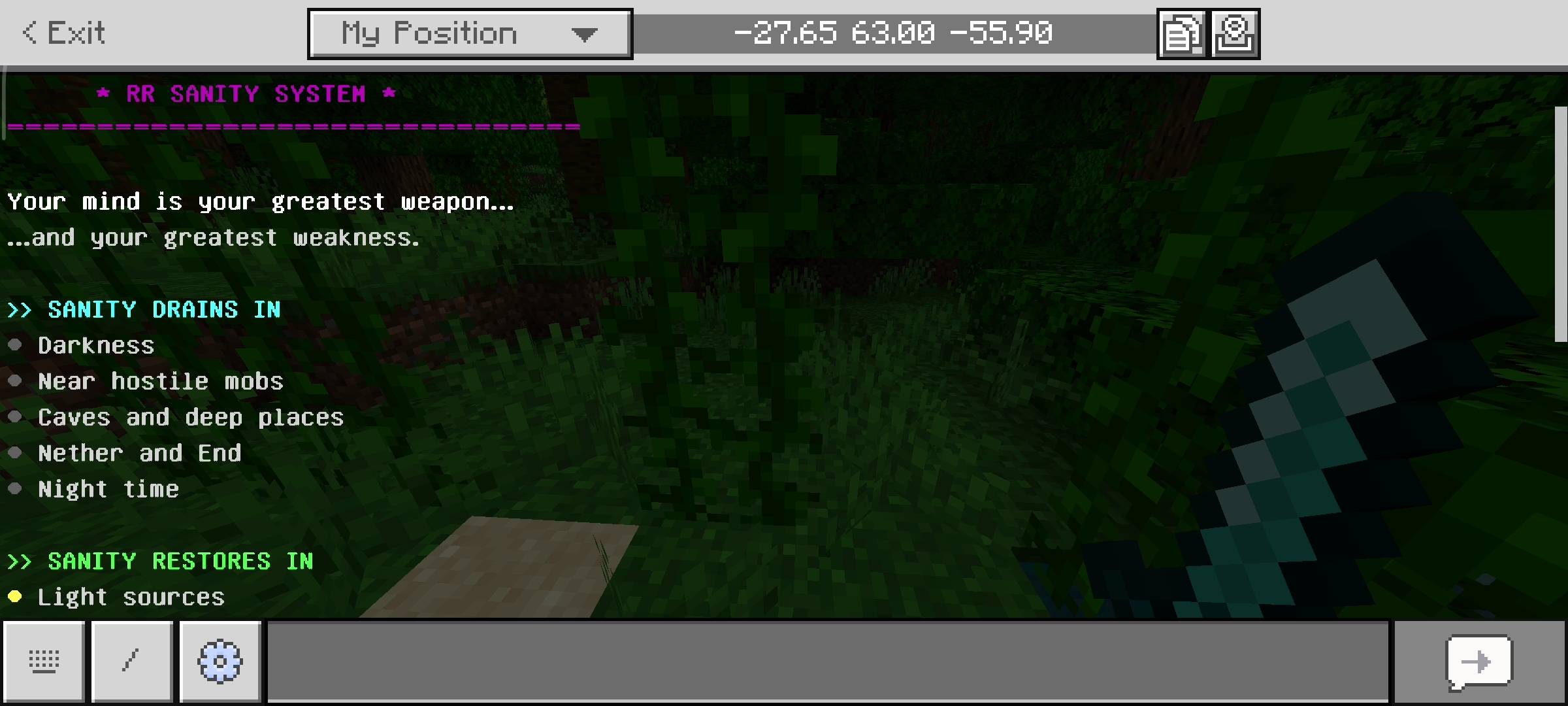
RR Sanity System adds a mental health mechanic to Minecraft. Your sanity is a value from 0 to 100 that changes based on your environment at all times. It goes down when you are in darkness, near hostile mobs, underground, in the Nether or End, or taking damage. It recovers when you are in bright light, standing near a campfire or bed, holding a torch, being near tamed pets or eating food.
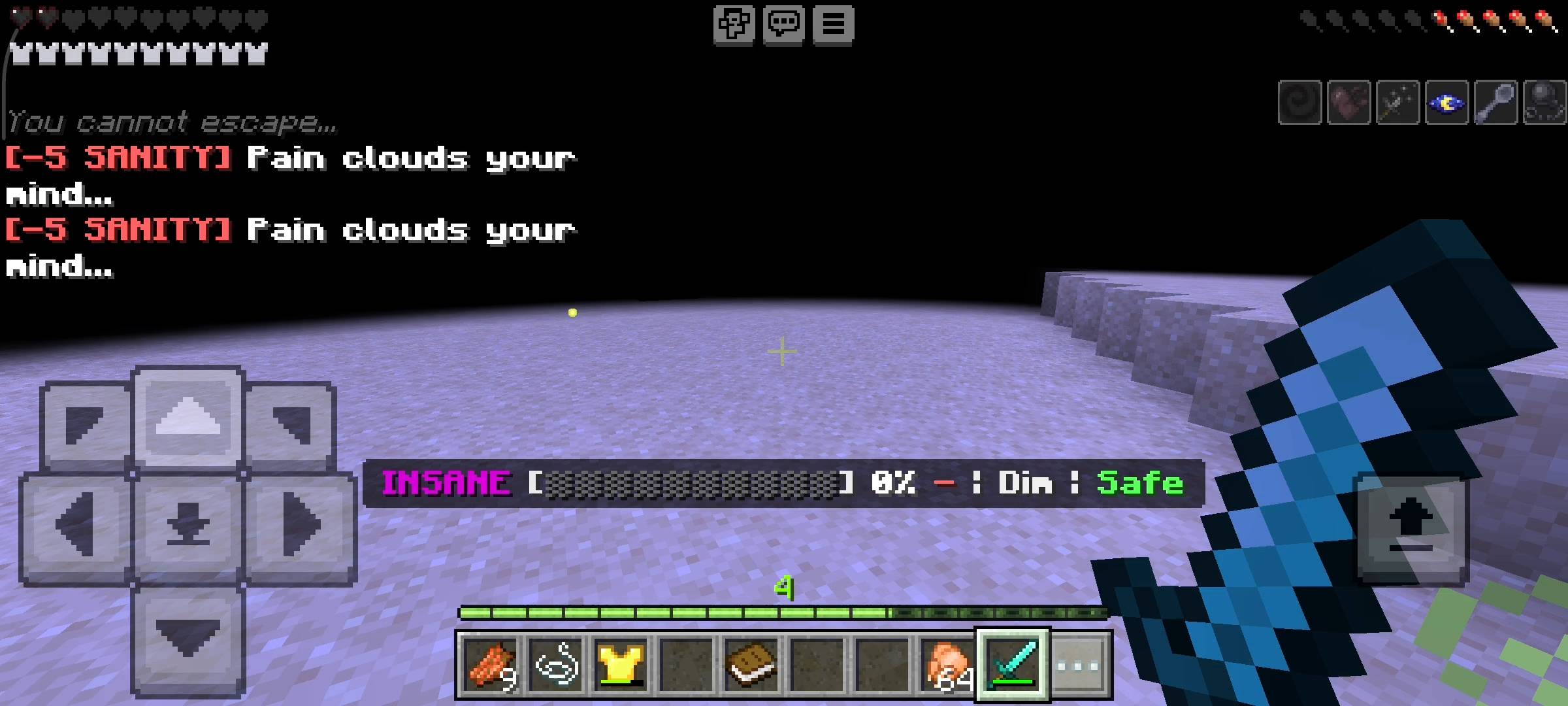
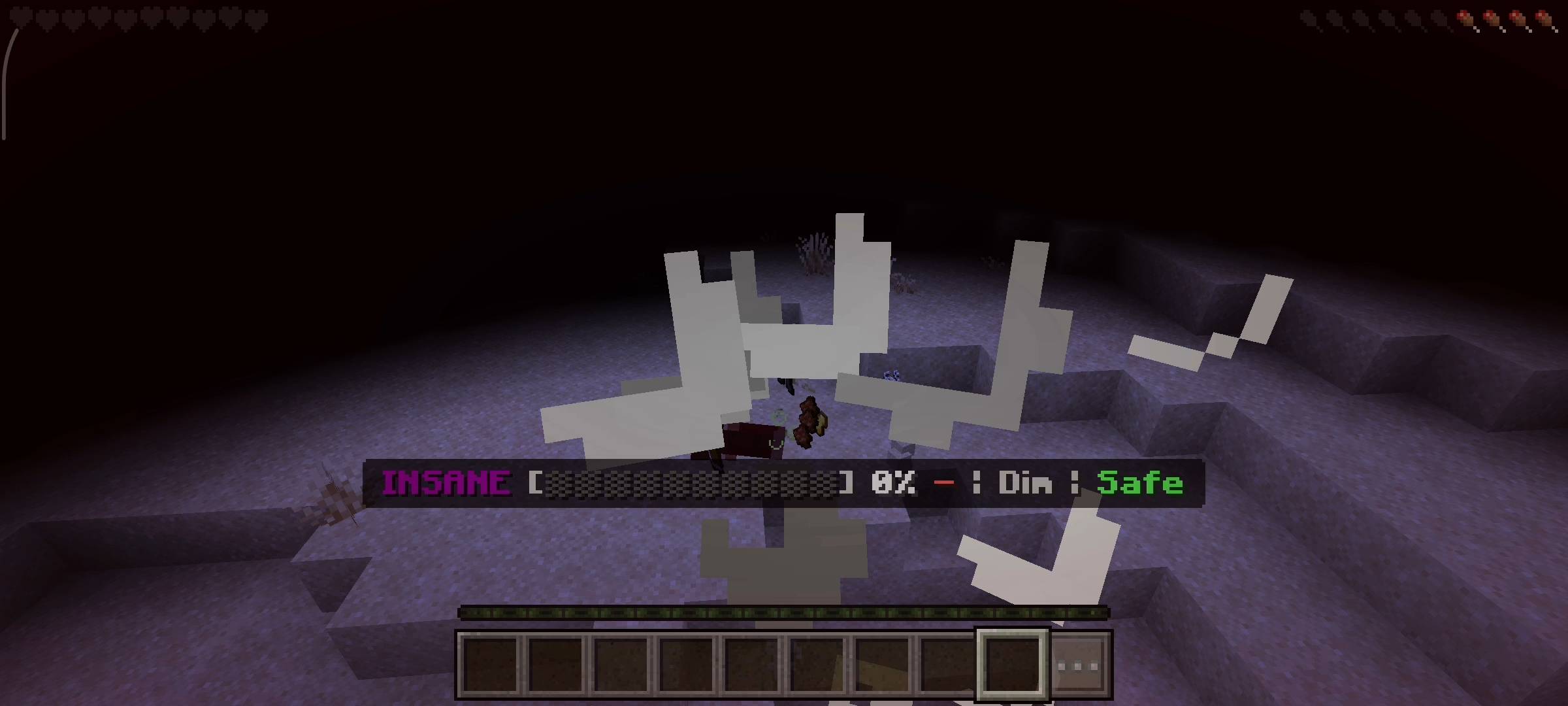
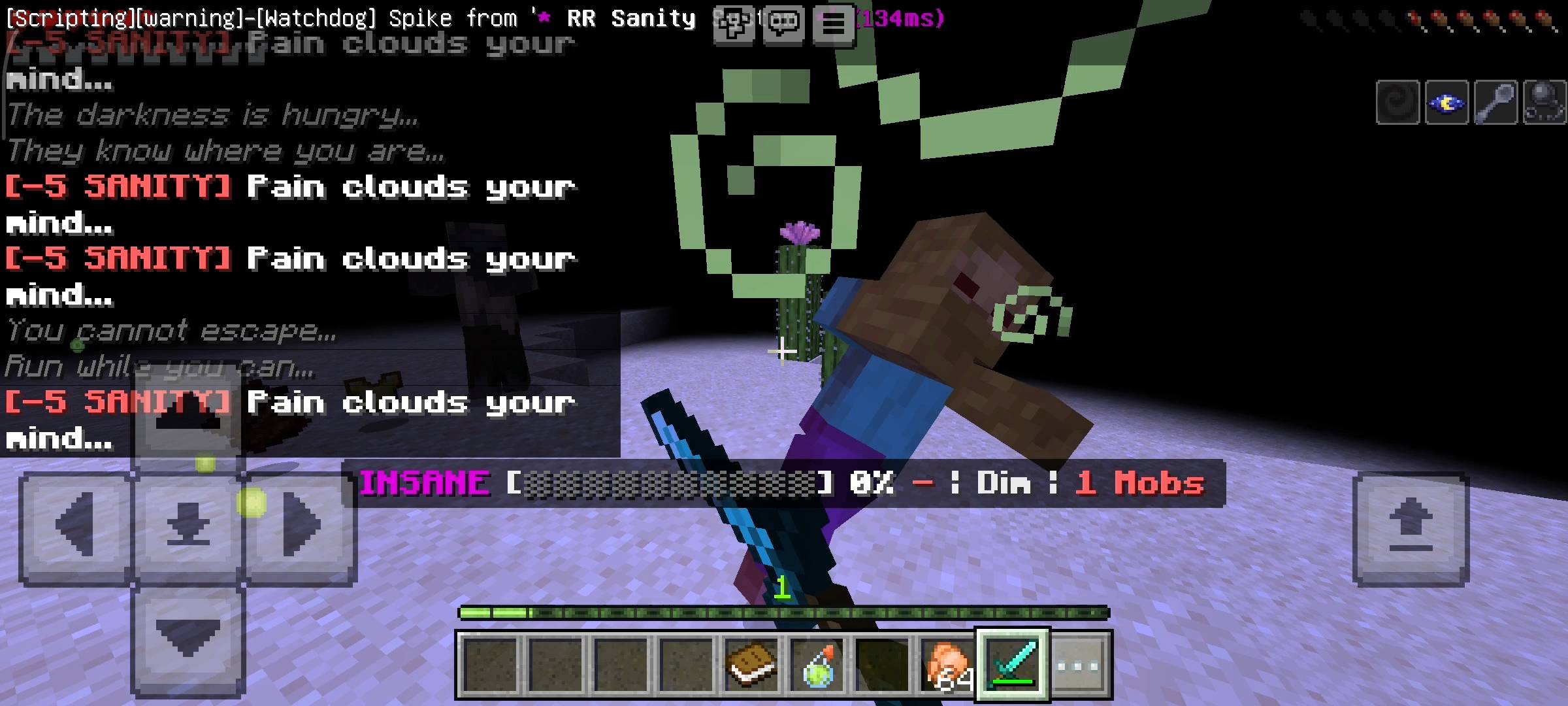
As your sanity drops the game starts to react. At Anxious level you get occasional darkness flashes and the whispers begin — short creepy text messages appearing on your screen. At Paranoid you start getting slowness, blindness flashes and shadow hallucinations. At Unstable the effects get more frequent — nausea, mining fatigue, weakness, and visual hallucinations with sounds. At Insane you get constant darkness, wither damage, severe hallucinations and the voices do not stop.
The Warden specifically drains sanity much faster than other mobs — just being near one is enough to push you toward Paranoid. Endermen also have an elevated drain rate. Everything is visible on the action bar HUD at all times so you always know your current state and whether sanity is rising or falling.
5 Sanity States
Each state changes what effects and events can trigger against you.
| State | Range | Effects |
|---|---|---|
| CALM | 75 – 100% | No negative effects. You feel focused and safe. |
| ANXIOUS | 50 – 74% | Occasional darkness flashes. Whispers begin appearing on screen. |
| PARANOID | 25 – 49% | Slowness, blindness flashes, frequent whispers. Shadow hallucinations begin. |
| UNSTABLE | 10 – 24% | Nausea, weakness, mining fatigue. Frequent hallucinations with audio cues. |
| INSANE | 0 – 9% | Constant darkness, wither damage, severe hallucinations. The voices do not stop. |
What Affects Your Sanity
Sanity Drains
| Darkness (light level below 4) | -2 / sec |
| Hostile mobs within 16 blocks | -0.8 each |
| Warden nearby | -5 / sec |
| Enderman nearby | -3 / sec |
| In the Nether | -1 / sec |
| In the End | -1.5 / sec |
| Below Y=0 | -1 / sec |
| Nighttime outdoors | -0.3 / sec |
| Taking damage | -5 per hit |
Sanity Restores
| Near campfire | +3 / sec |
| Near bed | +2 / sec |
| Bright light (level 12+) | +1.5 / sec |
| Daytime sunlight | +0.5 / sec |
| Near tamed pets | +1 / sec |
| Standing in water | +0.5 / sec |
| Eating food | +5 instant |
| Golden Apple | +30 instant |
| Enchanted Golden Apple | +50 instant |
| Respawn | +50 instant |
Features
| + | 5 Sanity States — Calm, Anxious, Paranoid, Unstable and Insane, each with escalating effects |
| + | Dynamic Drain and Restore — sanity updates every second based on light level, nearby mobs, dimension, time and environment |
| + | Whispers — 15 unique creepy messages appear on screen as your sanity drops, with increasing frequency |
| + | Hallucinations — 5 types including shadow movement, screams, ground instability, footstep sounds and eye flashes |
| + | Screen Effects — darkness, slowness, blindness, nausea, mining fatigue, weakness and wither based on sanity level |
| + | Live HUD — action bar shows current state, sanity bar, percentage, drain or restore indicator, light level and nearby mob count |
| + | Warden and Enderman Fear — both drain sanity at a much higher rate than standard hostile mobs |
| + | Insanity Alert — server message and sound play when you hit Insane state, and again when you recover from it |
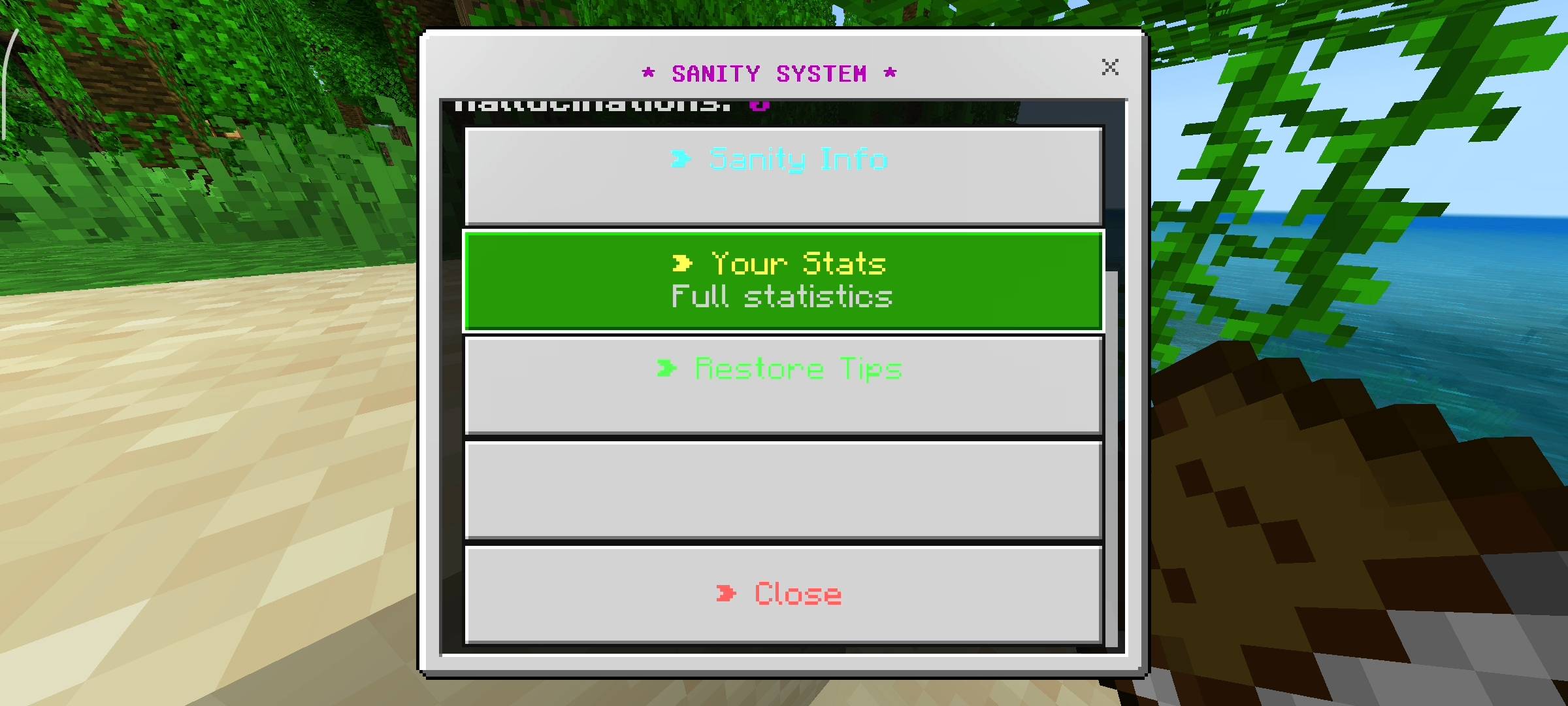
| + | Full Stats Panel — current sanity, lowest ever, times gone insane, hallucinations seen, time in darkness, mobs encountered |
| + | Settings Panel — toggle sound, HUD, screen effects, whispers and hallucinations individually, set difficulty (Easy/Normal/Hard) |
| + | Difficulty Scaling — Easy slows drain and speeds restore, Hard does the opposite, changing how aggressive the system is |
| + | Multiplayer Support — per-player sanity tracking, each player has independent state and settings |
| + | Persistent Data — sanity value and all stats saved via Dynamic Properties across sessions |
How to Use
No setup needed. Install the pack, enable Beta APIs and the sanity system runs automatically from the moment you join. Watch the HUD at the bottom of your screen at all times.
| Action | Control |
|---|---|
| Open Sanity Menu | Sneak + Use Book |
| Quick Sanity Restore | Eat a Golden Apple (+30) |
| Best Passive Restore | Stand near a Campfire |
| Monitor Sanity | Action bar — always visible |
Requirements
Terms of Use
This addon is free to use but please respect the work that went into it.
- Do not repost or republish this addon on any website, platform or app without permission.
- Do not claim this addon as your own work.
- You are free to use it in your worlds, servers and YouTube videos — just give credit to Racing Raftaar.
- Modifying and redistributing without permission is not allowed.
More addons, updates and dev stuff on my blog and community:
Blog — YouTube — Discord
This addon requires Beta APIs to be enabled in your world settings under Experiments. Without it the addon will not load at all. This is a Minecraft requirement for all Script API addons — it is not a bug with the addon.
The thumbnail and screenshots used in this post have been AI-enhanced for better visual presentation. In-game visuals may look different. All gameplay features shown are real and functional.
- Edition: Minecraft Bedrock
- File type: .mcpack or .mcaddon
- Minecraft versions listed: 1.21.132, 26.0.02, 26.0
- How to install: Download the .mcpack or .mcaddon file. → Open it — Minecraft imports it. → In your world: Behavior Packs → Available → Activate, then the same under Resource Packs.
- Where to get it: Opens on CurseForge — not every file is mirrored on our own servers.
Install steps are the general flow for this file type — How to install Minecraft Bedrock addons & mods walks through it step by step.
- Pack type: .mcpack — a single pack
- Manifest requires Minecraft 1.21.0 or newer
- Complete pack — everything it depends on is inside the file
- Download size: 23 KB
- Download link checked 6 Oct 2026 — working
These come from our own check of the pack file, not from the source page.