Separate Enchants
Bedrock add-on listed for Minecraft 1.21 (behavior pack only). File opened and checked on 12 Oct 2026; installs from the MC Bedrock Mods app on Android.
Transform your grindstone into a powerful enchantment separator! Transfer enchantments to books, choose all or specific enchants. Features smart inventory…
⬇ Download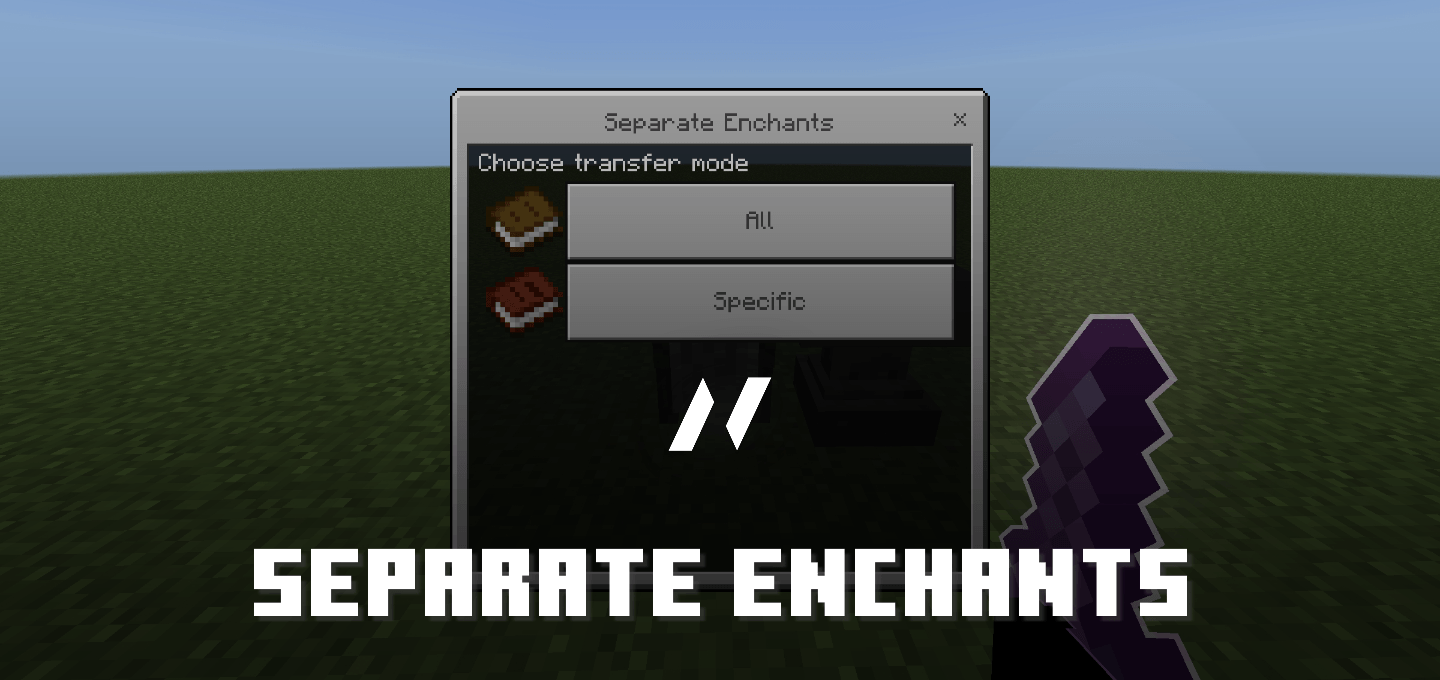
Introduction
Separate Enchants
is a quality-of-life addon that revolutionizes enchantment management in Minecraft Bedrock Edition. Turn your grindstone into an enchantment separator, allowing you to extract enchantments from tools, weapons, and armor onto books without losing them forever.
Features
1. Dual Transfer Modes
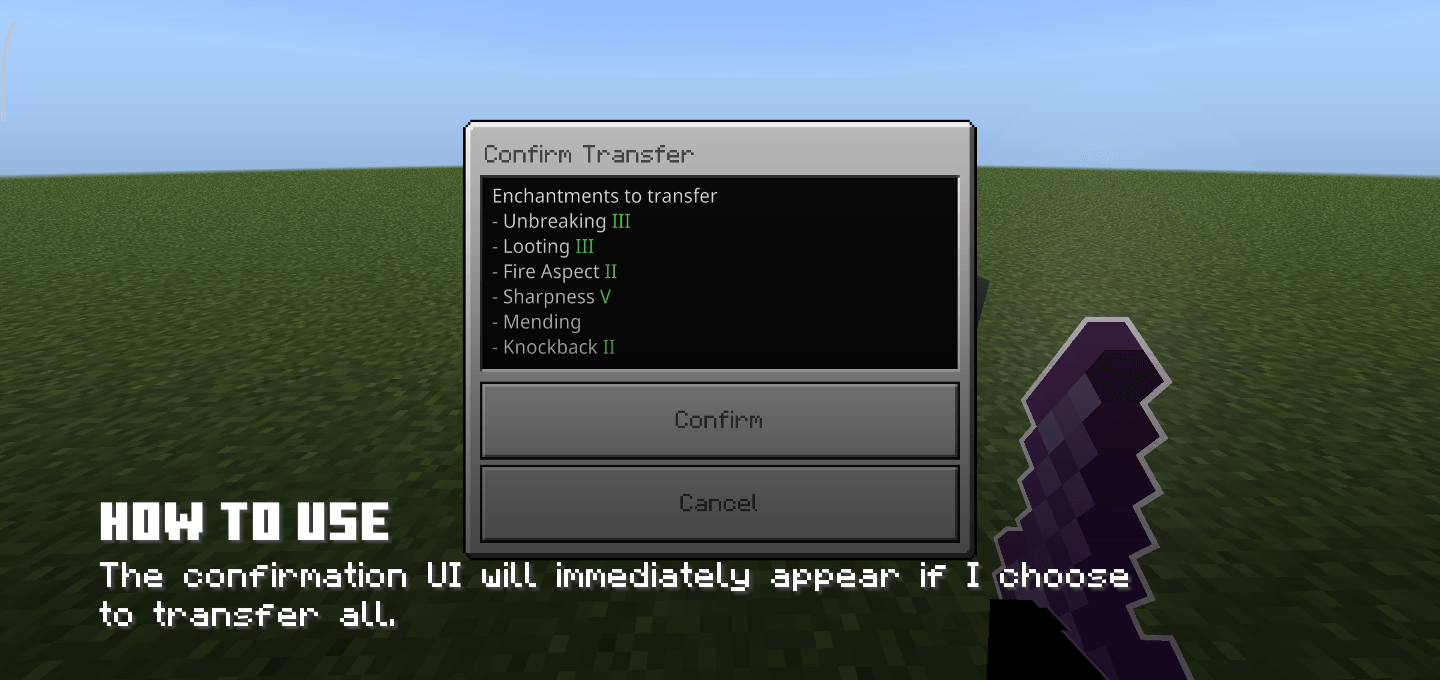
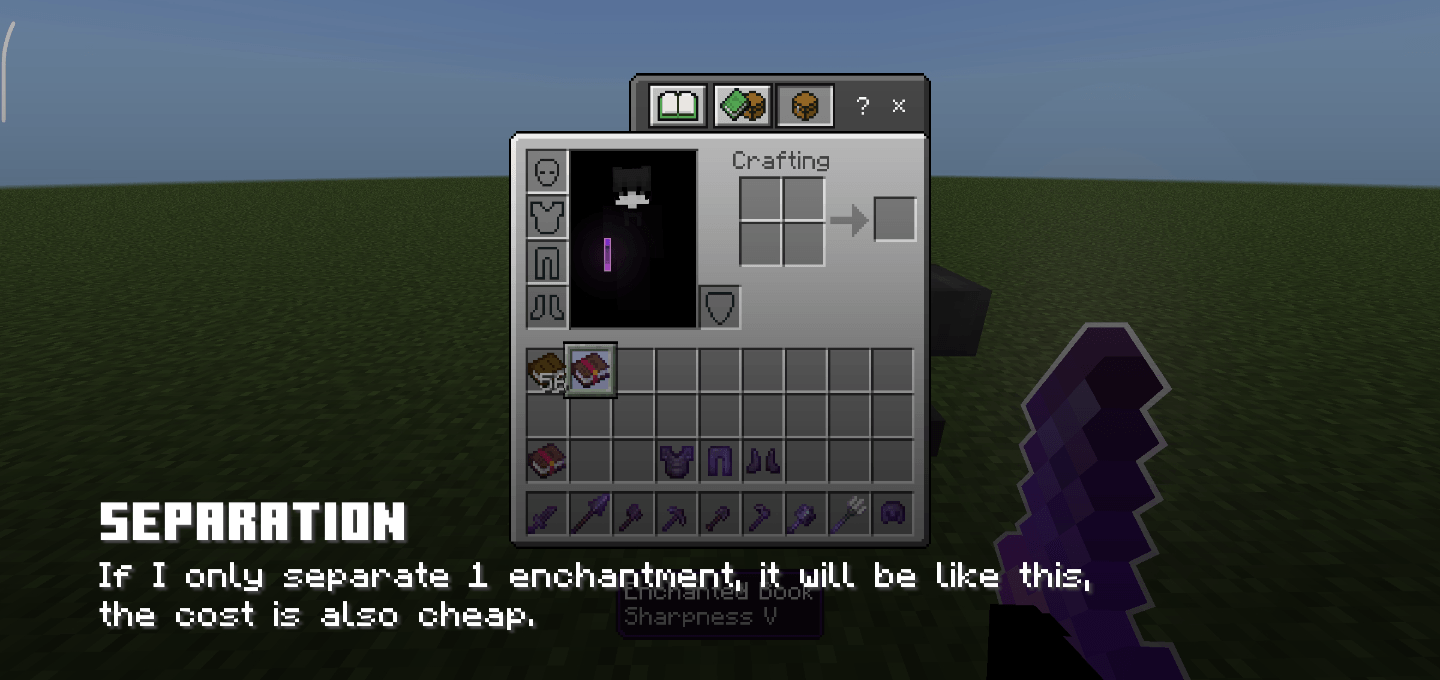
- Transfer All: Move all enchantments at once with automatic curse separation
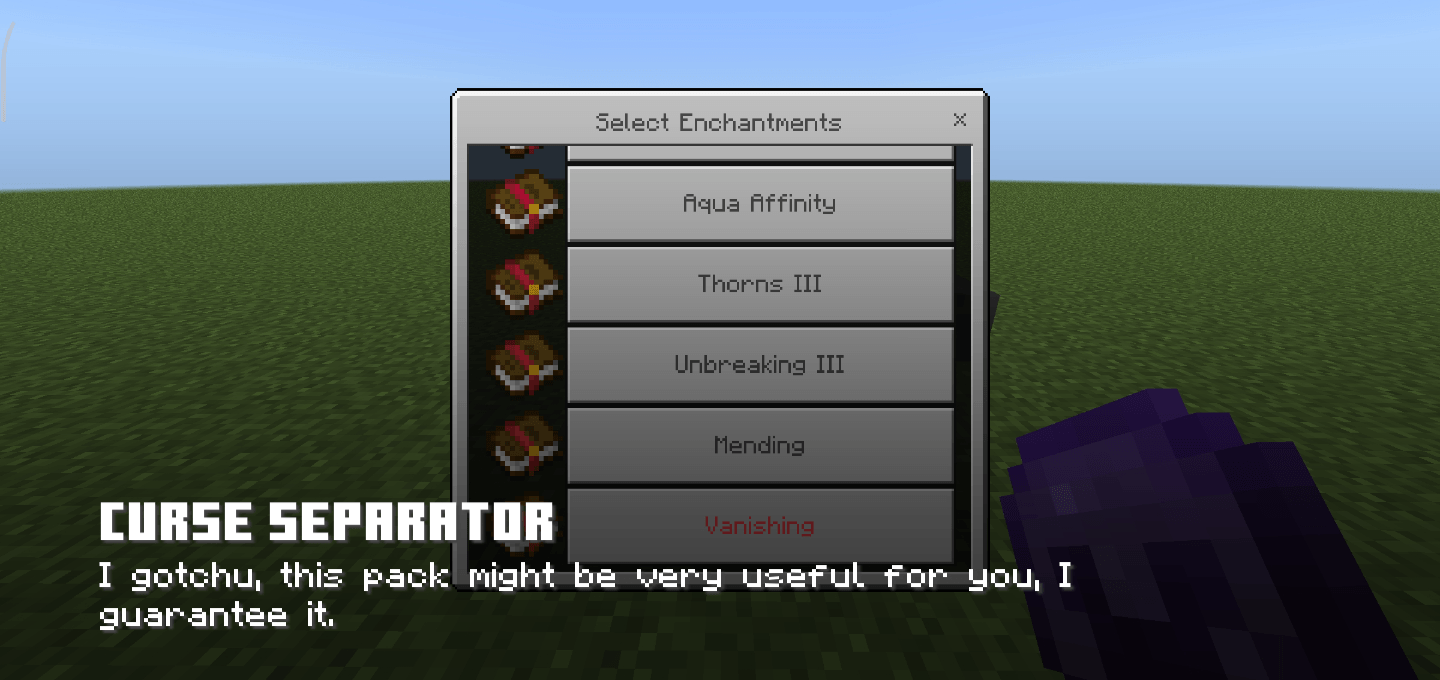
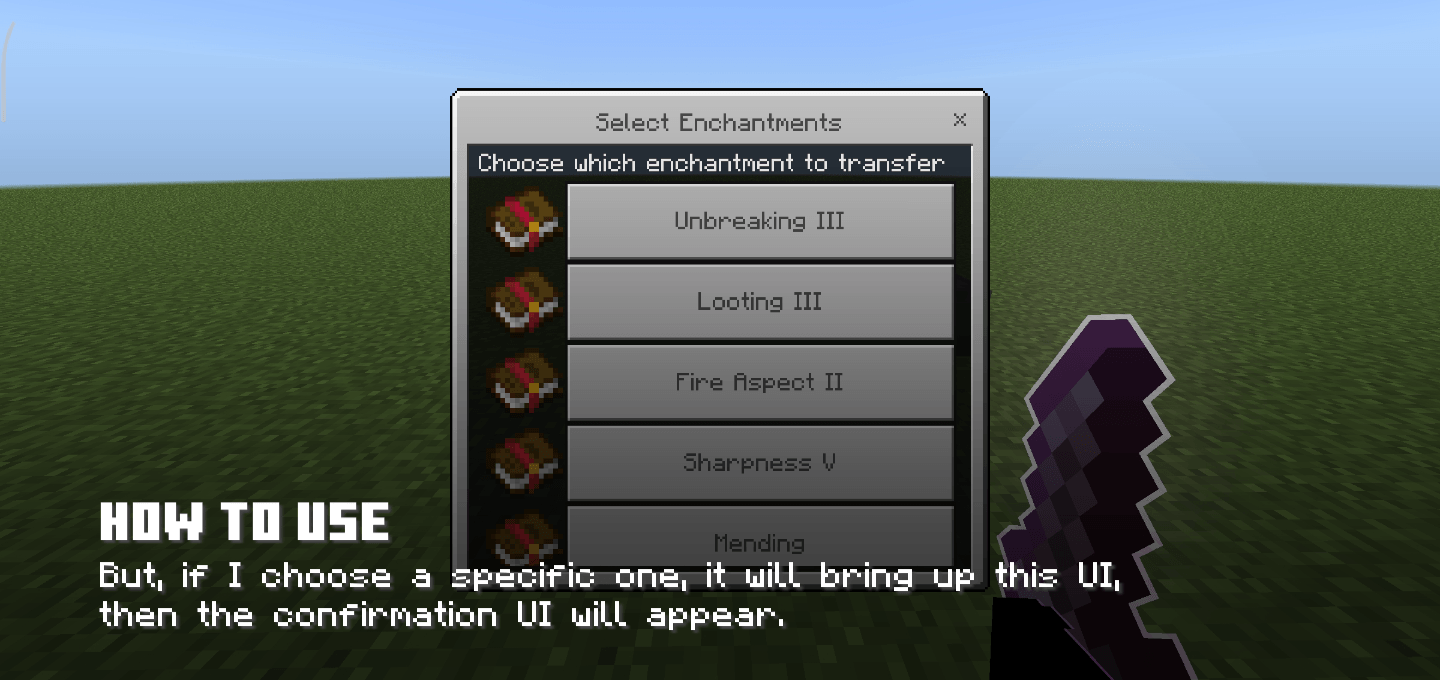
- Select Specific: Choose individual enchantments to transfer one at a time
2. Smart Inventory Management
- Auto-selects books from largest stack first
- Places enchanted books in nearest empty slot
- Falls back to available slots or drops items if inventory is full
3. XP Cost System
- Cost calculated by enchantment level sum (e.g., Sharpness V + Unbreaking III = 8 levels)
- Double sneak to preview total cost before opening UI
- Real-time balance checking
4. Curse Handling
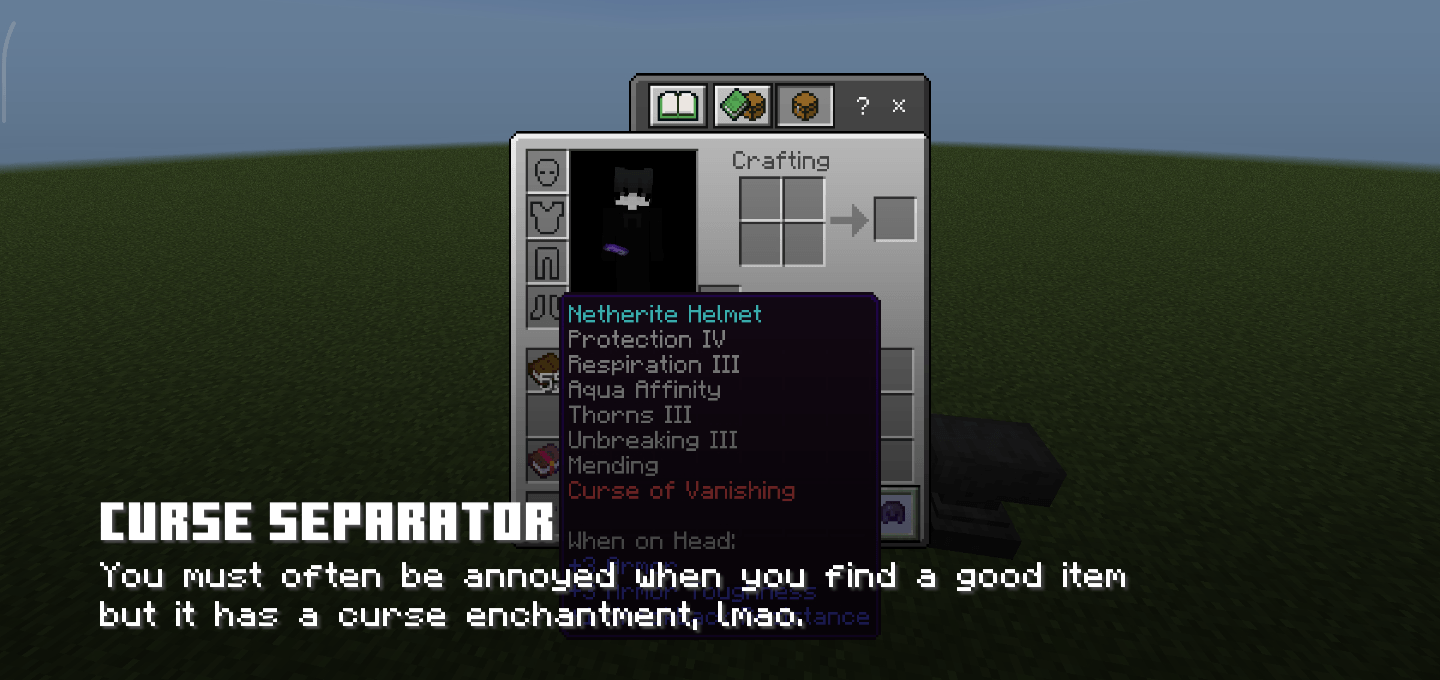
- Automatically identifies curse enchantments
- Separates curses from normal enchantments
- Visual indicators in UI
5. Notification System
- Success, warning, and error notifications
- Color-coded messages with icons
- Sound feedback for all actions
How to use
1. Requirements:
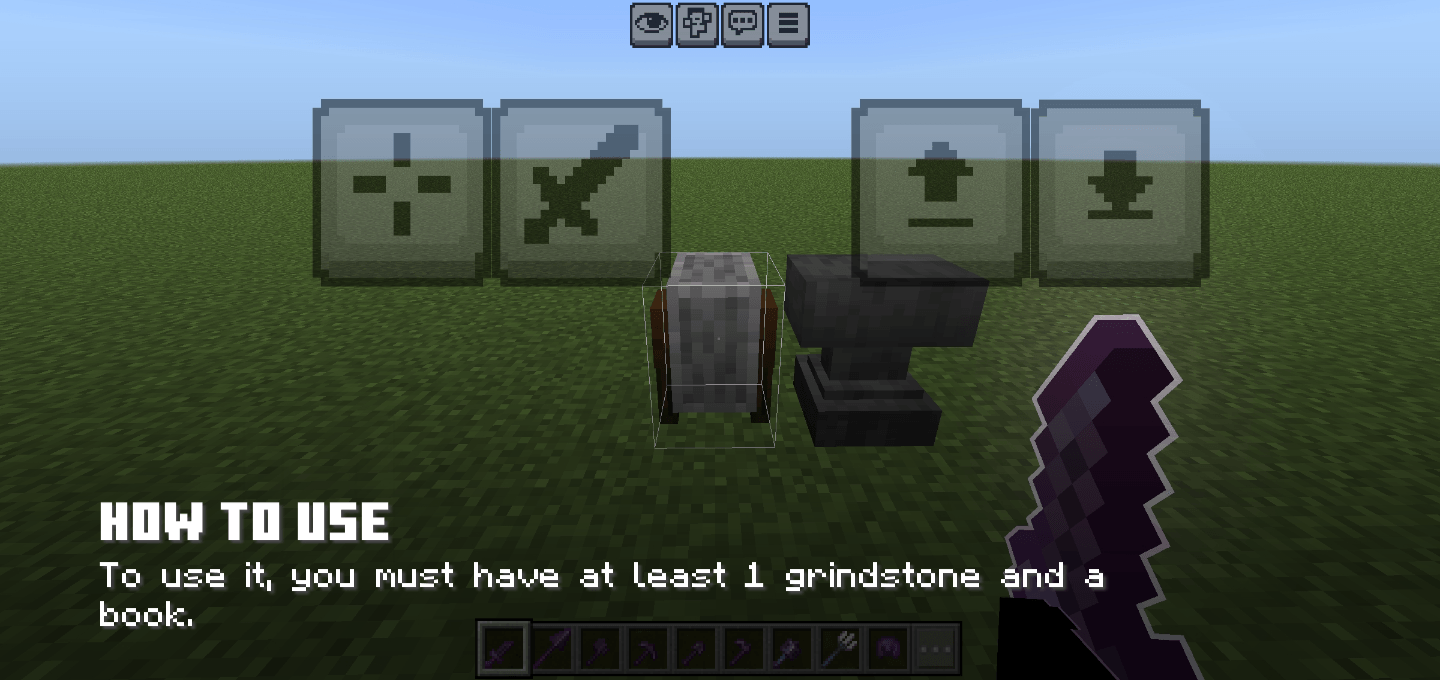
Have a grindstone and at least 1 book in your inventory
2. Preview Cost (Optional):
- Hold enchanted item
- Double sneak (press sneak 2 times within 0.5 seconds)
- Cost displays in actionbar
3. Transfer Enchantments:
- Hold enchanted item in mainhand
- Right-click grindstone
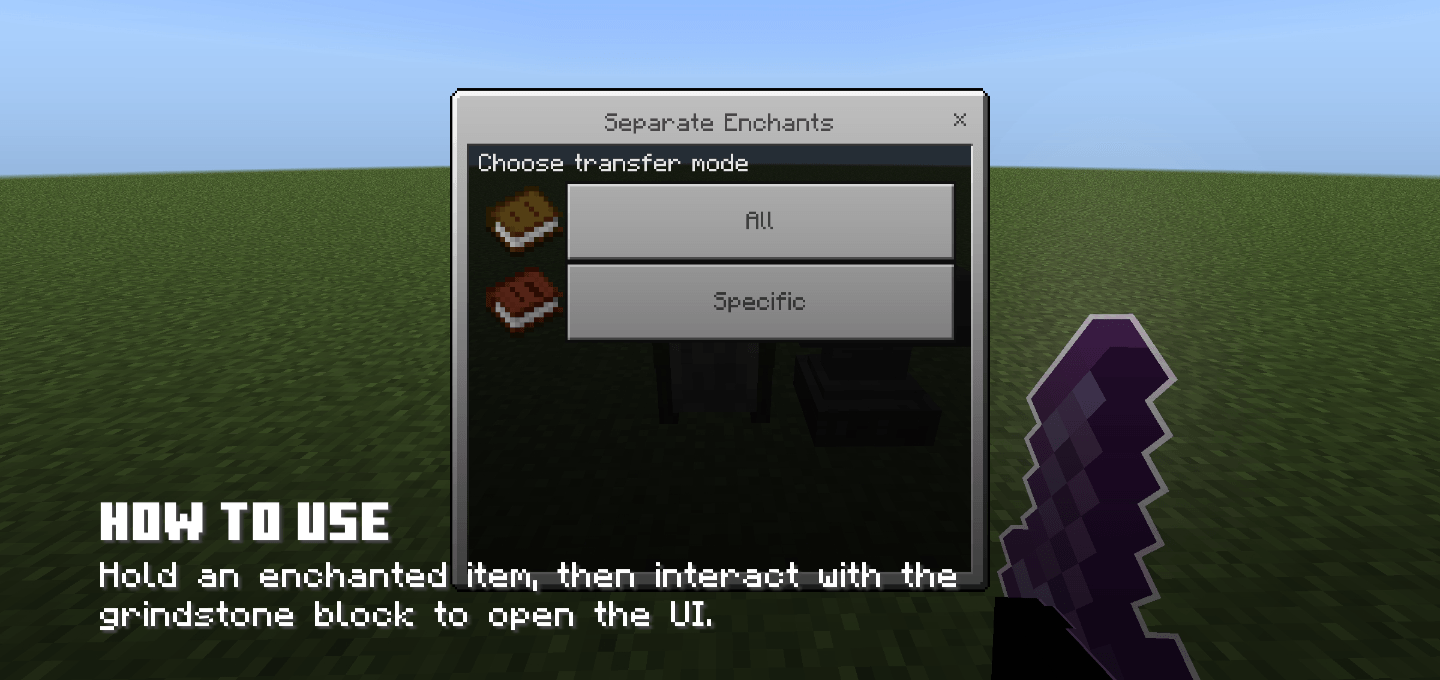
- Choose transfer mode: » "All" - Transfer all enchantments » "Specific" - Select individual enchantment
- Review cost and confirm transfer
- Pay XP levels and receive enchanted book
Technical Details
- API Version: @minecraft/server 2.4.0
- Supported Versions: Minecraft Bedrock 1.21.130+
- Performance: Lightweight, no lag
- Compatibility: Works with all enchantable items
Notes
- Books must be in inventory (not hotbar only)
- Sneaking while using grindstone will perform vanilla behavior
- Cannot separate enchantments from enchanted books
- XP levels are deducted upon successful transfer
- Edition: Minecraft Bedrock
- File type: .mcpack or .mcaddon
- Minecraft version listed: 1.21.130
- How to install: Download the .mcpack or .mcaddon file. → Open it — Minecraft imports it. → In your world: Behavior Packs → Available → Activate, then the same under Resource Packs.
- Where to get it: In MCModsHub, or directly above on this page.
Install steps are the general flow for this file type — How to install Minecraft Bedrock addons & mods walks through it step by step.
- Save it as Separate Enchants.mcpack before opening — it downloads as .mcaddon, but it is a .mcpack pack
- Manifest requires Minecraft 1.21.130 or newer
- Complete pack — everything it depends on is inside the file
- Download size: 24 KB
- Download link checked 5 Oct 2026 — working
These come from our own check of the pack file, not from the source page.