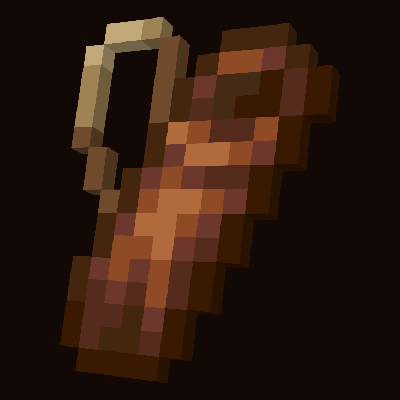
Quiver
Bedrock add-on listed for Minecraft 1.21–26.x (behavior + resource pack). Needs Beta APIs. File opened and checked on 12 Sep 2026; installs from the MC Bedrock Mods app on Android.
⬇ Download on CurseForge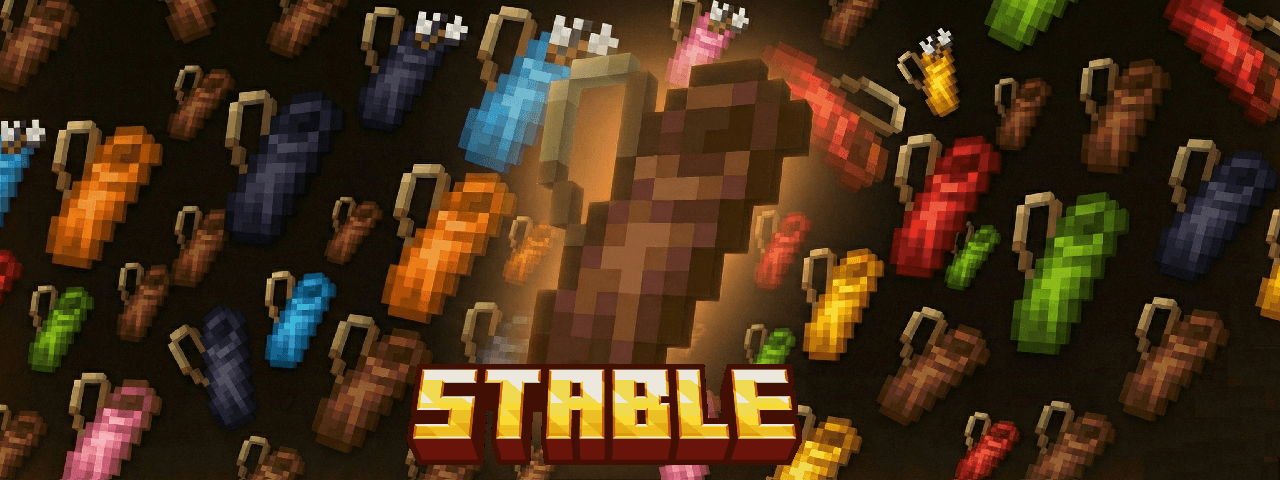


Achievement friendly
For developers:
An example of a custom item added that can be placed in a quiver.
{
"format_version": "1.21.0",
"minecraft:item": {
"description": {
"identifier": "addon:custom_bolt"
},
"components": {
"minecraft:tags": {
"tags": ["sag:quiver_use"]
}
}
}
}
1.0.2 - Achievement friendly!
The Quiver is a “smart” portable arrow container that removes inventory micromanagement while shooting. It stores arrows inside itself (5 separate slots), shows the contents directly in the item tooltip, and automatically feeds the selected arrow type into your bow/crossbow.
How it feels in-game
- Load arrows once — then you just shoot normally, without constantly moving stacks around.
- The quiver tooltip works like a mini UI: it shows stored arrow types/counts and highlights the currently selected slot.
- After each shot, the system keeps your shooting consistent by refilling your active arrows automatically.
Capacity and arrow types
- 5 storage slots, up to 64 arrows per slot: up to 320 arrows in one quiver.
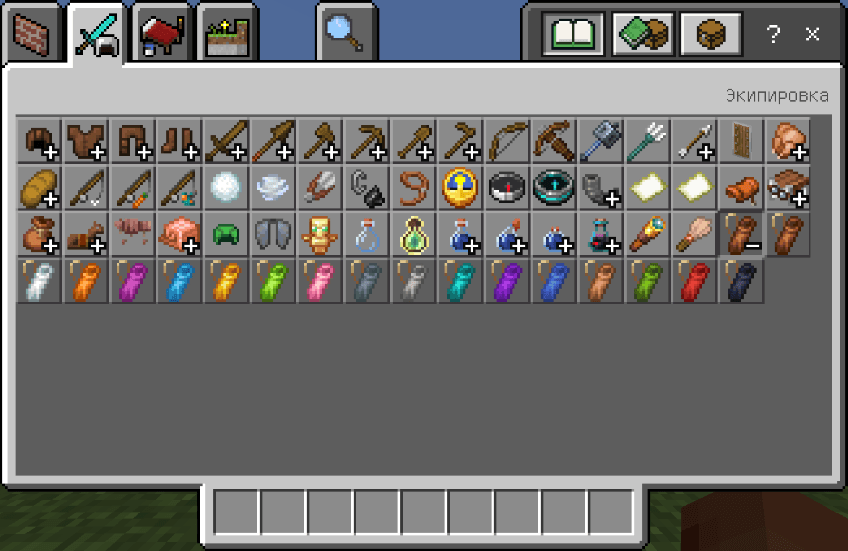
- Supports normal, spectral, tipped, and other arrow variants. Tipped arrows keep their effects — different effects are not mixed into the same slot.
Controls (no GUI)
1) Use the quiver (normal use, not sneaking):
- If the quiver is empty: it pulls arrows from your inventory and distributes them into its 5 slots.
- If the quiver already contains arrows: it unloads everything back into your inventory. If there isn’t enough space, the excess drops near the player.
2) Use the quiver while sneaking:
- Cycles the selected arrow slot (through non-empty slots).
- Immediately switches which arrow type is being fed for shooting.
Offhand support
- The quiver can be carried in the offhand.
- Because offhand “use” isn’t always reliable, interaction is mapped to hitting: with a quiver in offhand, hitting a block/entity triggers the same actions (normal = load/unload, sneaking = switch slot).
Auto-feeding and the “buffer”
To ensure the bow always fires the correct arrow type, the quiver maintains a small arrow buffer in the player inventory and refills it after each shot. If you start drawing a bow/crossbow without an active buffer, the add-on will automatically activate an available quiver (selected hotbar slot → offhand → inventory).
Multiplayer and safety
- Each quiver has its own private storage and doesn’t mix with other quivers (even between different players).
- If a dropped quiver item is removed/despawns, its stored arrows are not lost — they are dropped into the world.
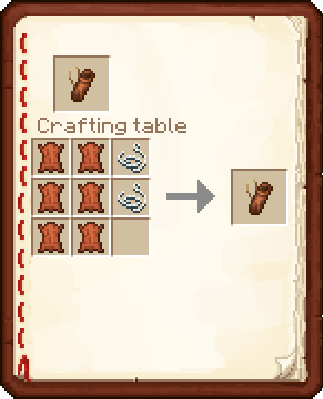
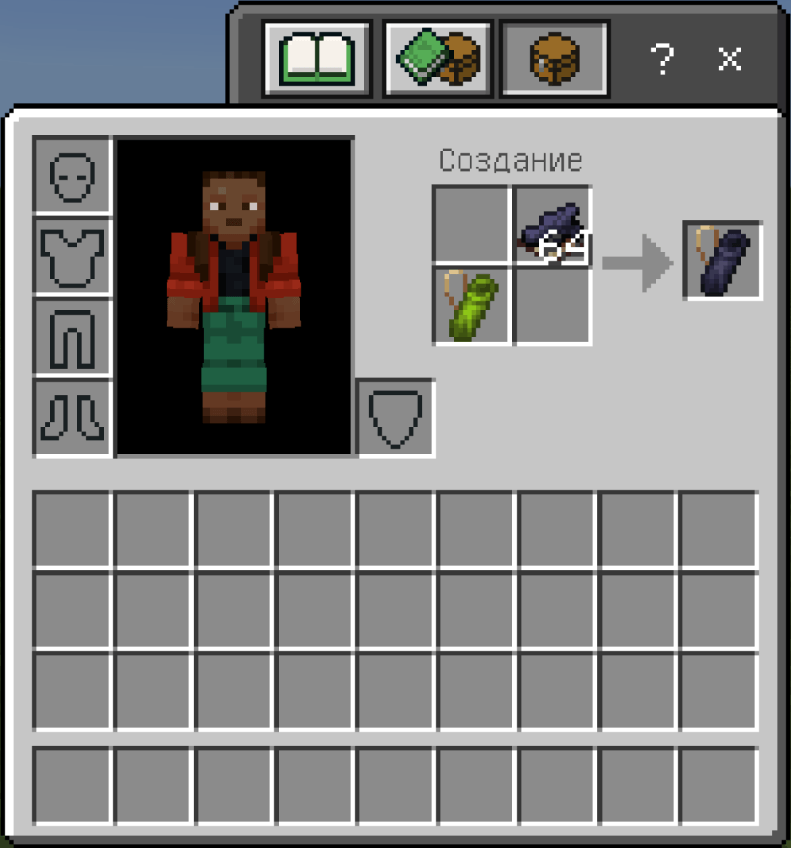
Crafting
The quiver is crafted on a crafting table from leather and string.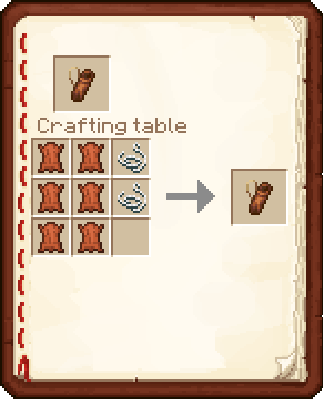
Translations
The mod is translated into:
English (US), English (UK), Deutsch, Русский, Français (FR), Français (CA), Italiano, Português (BR), Português (PT),
Español (MX), Español (ES), 中文(简体), 中文(繁體), 한국어, 日本語, Nederlands,
Български, Čeština, Dansk, Ελληνικά, Suomi, Magyar, Indonesia, Norsk Bokmål, Polski, Slovenčina, Svenska, Türkçe, Українська.
- Edition: Minecraft Bedrock
- File type: .mcpack or .mcaddon
- Minecraft versions listed: 26.0.02, 26.0, 26.3
- How to install: Download the .mcpack or .mcaddon file. → Open it — Minecraft imports it. → In your world: Behavior Packs → Available → Activate, then the same under Resource Packs.
- Where to get it: Opens on CurseForge — not every file is mirrored on our own servers.
Install steps are the general flow for this file type — How to install Minecraft Bedrock addons & mods walks through it step by step.
- Pack type: .mcaddon — behaviour and resource pack in one file
- Manifest requires Minecraft 1.21.130 or newer
- Needs Beta APIs switched on in the world settings
- Complete pack — everything it depends on is inside the file
- Download size: 144 KB
- Download link checked 5 Oct 2026 — working
These come from our own check of the pack file, not from the source page.