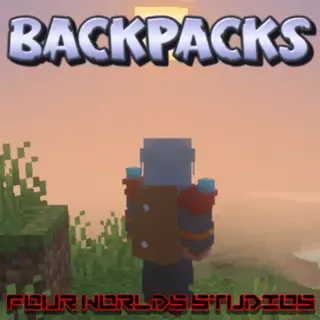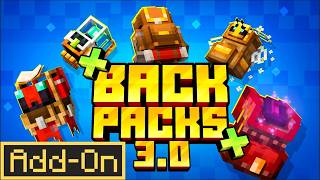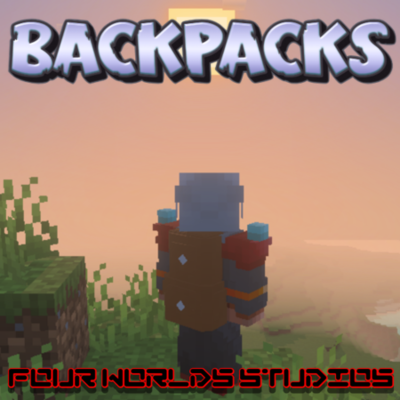
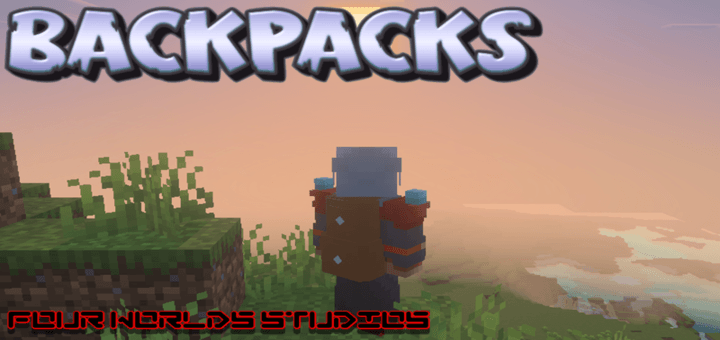
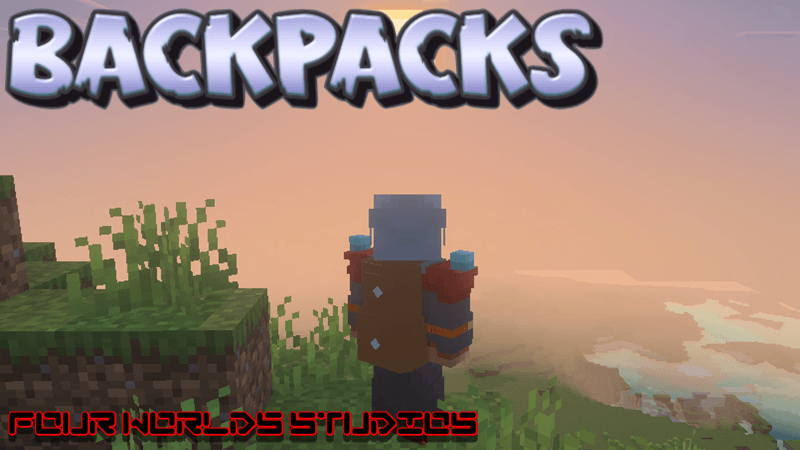
 Prepare to transform your gameplay with a tool that feels like a natural extension of the Minecraft universe. While many add-ons clutter your UI with complex menus, Backpacks focuses on a "simplistic but effective" philosophy—giving you the utility you need without breaking your immersion. Whether you are descending into the deepest trial chambers or embarking on a cross-continental trek for a rare biome, inventory management shouldn't be the thing that stops you. This add-on provides the ultimate solution for the modern explorer.
Join the Four Worlds Studios Discord
Before you start adventuring with a Backpack you will need an Assembly Bench.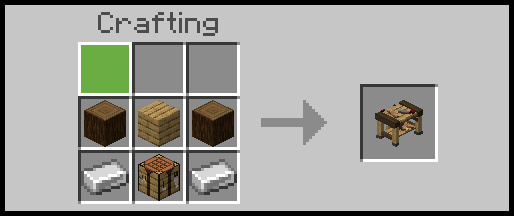
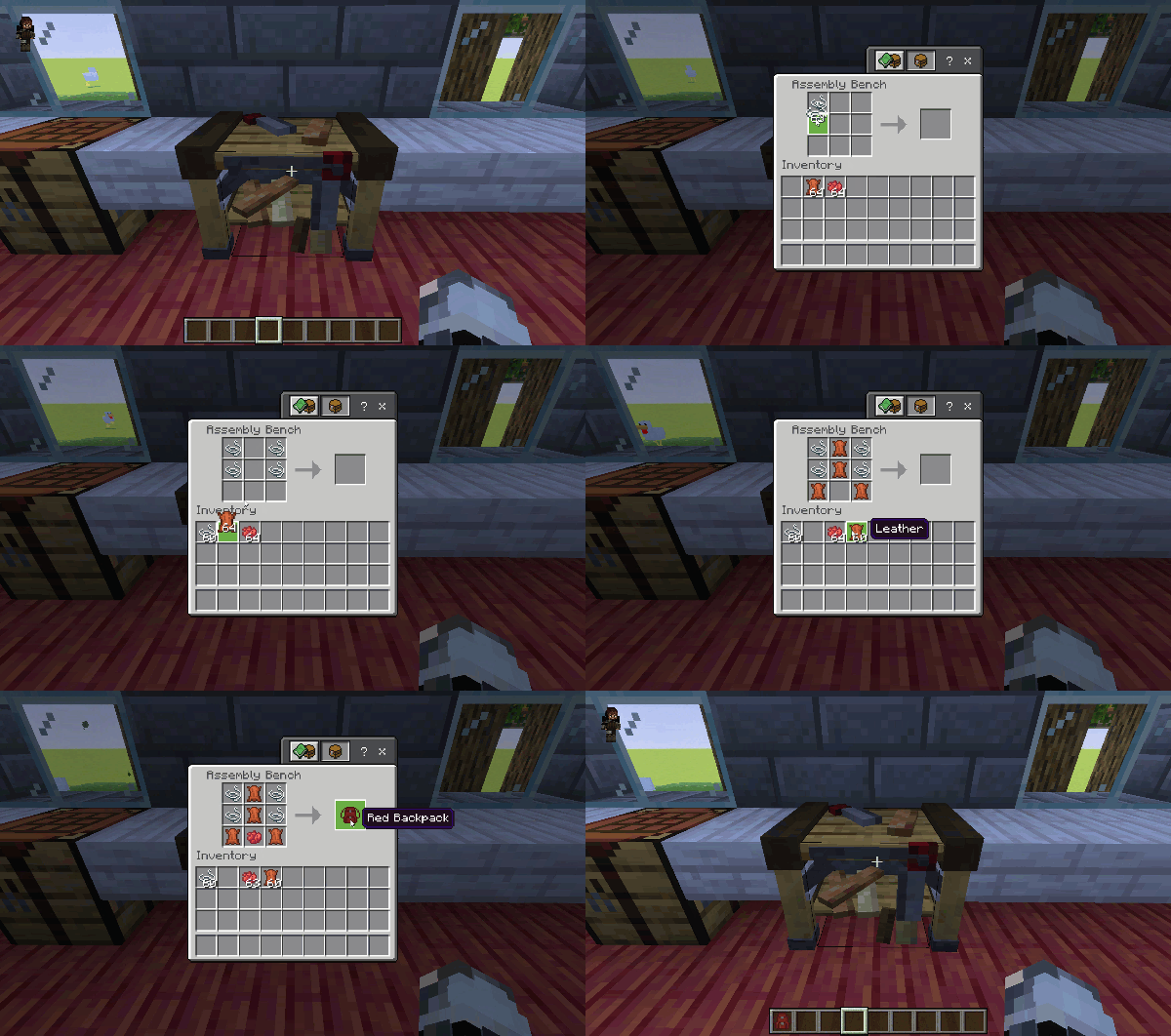
Use the Assembly Bench to start creating your Backpacks.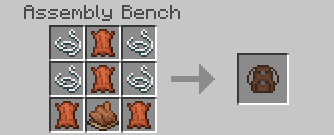 Change the Dye colour to choose which colour Backpack to create.
Sneak and Interact with a Backpack to place it on your back.
Jump and Sneak whilst standing still to take the Backpack off.
Interact to store items in your Backpack.
Create Cat Backpacks by crafting String and another coloured Backpack.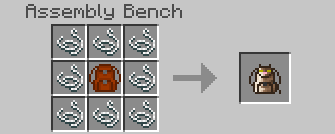
Create Wood Backpacks by crafting String and Leather with Logs, Stripped Logs or Planks.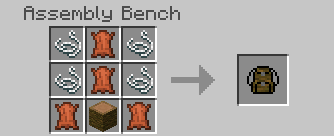
- Edition: Minecraft Bedrock
- File type: .mcpack or .mcaddon
- Minecraft versions listed: 1.21.130, 1.21.132
- How to install: Download the .mcpack or .mcaddon file. → Open it — Minecraft imports it. → In your world: Behavior Packs → Available → Activate, then the same under Resource Packs.
- Where to get it: Opens on CurseForge — not every file is mirrored on our own servers.
Install steps are the general flow for this file type — How to install Minecraft Bedrock addons & mods walks through it step by step.
- Pack type: .mcaddon — behaviour and resource pack in one file
- Manifest requires Minecraft 1.21.0 or newer
- Complete pack — everything it depends on is inside the file
- Download size: 608 KB
- Download link checked 15 Sept 2026 — working
These come from our own check of the pack file, not from the source page.