Dream Realms: Liminal Nightmare
I don't know my version

🕯️ Description
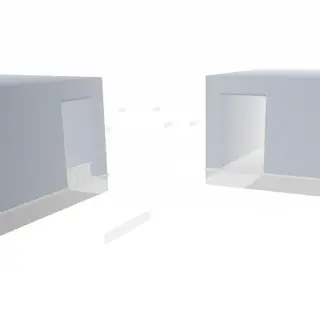
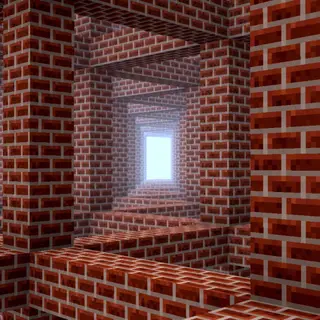
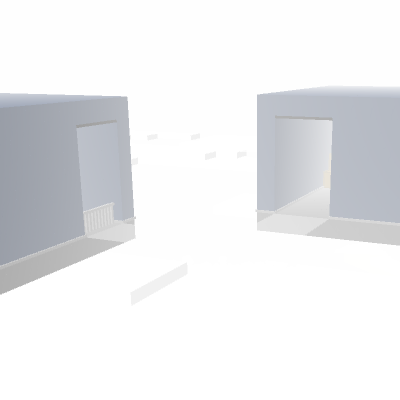
Dream Realms: Liminal Nightmare is a horror-themed addon that transports players into surreal dream worlds through a mysterious mechanic.
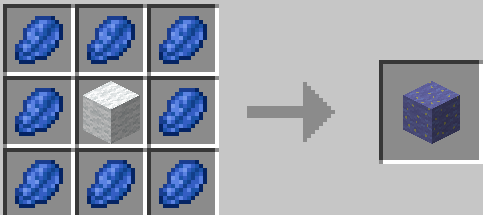
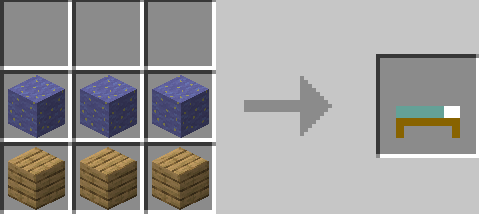
Craft Dream Wool using Lapis Lazuli and regular wool, then use it to create a special bed.
Sleeping in this bed takes you into a sequence of eerie dreamscapes, each with its own unsettling atmosphere.
🛌 Dream World Progression:
• A floating structure suspended in the void
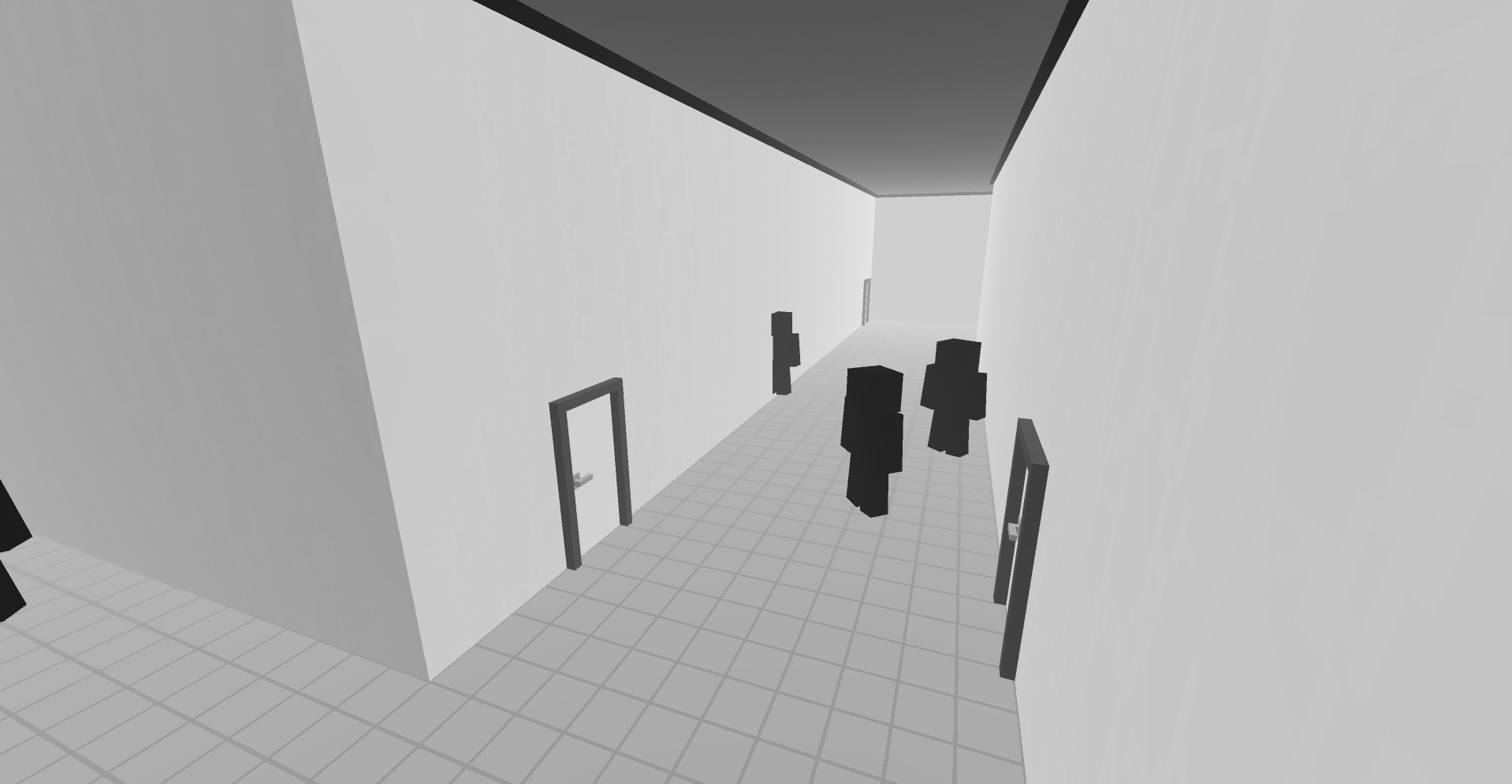
• A disturbing hallway where monsters roam
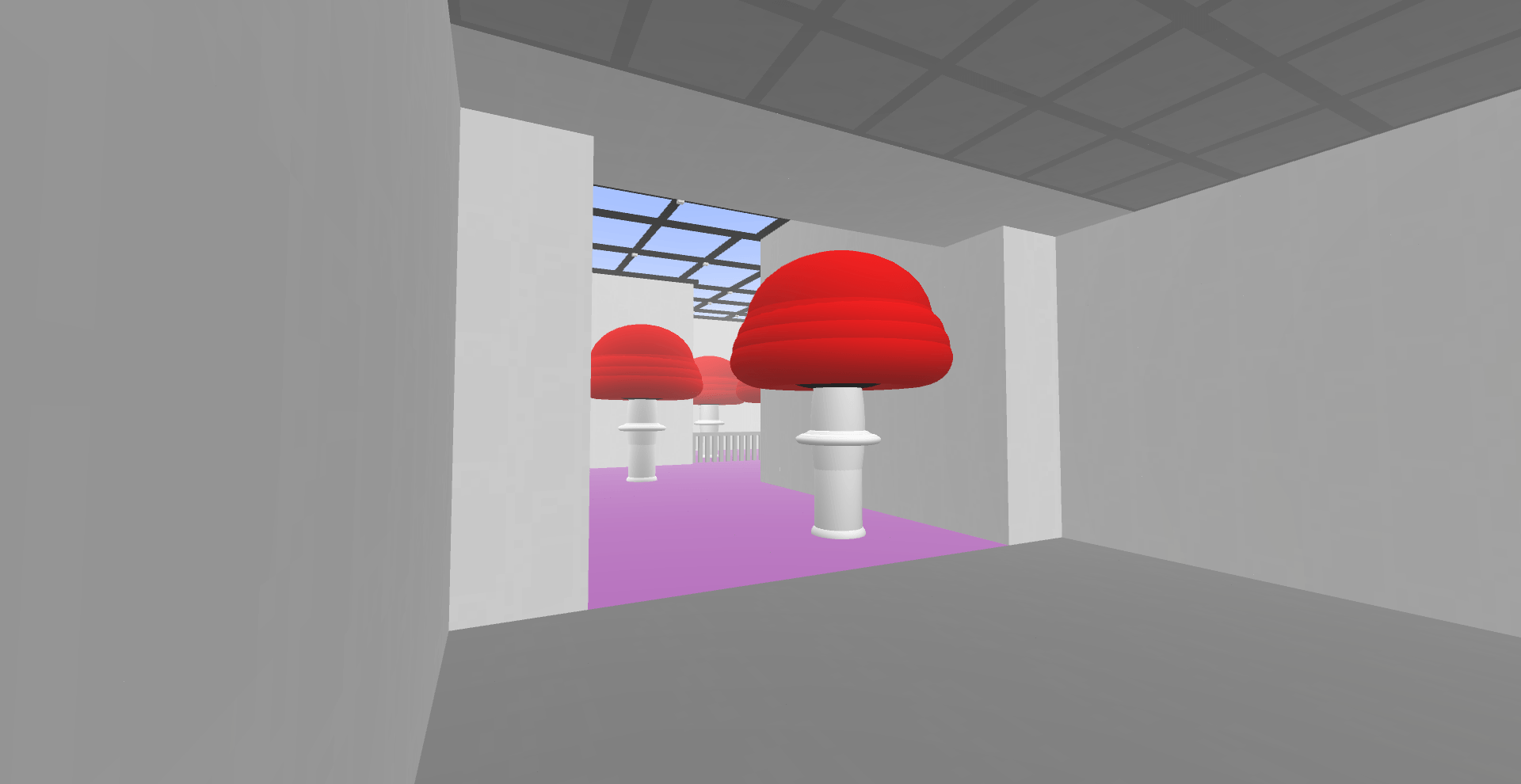
• A glowing mushroom room
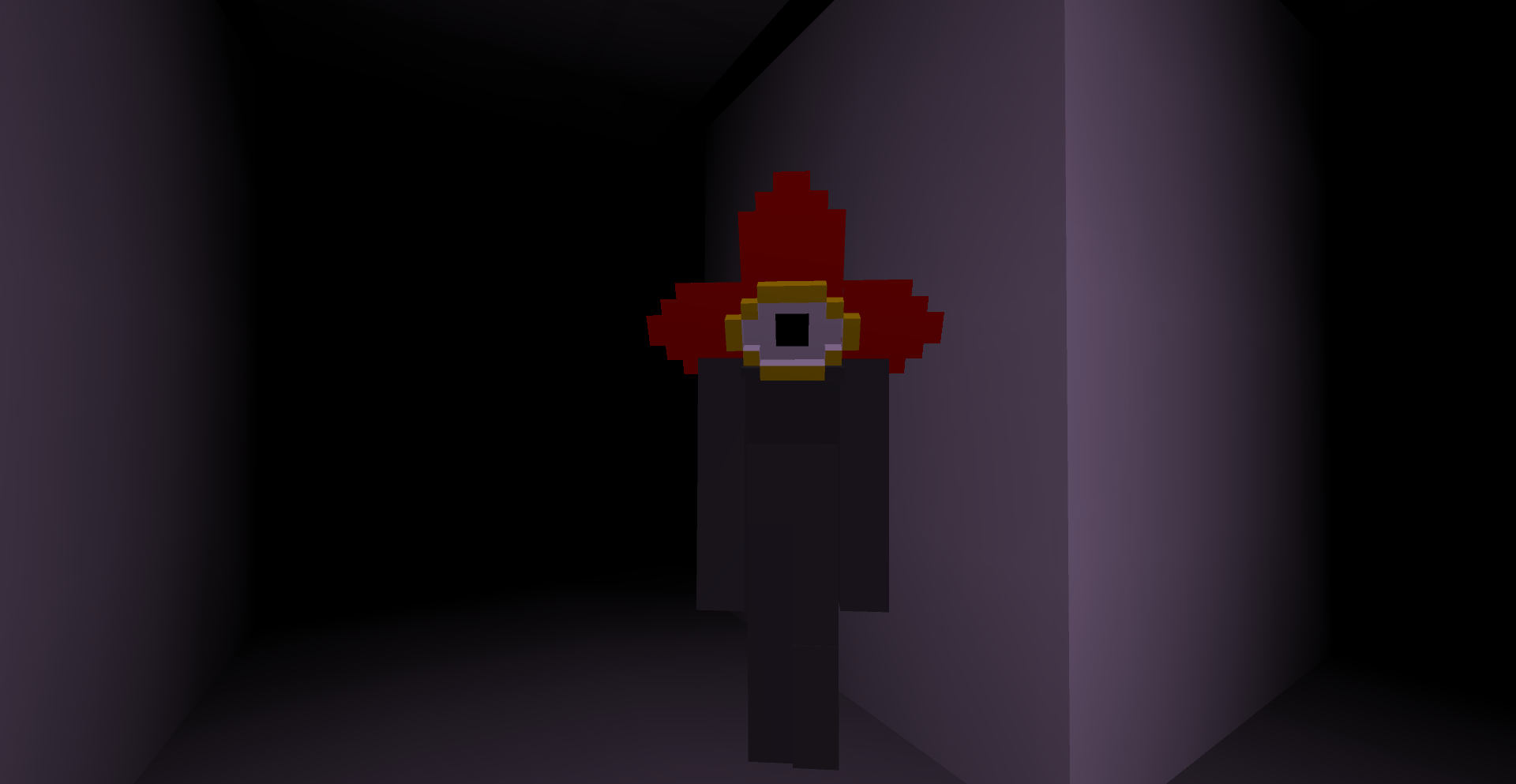
• A pitch-black space
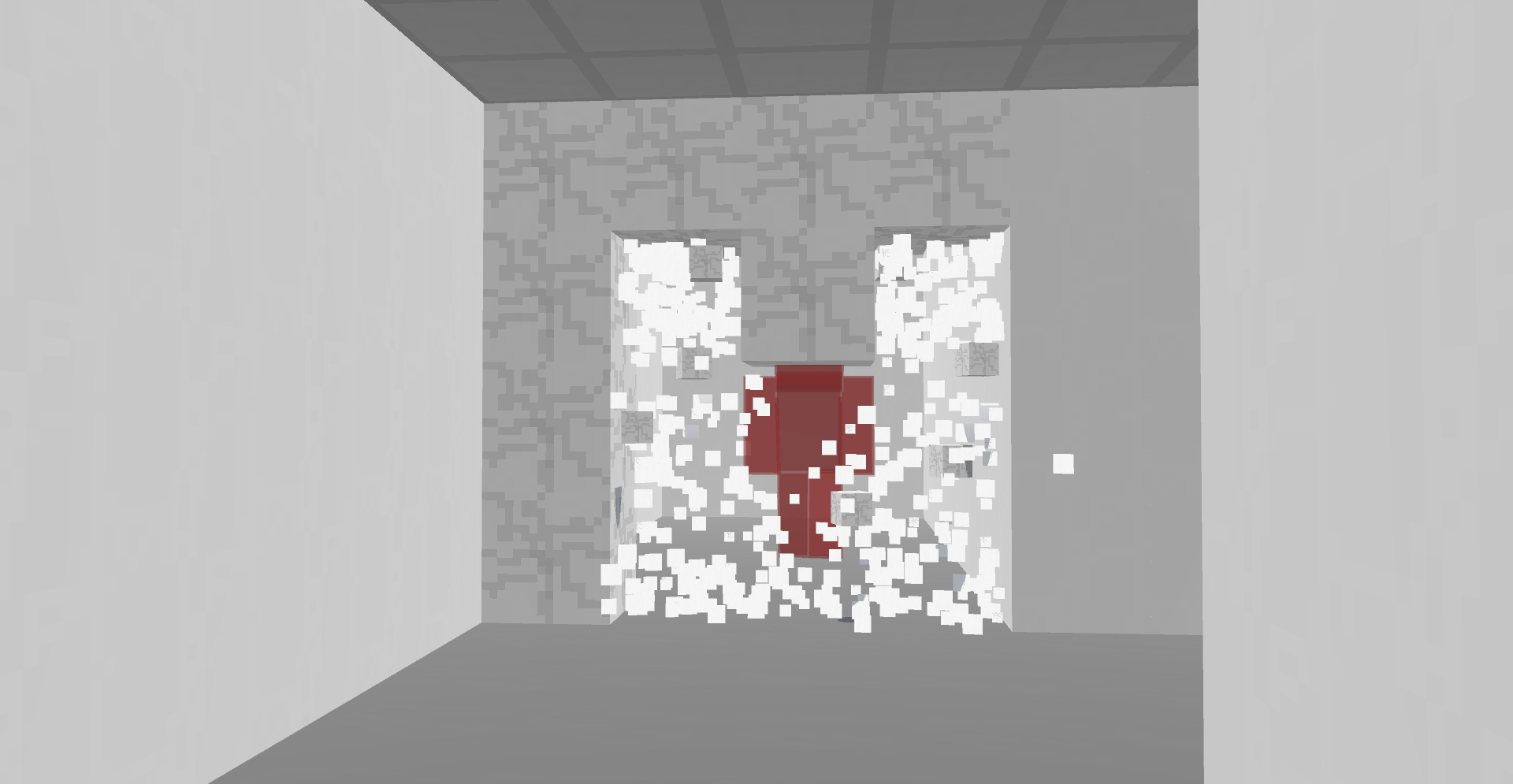
• A school where someone—or something—is present
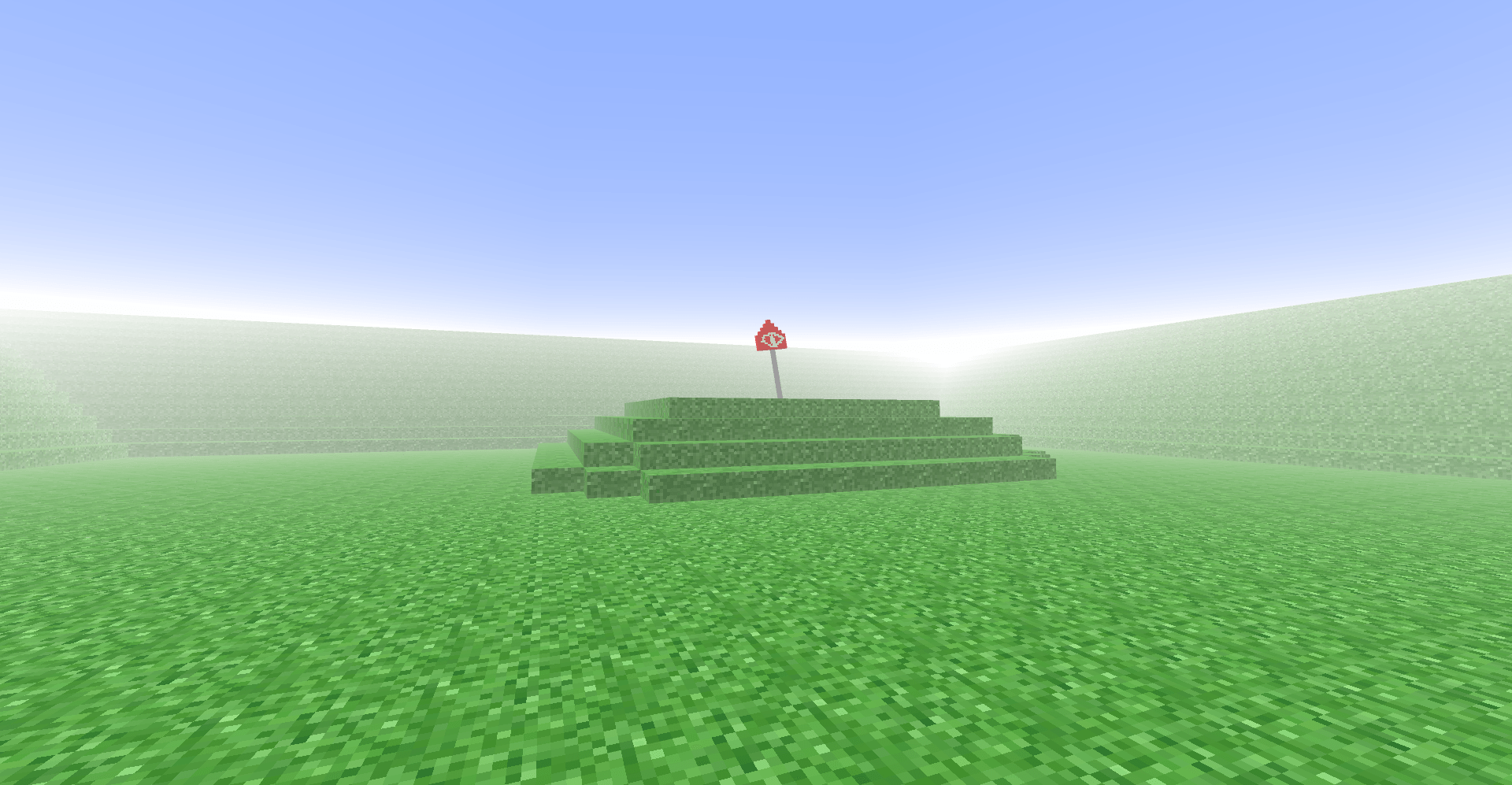
• A final quiet meadow… but is it truly the end?
Each dream world unfolds in order, immersing the player in growing unease and psychological tension.
Inspired by liminal spaces, this addon blends exploration with atmospheric horror to create a unique and haunting experience.
Note: This addon focuses solely on the dream experience and does not affect regular gameplay.
For full immersion, play in a dark room with headphones on.
- Edition: Minecraft Bedrock
- File type: .mcpack or .mcaddon
- Minecraft versions listed: 1.21.100, 1.21.90, 1.21.80
- How to install: Download the .mcpack or .mcaddon file. → Open it — Minecraft imports it. → In your world: Behavior Packs → Available → Activate, then the same under Resource Packs.
- Where to get it: Opens on CurseForge — not every file is mirrored on our own servers.
Install steps are the general flow for this file type — How to install Minecraft Bedrock addons & mods walks through it step by step.
- Pack type: .mcaddon — behaviour and resource pack in one file
- Manifest requires Minecraft 1.21.90 or newer
- Complete pack — everything it depends on is inside the file
- Download size: 2.3 MB
- Download link checked 16 Sept 2026 — working
These come from our own check of the pack file, not from the source page.