Mo' Music Discs
I don't know my version
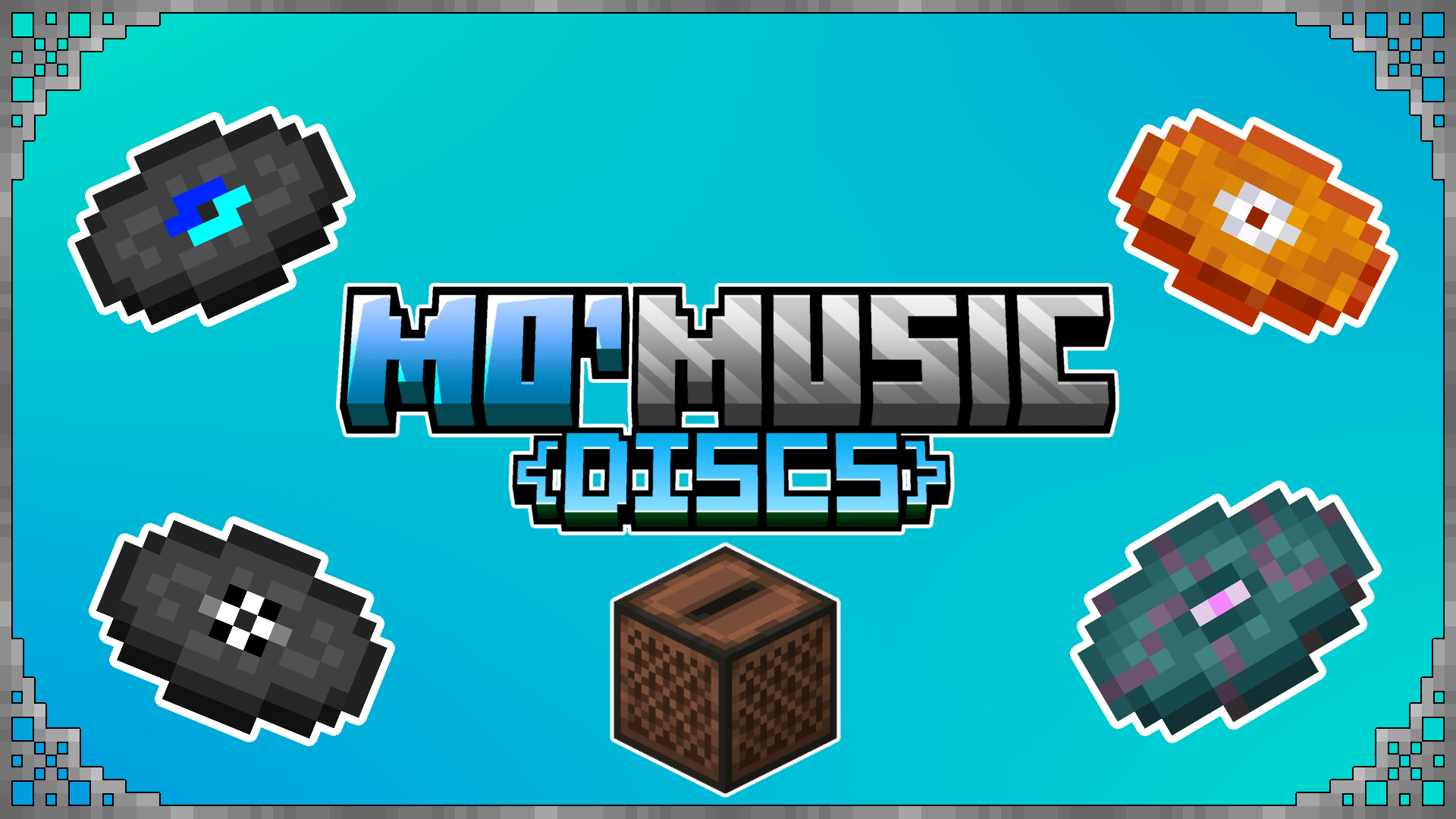
Ever wanted more music discs in your Minecraft world? This add-on does just that by adding 8 new music discs to collect with more being added in the future! These are new discs and they do not replace the vanilla ones.
With the Mo' Music Discs add-on, you are able to collect 8 brand new music discs in your Minecraft world with more being added in future updates! These new discs do not replace any of the current vanilla discs as well!
How does it work?
You simply find and collect the discs and throw them into a jukebox!
Below you can find out how to obtain them.
New Disc List:
"Anti"
Dropped by Creepers when killed by a Skeleton or Stray.
<figure class="image">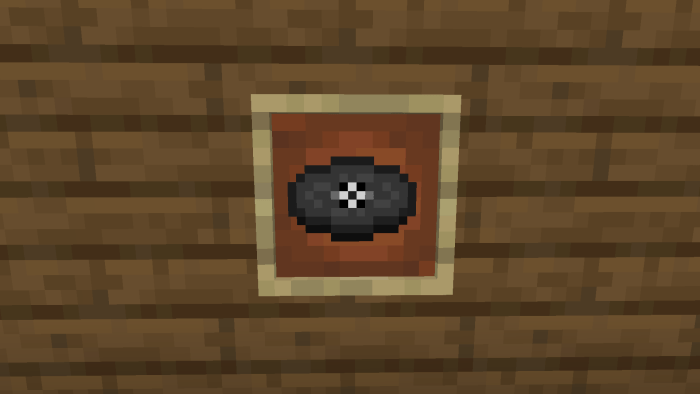 </figure>
"Blaze"
Dropped by Blazes as a rare drop when killed by a player.
<figure class="image">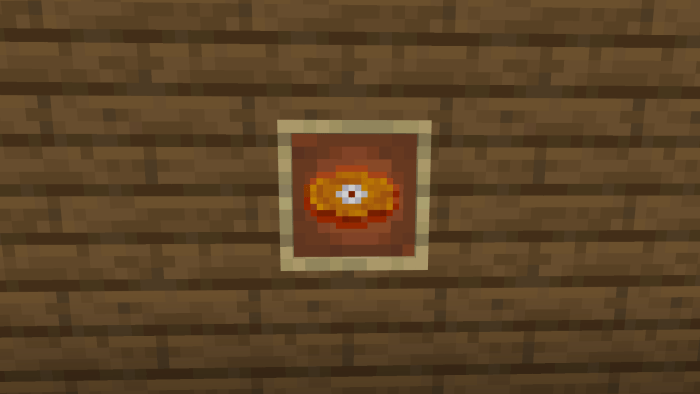 </figure>
"Blue"
Dropped by Creepers when killed by a Skeleton or Stray.
<figure class="image">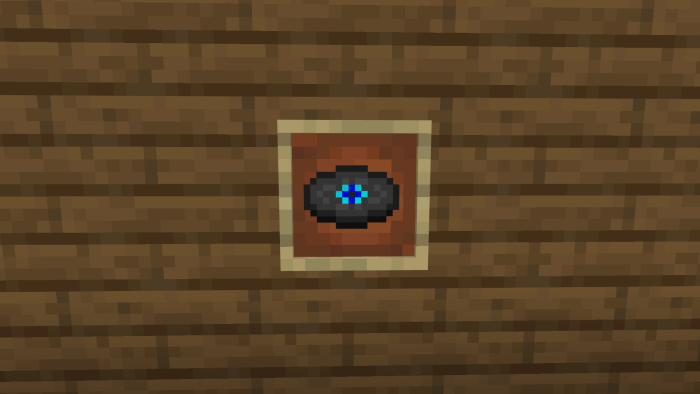 </figure>
"Carrot"
Dropped by Creepers when killed by a Skeleton or Stray.
<figure class="image">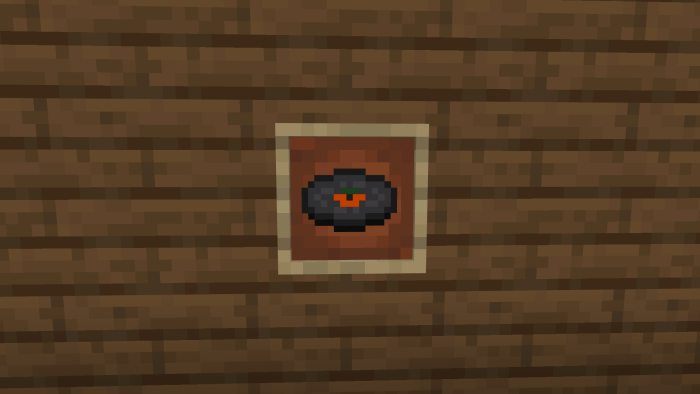 </figure>
"Repeat"
Dropped by Creepers when killed by a Skeleton or Stray.
<figure class="image">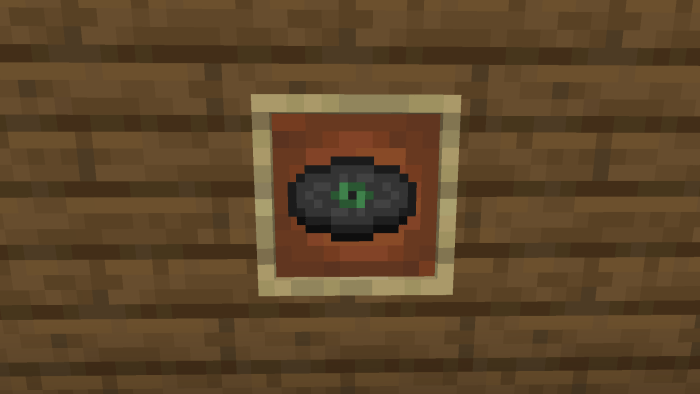 </figure>
"Weird Realm"
Only found in chests in end cities.
<figure class="image">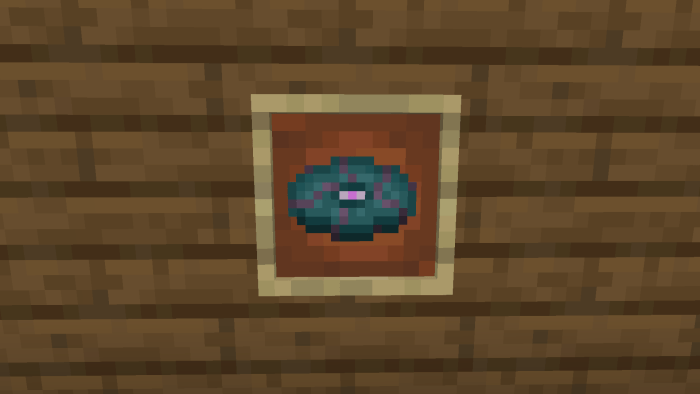 </figure>
"Mystical"
Dropped by Creepers when killed by a Skeleton or Stray.
<figure class="image">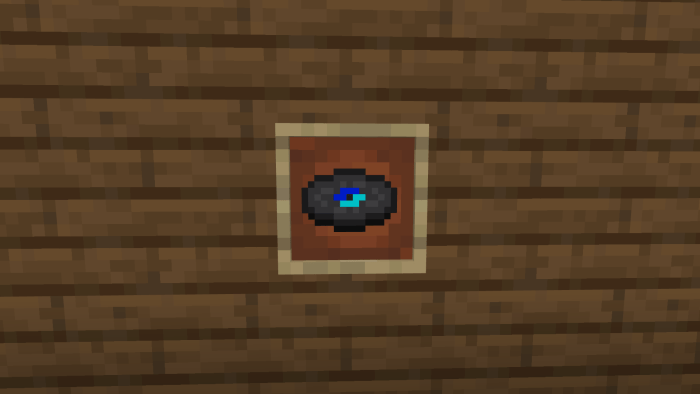 </figure>
"Scopophobia"
Dropped by Creepers when killed by a Skeleton or Stray.
<figure class="image">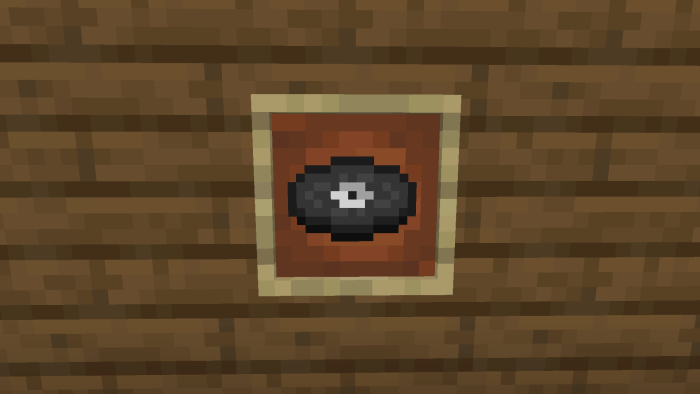 </figure>
More to come!
Turn on the experimental gameplay toggle shown below!
<figure class="image"> </figure>
-Permissions for music-
Anti by Firch
<figure class="image">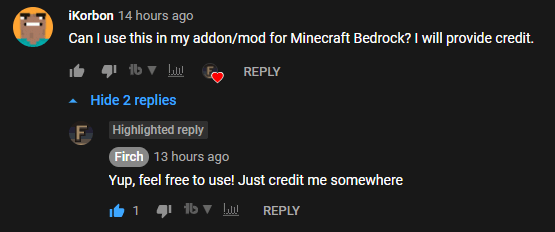 </figure>
Blaze by mango unit
<figure class="image">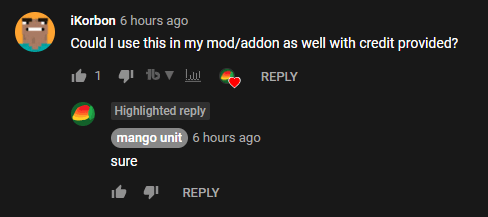 </figure>
Blue by TheChillVibesGuy
<figure class="image">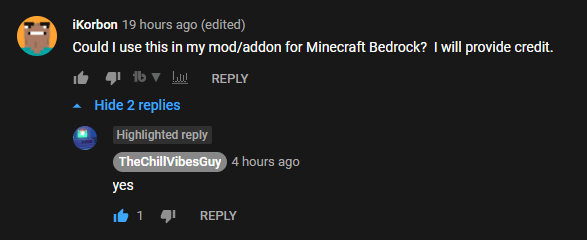 </figure>
Carrot by CarrotAndCo
<figure class="image">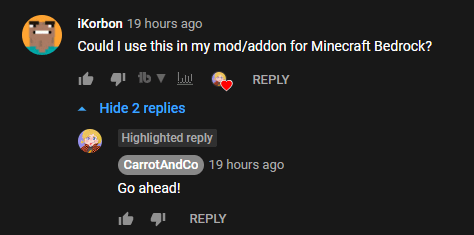 </figure>
Mystical by MysticSwe
<figure class="image">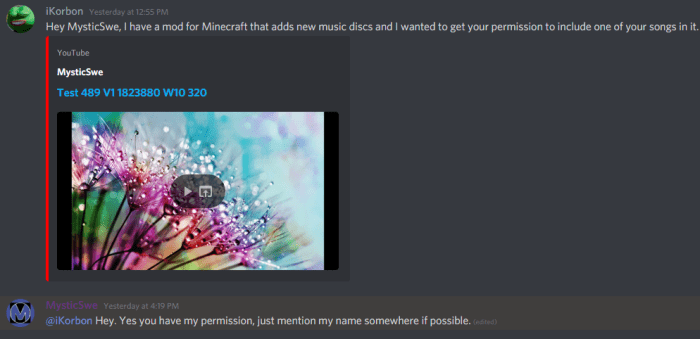 </figure>
Scopophobia by mango unit
<figure class="image">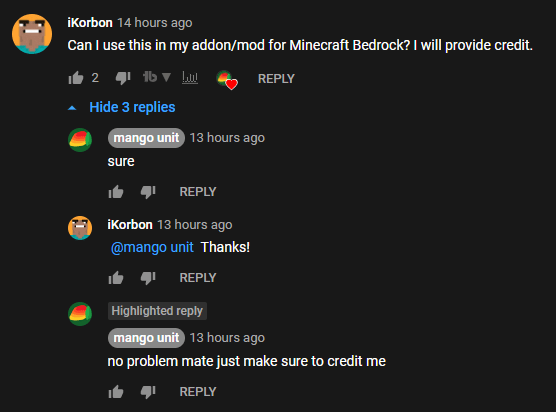 </figure>
Weird Realm by ToastDot.39
<figure class="image">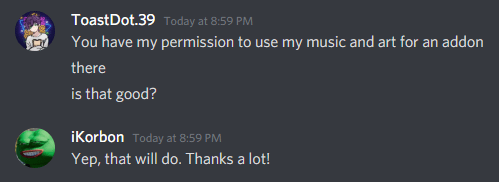 </figure>
Repeat disc was made by me.
(Comments of mine asking for permission can be found on the videos of discs, not including Mystical and Weird Realm which were done over Discord.)
Links to songs:
Blue
Repeat (Made by me)
Known Problems:
-attempting to play a custom disc when one is already playing will result in an overlap of the disc audios. To fix this, simply remove any disc and interact with the jukebox with your empty hand.
-when breaking an active jukebox with a custom disc inserted, the music will continue to play after the jukebox was destroyed.
Credits:
-credit to Rebel459 for the disc script template
- Edition: Minecraft Bedrock
- File type: .mcpack or .mcaddon
- Minecraft versions listed: 1.21, 1.20.80
- How to install: Download the .mcpack or .mcaddon file. → Open it — Minecraft imports it. → In your world: Behavior Packs → Available → Activate, then the same under Resource Packs.
- Where to get it: Opens on CurseForge — not every file is mirrored on our own servers.
Install steps are the general flow for this file type — How to install Minecraft Bedrock addons & mods walks through it step by step.
- Pack type: .mcaddon — behaviour and resource pack in one file
- Manifest requires Minecraft 1.20.0 or newer
- Needs Beta APIs switched on in the world settings
- Complete pack — everything it depends on is inside the file
- Download size: 10.4 MB
- Download link checked 15 Sept 2026 — working
These come from our own check of the pack file, not from the source page.