Spray Paint
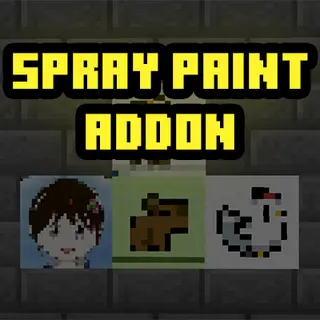
This addon adds a new item in the game called "Spray Paint". This item allows you to spray custom images on to walls. You can also add your own images.
⬇ Download on CurseForge
To use the spray paint you must craft the item first.
Crafting Recipe:
Spray Paint Item:
You can use any dye for the crafting recipe.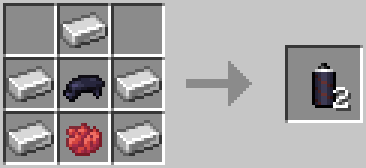
How To Use:
- Hold the spray paint item.
- Face a wall.
- Use the item.
- Select a paint.
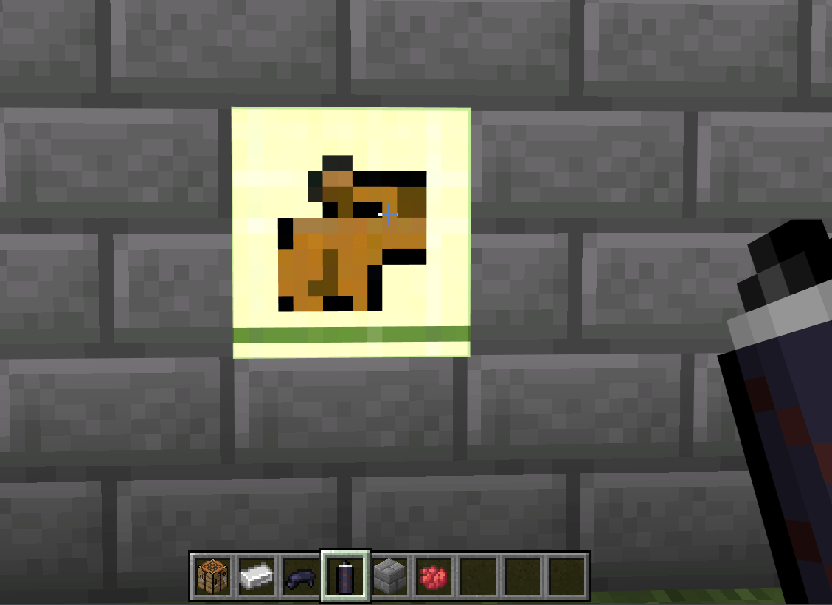
This is a capybara paint.
Temporary Version:
The spray paint will only last for 100 seconds then it will dissapear. You can't remove the spray paint, you will have to wait for it to dissapear. You can also unload the paint by going far away and going back.
Permanent Version:
The spray paint is permanent and will act like a block. You can break the block to remove the spray paint.
How To Add More Paint:
Visit https://amon28.github.io/dewdimpple_web/html/painter_gen.html
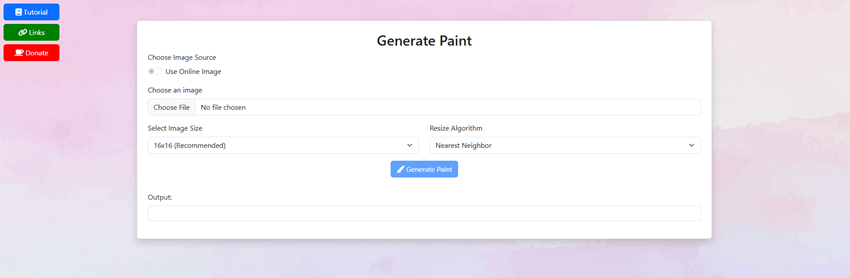
This is a website I made specifically for this addon.
- In the website upload an image
- Press "Generate Paint" button.
- Copy the output code.
- Open the minecraft behavior pack folder.
- Find "Spray Paint Behavior" and open the folder
- Go to "scripts" folder and and open the "listPaints.js" file.
- Paste your code there, be sure to change the function name to your own unique name.
- Go into Minecraft or if you are already inside the world do "/reload" command.
Once added you will able to see the paint you added here.
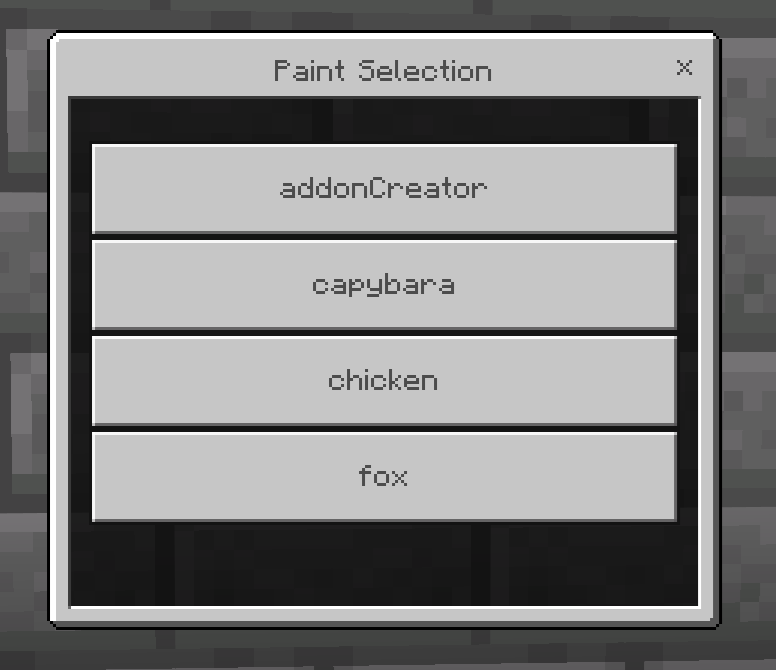
You can also view the tutorial by pressing the tutorial button in the website.
If you found any bugs visit my discord to report bugs.
https://discord.gg/DZ7Q2ugEeg
- Edition: Minecraft Bedrock
- File type: .mcpack or .mcaddon
- Minecraft versions listed: 1.21.50, 1.21.60, 1.21.70
- How to install: Download the .mcpack or .mcaddon file. → Open it — Minecraft imports it. → In your world: Behavior Packs → Available → Activate, then the same under Resource Packs.
- Where to get it: Opens on CurseForge — not every file is mirrored on our own servers.
Install steps are the general flow for this file type — How to install Minecraft Bedrock addons & mods walks through it step by step.
- Pack type: .mcaddon — behaviour and resource pack in one file
- Manifest requires Minecraft 1.21.50 or newer
- Complete pack — everything it depends on is inside the file
- Download size: 34 KB
- Download link checked 15 Sept 2026 — working
These come from our own check of the pack file, not from the source page.