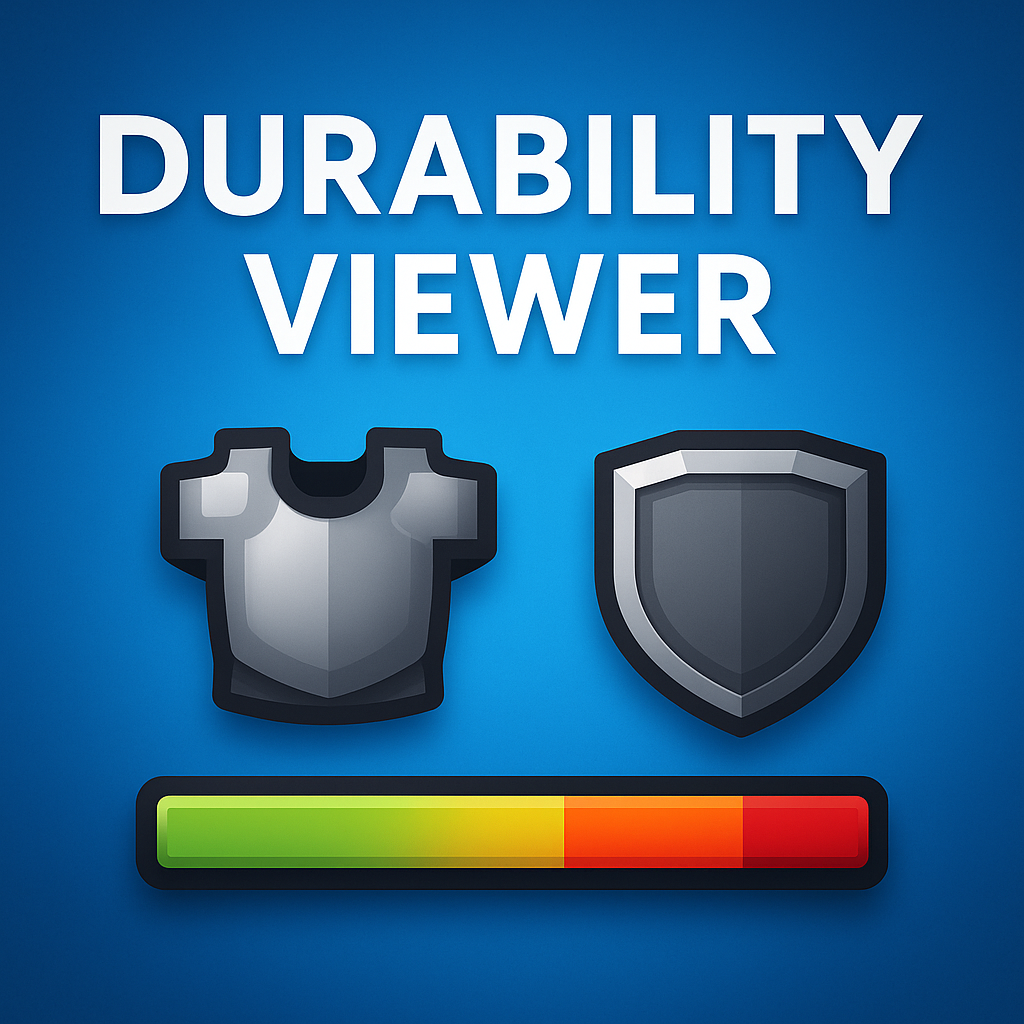
Duriblity viewer - Advanced V3.0
Bedrock add-on listed for Minecraft 1.15–1.21 (resource pack only). File opened and checked on 21 Sep 2026; installs from the MC Bedrock Mods app on Android.
An upgraded Durability Viewer Addon with a brand-new UI HUD! See your armor & shield icons on-screen with a 3-phase durability bar—green, orange, red—for…
⬇ Download on CurseForge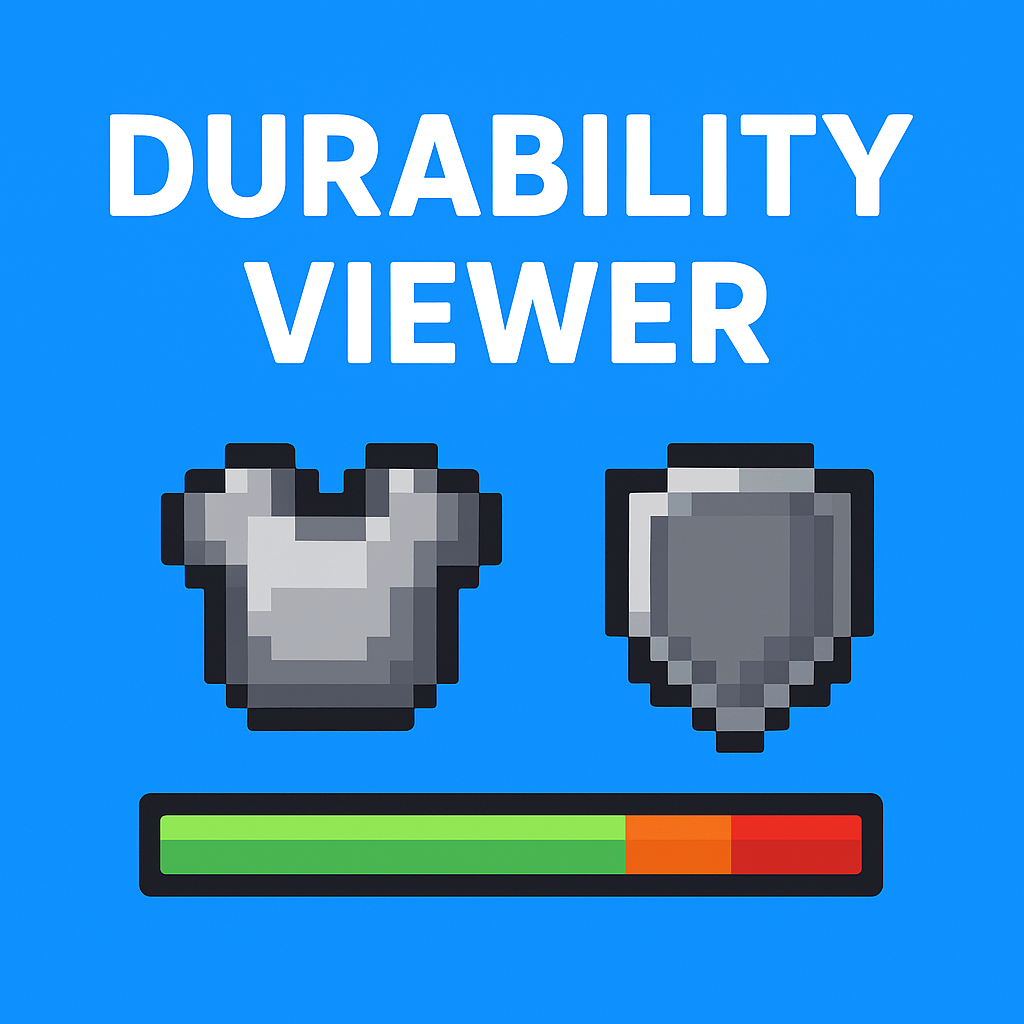
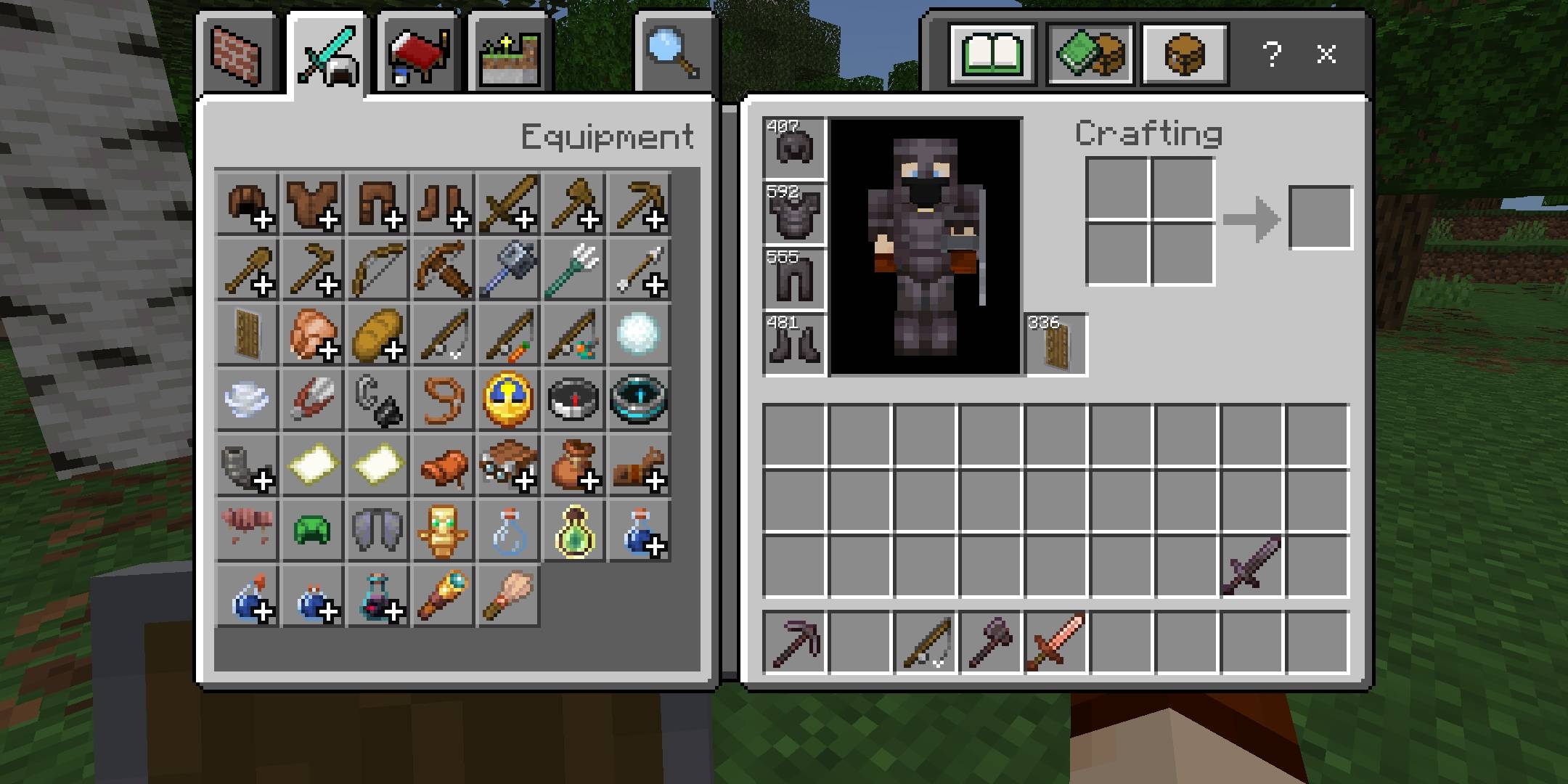
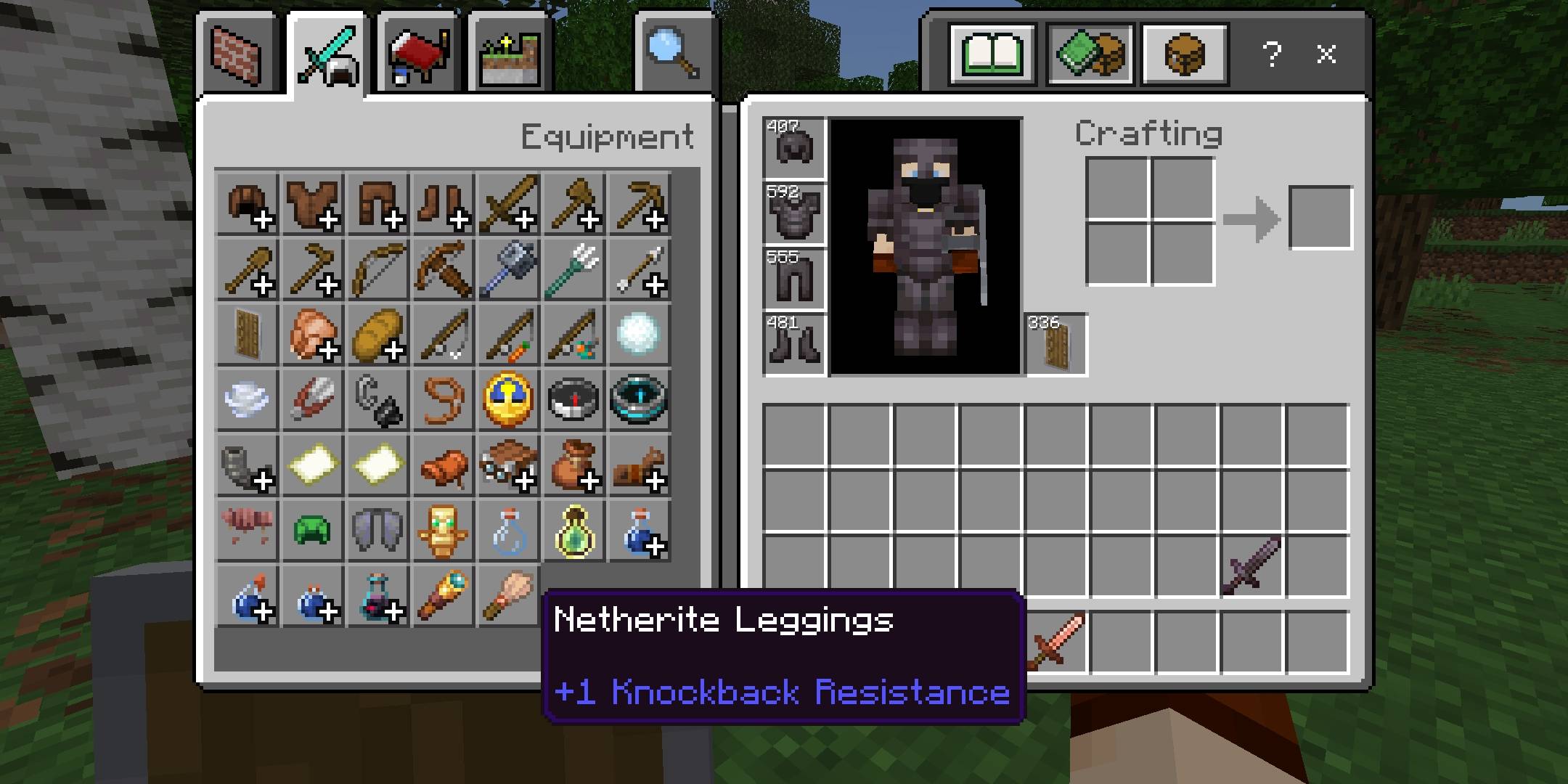
Durability Viewer Addon (Upgraded Edition)
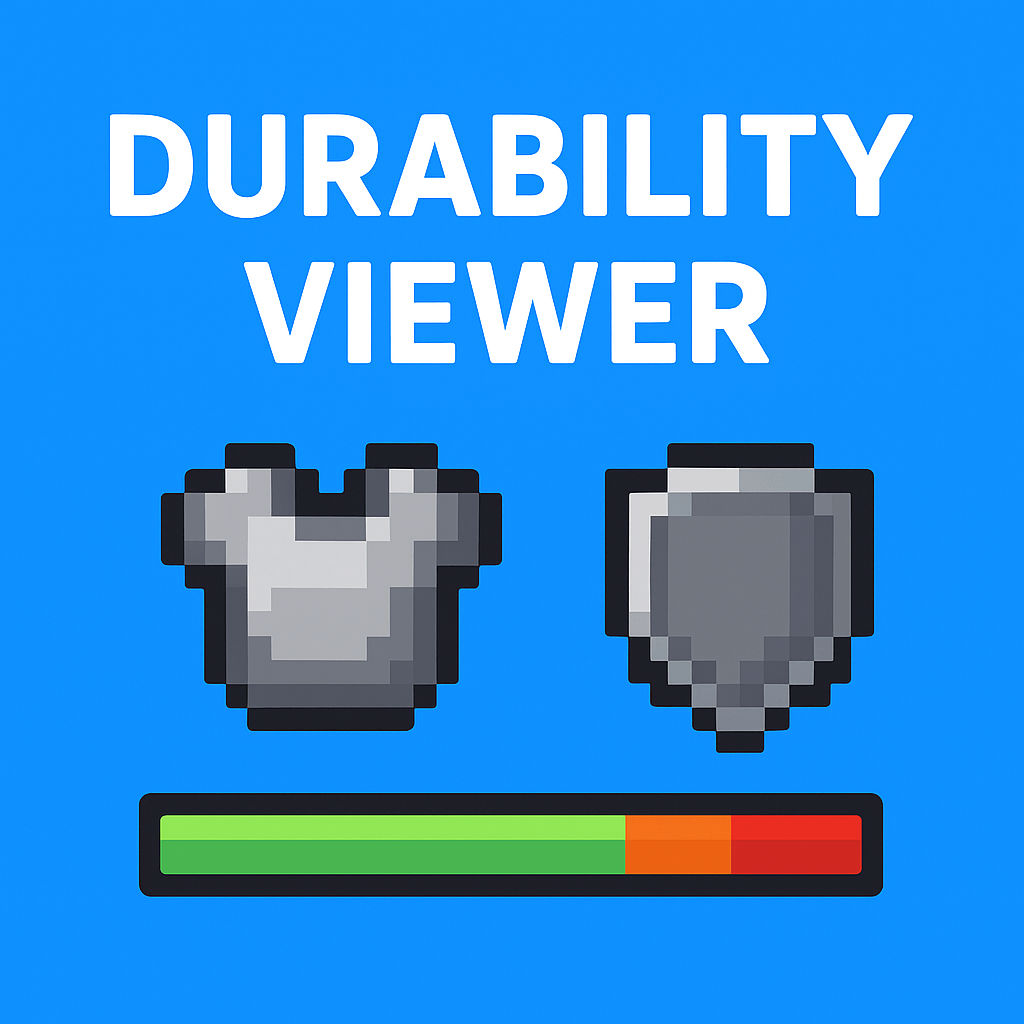
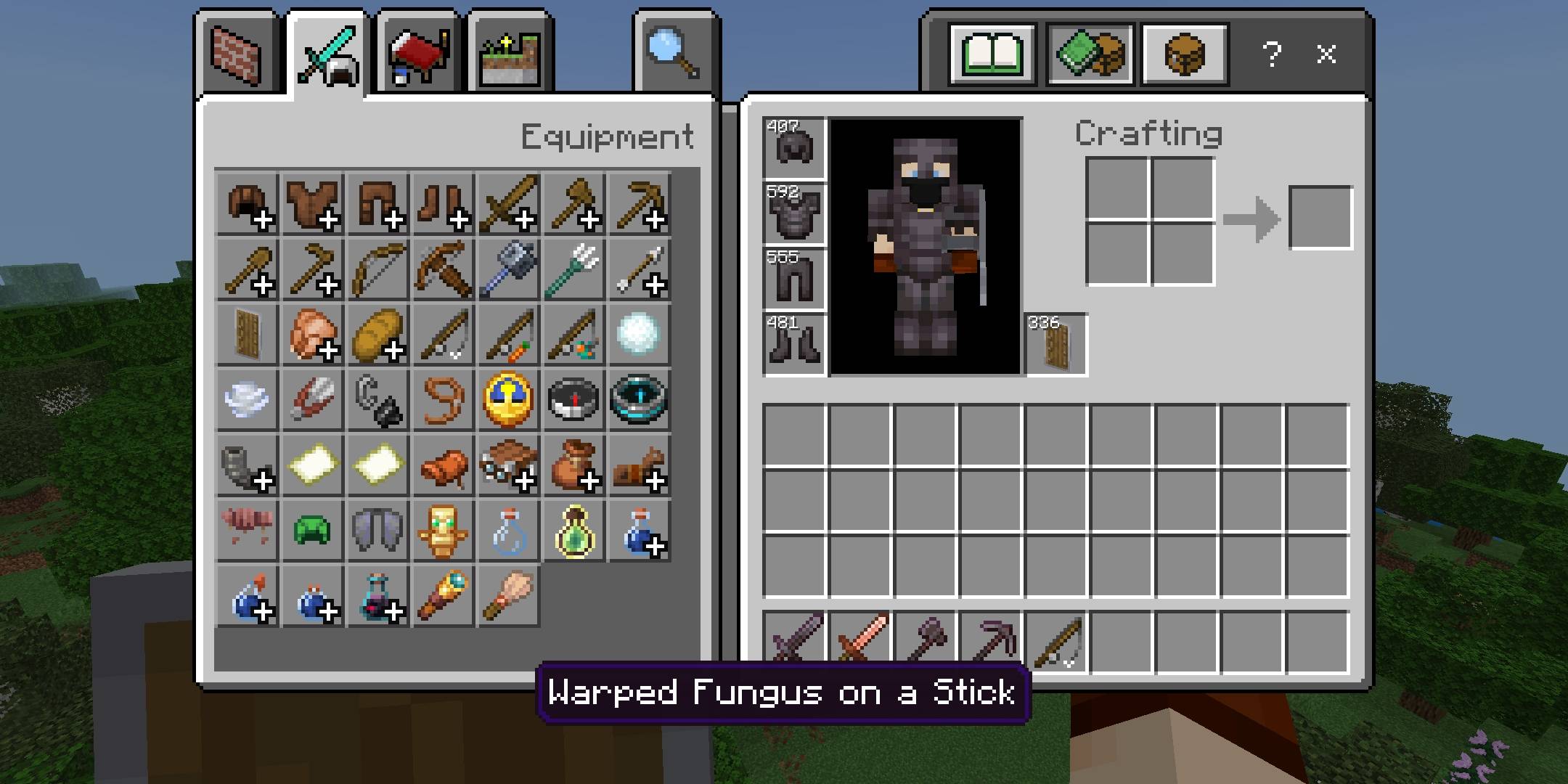
Take full control of your equipment status with a fresh, modern UI HUD. This addon displays armor and shield icons directly on your main game screen (upper left corner), along with a live durability bar that changes color based on condition.
Features
New UI HUD – Clean, compact design for easy viewing without cluttering your screen.
Armor & Shield Icons – Always know which gear is equipped at a glance.
3-Phase Durability Bar:
Green – Full health.
Orange – Medium health.
Red – Low health (time to repair or replace!).
Live Status Updates – Durability changes in real-time during gameplay.
Customizable Settings – Adjust bar style & visibility using the 3-phase sliding bar in addon options.
Performance Friendly – Optimized to run smoot
- Edition: Minecraft Bedrock
- File type: .mcpack or .mcaddon
- Minecraft versions listed: 1.18.2, 1.20.40, 1.21.30
- How to install: Download the .mcpack or .mcaddon file. → Open it — Minecraft imports it. → In your world: Behavior Packs → Available → Activate, then the same under Resource Packs.
- Where to get it: Opens on CurseForge — not every file is mirrored on our own servers.
Install steps are the general flow for this file type — How to install Minecraft Bedrock addons & mods walks through it step by step.
- Pack type: .mcaddon — behaviour and resource pack in one file
- Manifest requires Minecraft 1.21.0 or newer
- Complete pack — everything it depends on is inside the file
- Download size: 141 KB
- Download link checked 5 Oct 2026 — working
These come from our own check of the pack file, not from the source page.