 Ever wanted a way to see the light level while lighting up a build or farm? Well this addon is for you.
Simply apply the (resource pack and behavior pack) to your world. Then any player can run this command in chat to see the light levels around themselfs.
/lightlevelindicator:toggle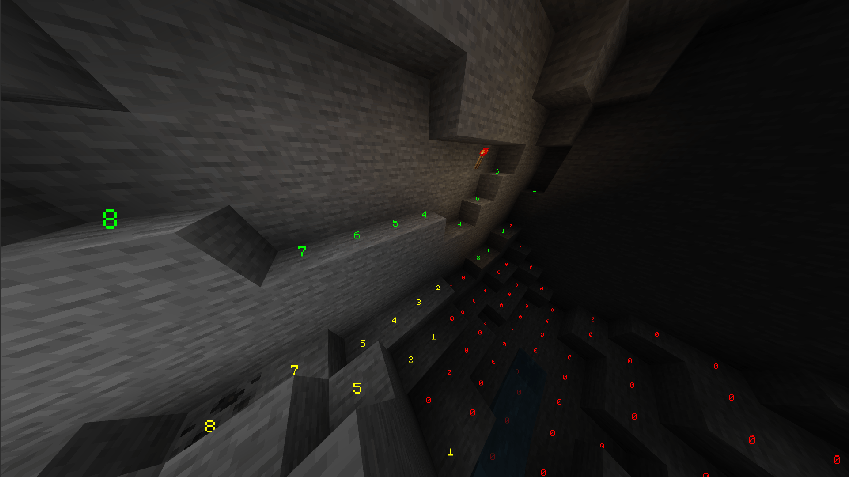
Colors displays risk factor of block.
- ✅ The green color means that a mob cannot spawn on the block. (Block is lit by a light source, mobs cannot spawn)
- ⚠️ The yellow color means that a mob can only spawn on the block during night. (Block is not lit by a light source, mobs can spawn during night)
- ❌ The red color means that a mob can always spawn on the block. (Block is not lit by a light source and there is no natural light, mobs can always spawn)
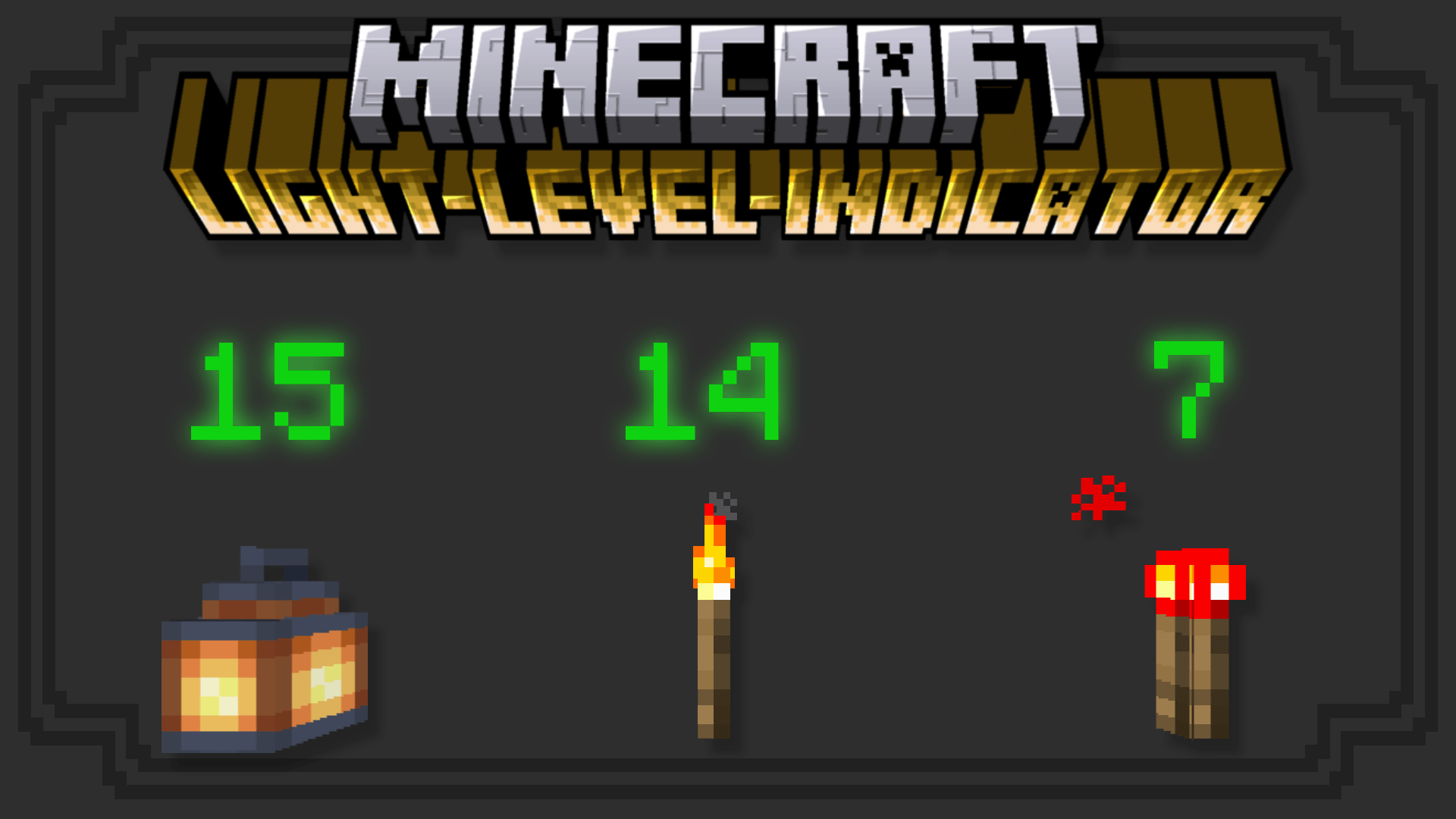
Number displays blocks current light level.
Survival friendly pack!
While this pack does require a behavior pack and a resource pack, the packs been made so that they Do not disable achievements, the commands can be ran in survival mode, and the pack supports (pbr) .i.e vibrant visuals.
If you are interested the pack is fully customizable with easy to edit setting gui which can be opened by any player who has operator permission status.
/lightlevelindicator:settingsFor more information about the addons settings and sub-command arguments check out the Wiki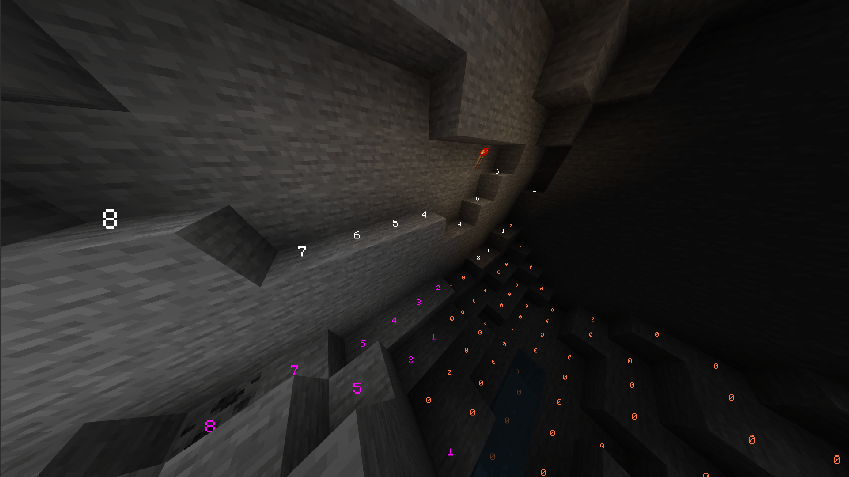
Quick Note:
At the current point a very inefficient algorithm was needed to calculate the correct colors for blocks. While I look for better solutions, the settings have been set to support lower-end devices. So expect slower update times and a smaller visual range. These settings can be changed at any time, but performance issues may be experienced above ground.
/lightlevelindicator:settings true- Edition: Minecraft Bedrock
- File type: .mcpack or .mcaddon
- Minecraft version listed: 1.21.132
- How to install: Download the .mcpack or .mcaddon file. → Open it — Minecraft imports it. → In your world: Behavior Packs → Available → Activate, then the same under Resource Packs.
- Where to get it: Opens on CurseForge — not every file is mirrored on our own servers.
Install steps are the general flow for this file type — How to install Minecraft Bedrock addons & mods walks through it step by step.
- Pack type: .mcaddon — behaviour and resource pack in one file
- Manifest requires Minecraft 1.21.130 or newer
- Complete pack — everything it depends on is inside the file
- Download size: 147 KB
- Download link checked 16 Sept 2026 — working
These come from our own check of the pack file, not from the source page.