Dragon balls
The Dragon Balls Addon brings the Dragon Balls to Minecraft! Search for them, use the Dragon Radar to track them, and collect all seven. But beware…
⬇ Download on CurseForge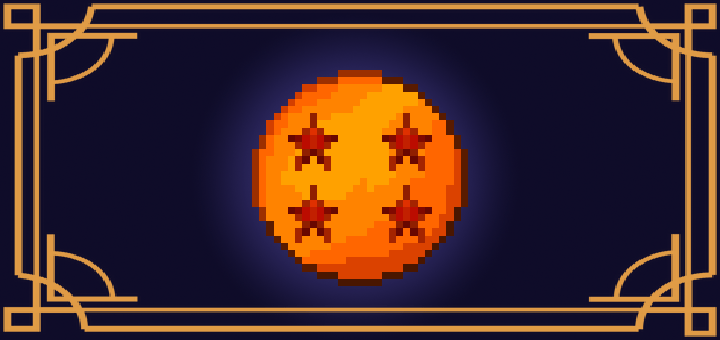
The Dragon Balls Addon
lets you find and use the legendary Dragon Balls in Minecraft. Use the Dragon Radar to track them, gather all seven, and request any item you want.
No longer disables achievements
🔹 Steps:
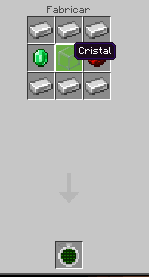
- Craft the Dragon Radar.
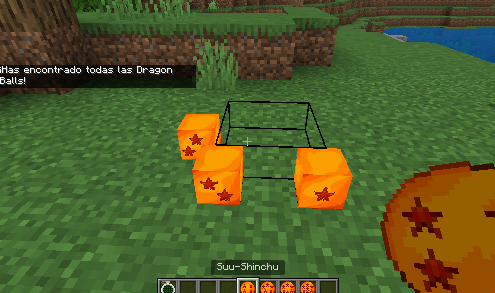
- Search for and find all 7 Dragon Balls.
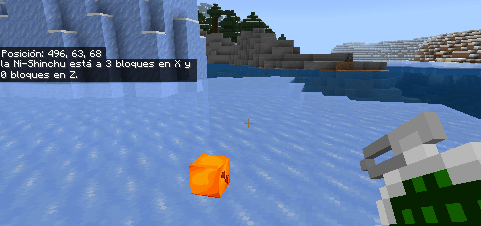
- Place them on the ground to summon Shenlong.
Choose your wish!
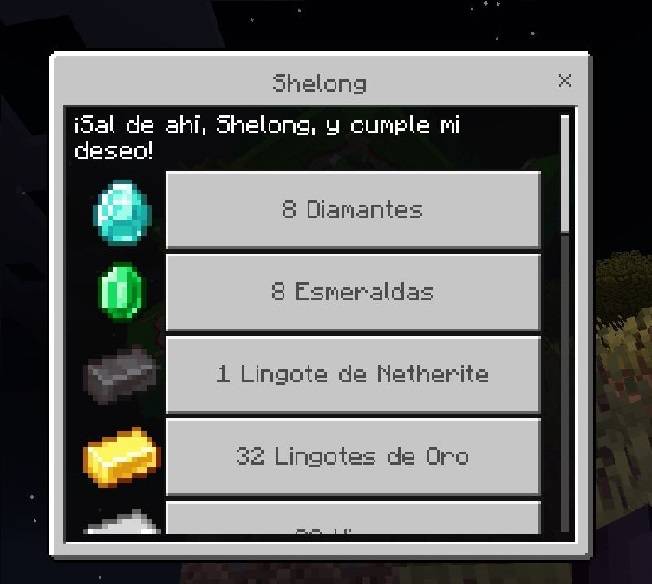
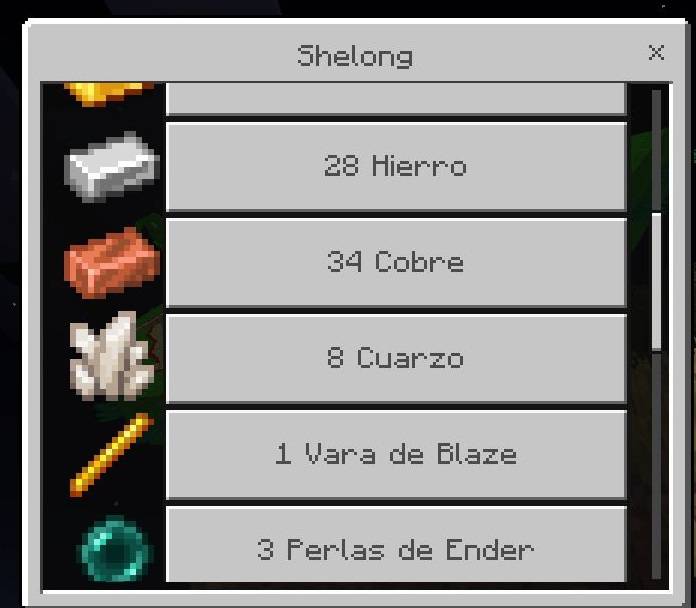
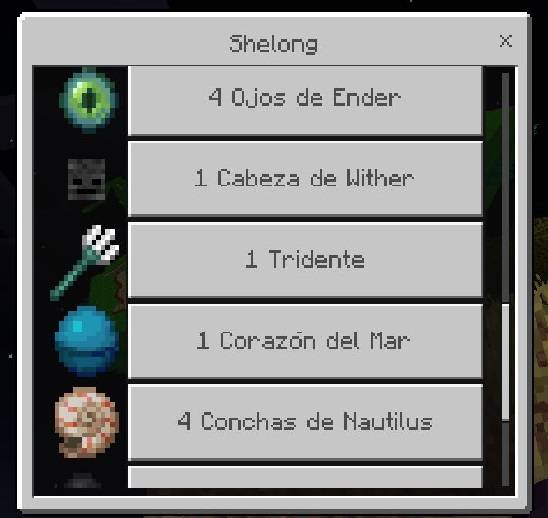
- Done! You can search for them again in 30 minutes.
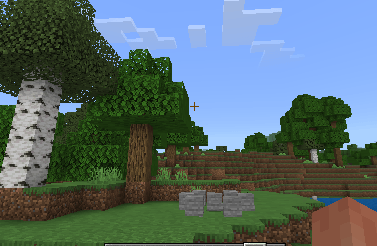
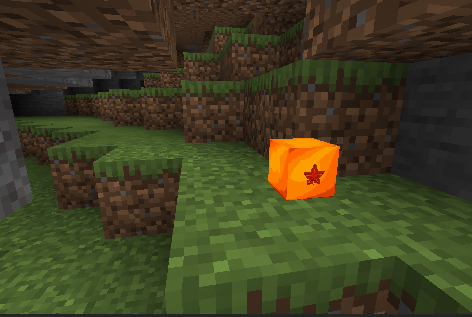
📍 Dragon Balls usually spawn between -500 and 500 blocks from where you used the radar.
Be careful, the spheres can be underground in mini underground caves! If you don't see them when you're in 0 0, try digging down!
- Edition: Minecraft Bedrock
- File type: .mcpack or .mcaddon
- Minecraft versions listed: 1.21.73, 1.21.72, 1.21.71
- How to install: Download the .mcpack or .mcaddon file. → Open it — Minecraft imports it. → In your world: Behavior Packs → Available → Activate, then the same under Resource Packs.
- Where to get it: Opens on CurseForge — not every file is mirrored on our own servers.
Install steps are the general flow for this file type — How to install Minecraft Bedrock addons & mods walks through it step by step.
- Pack type: .mcaddon — behaviour and resource pack in one file
- Complete pack — everything it depends on is inside the file
- Download size: 696 KB
- Download link checked 3 Aug 2026 — working
These come from our own check of the pack file, not from the source page.