Project ID 1.1.0 Stable
This Minecraft Bedrock Edition addon adds item identifiers to the lore section, helping players easily organize and identify items from different addons.
⬇ Download on CurseForge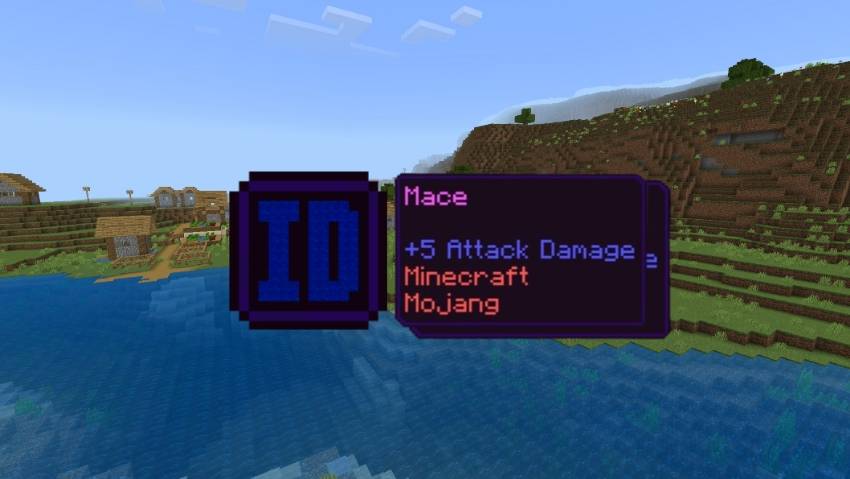
Description
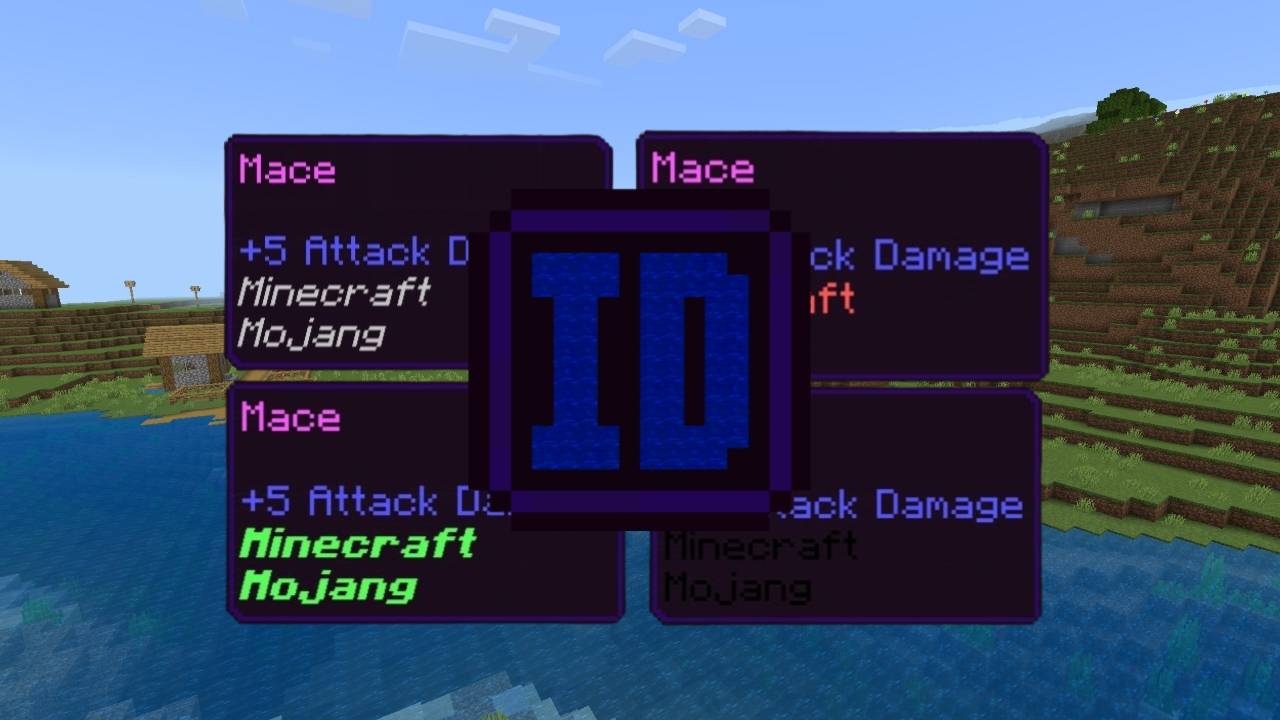
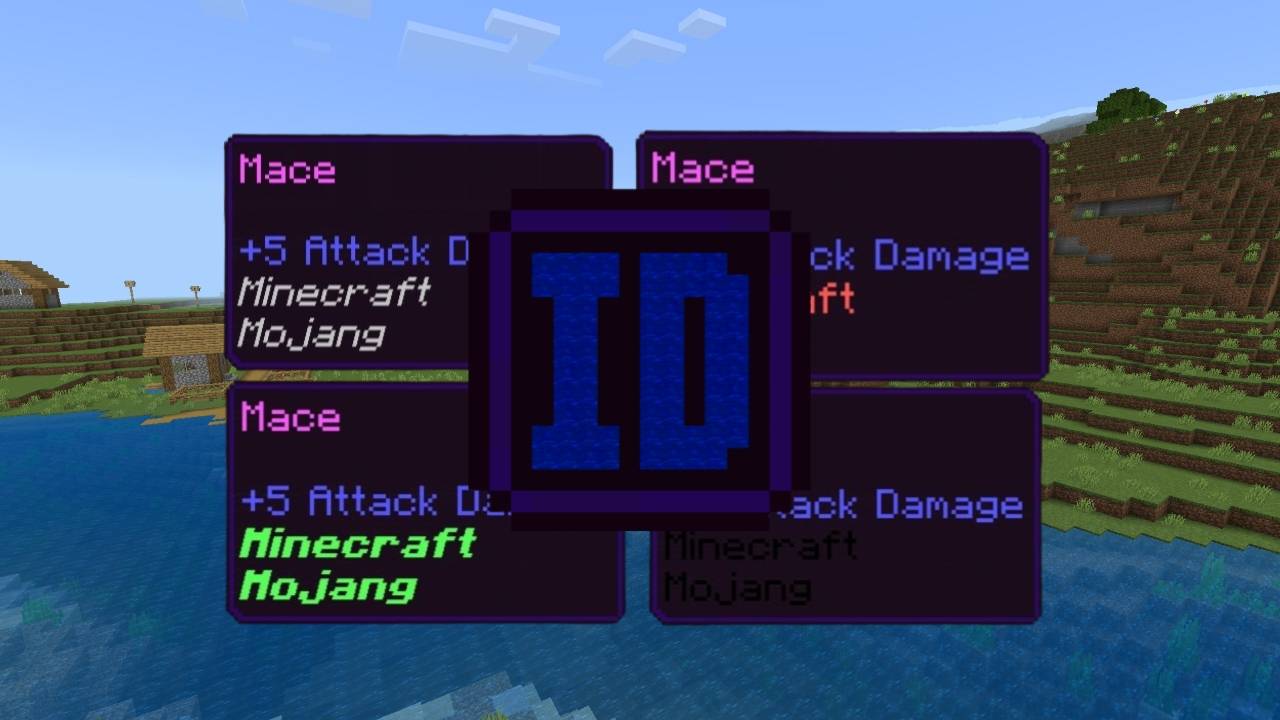
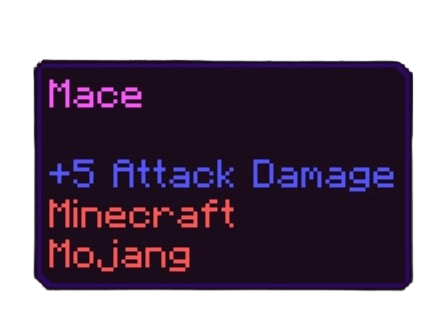
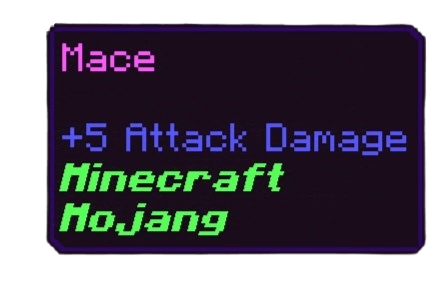
This addon adds a special lore system to indicate the origin of items from Minecraft and other addons. If an item belongs to Minecraft, the lore will display "Minecraft." If it comes from MyAddon, it will show "MyAddon." Additionally, it not only displays the source but also the creator of the item. For example:
- Minecraft → "Mojang"
- MyAddon → "Dark"
This system helps players track where items come from and who created them.
Color List (16 Different Colors)
- Black
- Dark Blue
- Dark Green
- Dark Aqua
- Dark Red
- Dark Gray
- Gold
- Gray
- Blue
- Green
- Aqua
- Red
- Yellow
- White
- Pink
- Purple
Style List (6 Different Styles)
- Bold
- Italic
- Underline
- Strikethrough
- Obfuscated
- Reset
Tag Commands
This addon includes special tag commands for players and addon creators.
Commands for Players
Players can customize the lore style and color of their items.
1. Set Lore Color:
/tag @a projectid(color(black))
2. Set Lore Style:
/tag @a projectid(style(bold))
Commands for Addon Creators
Addon creators can assign a unique identifier to their items and add their name as the author.
/tag @a projectid(identifier(myaddon)author(dark))
This ensures that items display both the addon they belong to and their creator.
Technical Information
- Compatibility: Works flawlessly on Minecraft 1.21 and lower versions.
- Experimental Features: No experimental features need to be enabled.
- Addon Compatibility: Fully compatible with other addons.
- Edition: Minecraft Bedrock
- File type: .mcpack or .mcaddon
- Minecraft versions listed: 1.21, 1.20.40, 1.21.30
- How to install: Download the .mcpack or .mcaddon file. → Open it — Minecraft imports it. → In your world: Behavior Packs → Available → Activate, then the same under Resource Packs.
- Where to get it: Opens on CurseForge — not every file is mirrored on our own servers.
Install steps are the general flow for this file type — How to install Minecraft Bedrock addons & mods walks through it step by step.
- Save it as Project-ID-1.1.0.mcaddon before opening — it downloads as .mcpack, but it is a .mcaddon pack
- Manifest requires Minecraft 1.20.50 or newer
- Complete pack — everything it depends on is inside the file
- Download size: 605 KB
- Download link checked 16 Sept 2026 — working
These come from our own check of the pack file, not from the source page.