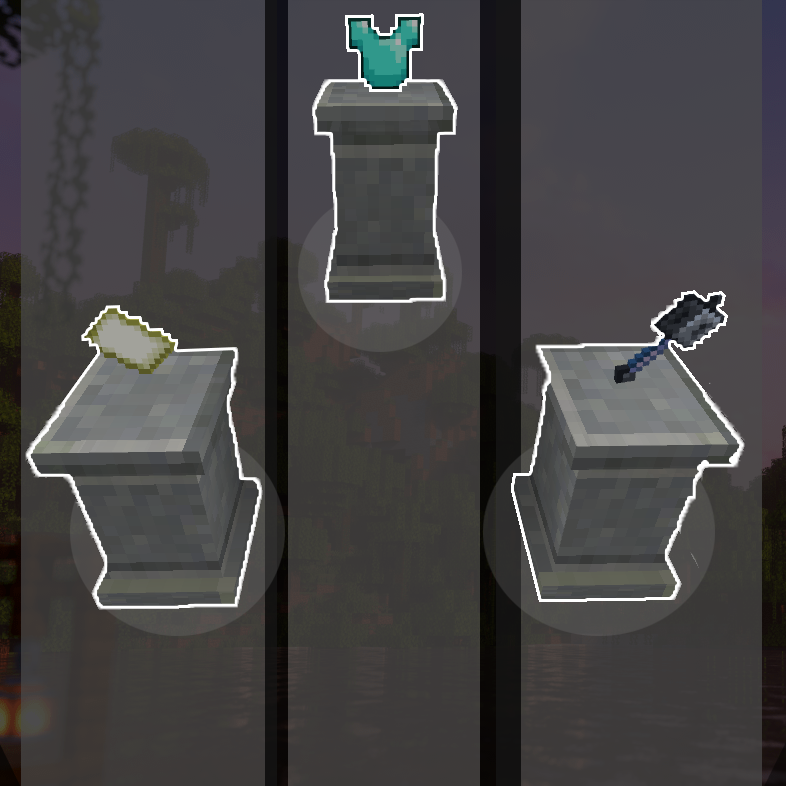
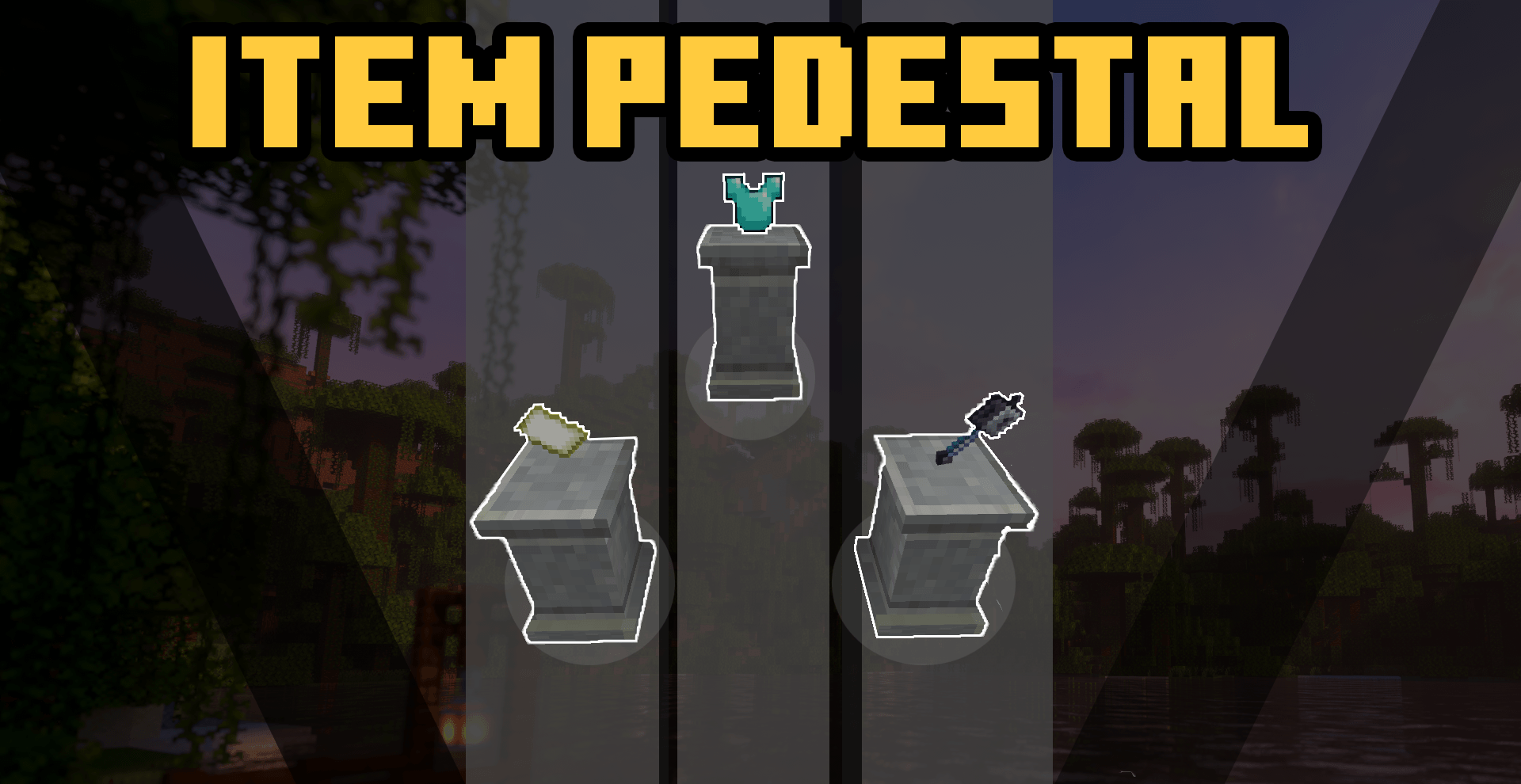
This addon adds a new block to the game similar to how an item frame works but more fancier. You could display your items here and show it off.
To use the item pedestal block just place it down and like an item frame hold an item and interact with it, be sure to point directly at the top of the pedestal.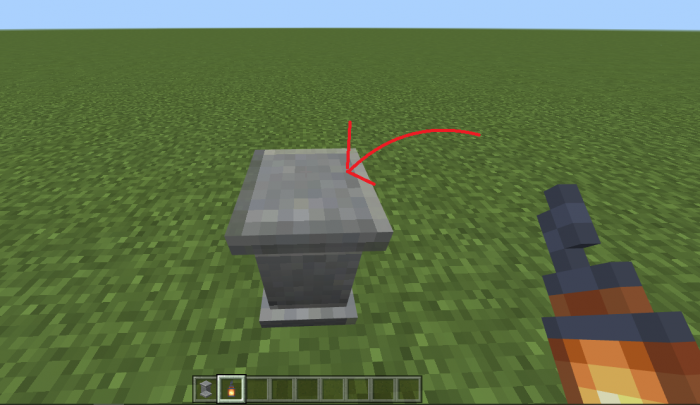
You could also make the pedestal glow by using <mark class="marker-yellow">glowstone dust</mark>, just interact with it using a glowstone dust.
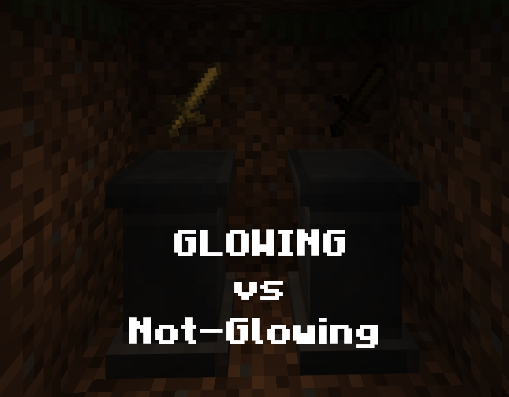
Both of the pedestal has a sword on it however the item on the Glowing Pedestal is still visible in the darkness.
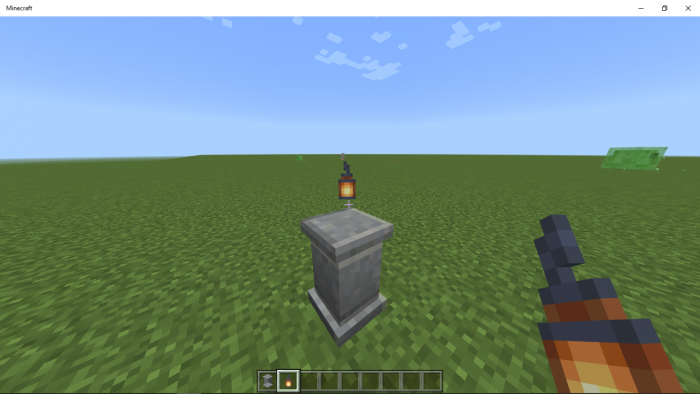
when you place an item on the pedestal it will follow wherever you are looking.
To craft the pedestal, use the recipe:
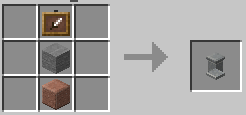
it accepts different kinds of stone.
The pedestal might be inconsistent with attachable items.
- Edition: Minecraft Bedrock
- File type: .mcpack or .mcaddon
- Minecraft version listed: 1.21.70
- How to install: Download the .mcpack or .mcaddon file. → Open it — Minecraft imports it. → In your world: Behavior Packs → Available → Activate, then the same under Resource Packs.
- Where to get it: Opens on CurseForge — not every file is mirrored on our own servers.
Install steps are the general flow for this file type — How to install Minecraft Bedrock addons & mods walks through it step by step.
- Pack type: .mcaddon — behaviour and resource pack in one file
- Manifest requires Minecraft 1.19.0 or newer
- Complete pack — everything it depends on is inside the file
- Download size: 69 KB
- Download link checked 15 Sept 2026 — working
These come from our own check of the pack file, not from the source page.