
Floating Text
I don't know my version

Have an issue or a suggestion, join the discord here.
Editing Floating Scoreboards & Floating Text
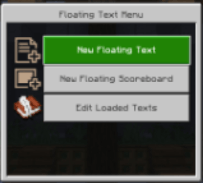
Modify or remove any floating scoreboard or text that appears in a loaded chunk. All edits apply instantly in-world.
Fixed Player Names
Player names are saved permanently in a local data store. Scoreboards will always display the correct saved name, even if a player is offline. The text “Offline Player” will never appear.
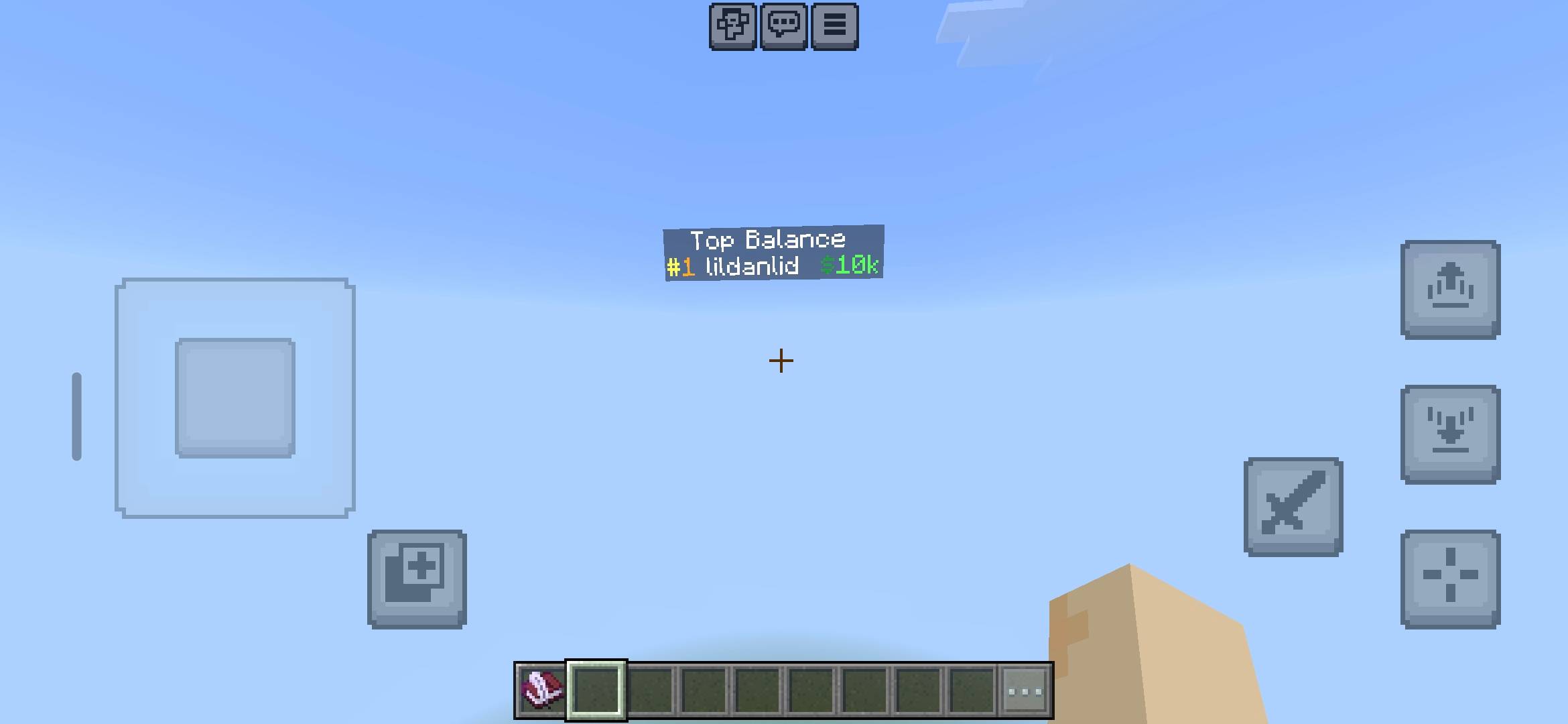
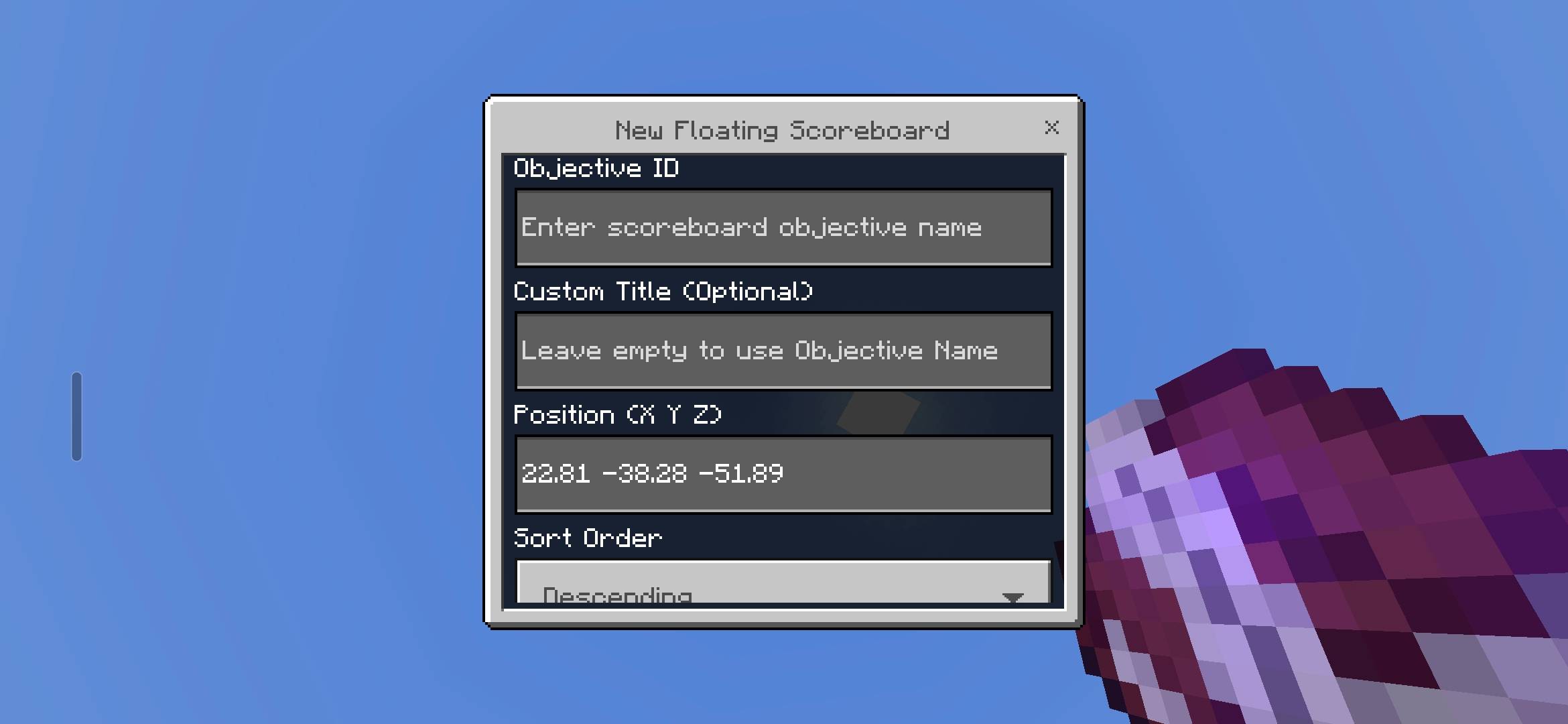
Floating Scoreboards
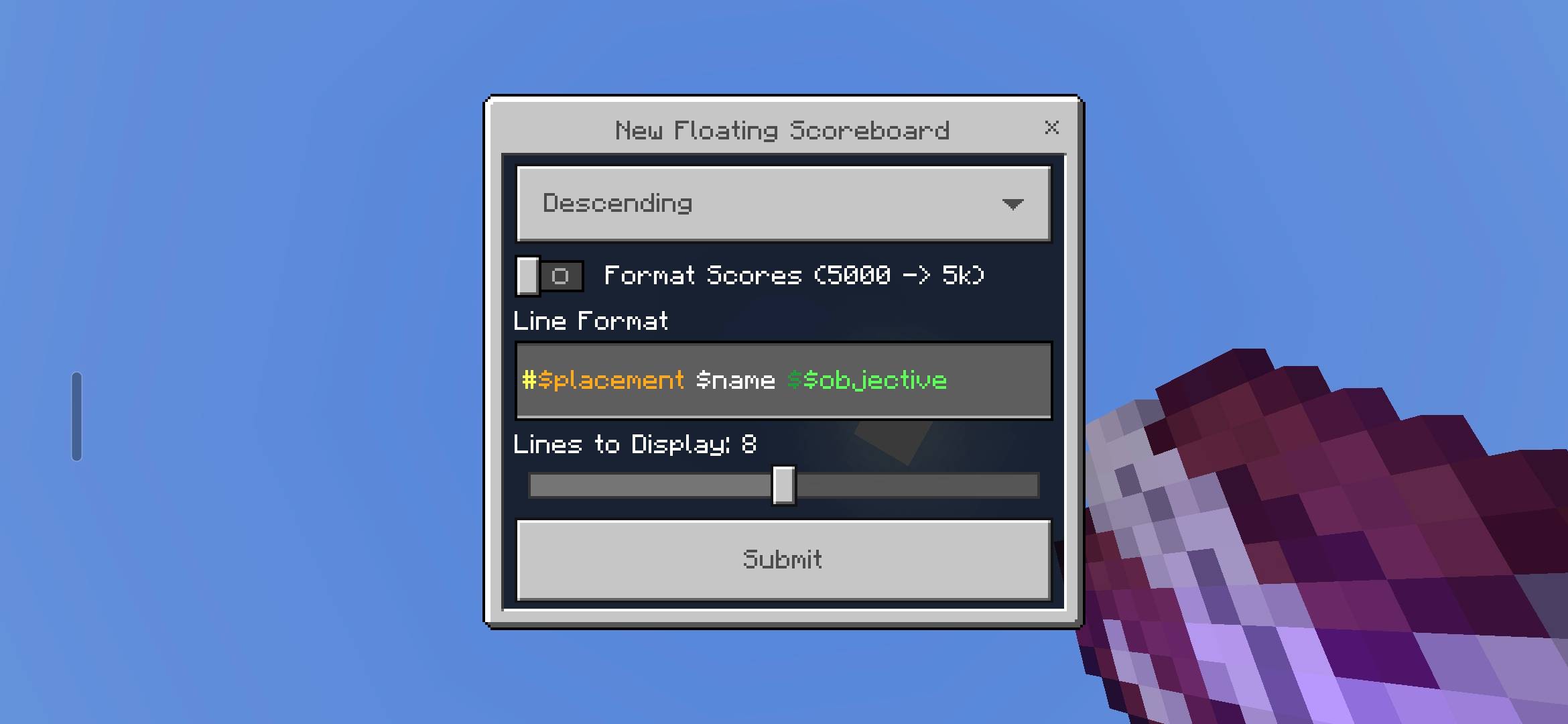
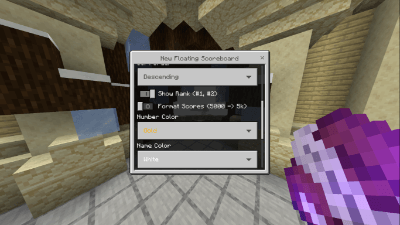
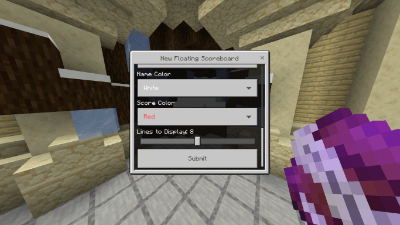
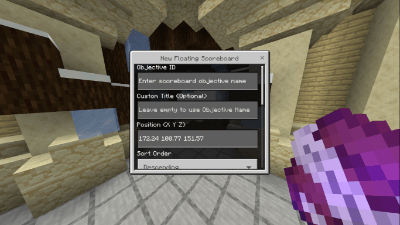
Create customizable floating leaderboards by selecting a scoreboard objective. You can fine-tune:
- Whether players are numbered
- How many players to show
- Colors for each part of the display
- The exact location of the scoreboard in the world
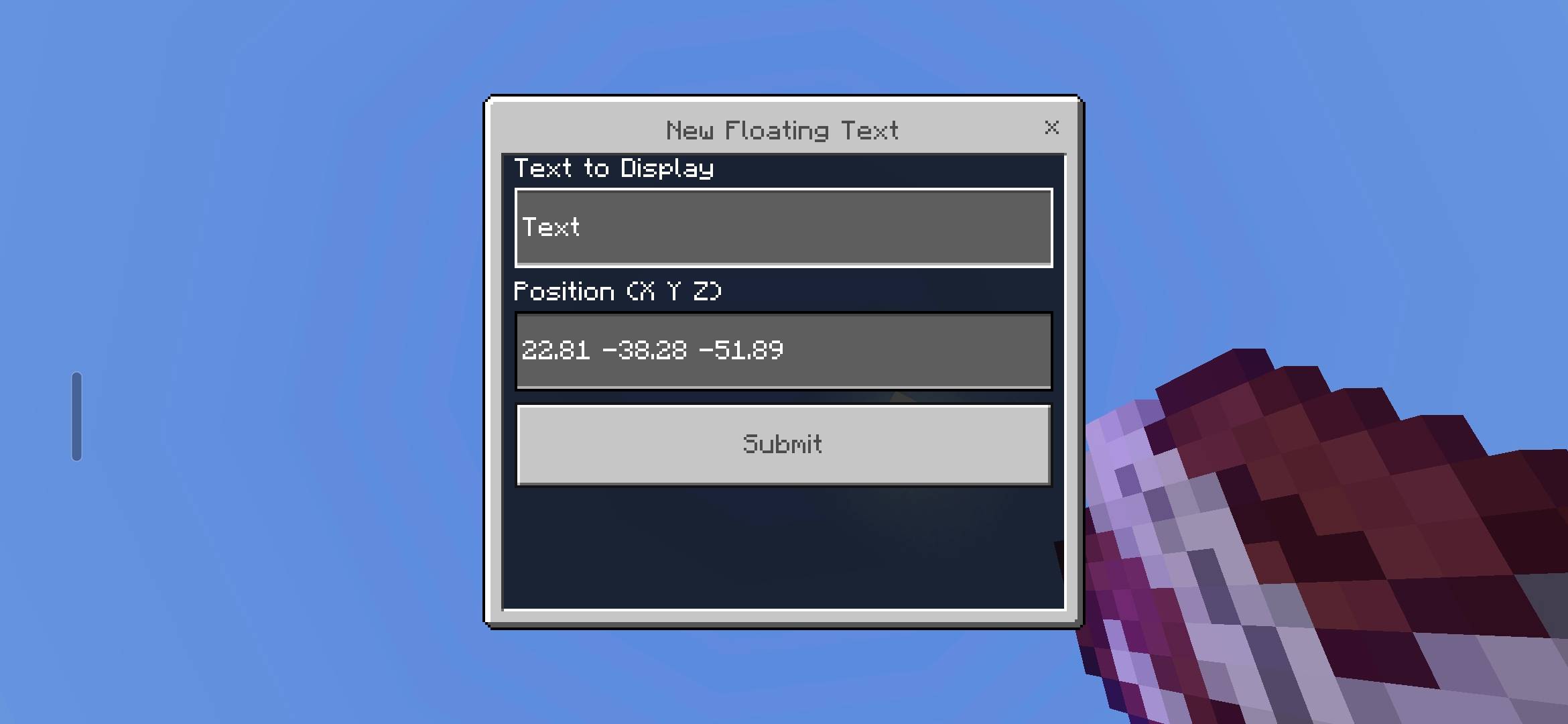
Floating Text Displays
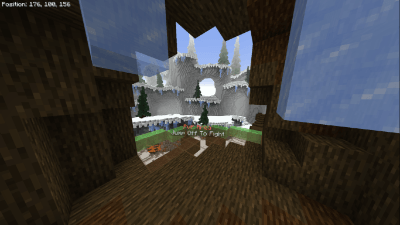
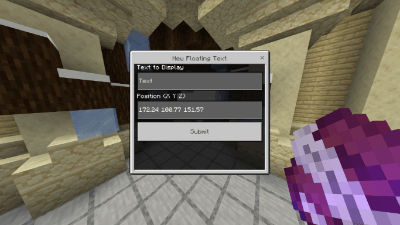
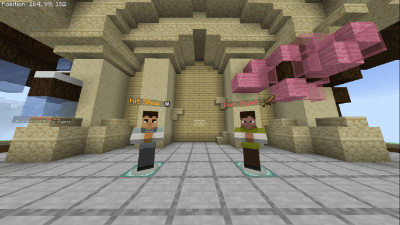
Place floating text anywhere by setting coordinates and entering your message. Perfect for labels, signs, or instructions.
Note
For multiple lines of text, insert \n wherever you want a new line.
- Edition: Minecraft Bedrock
- File type: .mcpack or .mcaddon
- Minecraft versions listed: 26.30, 1.21.132, 1.21.130
- How to install: Download the .mcpack or .mcaddon file. → Open it — Minecraft imports it. → In your world: Behavior Packs → Available → Activate, then the same under Resource Packs.
- Where to get it: Opens on CurseForge — not every file is mirrored on our own servers.
Install steps are the general flow for this file type — How to install Minecraft Bedrock addons & mods walks through it step by step.
- Pack type: .mcaddon
- Manifest requires Minecraft 1.20.80 or newer
- Ships one half — this pack asks for another pack that is not included
- Download size: 185 KB
- Download link checked 25 Aug 2026 — working
These come from our own check of the pack file, not from the source page.