Ore Locator
Bedrock add-on listed for Minecraft 1.20–26.x (behavior pack only). File opened and checked on 5 Oct 2026; installs from the MC Bedrock Mods app on Android.
Scans nearby blocks and shows the closest ores on your screen. Choose which ores to track, set your radius, and find diamonds, ancient debris, and more…
⬇ Download on CurseForge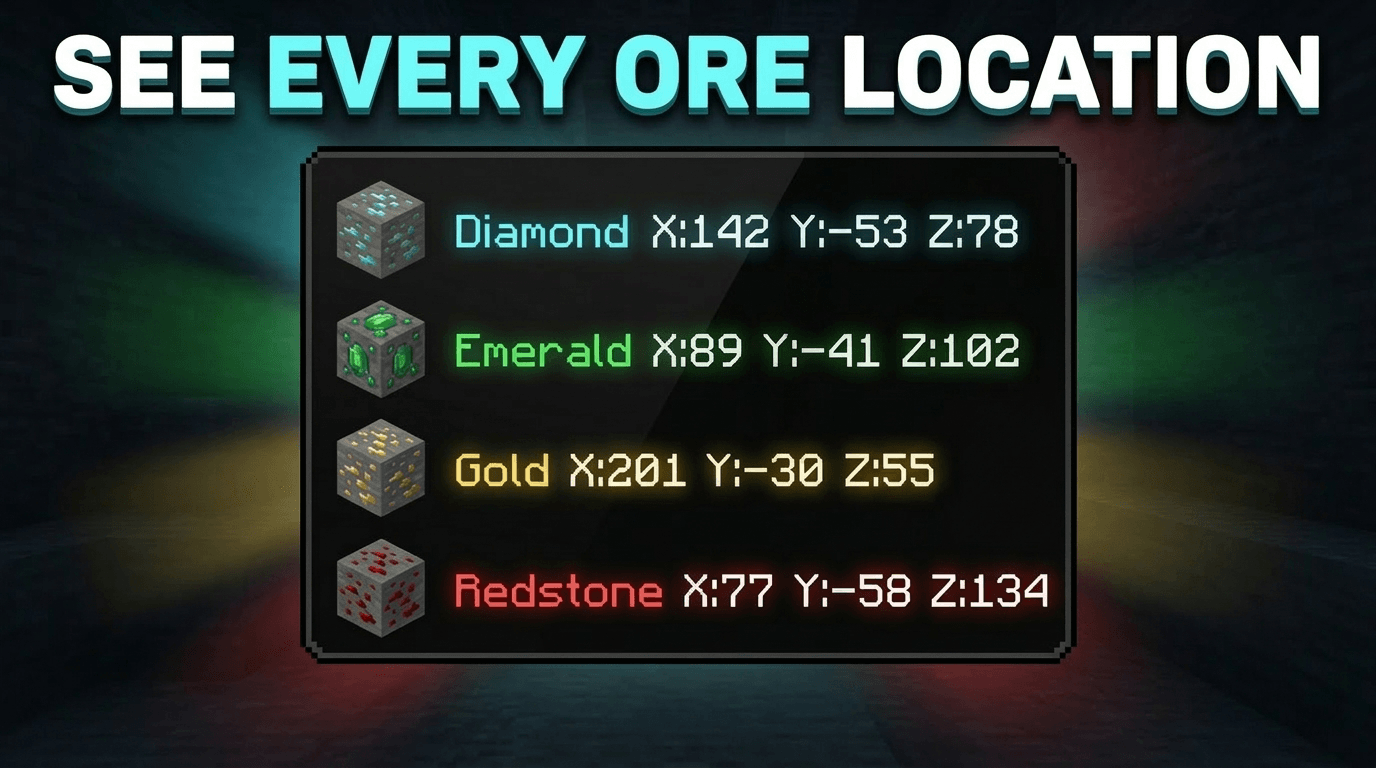
Ore Locator — Minecraft Bedrock Addon
Ore Locator scans the blocks around you and shows the coordinates of the closest ores directly on your screen — no commands, no menus, no effort. Just load the pack and the nearest ores appear on your HUD automatically.
✅ No experimental features required. ✅ Achievement friendly.
What It Does
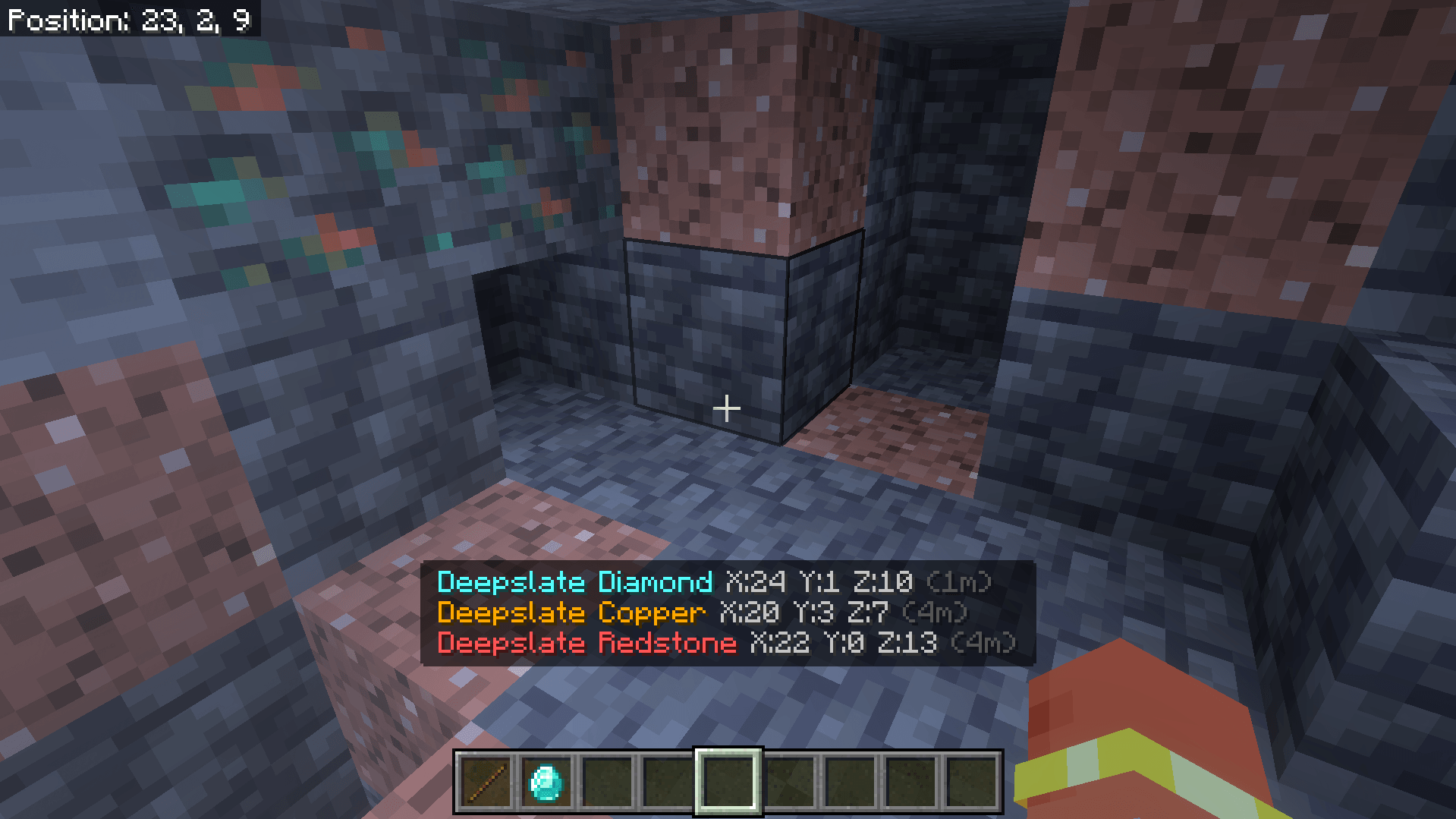
As soon as you load into a world with this pack applied, Ore Locator starts scanning nearby blocks and displays the 3 closest ores on your screen in real time. Each ore type shows its exact X Y Z coordinates and how far away it is. The display updates continuously as you move.
If there are no ores nearby, it tells you that too — so you always know what is around you underground.
Supported Ores
- Diamond & Deepslate Diamond
- Emerald & Deepslate Emerald
- Ancient Debris
- Gold & Deepslate Gold
- Iron & Deepslate Iron
- Coal & Deepslate Coal
- Copper & Deepslate Copper
- Lapis & Deepslate Lapis
- Redstone & Deepslate Redstone
- Nether Gold
- Nether Quartz
How To Use
- Step 1: Apply the behavior pack to your world.
- Step 2: Load into the world — Ore Locator starts automatically. No setup needed.
- Step 3: Look at the bottom of your screen to see the 3 closest ores with their coordinates.
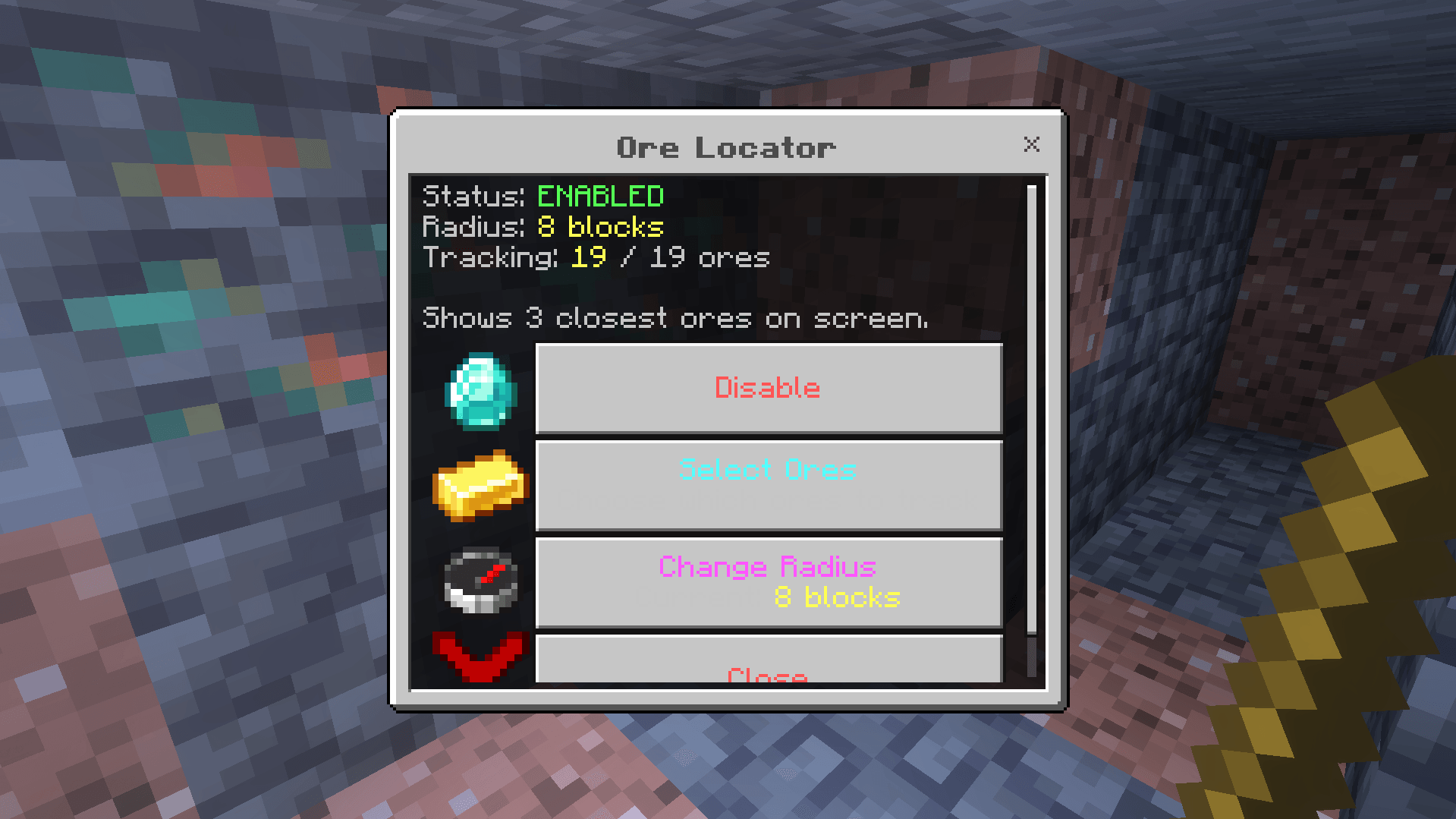
- Step 4: To open the settings menu, hold any ore item or a Stick and use it (right click on PC, long press on mobile).
Settings Menu
Hold any ore item or a Stick and use it to open the settings menu. From there you can:
- Enable or Disable the ore display at any time
- Select which ores to track — turn off ores you do not care about like Coal or Iron
- Change the scan radius — 8, 16, or 32 blocks
Your settings are saved automatically and restored every time you rejoin the world.
- Edition: Minecraft Bedrock
- File type: .mcpack or .mcaddon
- Minecraft version listed: 26.3
- How to install: Download the .mcpack or .mcaddon file. → Open it — Minecraft imports it. → In your world: Behavior Packs → Available → Activate, then the same under Resource Packs.
- Where to get it: Opens on CurseForge — not every file is mirrored on our own servers.
Install steps are the general flow for this file type — How to install Minecraft Bedrock addons & mods walks through it step by step.
- Save it as Ore Locator.mcaddon before opening — it downloads as .mcpack, but it is a .mcaddon pack
- Manifest requires Minecraft 1.20.0 or newer
- Complete pack — everything it depends on is inside the file
- Download size: 37 KB
- Download link checked 6 Oct 2026 — working
These come from our own check of the pack file, not from the source page.