AddonsBedrock
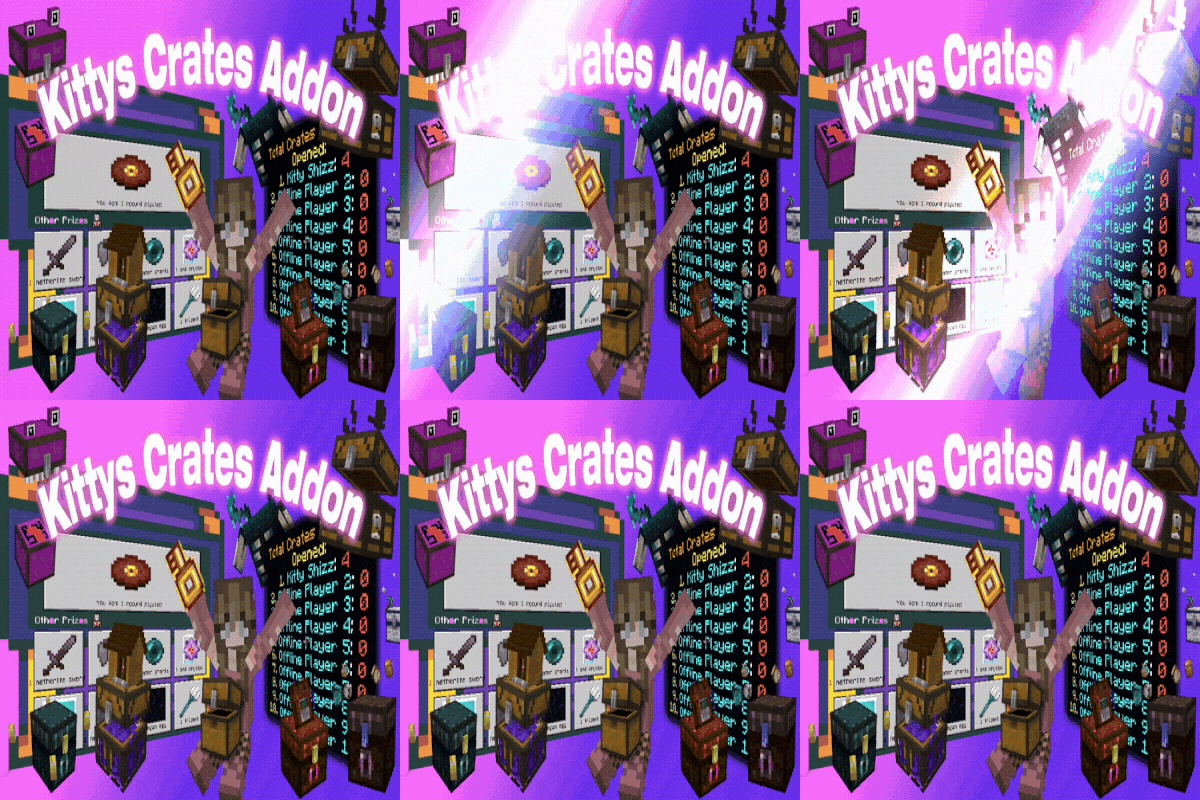
Kittys Crates Addon! V0.2.8
Bedrock add-on listed for Minecraft 1.21–26.x (behavior + resource pack). Needs Beta APIs. File opened and checked on 9 Oct 2026; installs from the MC Bedrock Mods app on Android.
This addon lets you easily set up customizable crates in your Minecraft world, providing daily or hourly rewards to players offers flexible options…
I don't know my version
Open Minecraft and look at the bottom-left corner of the main screen — the version is printed there, like v1.26.30.
The game writes a 1. in front; the buttons above leave it off. v1.26.30 in the game is 26.30 here.
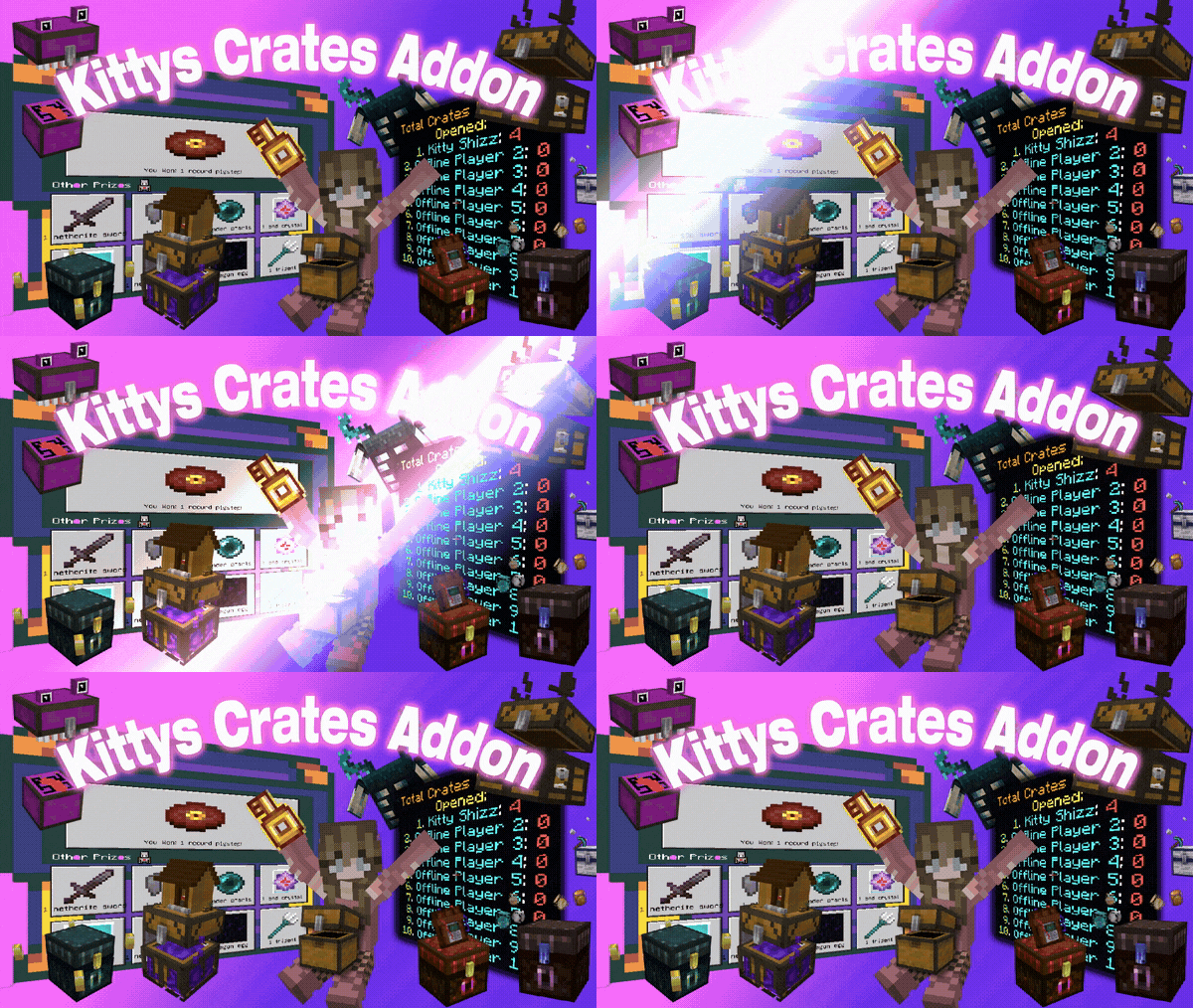
Crates Addon - Daily/Hourly Rewards/Keys!
Set up customizable crates in your world with ease!
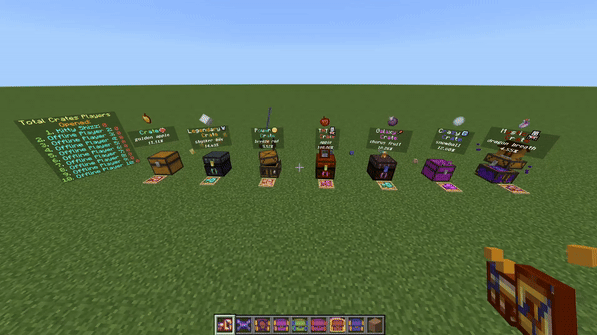
How to Set Up Crates:
Option 1:
Place crates directly from the spawn egg section in Creative mode.
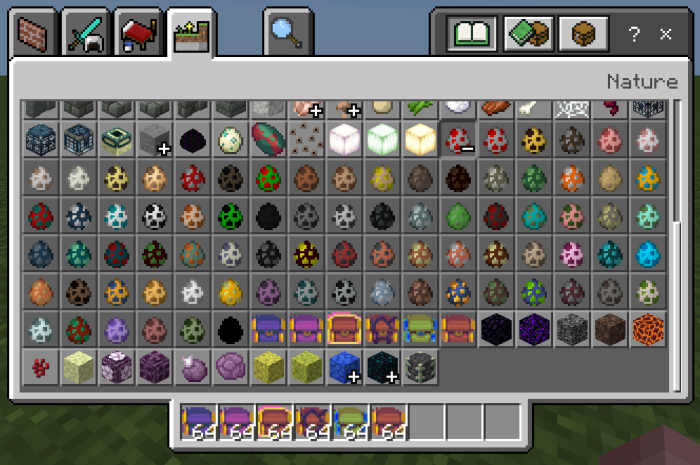
Option 2:
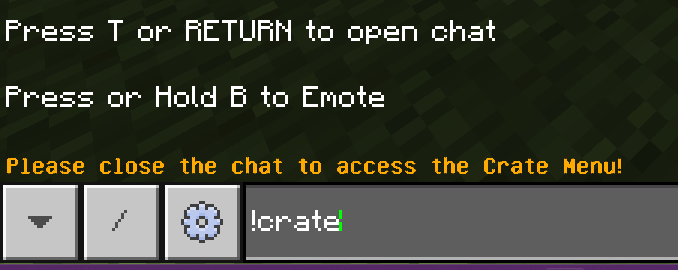
Use chat commands to spawn crates:
!crate
!galaxycrate
!crazycrate
!mysticcrate
!powercrate
!legendarycrate
(You can customize these commands in the settings.)
Option 3:
Use a crate key on a chest to unlock the menu.
Customizable Items:
Add your own custom items to the crate rewards using the Bedrock item or block IDs (e.g., netherite_block).
even items from other addons can be used!
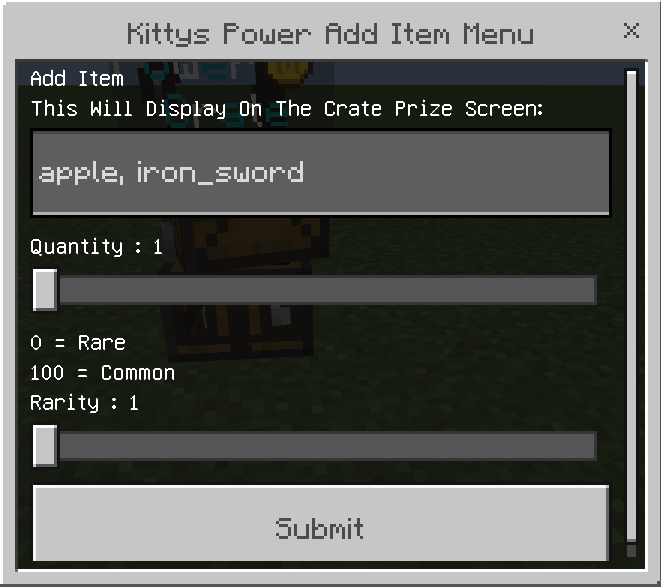
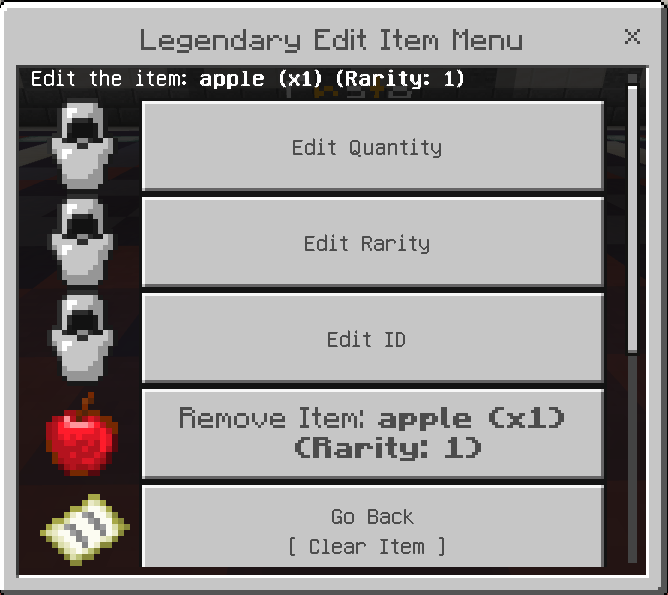
you can edit these items later if you like under remove / edit item
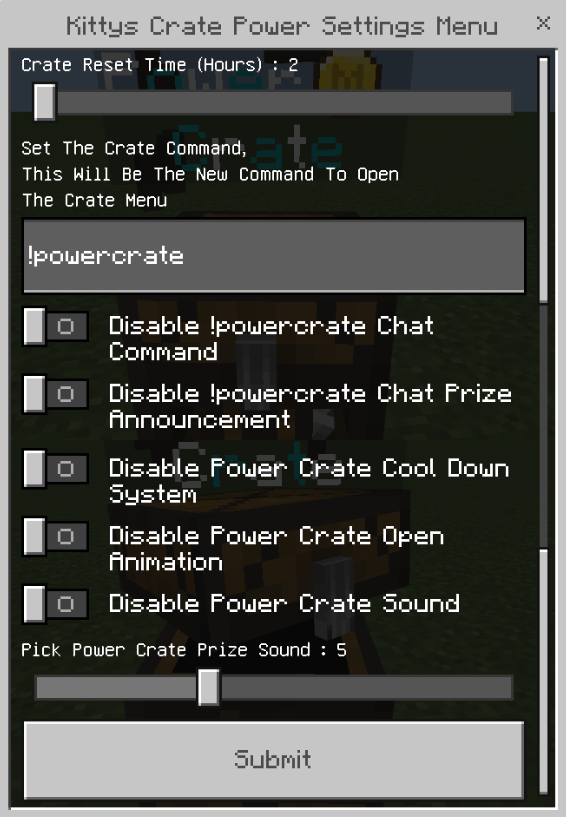
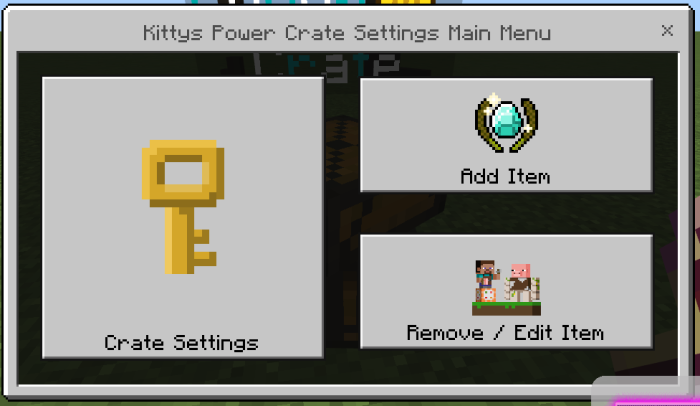
Settings Menus:
To access crate settings, tag yourself as an admin by typing:
/tag @s add Admin
Add or remove items at any time from the remove / edit item menu
also edit items id's item quantity's and item rarity's
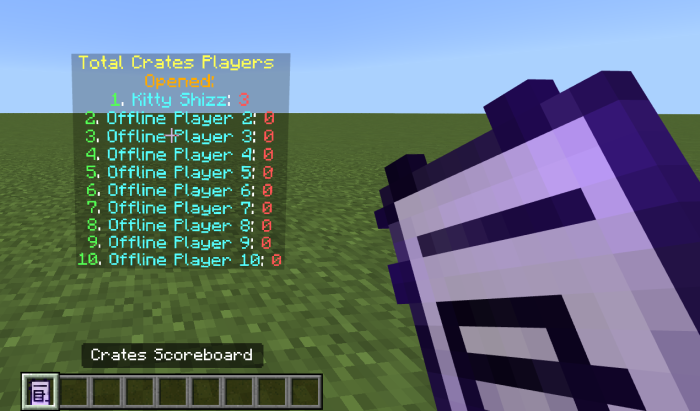
New Crate Leaderboard
tracks how many times players open crates!
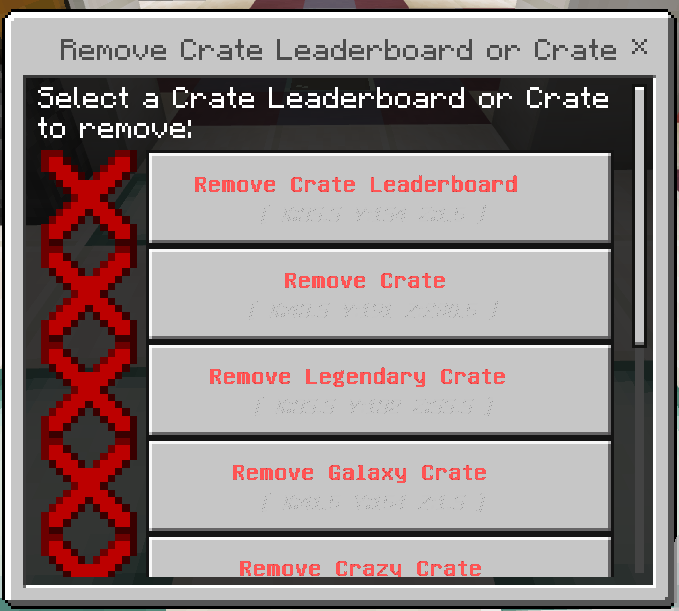
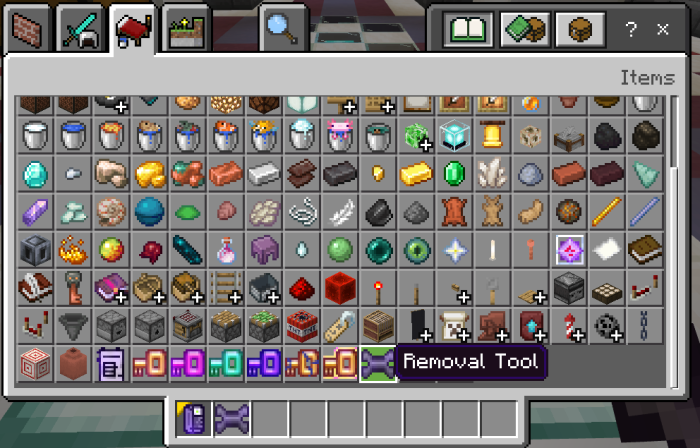
New Crates Removal Tool/Menu
Easily Remove Any Crate Or Leaderboard
Just Grab The Removal Tool From The Creative Menu!
Need Help?
Let Me Know If You Have Any Issues In My Discord Kittys Builds!*
Want Builds? Also Check in My Discord I Have Over 600 Builds For Bedrock!
https://discord.gg/aujyATgMVy
Make sure to enable Beta APIs in your world settings for this addon to work properly.
Quick facts
- Edition: Minecraft Bedrock
- File type: .mcpack or .mcaddon
- Minecraft versions listed: 26.50, 26.30, 26.10
- How to install: Download the .mcpack or .mcaddon file. → Open it — Minecraft imports it. → In your world: Behavior Packs → Available → Activate, then the same under Resource Packs.
- Where to get it: Opens on CurseForge — not every file is mirrored on our own servers.
Install steps are the general flow for this file type — How to install Minecraft Bedrock addons & mods walks through it step by step.
File checked by MCModsHub
- Pack type: .mcaddon — behaviour and resource pack in one file
- Manifest requires Minecraft 1.21.80 or newer
- Needs Beta APIs switched on in the world settings
- Complete pack — everything it depends on is inside the file
- Download size: 1.2 MB
- Download link checked 5 Oct 2026 — working
These come from our own check of the pack file, not from the source page.