🔧 UtilityMenu – Quick Management Interface
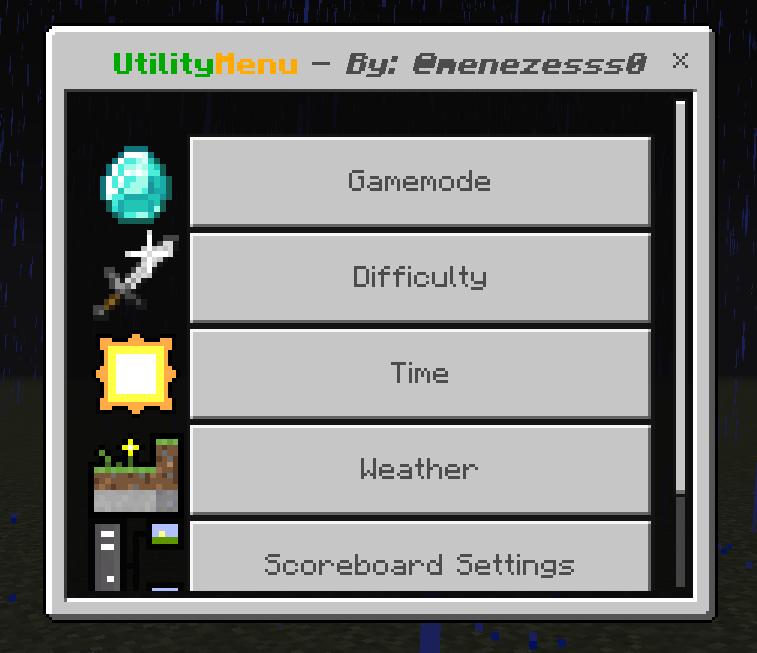
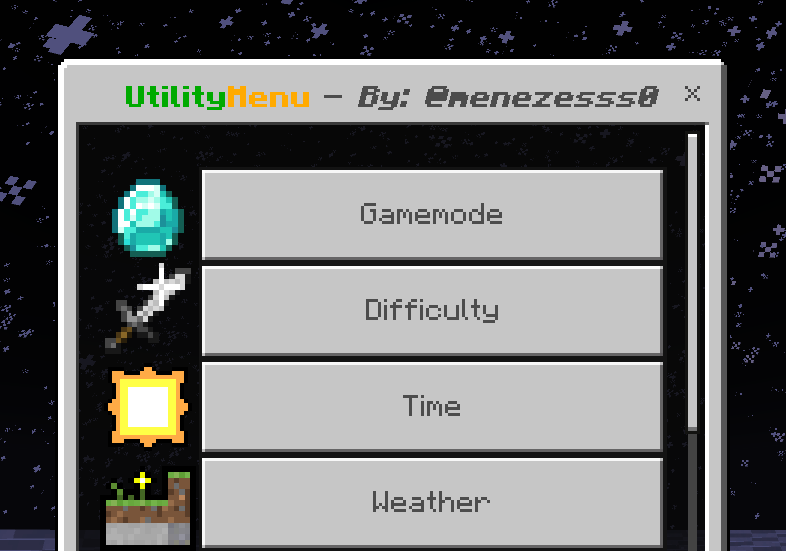
UtilityMenu adds a simple and practical interface with several tools to make game management faster and easier.
⚙️ Features:
- Change your gamemode
- Modify the world difficulty
- Adjust the time of day
- Change the weather (clear, rain, thunder)
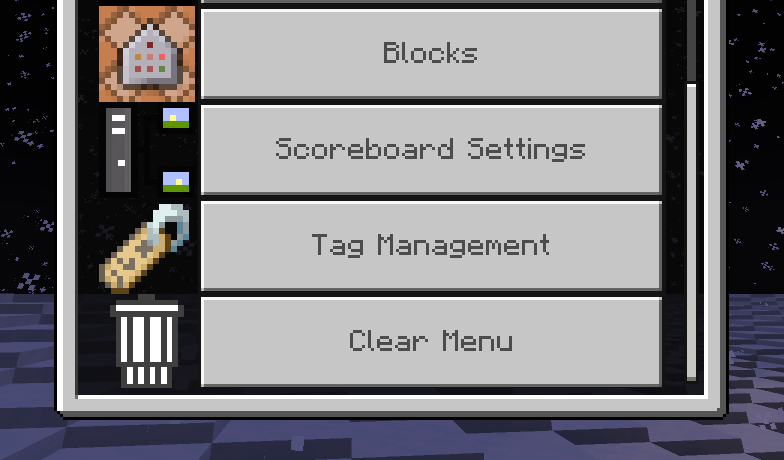
- Manage scoreboards
- Get creative-only blocks (e.g., command block, light block, etc.)
- Manage players tags
- Clear Menu (Inventory, Camera, Chat)
📌 How to use:
-
Get a compass in your inventory
-
Add the tag
utilitymenu-admto the player:/tag @s add utilitymenu-adm -
With the compass in hand, interact to open the menu!
🧠 Credits
- Menezesss0 – Code and development
- yPerfectBR, Thini, Wendrew – Ideas and suggestions to improve the addon
- Jackie Weyland – Helped enhance the pixel art of the addon logo
📦 Source
Quick facts
- Edition: Minecraft Bedrock
- File type: .mcpack or .mcaddon
- Minecraft version listed: 1.21.70
- How to install: Download the .mcpack or .mcaddon file. → Open it — Minecraft imports it. → In your world: Behavior Packs → Available → Activate, then the same under Resource Packs.
- Where to get it: Opens on CurseForge — not every file is mirrored on our own servers.
Install steps are the general flow for this file type — How to install Minecraft Bedrock addons & mods walks through it step by step.
Verified by MCModsHub
- Pack type: .mcaddon — behaviour and resource pack in one file
- Download size: 10 KB
- Download link checked 15 Sept 2026 — working
These come from our own check of the pack file, not from the source page.