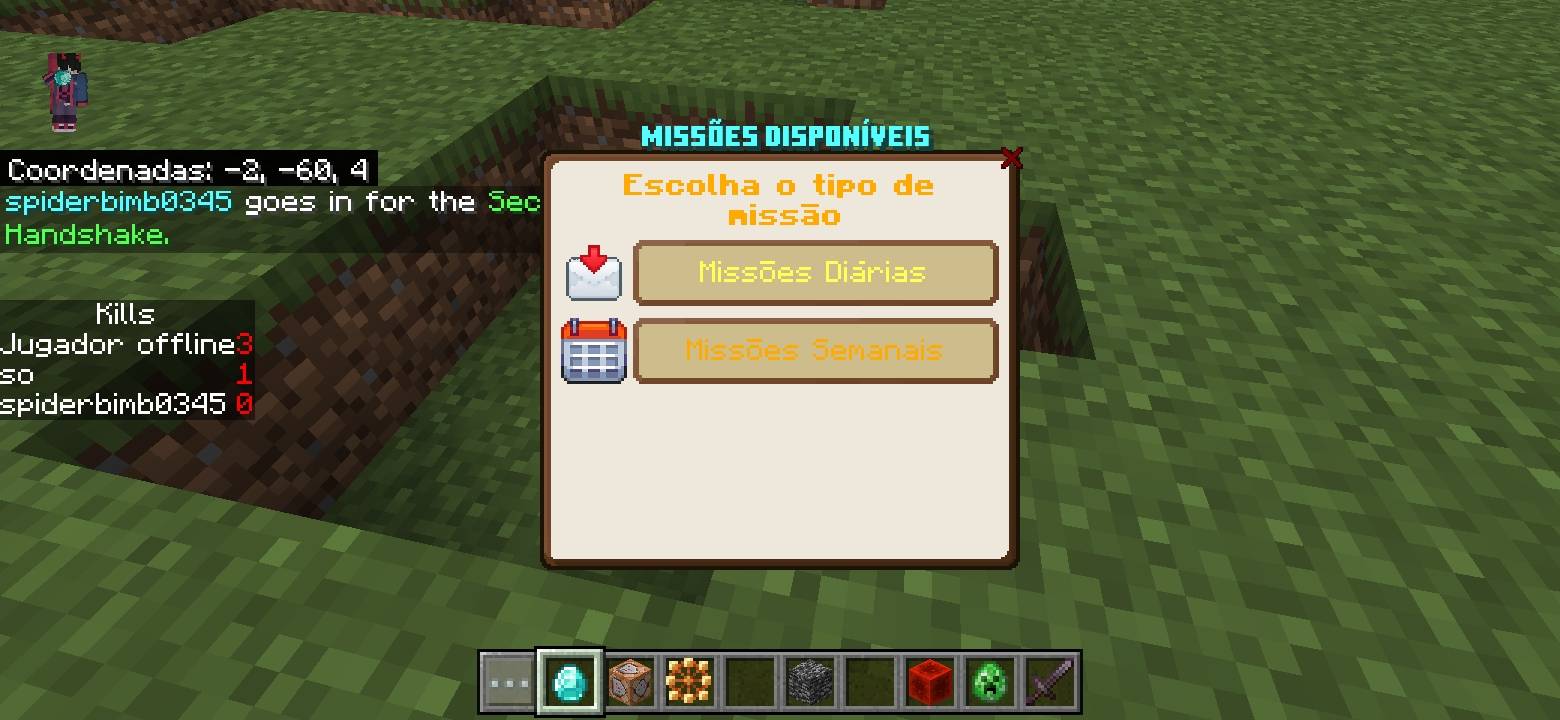
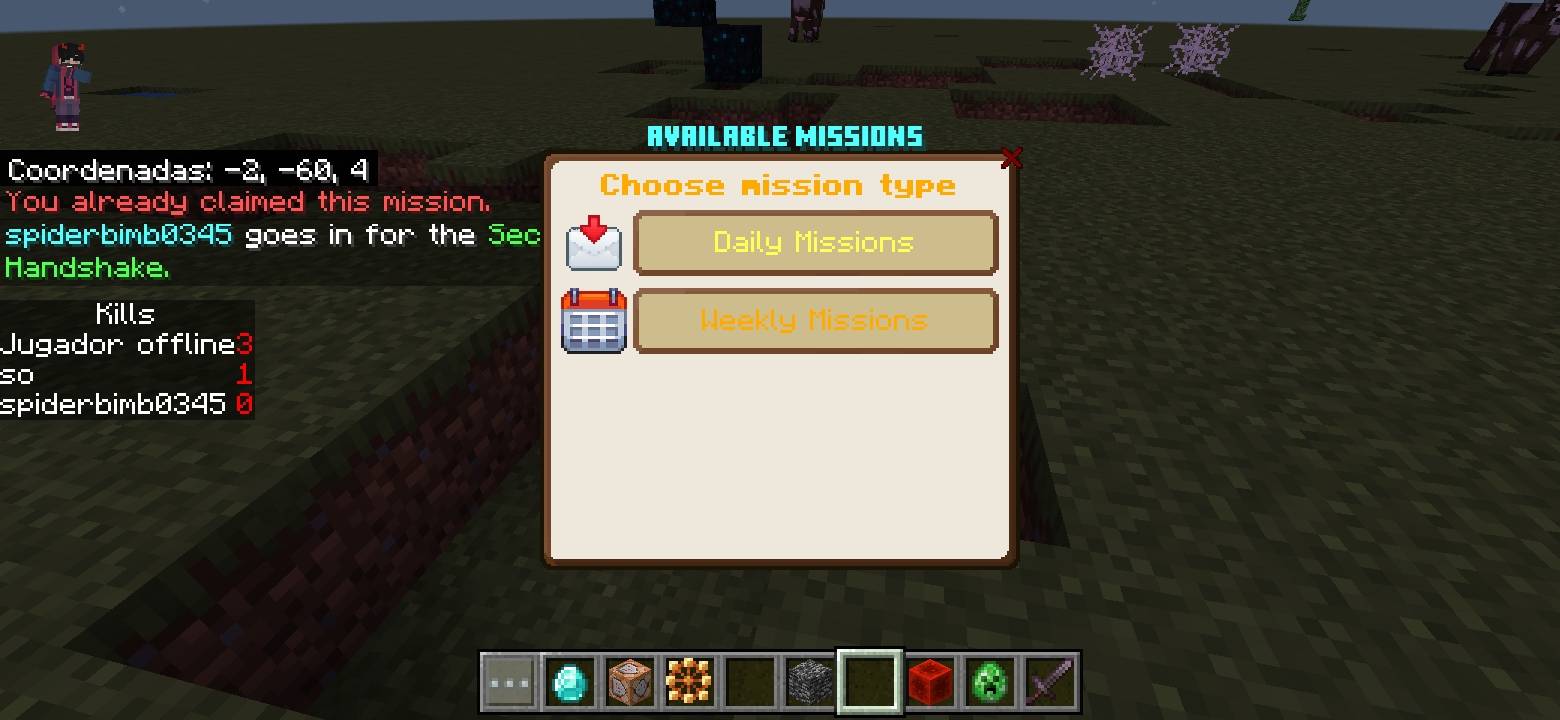
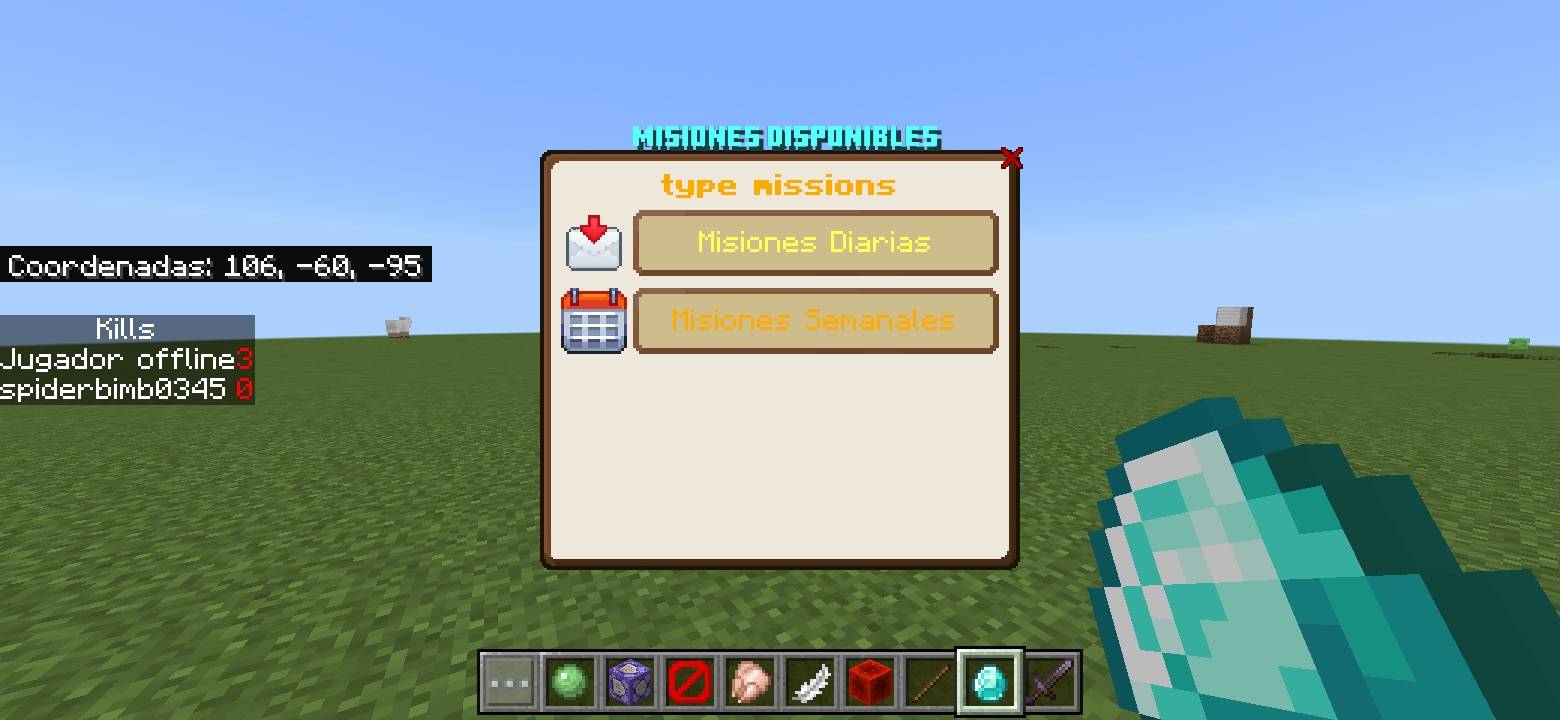
This Add-On is easy to use
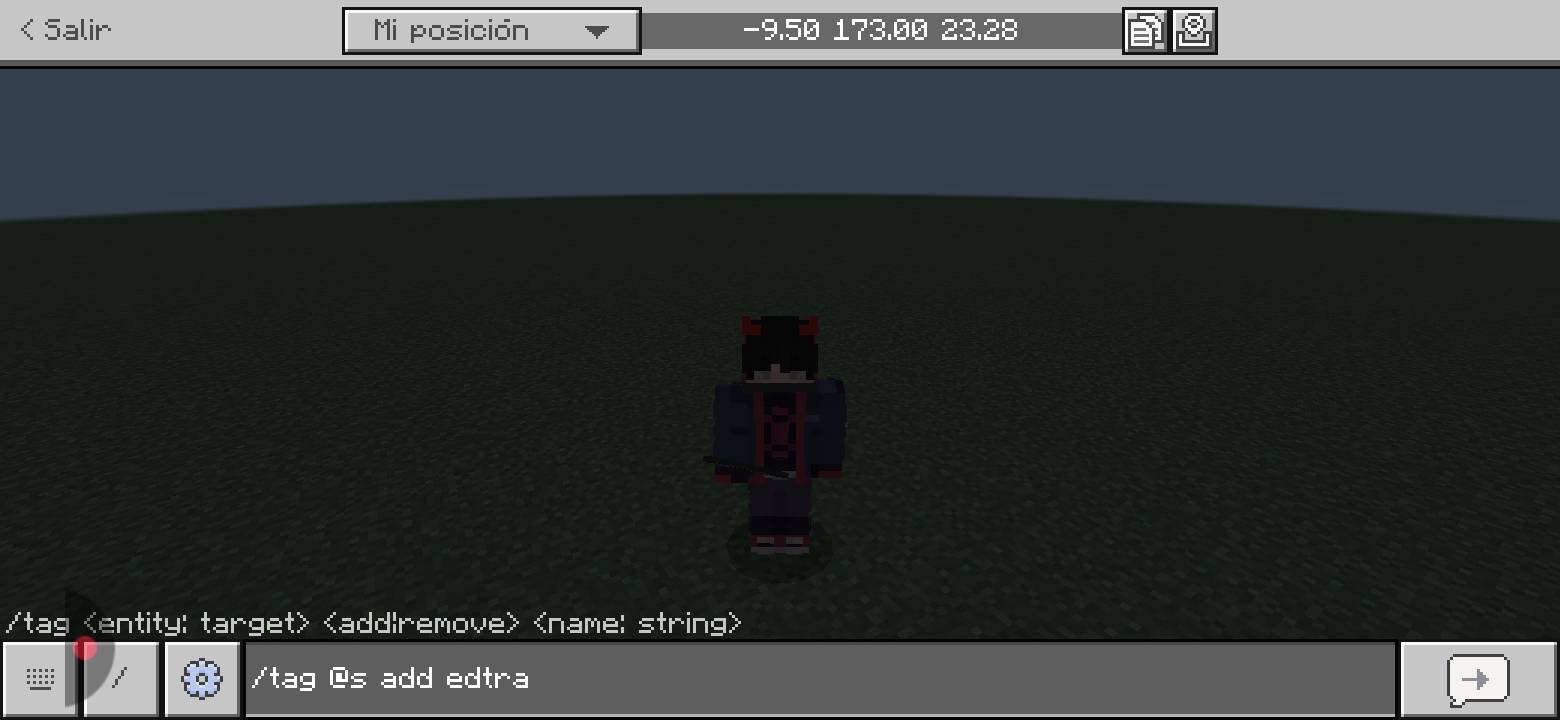
you put this command:
/tag @s add edtra
You take an item from the nature section, a nut, and right-click it.
Once you do that, right click on it and a menu will appear where there are buttons.
Create mission, delete mission, edit mission, and view missions
When creating one you can choose whether daily or weekly and if hunter, miner or explorer
Once created you will be able to see it by making an emote
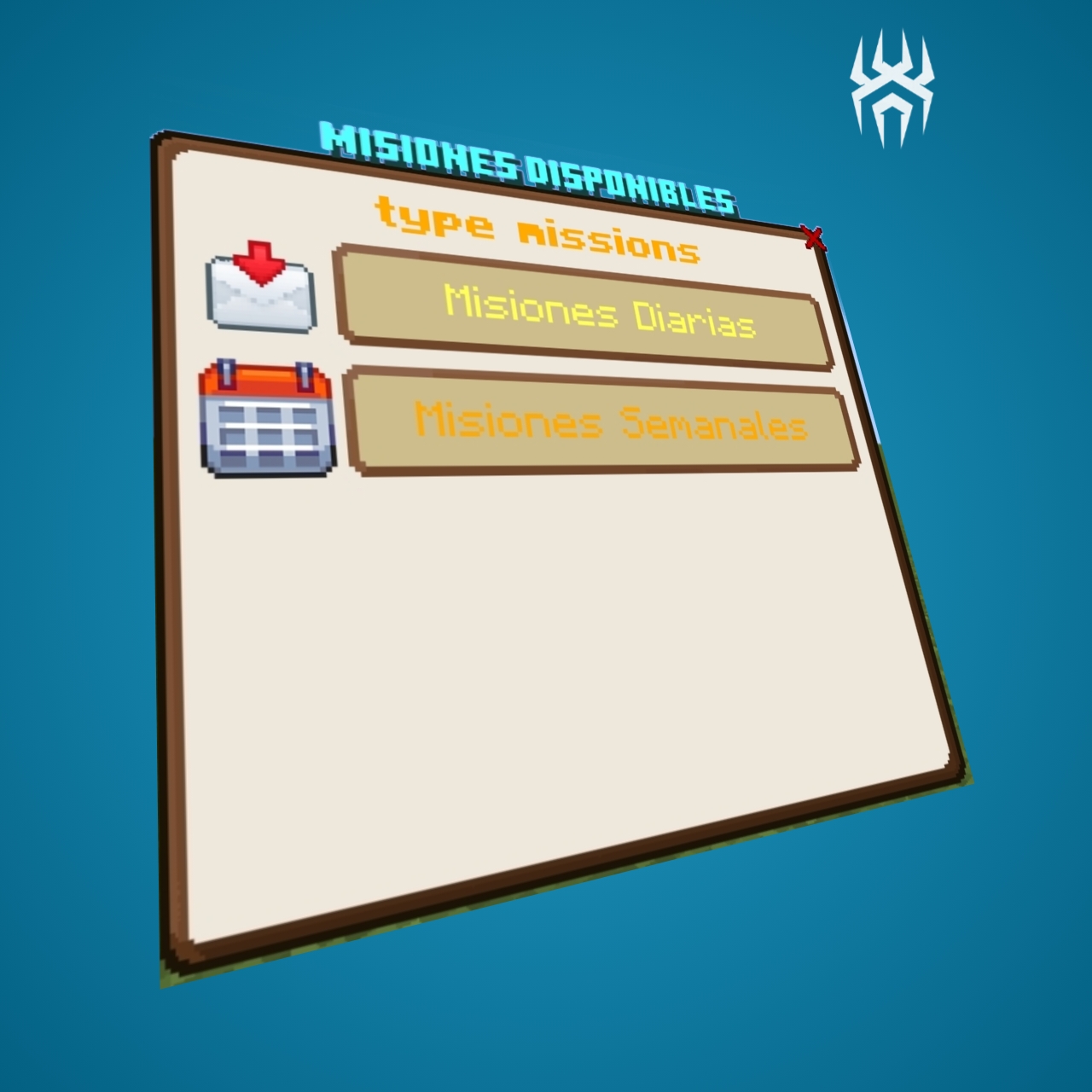
You enter the menu by doing an emote and go to the mission types, you get the mission, press it and accept it.
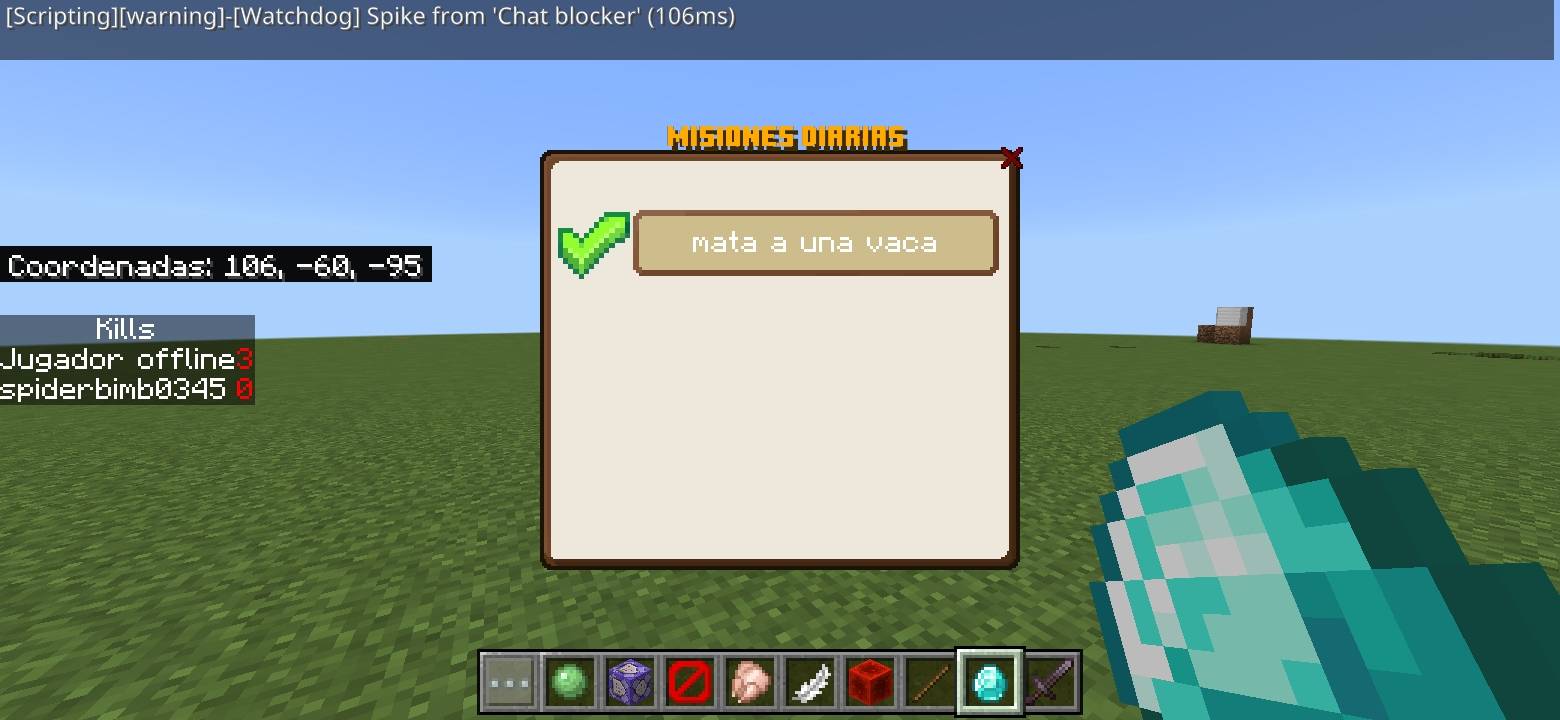
When you accept the mission, each time you progress, an action bar will appear with the progress.
and when you complete the mission you make an emote> Go to where the mission is and press the button and a menu will appear that will tell you whether to claim the mission or not
The addon is simple, if you want more information, check my discord
And if you want to see how to use the addon, there's a video on my YT channel
Spiderbimbo345
https://youtu.be/w1rHxdT6B-w?si=7DptvCu448K0phaI
- You can download the addon in all 3 languages.
- English
- Spanish
- Portugués
- Edition: Minecraft Bedrock
- File type: .mcpack or .mcaddon
- Minecraft versions listed: 1.21.81, 1.21.90, 1.21.82
- How to install: Download the .mcpack or .mcaddon file. → Open it — Minecraft imports it. → In your world: Behavior Packs → Available → Activate, then the same under Resource Packs.
- Where to get it: Opens on CurseForge — not every file is mirrored on our own servers.
Install steps are the general flow for this file type — How to install Minecraft Bedrock addons & mods walks through it step by step.
- Pack type: .mcaddon — behaviour and resource pack in one file
- Manifest requires Minecraft 1.21.80 or newer
- Complete pack — everything it depends on is inside the file
- Download size: 201 KB
- Download link checked 16 Sept 2026 — working
These come from our own check of the pack file, not from the source page.