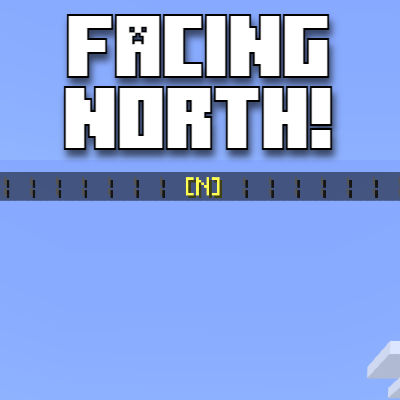
Compass Radial Screen UI
This Add-on provides custom on-screen UI, showcasing the direction you're facing, for example, North, East, South West. This can be useful for trying to…
⬇ Download on CurseForge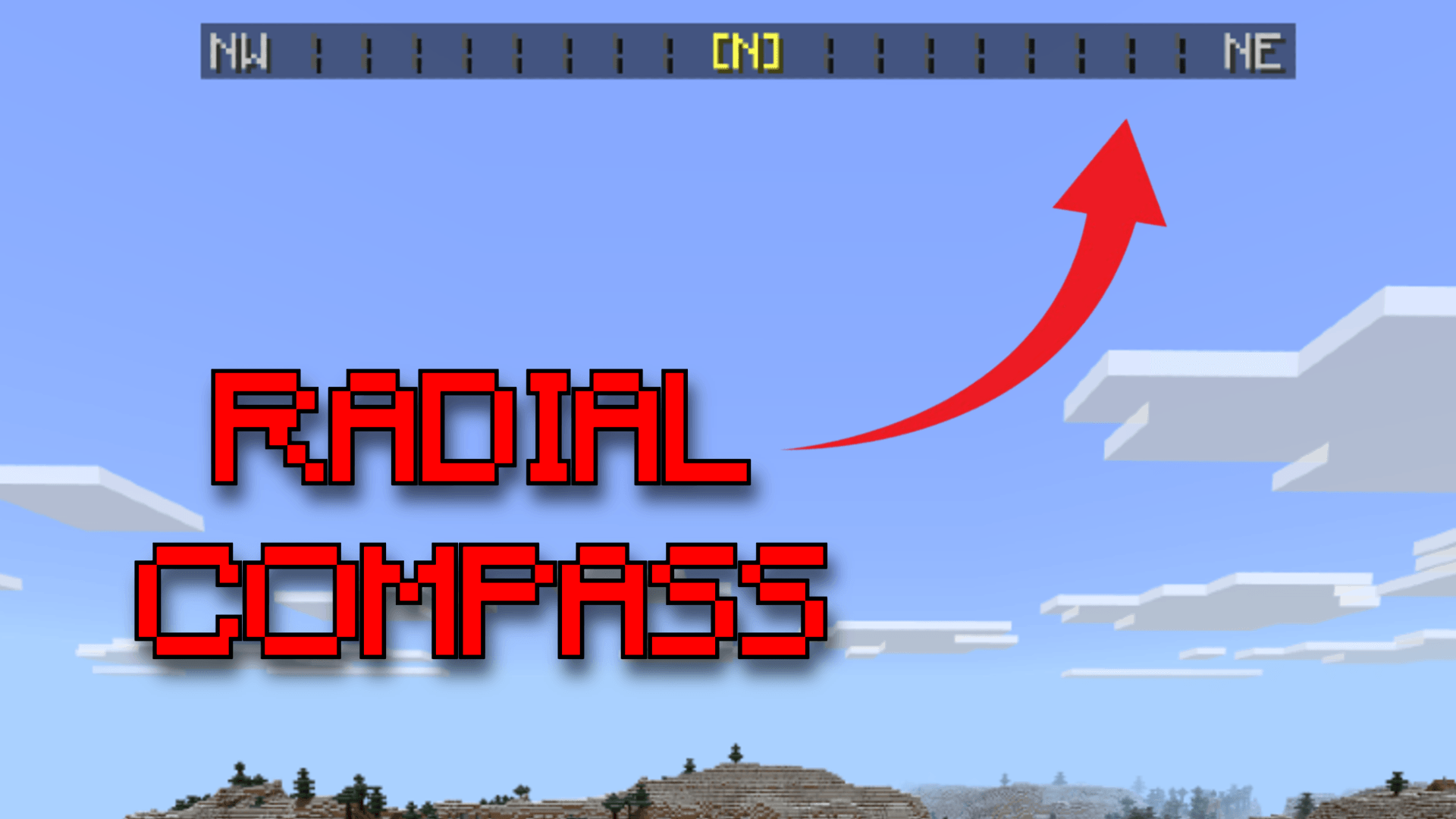
Compass Radial Add-on
This Add-on Incudes a Compass Radial at the top of your screen showcasing the direction you're facing. Example image below.
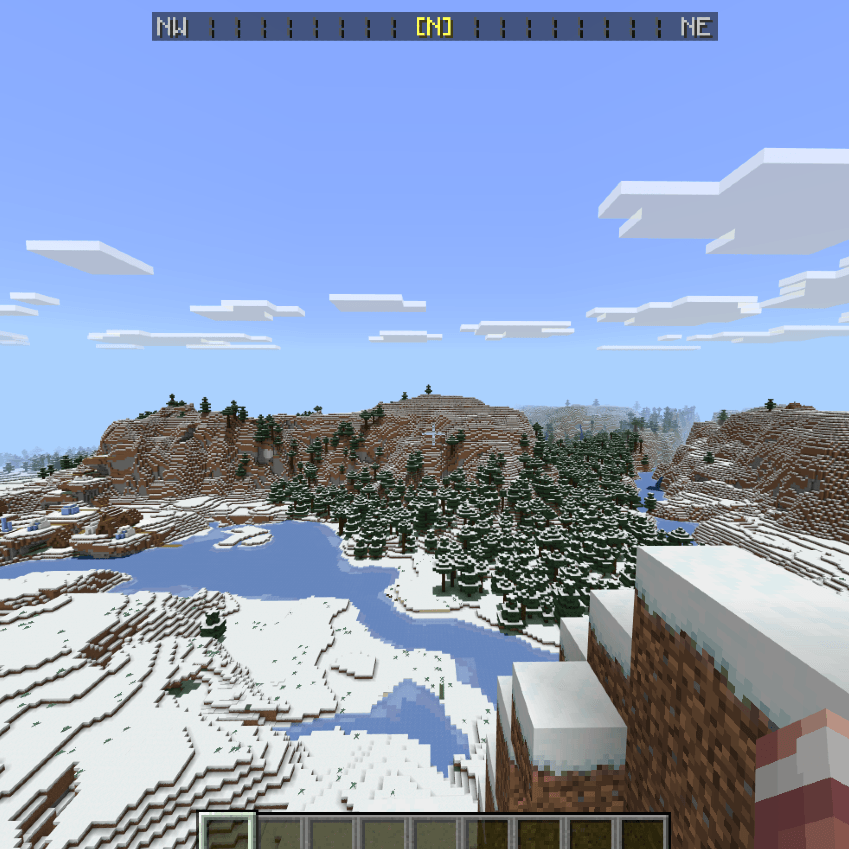
The Radial updates real time and should not get rid of any titles you currently have on your world as there is a 2 tick delay, pack is compatible with 99.999% of packs unless they are modifying the hud_screen.js file in the ui folder in their resource pack, not something you will have to worry about however.
My Discord Server: https://discord.gg/VURqXJ9kvK
- Edition: Minecraft Bedrock
- File type: .mcpack or .mcaddon
- Minecraft version listed: 1.21.122
- How to install: Download the .mcpack or .mcaddon file. → Open it — Minecraft imports it. → In your world: Behavior Packs → Available → Activate, then the same under Resource Packs.
- Where to get it: Opens on CurseForge — not every file is mirrored on our own servers.
Install steps are the general flow for this file type — How to install Minecraft Bedrock addons & mods walks through it step by step.
- Pack type: .mcaddon — behaviour and resource pack in one file
- Manifest requires Minecraft 1.20.20 or newer
- Complete pack — everything it depends on is inside the file
- Download size: 2.1 MB
- Download link checked 16 Sept 2026 — working
These come from our own check of the pack file, not from the source page.