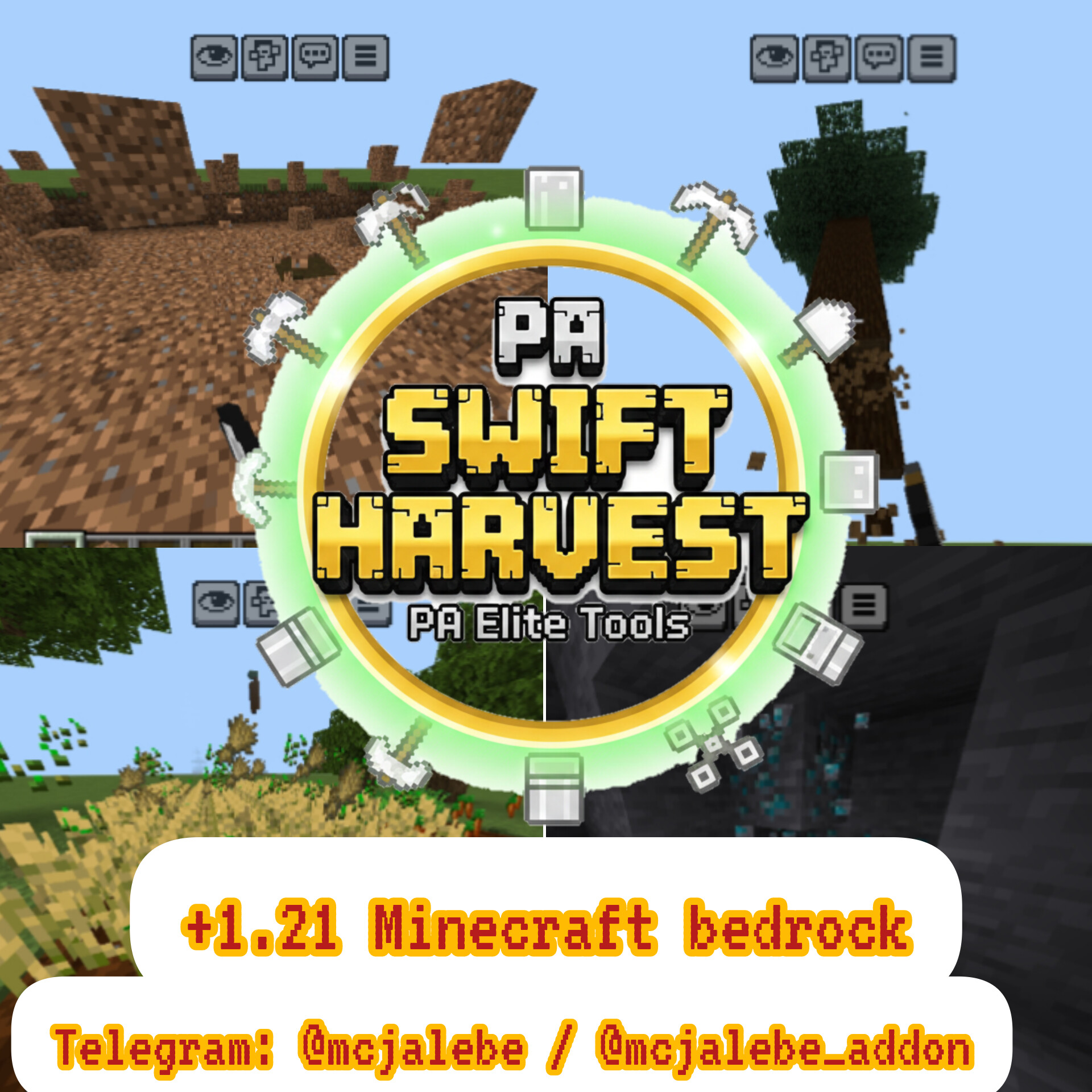
PA Smart Tools: The Definitive Survival Utility (Tree Capitator, Vein Miner & More)
Bedrock add-on listed for Minecraft 1.21–26.x. Installs from the MC Bedrock Mods app on Android.
Upgrade your survival experience! Tree Capitator, Vein Miner, Area Shovel, and Auto-Replant, all managed through an easy-to-use in-game menu
⬇ Download
PA Smart Tools is not just another utility addon; it's a fundamental upgrade to Minecraft's survival mechanics. Designed with advanced scripting, this addon introduces "Intelligence" to your everyday tools. Whether you are a massive builder or a hardcore miner, these tools adapt to your needs, saving you hours of tedious work while maintaining the vanilla balance of the game.
🌟 Detailed Features & Mechanics
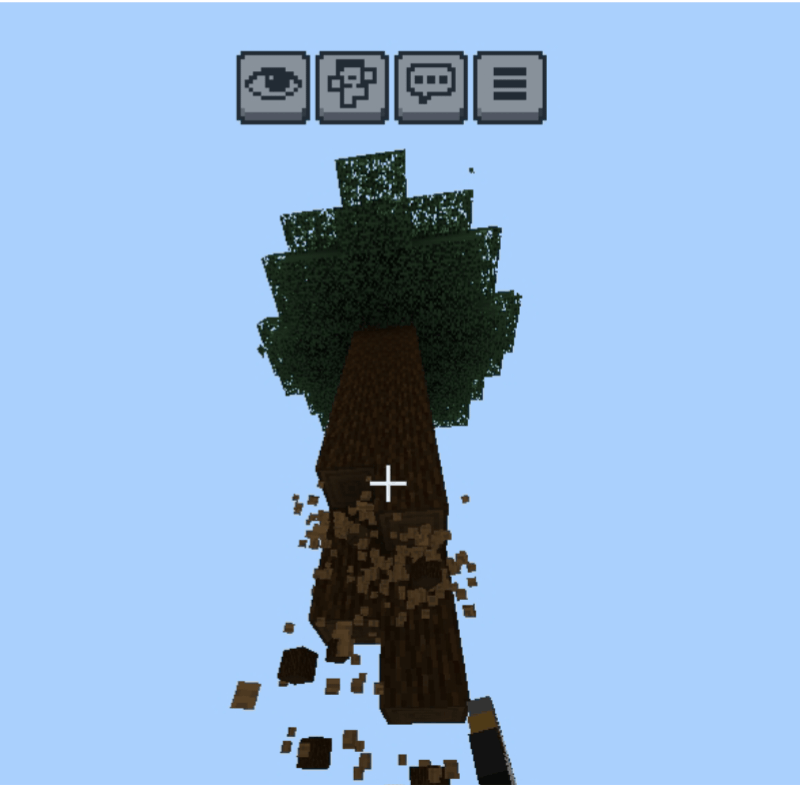
- 🪓 Advanced Tree Capitator
How it works: Simply hold any Axe and Sneak (Shift) while breaking the bottom-most log of a tree. The entire tree, including all its branches, will collapse instantly!
Smart Leaves: To keep your world clean, the addon also triggers a chain reaction that destroys nearby leaves, dropping saplings and apples immediately.
Auto-Replant System: One of the best features! Once the tree is gone, the script checks the ground. If it's grass or dirt, it automatically plants a sapling of the same type in the exact spot.
Note: Both Capitator and Replanting can be toggled separately in the settings.
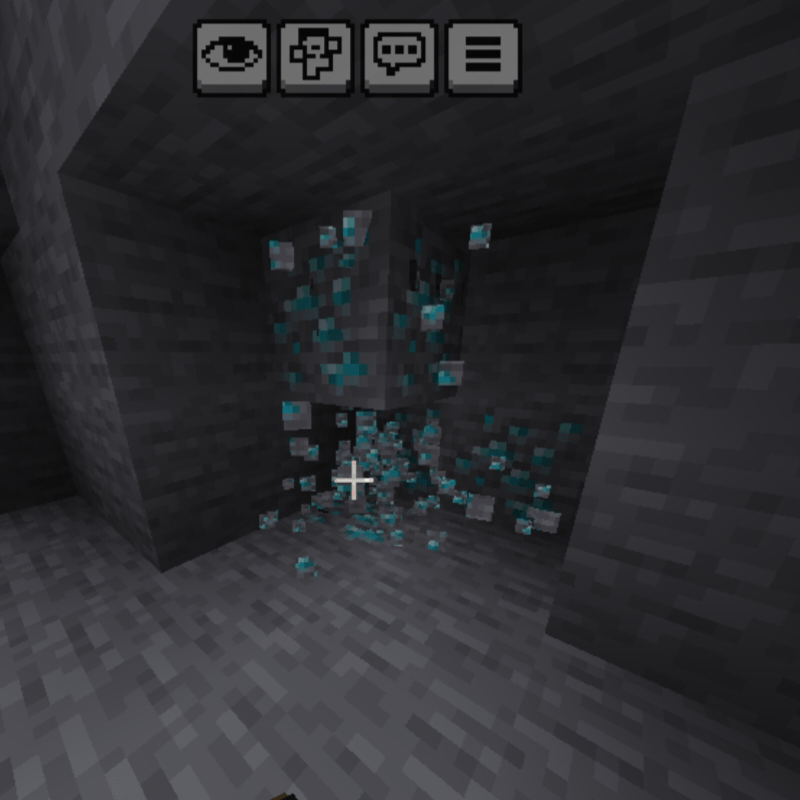
2. ⛏️ Intelligent Vein Miner
Chain Destruction: Breaking a single ore while sneaking will harvest the entire connected vein (up to 64 blocks at once).
Tier Protection System: This addon respects the game's progression. You cannot use a Stone Pickaxe to vein-mine Diamond Ores. The script checks your tool's tier before activating, ensuring a fair survival experience.
Supported Ores: Works with all vanilla ores, including Coal, Iron, Gold, Redstone, Lapis, Diamond, Emerald, and Netherite Debris.
3. 🧹 Multi-Size Area Shovel
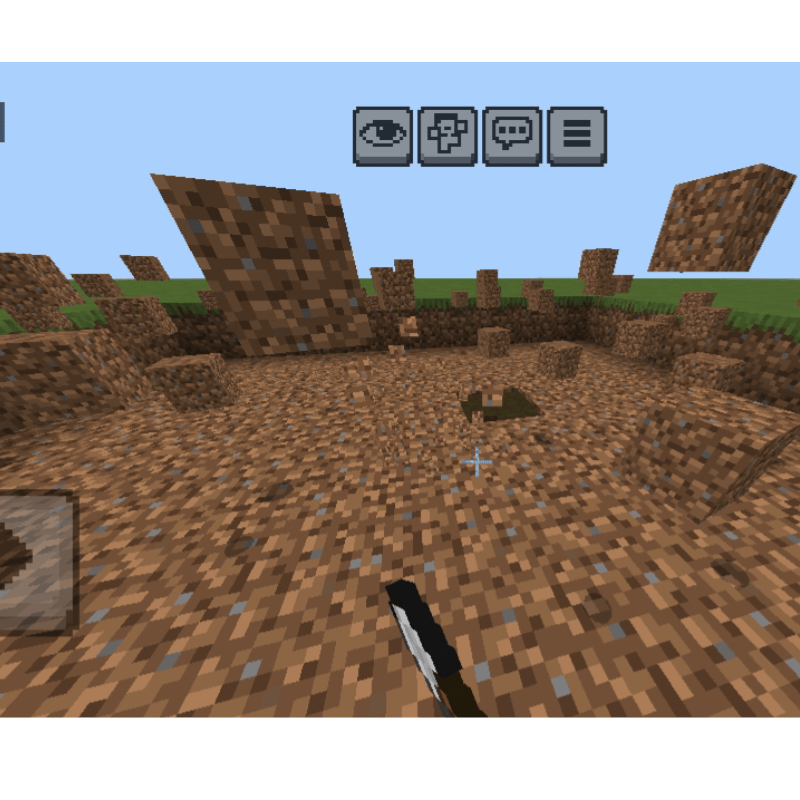
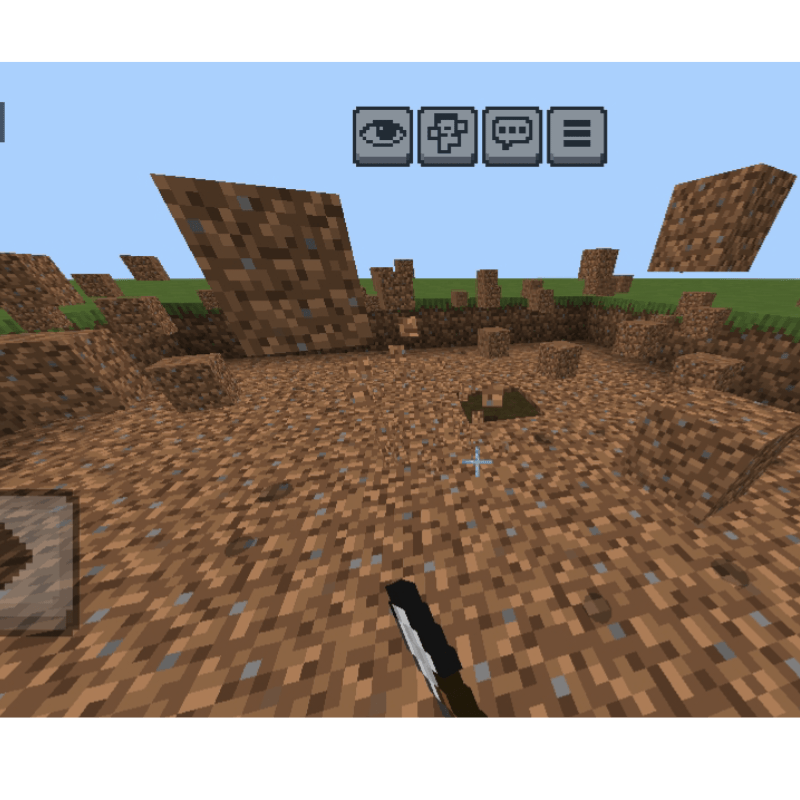
Excavation: Tired of digging one block at a time? Use a shovel while sneaking to clear large areas of Dirt, Sand, Gravel, or Clay.
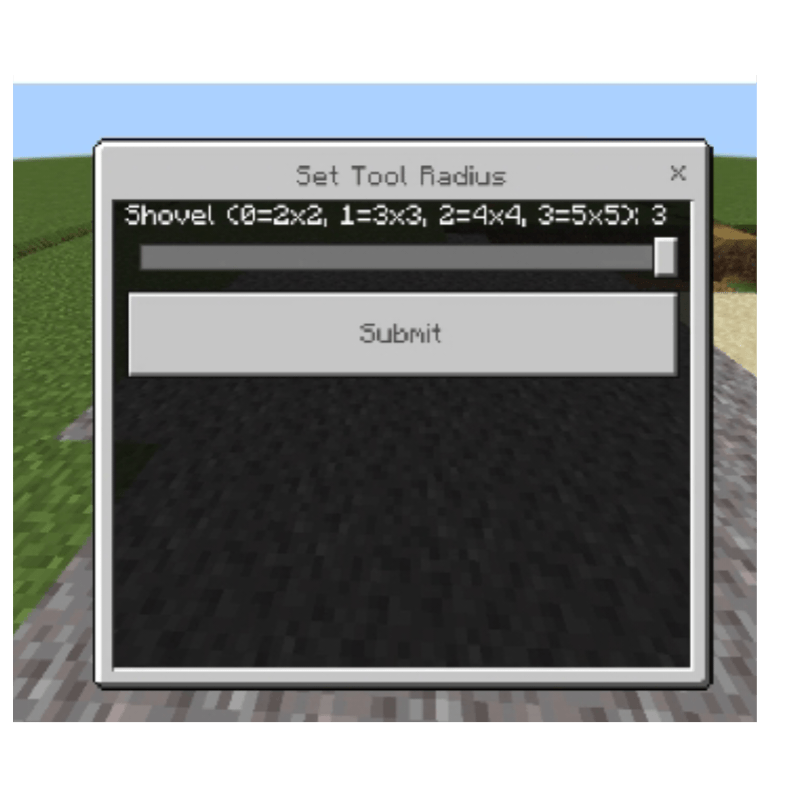
Customizable Radius: Unlike other addons, you can choose how much you want to dig! Using the settings menu, you can set the radius from 2x2 up to 5x5.
4. 👨🌾 Area Harvest & Hoe Logic
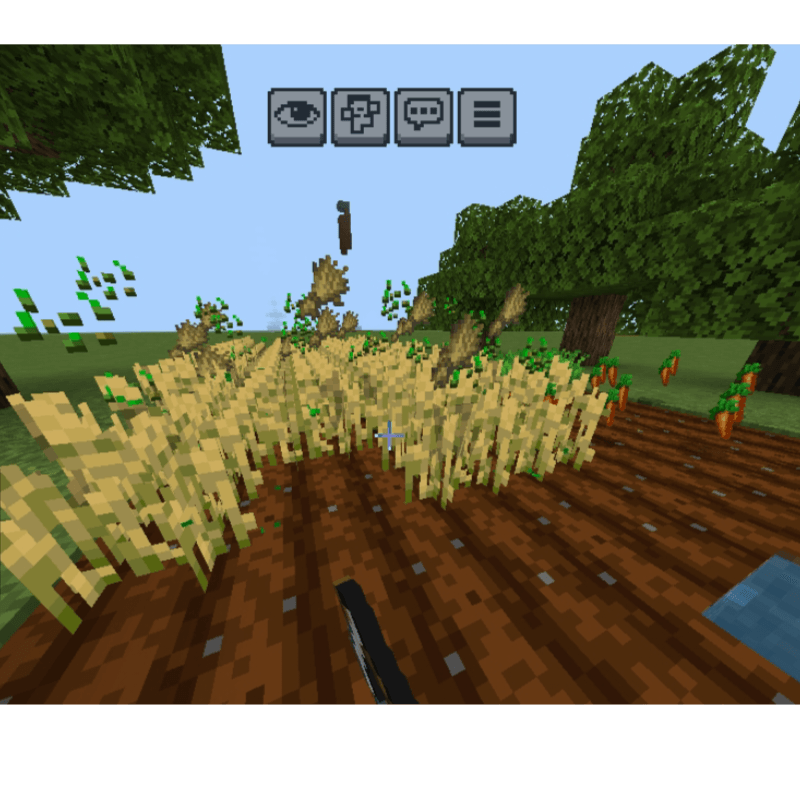
Mass Harvesting: Use a Hoe to harvest fully grown crops in a massive 7x7 area.
Efficiency: Perfect for large-scale farms. It saves your hunger bars and time by clearing entire fields in seconds.
5. ✂️ Grass & Flower Clearer
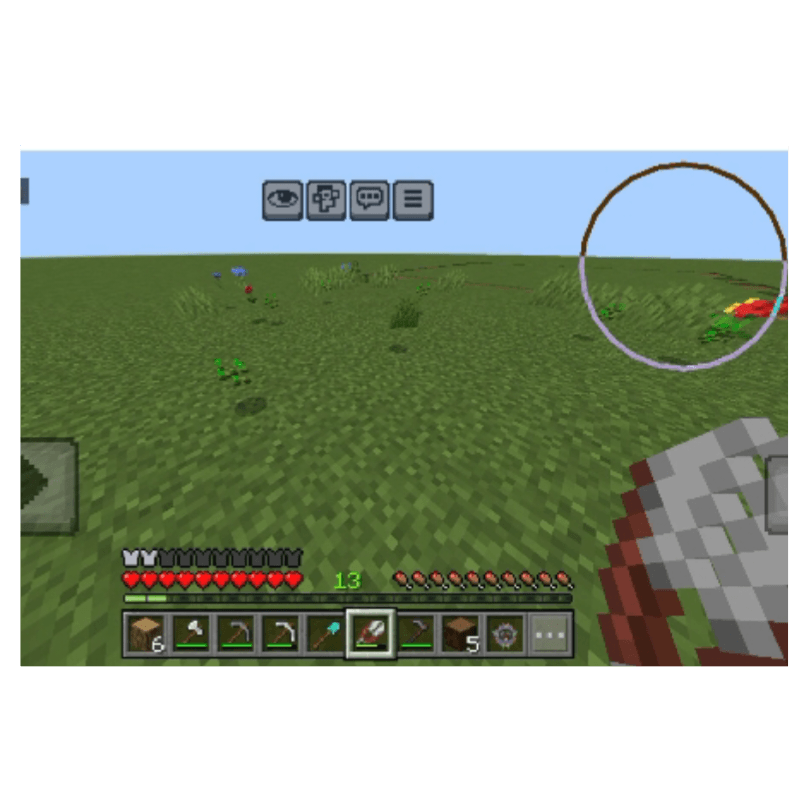
Landscape Mode: Using Shears while sneaking will clear all grass, flowers, and ferns in a 10x10 area.
Perfect for Builders: Clear the land for your next big build without clicking a thousand times.
⚙️ The "PA Setting" Menu (Inventory Management)
We know how annoying it is to lose a settings item.
Auto-Inventory Sync: The script constantly checks your inventory. If you don't have the PA Setting item, it will automatically spawn one for you. If you have more than one, it will remove the extras to keep your inventory clean.
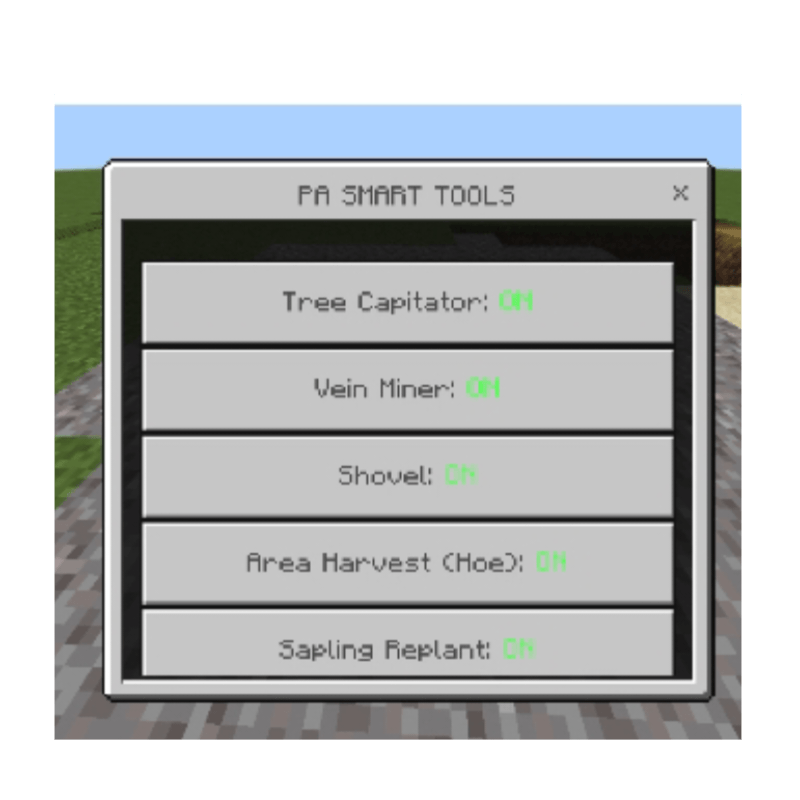
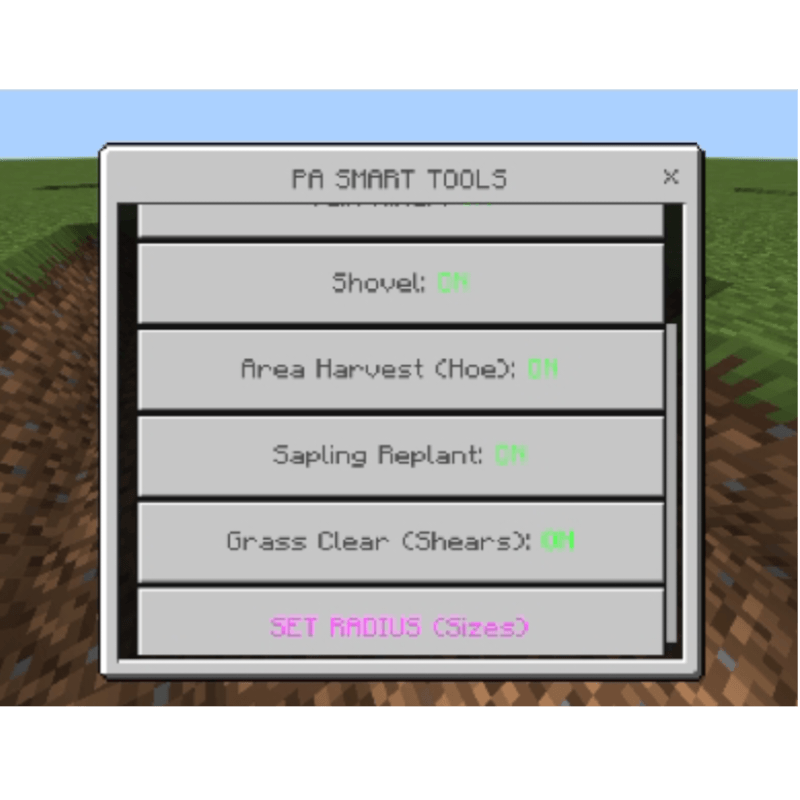
Full Customization: Right-click (or long press) with the PA Setting item to open a sleek UI. Here you can:
Toggle Tree Capitator On/Off.
Toggle Vein Miner On/Off.
Enable/Disable Auto-Sapling Replant.
Adjust the Shovel Radius (from 0 to 3).
Manage Hoe and Shears area effects.
⚖️ Durability & Balance
This addon is Survival Friendly.
Tool Damage: Using these smart abilities will consume the durability of your tools just as if you broke each block manually.
Breaking Protection: If your tool is about to break, the smart ability will stop to prevent your precious Enchanted tool from vanishing!
⚠️ Important Installation Notes
To make sure the Script API and UI work correctly, you MUST enable the following in your World Settings:
Beta APIs (Under the Experiments tab).
Make sure you have both the Behavior Pack and Resource Pack active.
Video in YouTube:
- Edition: Minecraft Bedrock
- File type: .mcpack or .mcaddon
- Minecraft versions listed: 1.21.81, 1.21.93, 1.21.73
- How to install: Download the .mcpack or .mcaddon file. → Open it — Minecraft imports it. → In your world: Behavior Packs → Available → Activate, then the same under Resource Packs.
- Where to get it: In MCModsHub, or directly above on this page.
Install steps are the general flow for this file type — How to install Minecraft Bedrock addons & mods walks through it step by step.
- Pack type: .mcaddon — behaviour and resource pack in one file
- Download size: 145 KB
- Download link checked 6 Oct 2026 — working
These come from our own check of the pack file, not from the source page.