
Enhanced time
Bedrock add-on listed for Minecraft 1.21–26.x (behavior pack only). File opened and checked on 4 Oct 2026; installs from the MC Bedrock Mods app on Android.
⬇ Download on CurseForgeThe author built this one for Minecraft 26.50. On other versions it may install and then do nothing.
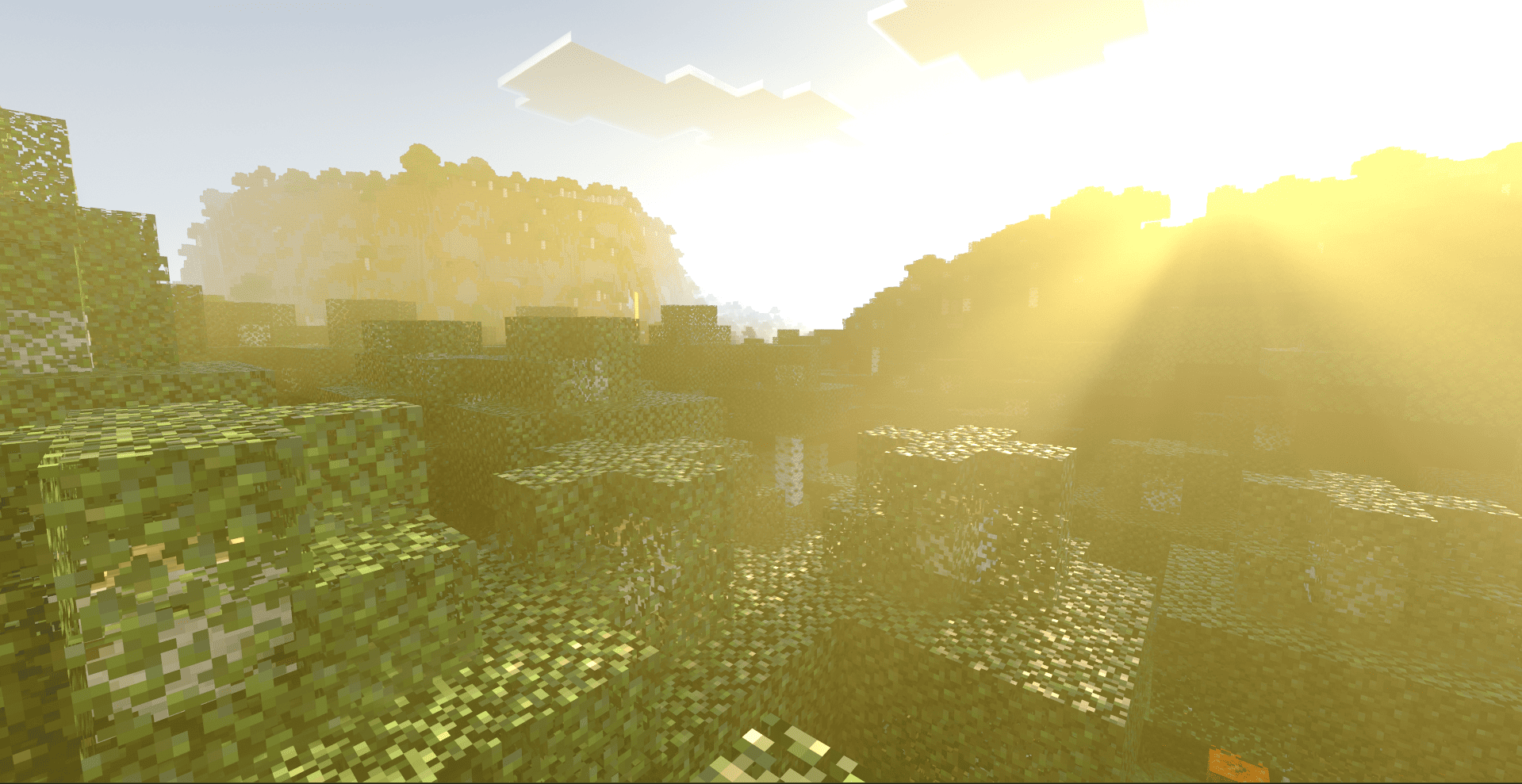
This addon makes Minecraft time better!
The time goes slower. It makes you have enough time to find the place to live or to travel. You can control how long the day is, how many players are required in order to skip night, and is the night skippable or not.
Settings:
Full day cycle length. 
By default, it is set to 60 minutes. The minimum value is 20 minutes (vanilla speed), and the maximum is 1440 (real life day).
Skippable nights.

By default, it is disabled. If enabled, you can skip nights. I recommend not to enable this setting: skipping the night makes the game really easy, and infinite day add-on is probably not something you are searching for.
Players required to skip the night.

By default, the value is 100%. Please note that this value ovverides vanilla one.
Use this addon in different ways!
- Play with horror-addons. The night is long now and you are not able to skip it.
- Survive. The first night starts when you don't have a place to live. This addon will give your more time for traveling.
- Explore the world. You have more time to do that.
- Enjoy.
Notes:
This addon might break some addons that have an ability to freeze time. Freezing time by changing gamerules is not going to stop day cycle. Please be careful.
I can recommend you using this addon if you are building a map with some mini-games.
- Edition: Minecraft Bedrock
- File type: .mcpack or .mcaddon
- Minecraft version listed: 26.50
- How to install: Download the .mcpack or .mcaddon file. → Open it — Minecraft imports it. → In your world: Behavior Packs → Available → Activate, then the same under Resource Packs.
- Where to get it: Opens on CurseForge — not every file is mirrored on our own servers.
Install steps are the general flow for this file type — How to install Minecraft Bedrock addons & mods walks through it step by step.
- Pack type: .mcpack — a single pack
- Manifest requires Minecraft 1.21.80 or newer
- Complete pack — everything it depends on is inside the file
- Download size: 40 KB
- Download link checked 5 Oct 2026 — working
These come from our own check of the pack file, not from the source page.