SplitBlocks Texture Addon
----------------------------------------------
Important!
SplitBlocks has moved to the Minecraft Marketplace.
You can get it here: https://www.minecraft.net/en-us/marketplace/pdp/waypoint-studios/splitblocks/88690718-fe1e-494a-b719-d302c36305de
This current version will remain available for free so that all of you who have already started building can continue using it. However, there will be no support for upcoming versions.
⚠️ Please note:
The Marketplace version is not compatible with this version, but it comes with several improvements:
- Compatibility with other texture/resource packs: Combine not only vanilla textures, but also textures from installed resource packs.
- Better performance and stability
- Reduced file size
- Future-proof: Fully supports upcoming Minecraft versions
----------------------------------------------
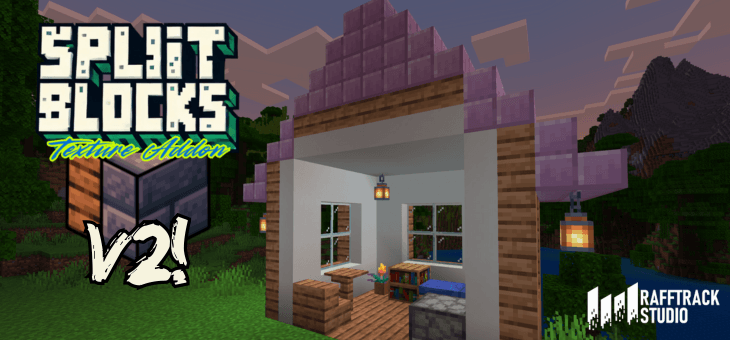
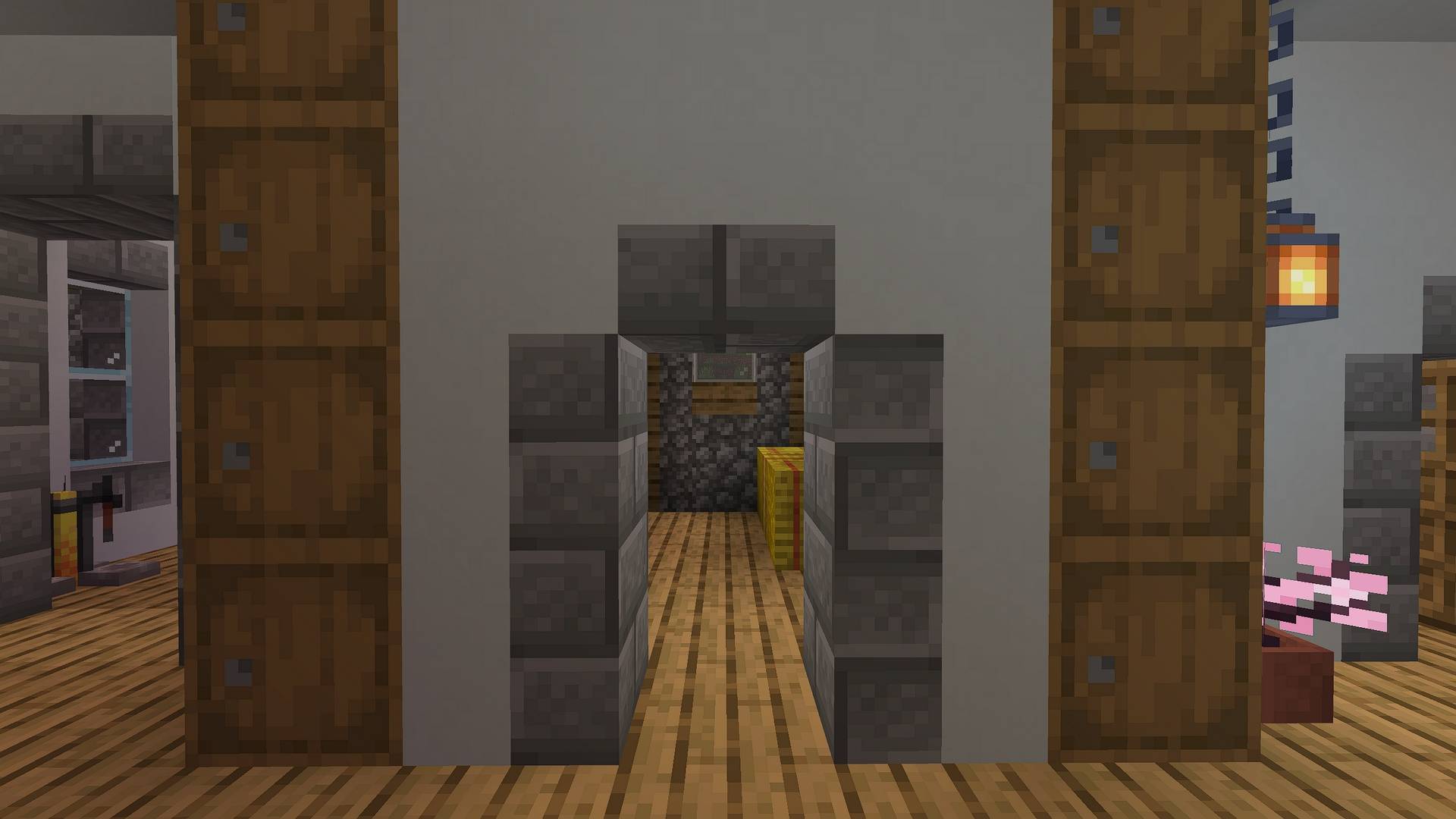
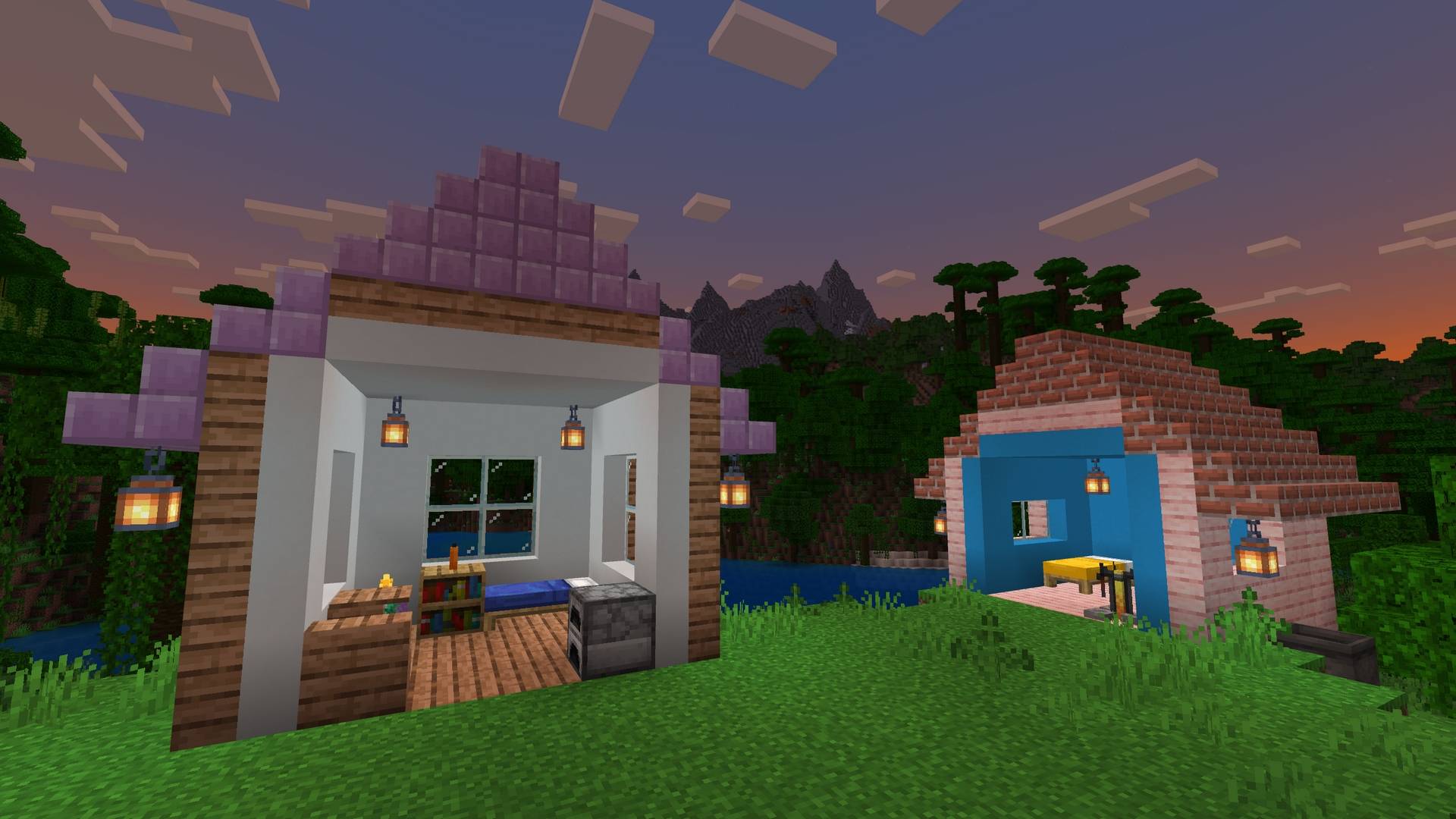
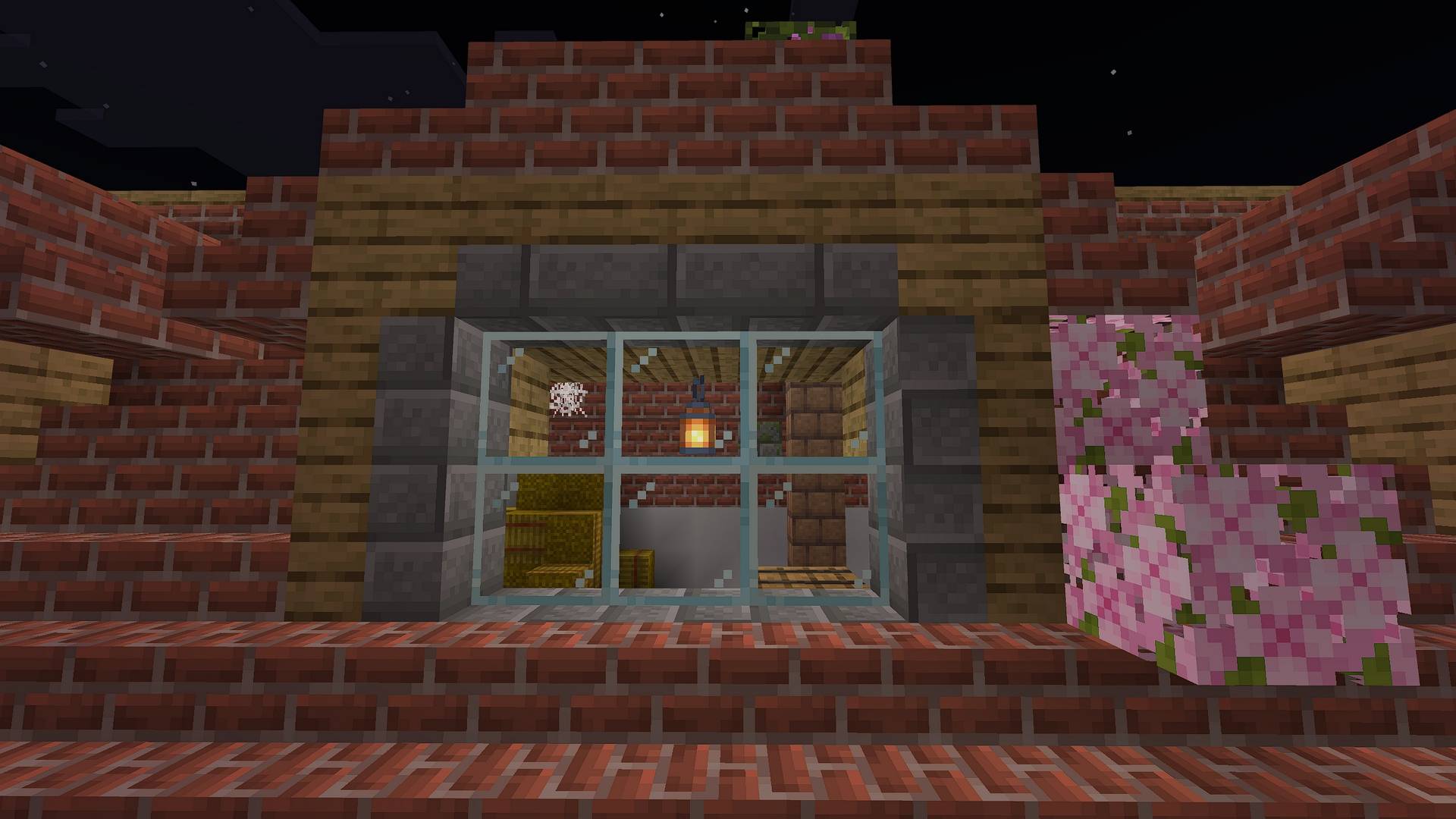
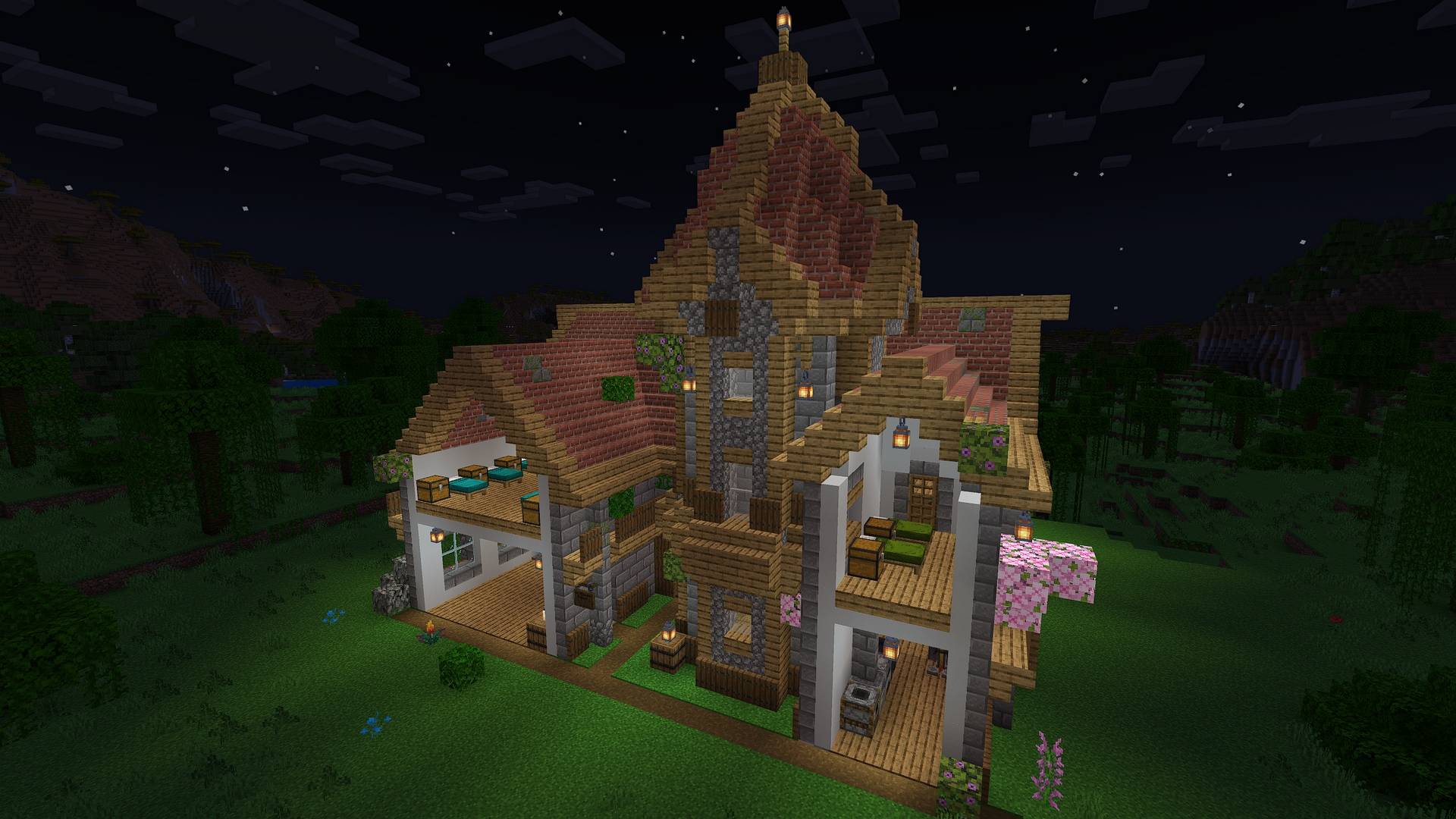
The SplitBlocks Texture Addon brings thousands of unique combined blocks to Minecraft (Bedrock)! With this pack, you can seamlessly blend two materials into a single block, allowing for more detailed walls, floors, and ceilings. Differentiate between interior and exterior surfaces, create stunning architectural designs, and push your creativity to the next level. Perfect for builders looking for more depth and variety! Features:
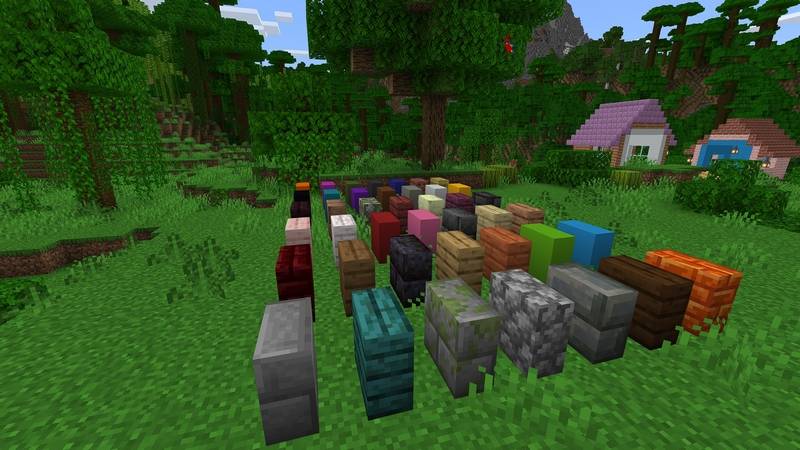
- 1722 two-texture SplitBlocks (combining 42 selected building textures)
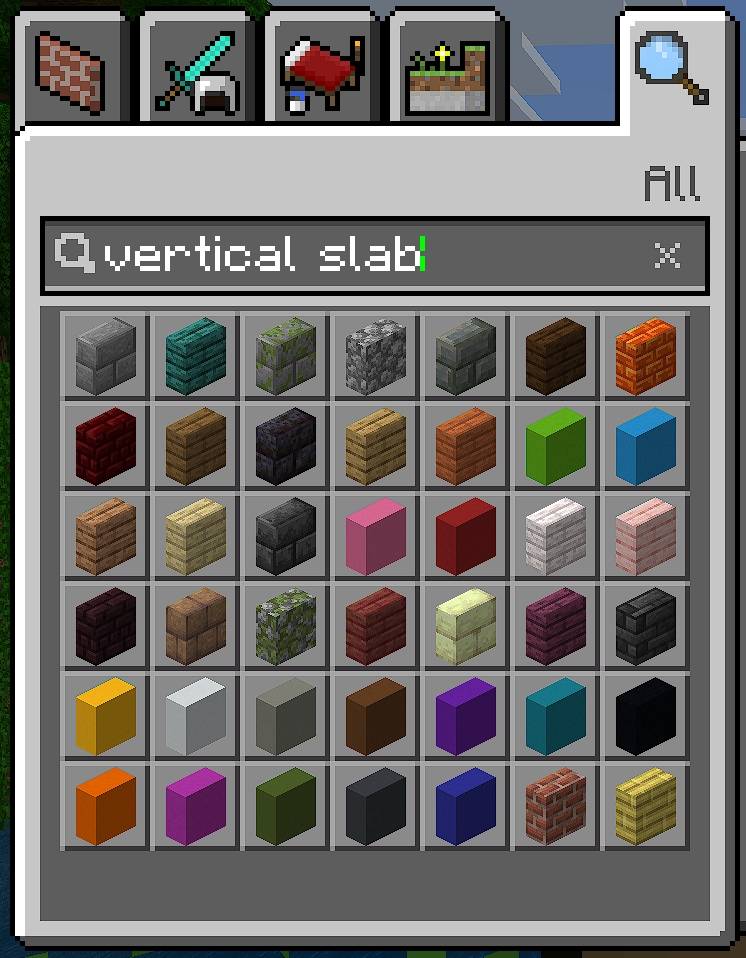
- 42 vertical slabs
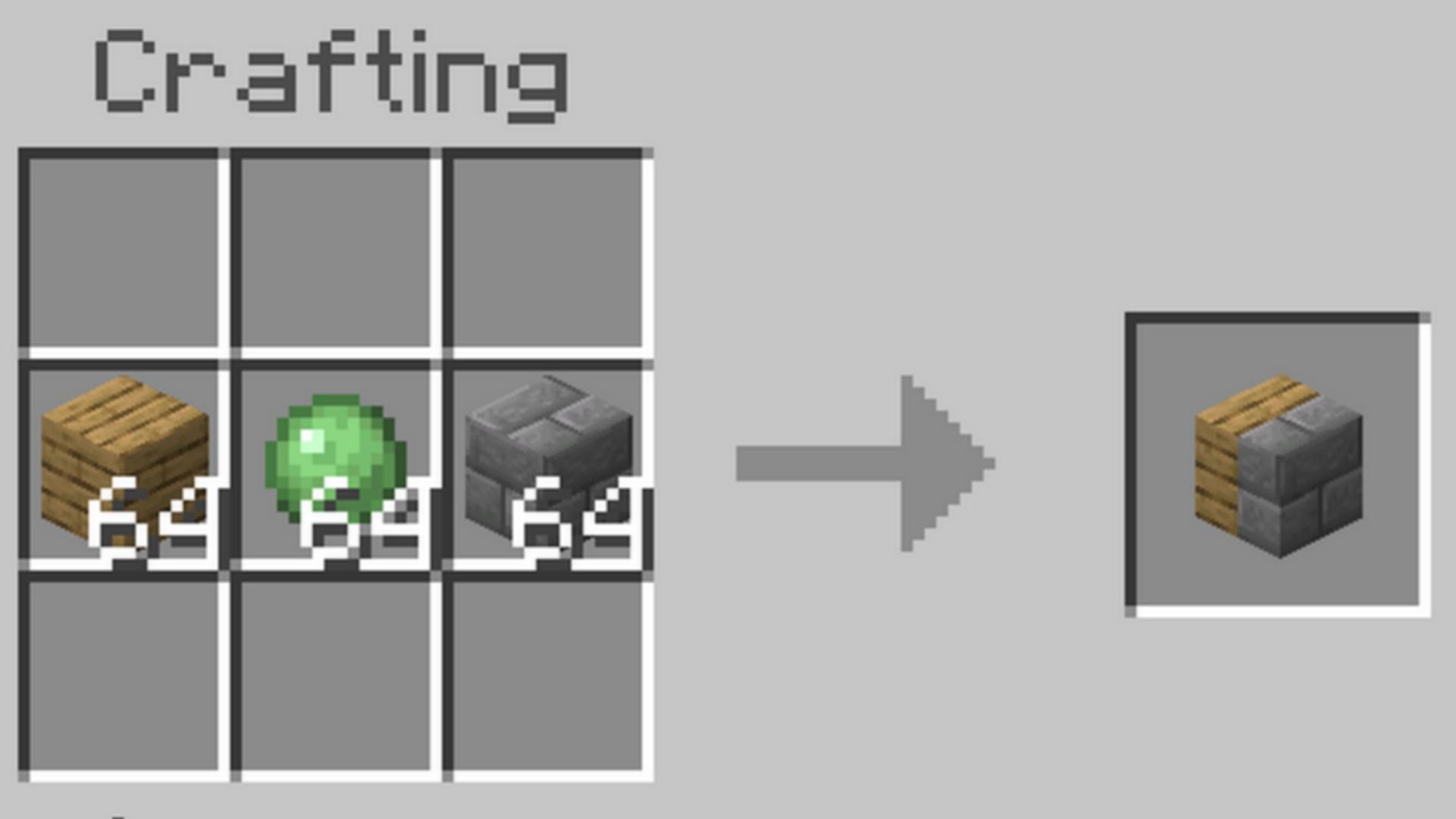
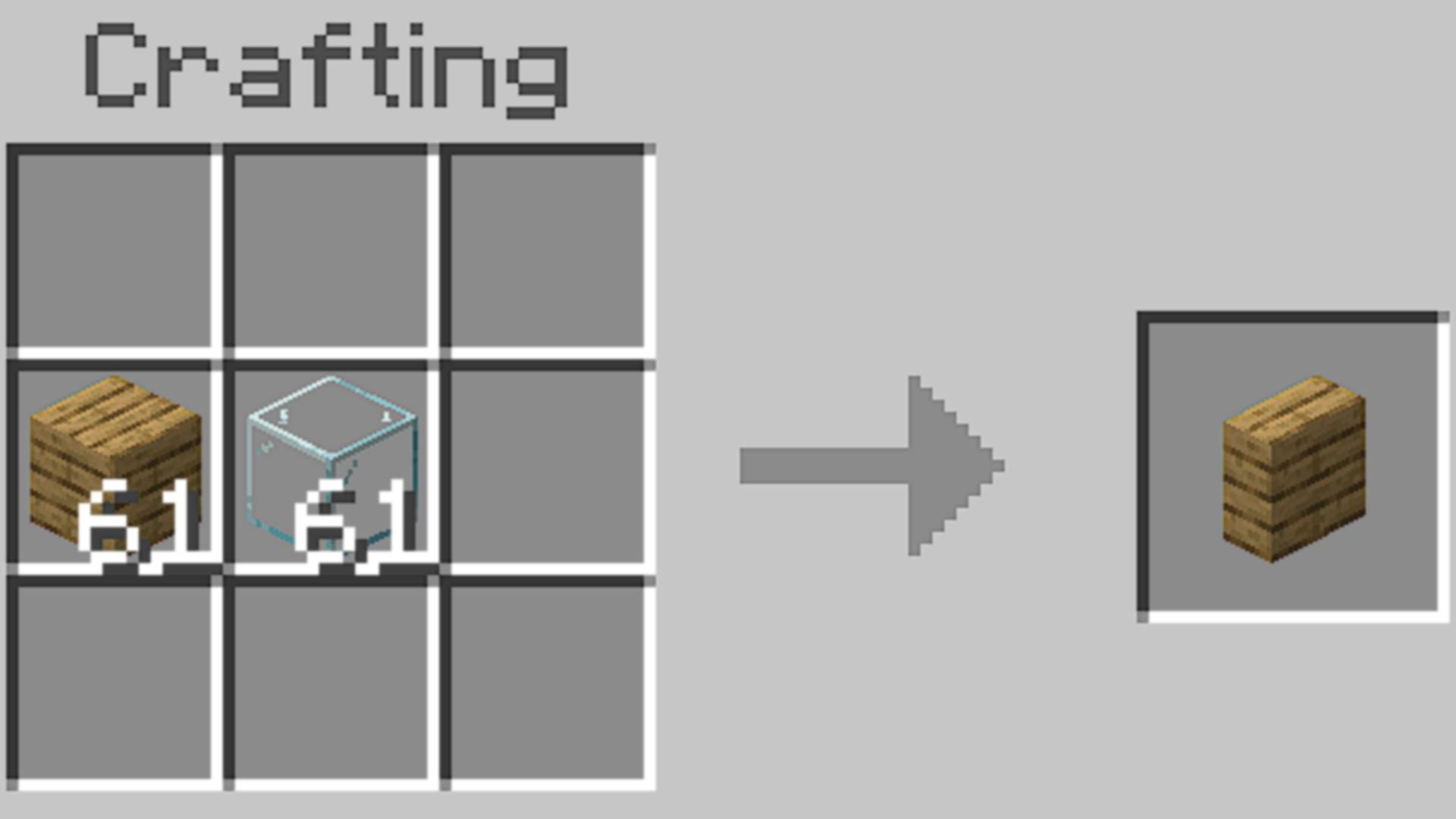
- Easy crafting system
- Intuitive block placement
- Works in survival and creative mode
- Full language support
- Included guide book for detailed instructions
- Easy to install via mcaddon file
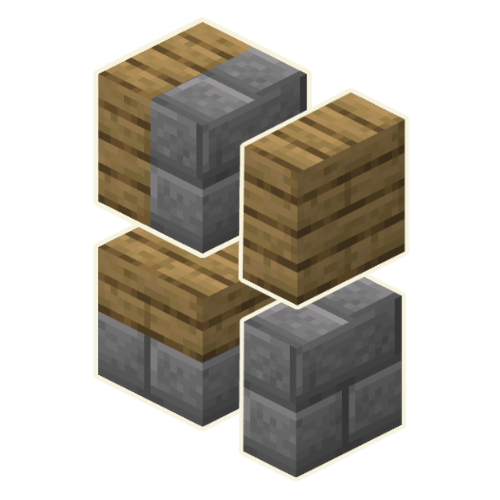
New possibilities
Create buildings with dual-textured walls, floors and ceilings.
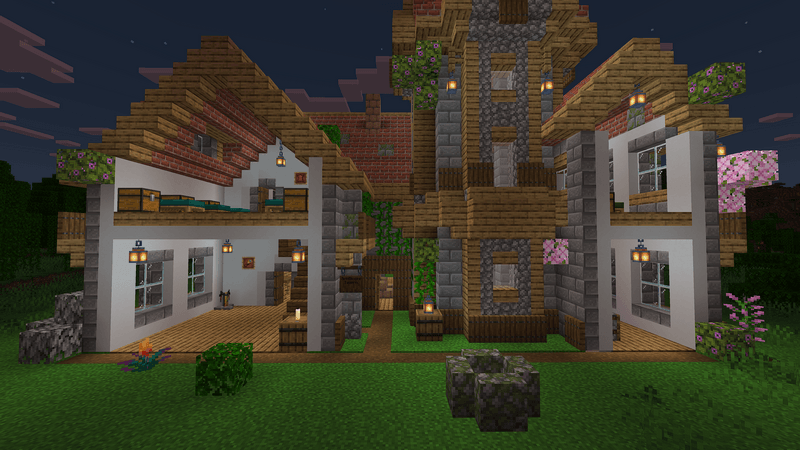
Thousands of new blocks and recipes
I integrated the most common textured for architecture and building, like stone, wood, concrete and many more.

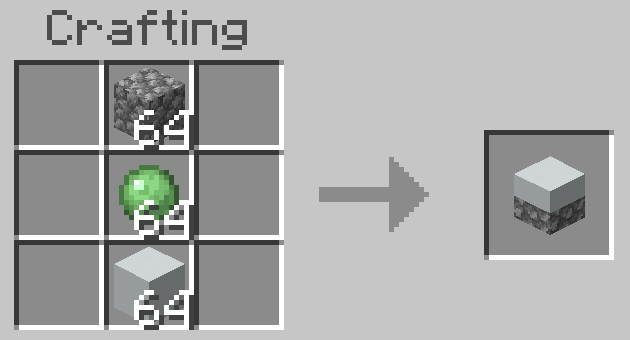
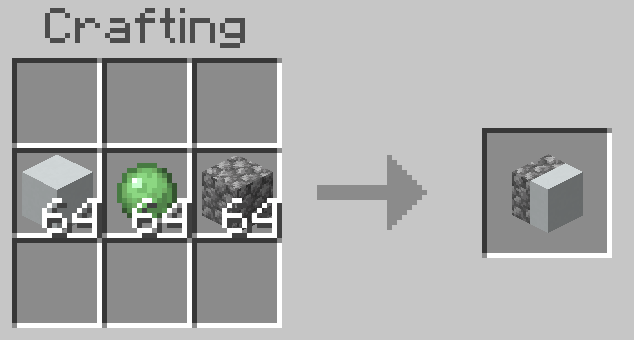
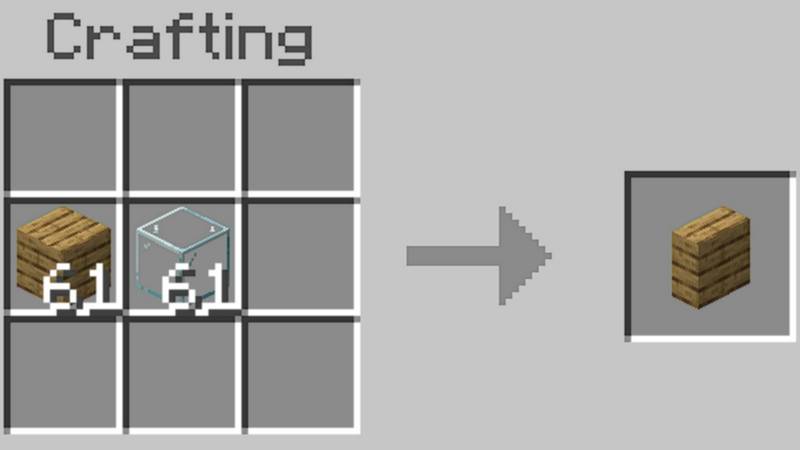
Intuitive crafting system
You can easily craft SplitBlocks and Verical Slabs using the vanilla workbench.
How to install?
When you click on download, you'll get a file named "SplitBlocks.mcaddon". Save that file to your device.
Windows
If you have Minecraft Bedrock installed, simply double click the "SplitBlocks.mcaddon"-file and it automatically imports to Minecraft.
iOS (iPad)
If you have Minecraft installed, simply cklick the the "SplitBlocks.mcaddon"-file. It automatically integrates into Minecraft.
Supported Minecraft versions
- should be compatible with all recent versions
Check out MultiBlocks for even more block variations:
- Edition: Minecraft Bedrock
- File type: .mcpack or .mcaddon
- Minecraft versions listed: 1.21.81, 1.21.93, 1.21.90
- How to install: Download the .mcpack or .mcaddon file. → Open it — Minecraft imports it. → In your world: Behavior Packs → Available → Activate, then the same under Resource Packs.
- Where to get it: Opens on CurseForge — not every file is mirrored on our own servers.
Install steps are the general flow for this file type — How to install Minecraft Bedrock addons & mods walks through it step by step.
- Pack type: .mcaddon — behaviour and resource pack in one file
- Manifest requires Minecraft 1.16.0 or newer
- Complete pack — everything it depends on is inside the file
- Download size: 4.6 MB
- Download link checked 15 Sept 2026 — working
These come from our own check of the pack file, not from the source page.