Let There Be Light
Bedrock add-on listed for Minecraft 1.21 (behavior pack only). File opened and checked on 4 Oct 2026; installs from the MC Bedrock Mods app on Android.
Hold any light emitting block and behold! There shall be light where you stand. I called upon my 100% real Italian heritage to spaghetti code yet another…
⬇ Download on CurseForge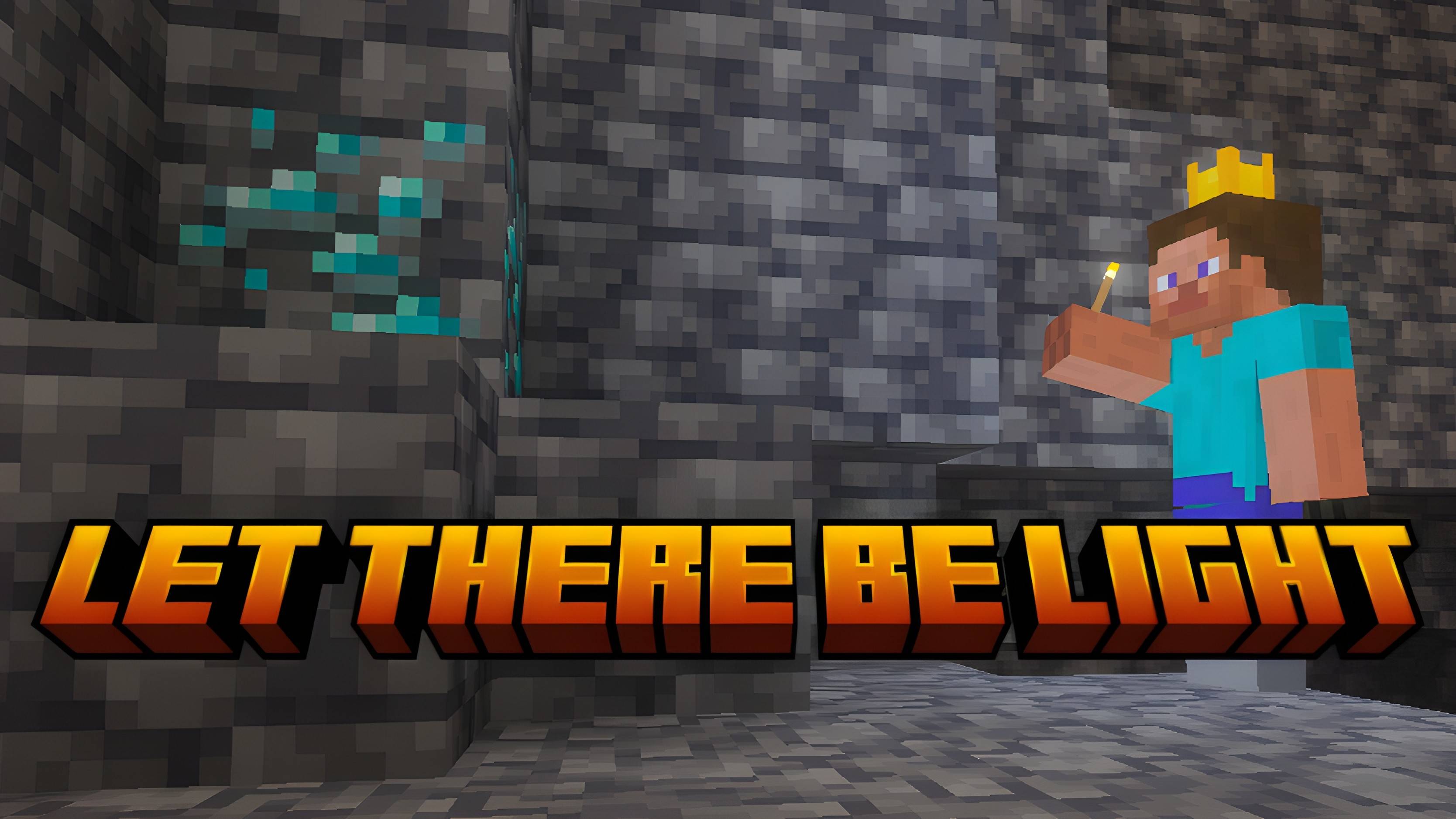
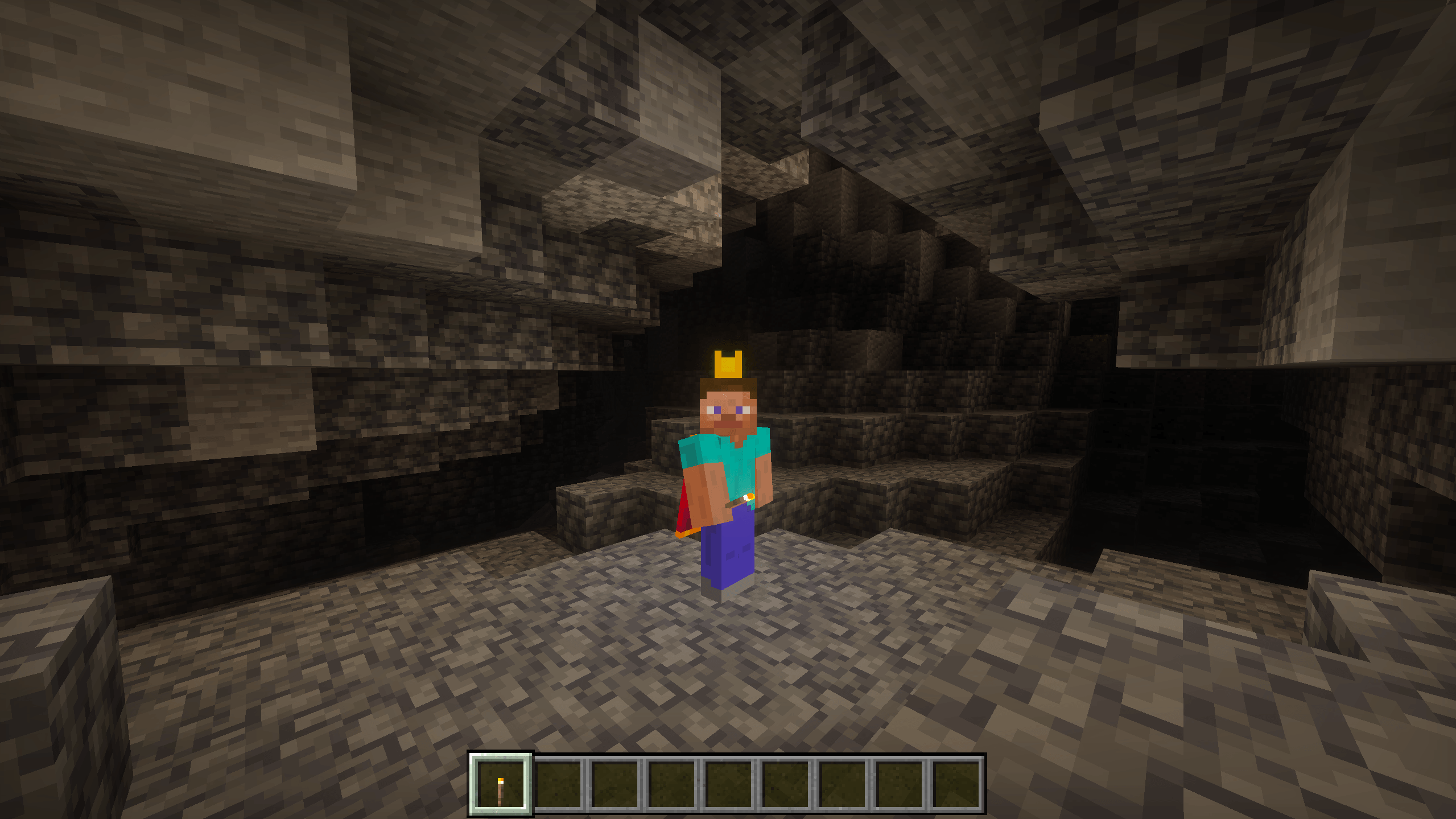
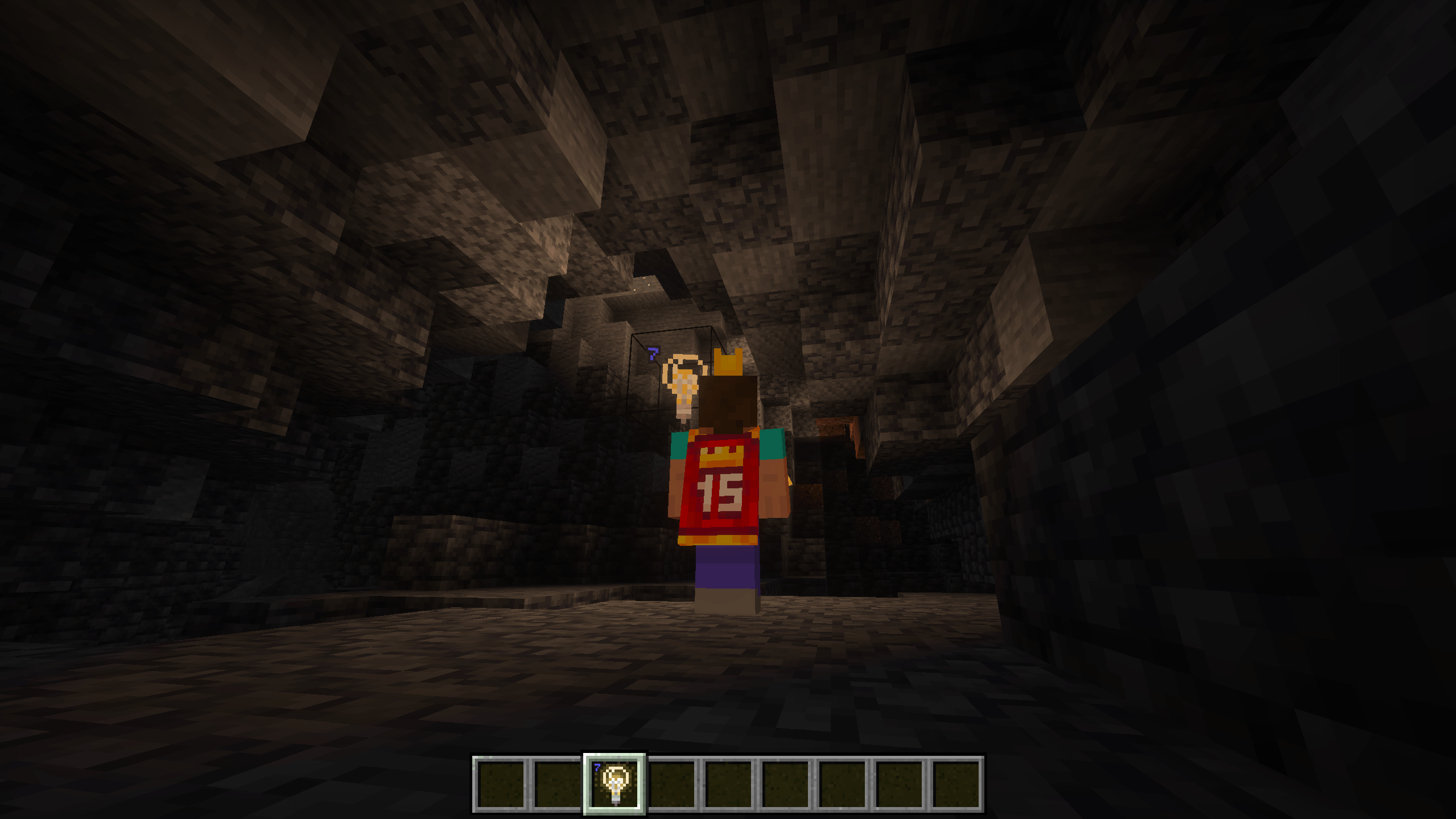
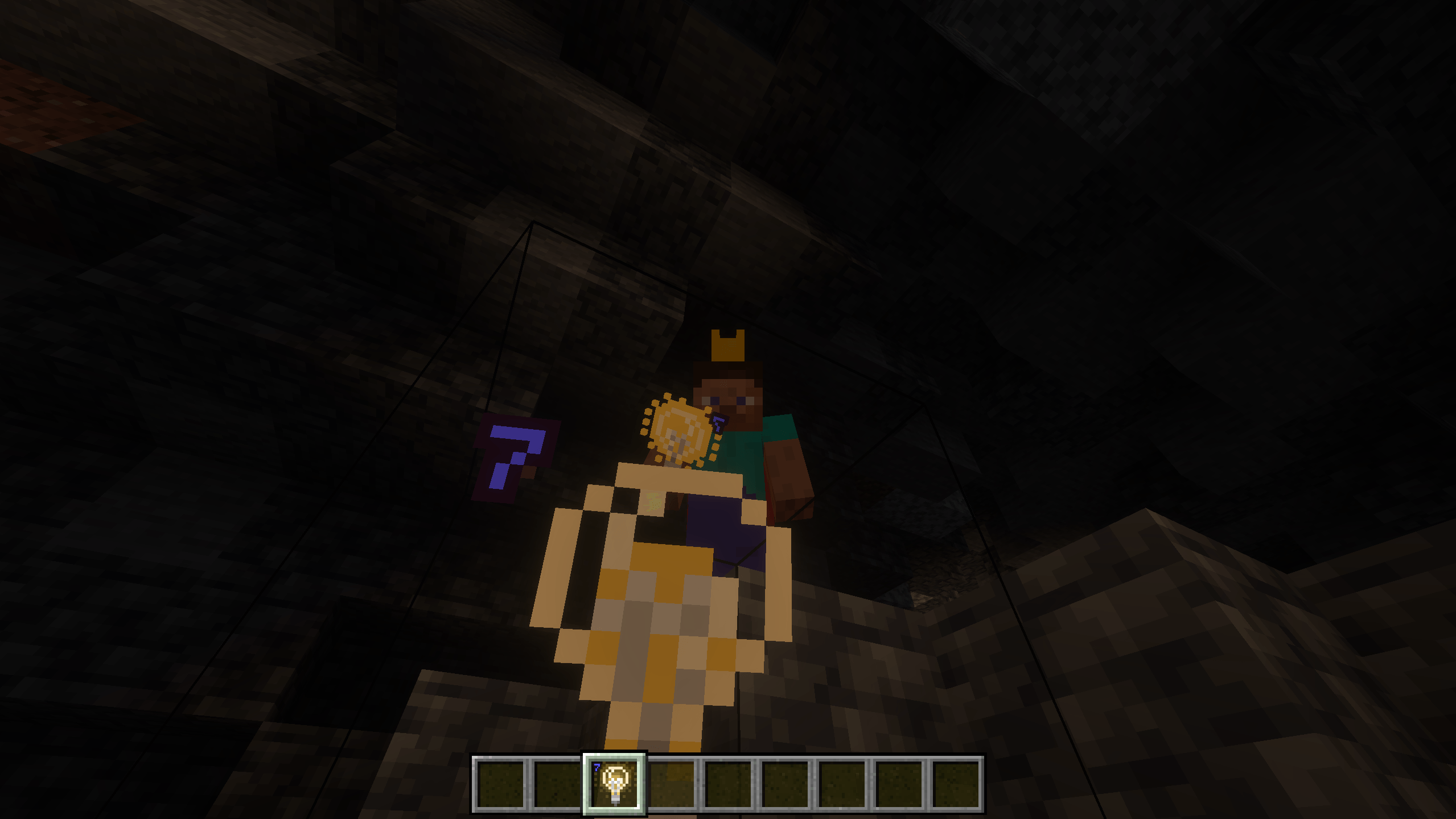
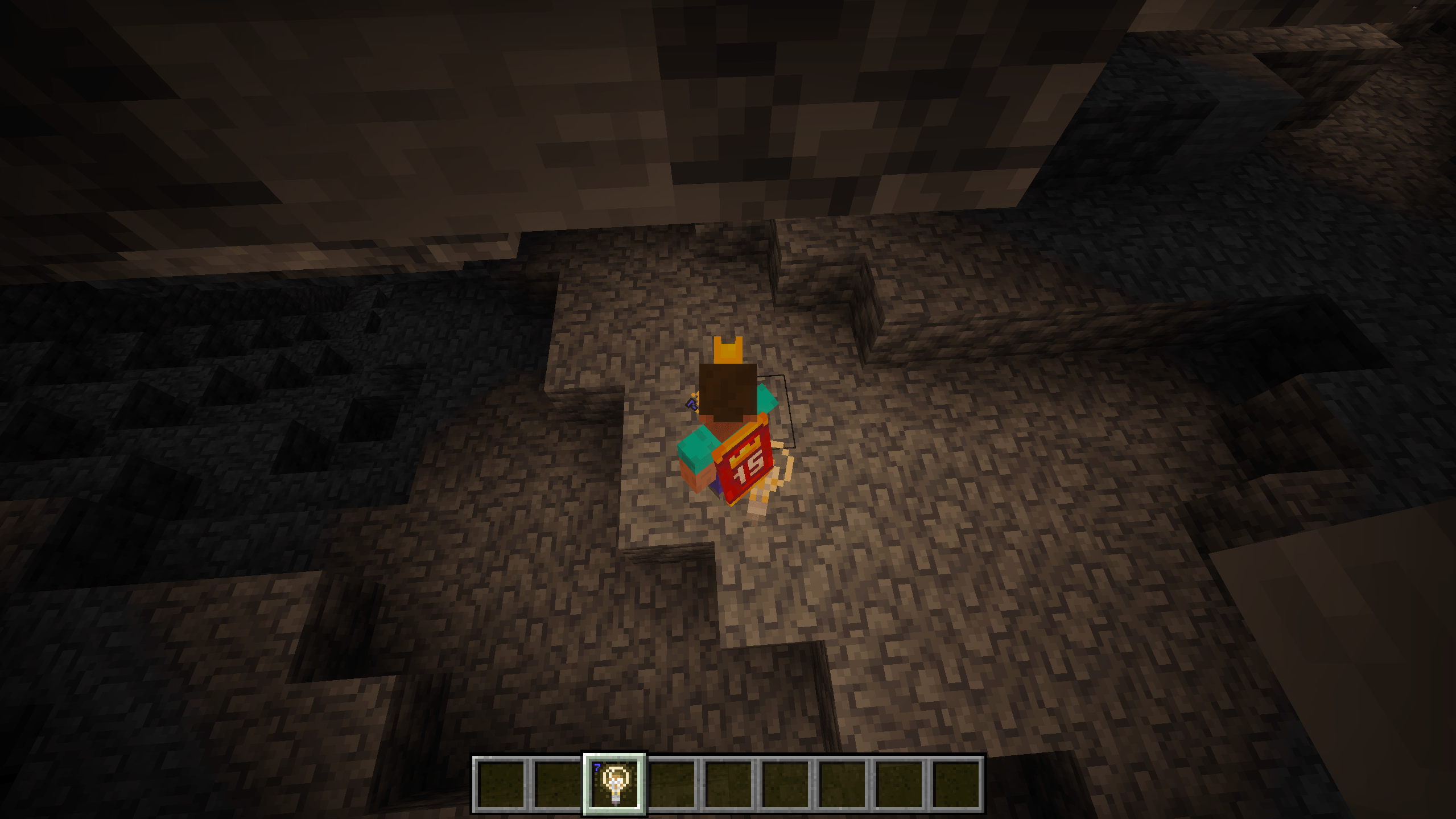
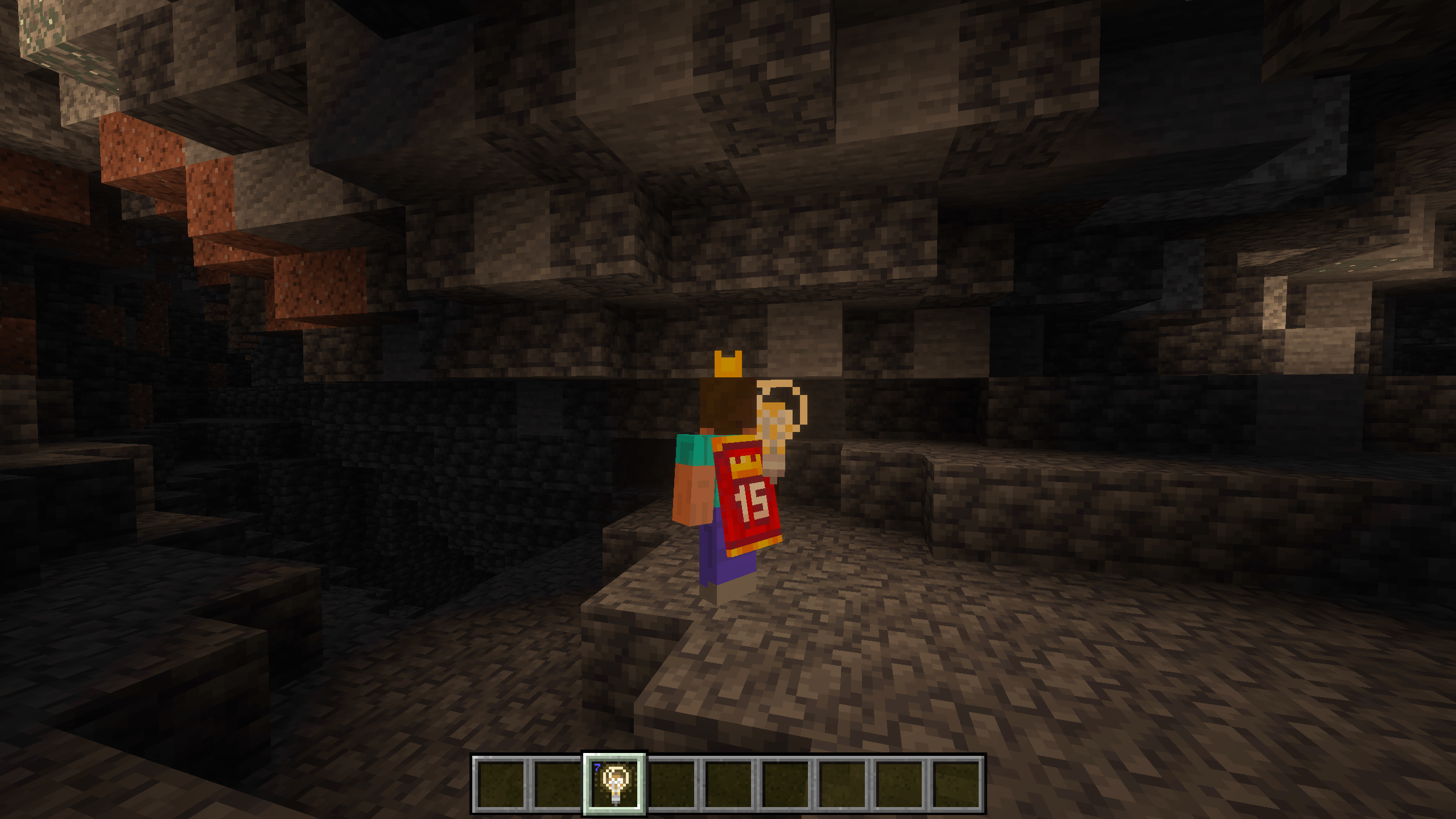

"Dynamic Light"
After finally deciding to start learning Minecraft add-on creation, somebody suggested I work on a dynamic light solution. As such, I over-engineered this masterpiece of a dynamic lighting solution. All so you can walk into a cave and just place the torches anyway. Enjoy my very first Minecraft add-on.
- ✅ All vanilla light source blocks are supported
- ✅ Amount of light emitted from holding a light source corresponds with the amount normally emitted by the placed block.
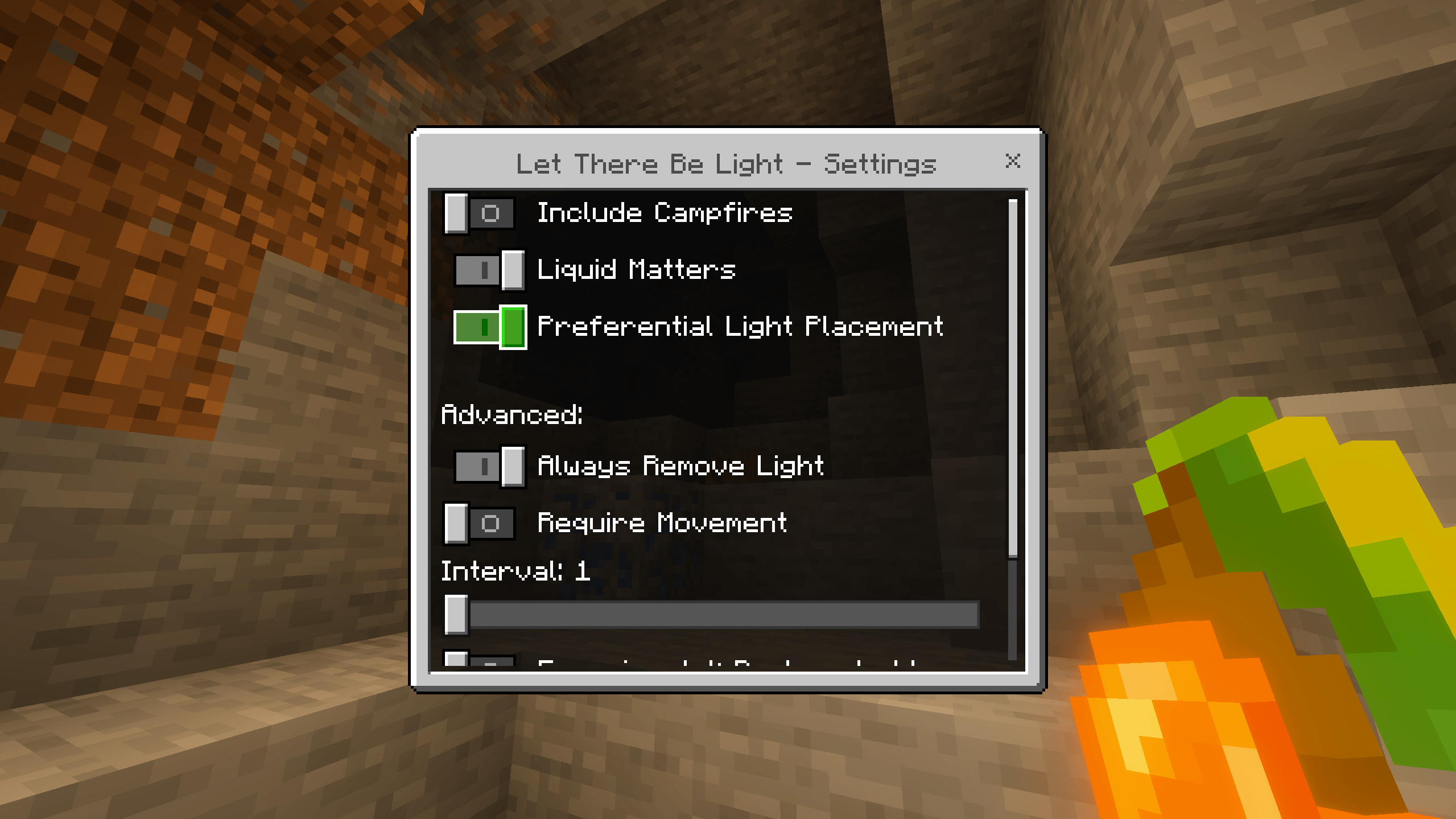
- ✅ /settings command to adjust your preferences
- ✅ Open flame light sources (such as the torch) are extinguished in water (optional)
- ✅ The sea pickle emits light only in water (optional)
- ✅ Preferential light placement (optional)
- ✅ Setting slider to determine the refresh frequency of light placement
Licensing
All rights reserved unless otherwise explicitly stated. I, the developer and publisher of this software, am not liable in any way for any harm or damage caused to any person or property resulting from the use of this software.
Below is a brief illustration of permissions granted to you.
As an individual acquiring a copy of this software, you may:
- Download a copy of this software for use in your Minecraft worlds or multiplayer instances (including non-commercial realms and servers).
You must NOT:
- Redistribute any copies of this software, or derivative works, by any means, regardless of commercial or non-commercial intents and purposes.
- Sell, license, or otherwise make available this software to others.
If you wish to organize a special license grant to you or your organization, you may contact me via email:
caracal [at] caracal.bio
- Edition: Minecraft Bedrock
- File type: .mcpack or .mcaddon
- Minecraft version listed: 1.21.132
- How to install: Download the .mcpack or .mcaddon file. → Open it — Minecraft imports it. → In your world: Behavior Packs → Available → Activate, then the same under Resource Packs.
- Where to get it: Opens on CurseForge — not every file is mirrored on our own servers.
Install steps are the general flow for this file type — How to install Minecraft Bedrock addons & mods walks through it step by step.
- Pack type: .mcaddon — behaviour and resource pack in one file
- Manifest requires Minecraft 1.21.120 or newer
- Complete pack — everything it depends on is inside the file
- Download size: 91 KB
- Download link checked 6 Oct 2026 — working
These come from our own check of the pack file, not from the source page.