Ember Ward
Campfires that fight back: they slow and banish hostiles, heal you, and burn out if you lean on them too hard.
⬇ Download on CurseForge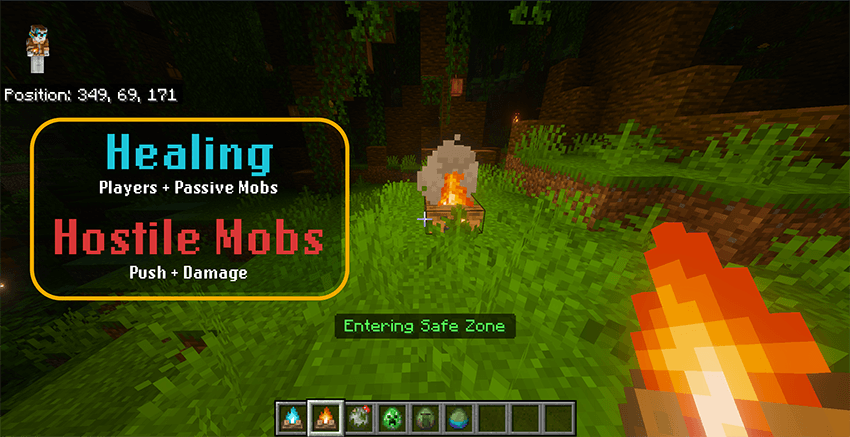
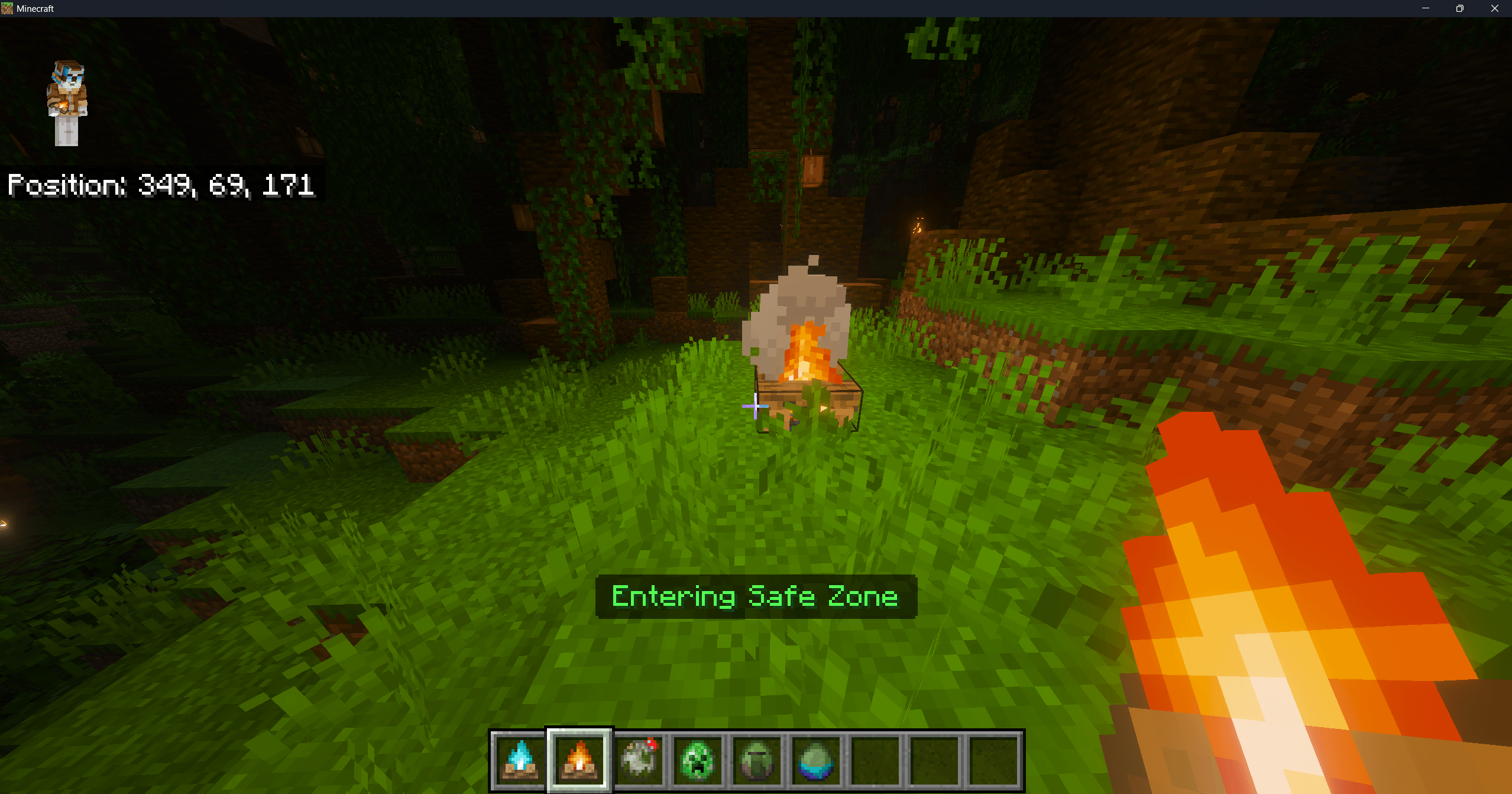
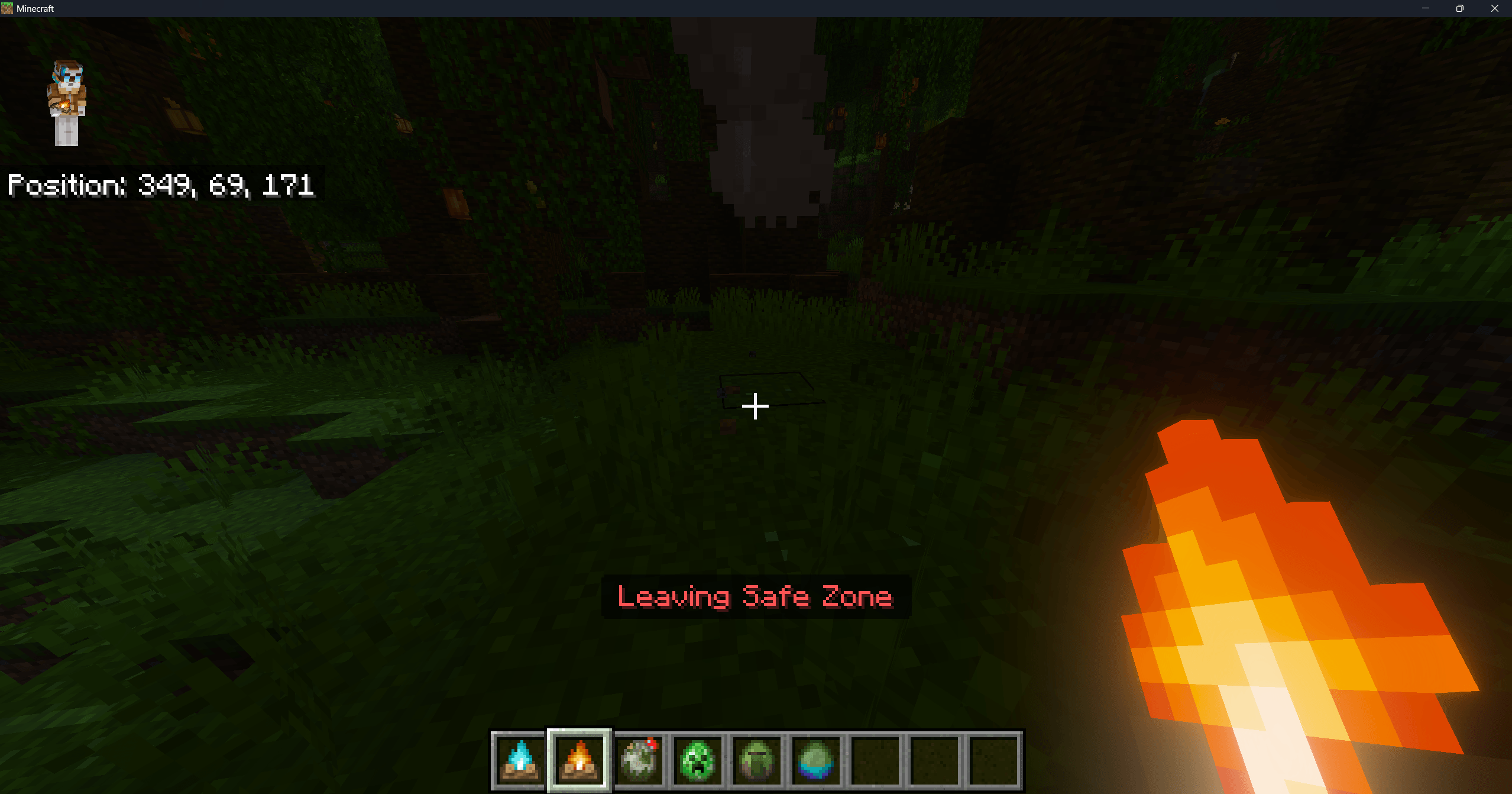
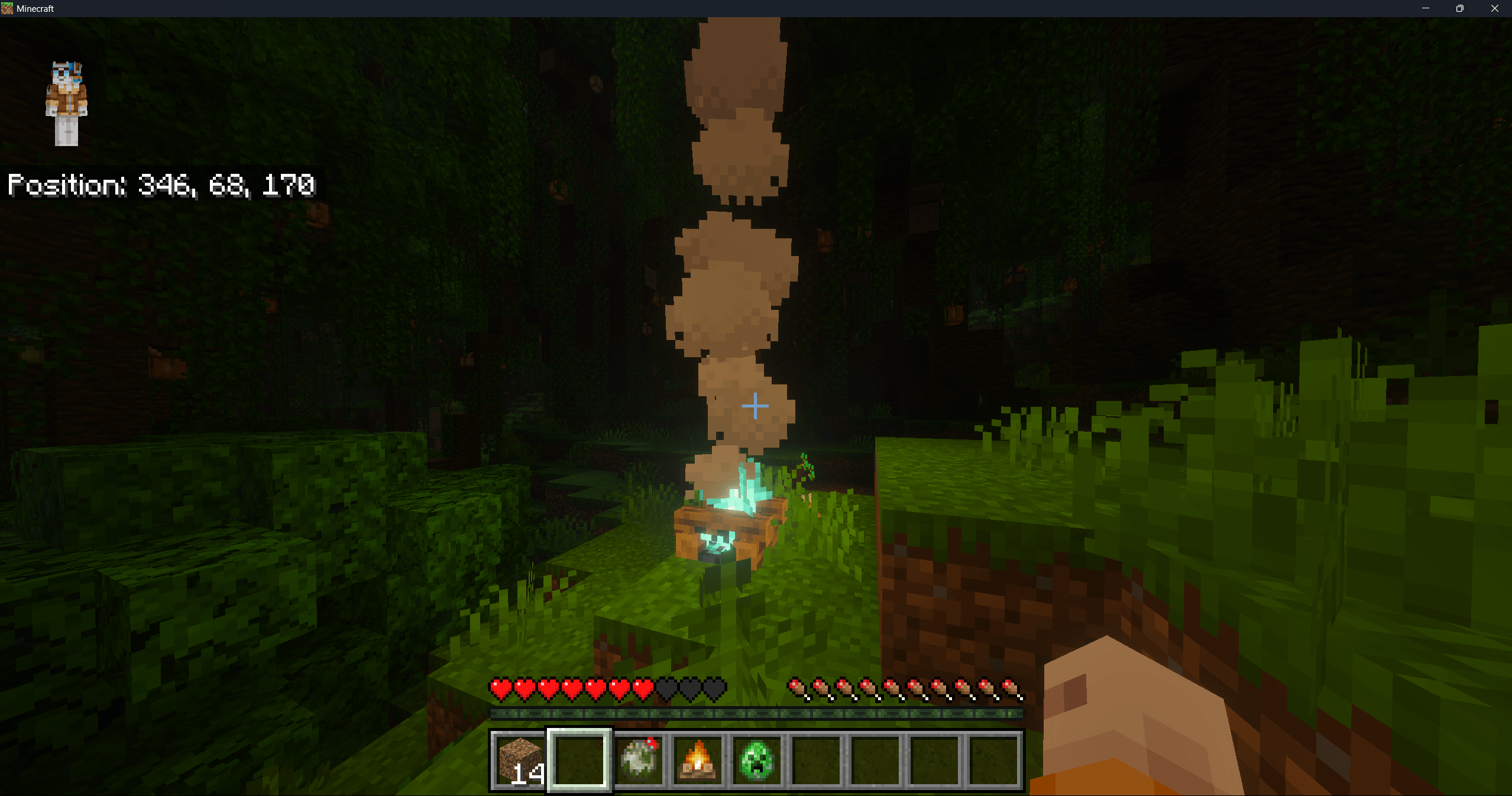
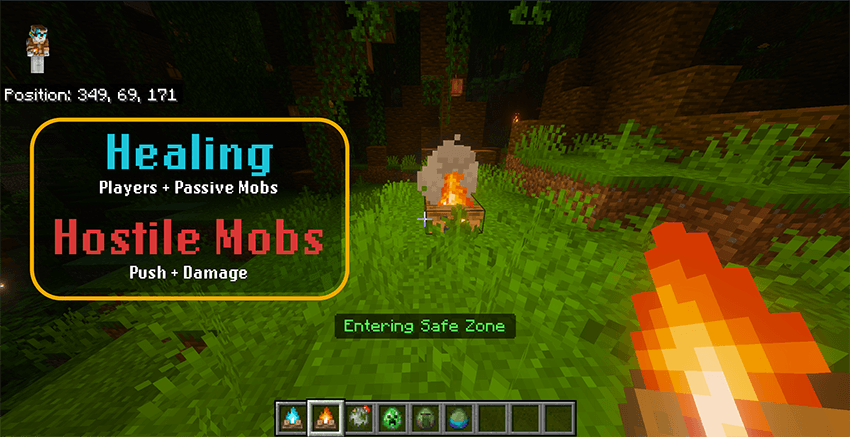
Ember Ward
⚠️ Two packs required: a Behavior Pack and a Resource Pack. make sure both are active
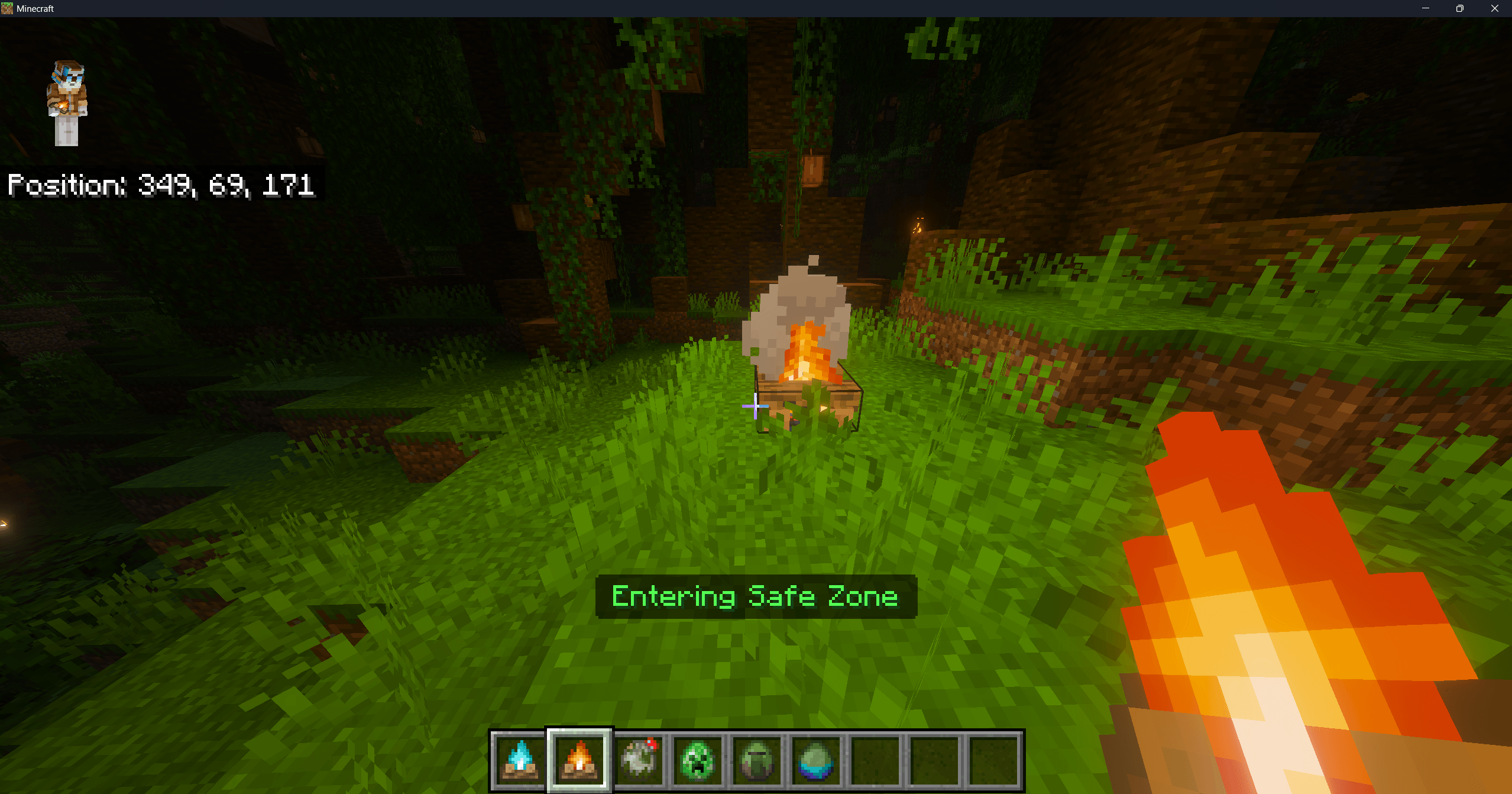
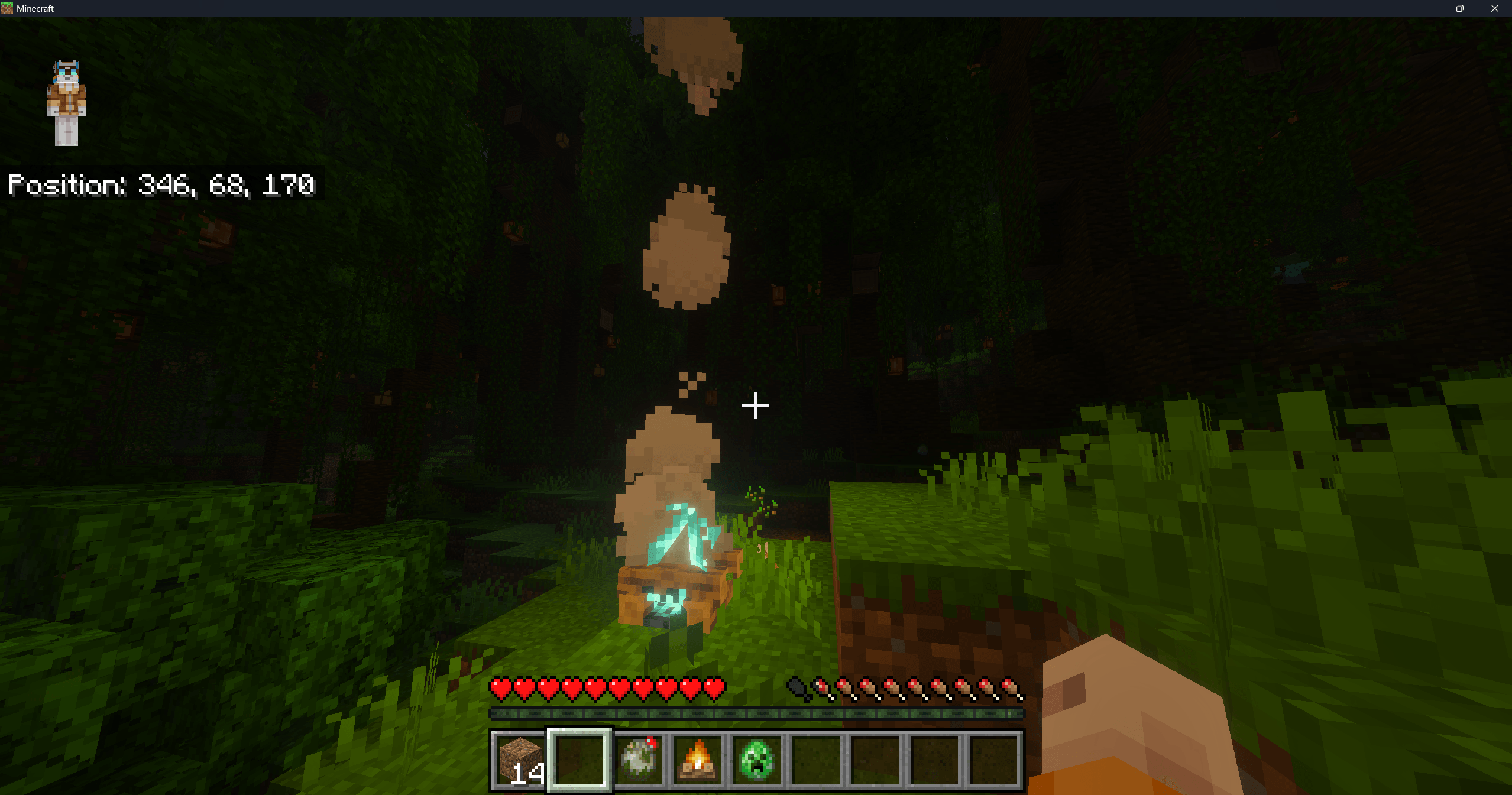
Stand near a lit campfire and it defends you. Hostiles that come close are slowed, then thrown out of the area. You heal while you stay in the light. Soul campfires reach further, burn what they throw, and hit twice as hard.
A campfire is not an invincible dome. Every mob it deals with costs it fuel, and a campfire that spends everything goes out and has to be lit again.
The two tiers
| Campfire | Soul Campfire | |
|---|---|---|
| Slows hostiles within | 12 blocks | 16 blocks (stronger, plus Weakness) |
| Throws hostiles out within | 8 blocks | 12 blocks |
| Burns hostiles | No | Yes, plus extra damage |
| Heals you within | 6 blocks | 10 blocks, twice as fast |
| Protection charge | 100 | 200 |
The regular campfire is a camp. The soul campfire is an outpost.
🔥 It runs out
Every hostile a campfire handles costs one charge, at most once every four seconds per mob. A quiet night costs nothing. A real siege drains it fast.
You can see it coming. A campfire below half charge starts throwing sparks. Below a quarter it smokes heavily and sputters out loud. At zero it goes out exactly as if you had put it out with a shovel, and stops protecting anything until you relight it with flint and steel.
Idle campfires slowly recover on their own, so surviving the night does not mean a morning of chores.
Want the old unlimited behaviour? Turn the charge system off in the settings.
Settings, in game
You are handed a book called EW Config the first time you join. Right click it to open the menu. Lost it? Craft a book and rename it EW Config on an anvil.
Nine settings, all saved with the world and shared by everyone on it:
- Teleport hostiles away — on or off
- Regular campfires also burn — off by default
- Protection size — Small, Normal, Large
- Limited protection — the charge system, on or off
- Idle recharge per minute
- Healing — Off, Slow, Normal, Fast
- Heal animals and villagers — Nobody, Only named ones, Everyone nearby
- On-screen messages
- Restrict settings to operators
Point at any campfire to read its remaining charge.
Bosses are safe
Warden, Ender Dragon, Wither and Elder Guardian ignore campfires completely: no slow, no teleport, no burn. Vanilla boss fights stay vanilla.
Guarding while you are away
Name an iron golem Guard or Knight and it keeps nearby campfires awake while you are elsewhere, so a village stays defended without you standing in it.
Coming from 6.9?
Two changes worth knowing before you update:
- Campfires now run out of charge and go out. This is the headline change and it can be switched off in the settings.
- Regular campfires no longer set hostiles on fire by default. They slow and teleport instead; burning is now what makes soul campfires special. There is a setting to give it back.
Your existing campfires and settings carry over.
Installation
- Download both packs.
- Open each file to import it into Minecraft.
- On your world, activate Ember Ward under Behavior Packs and under Resource Packs.
No experiments needed. Ember Ward runs on the stable scripting API, so achievements stay enabled on your world.
If the messages show up as ember_ward.entering, the Resource Pack is not active. If nothing happens near a campfire, the Behavior Pack is not active.
Requirements
Minecraft Bedrock 1.21.90 or newer.
Languages
English, Spanish (Latin America and Spain), Portuguese (Brazil). Picked automatically from your game language.
Credits
Inspired by the Java mods No Hostiles Around Campfire and Healing Campfire. This is an original Bedrock build — not a port, no shared code or assets.
License
All Rights Reserved. Free to use in your worlds, servers and videos. Forks, re-uploads, modpacks or redistribution need permission — just ask in the comments.
- Edition: Minecraft Bedrock
- File type: .mcpack or .mcaddon
- Minecraft versions listed: 1.21.100, 26.0, 26.20
- How to install: Download the .mcpack or .mcaddon file. → Open it — Minecraft imports it. → In your world: Behavior Packs → Available → Activate, then the same under Resource Packs.
- Where to get it: Opens on CurseForge — not every file is mirrored on our own servers.
Install steps are the general flow for this file type — How to install Minecraft Bedrock addons & mods walks through it step by step.
- Pack type: .mcaddon — behaviour and resource pack in one file
- Manifest requires Minecraft 1.21.90 or newer
- Complete pack — everything it depends on is inside the file
- Download size: 150 KB
- Download link checked 26 Aug 2026 — working
These come from our own check of the pack file, not from the source page.