BlueMods AntiCheat: The Best Minecraft Bedrock AntiCheat (DISCONTINUED)
BlueMods AntiCheat for Minecraft Bedrock is a powerful tool and best solution to prevent hackers raid, its designed to protect your server from hackers…
I don't know my version
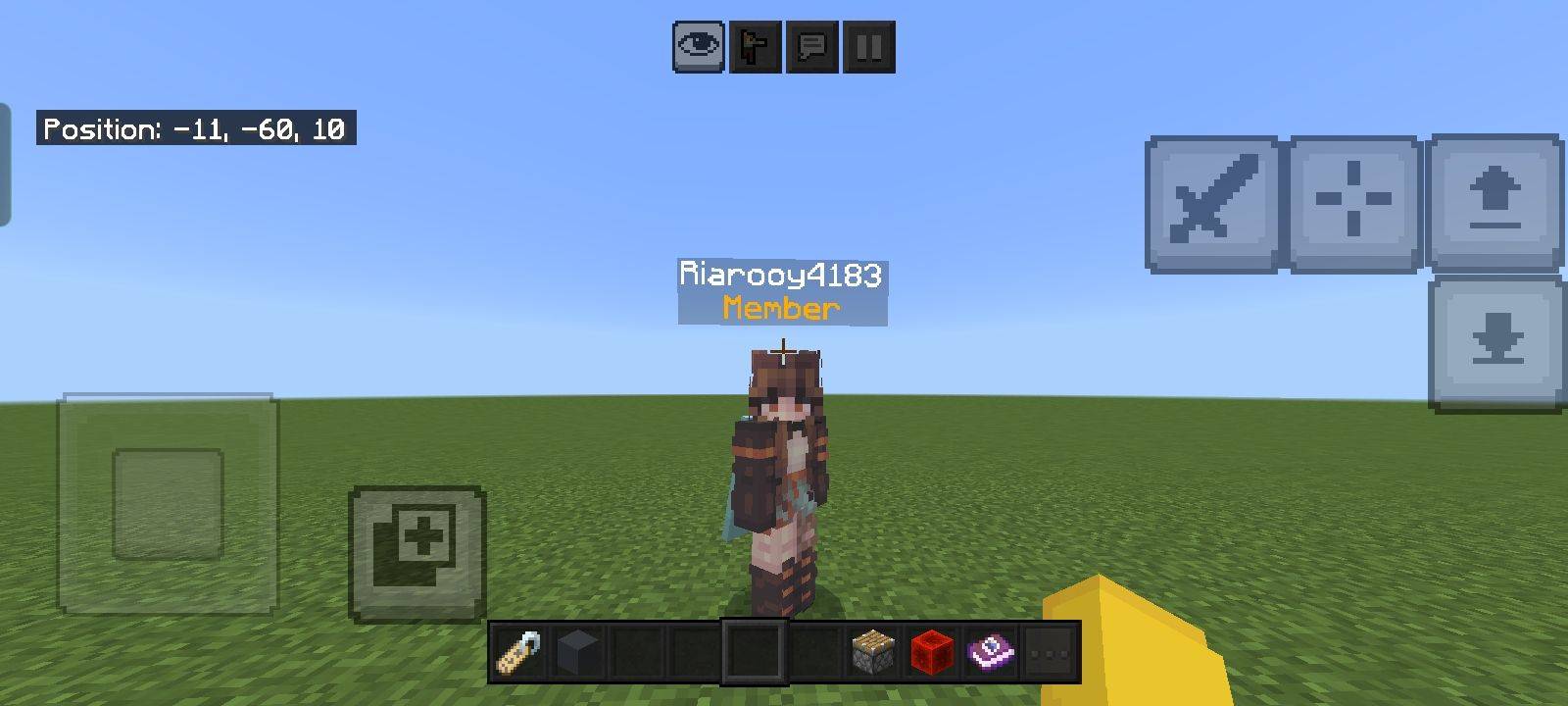
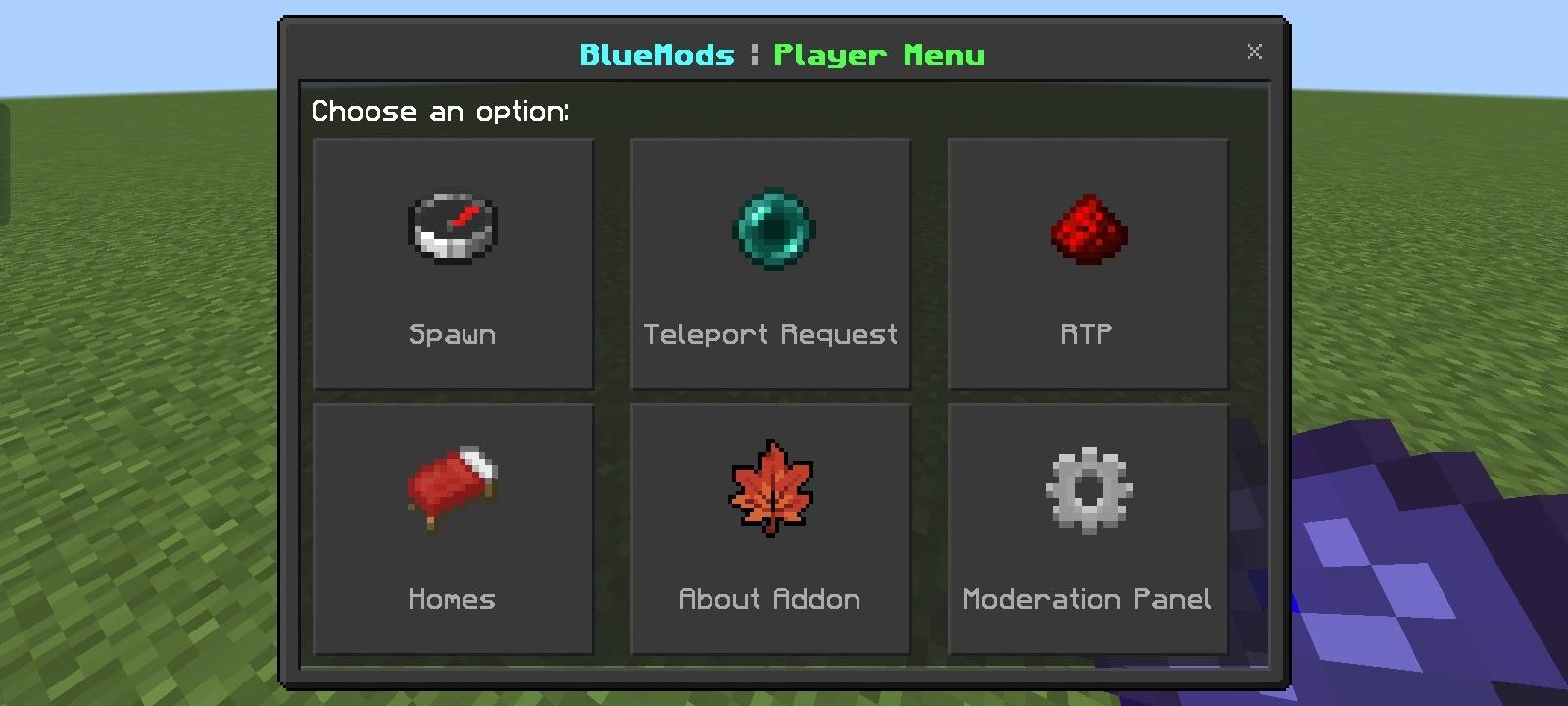
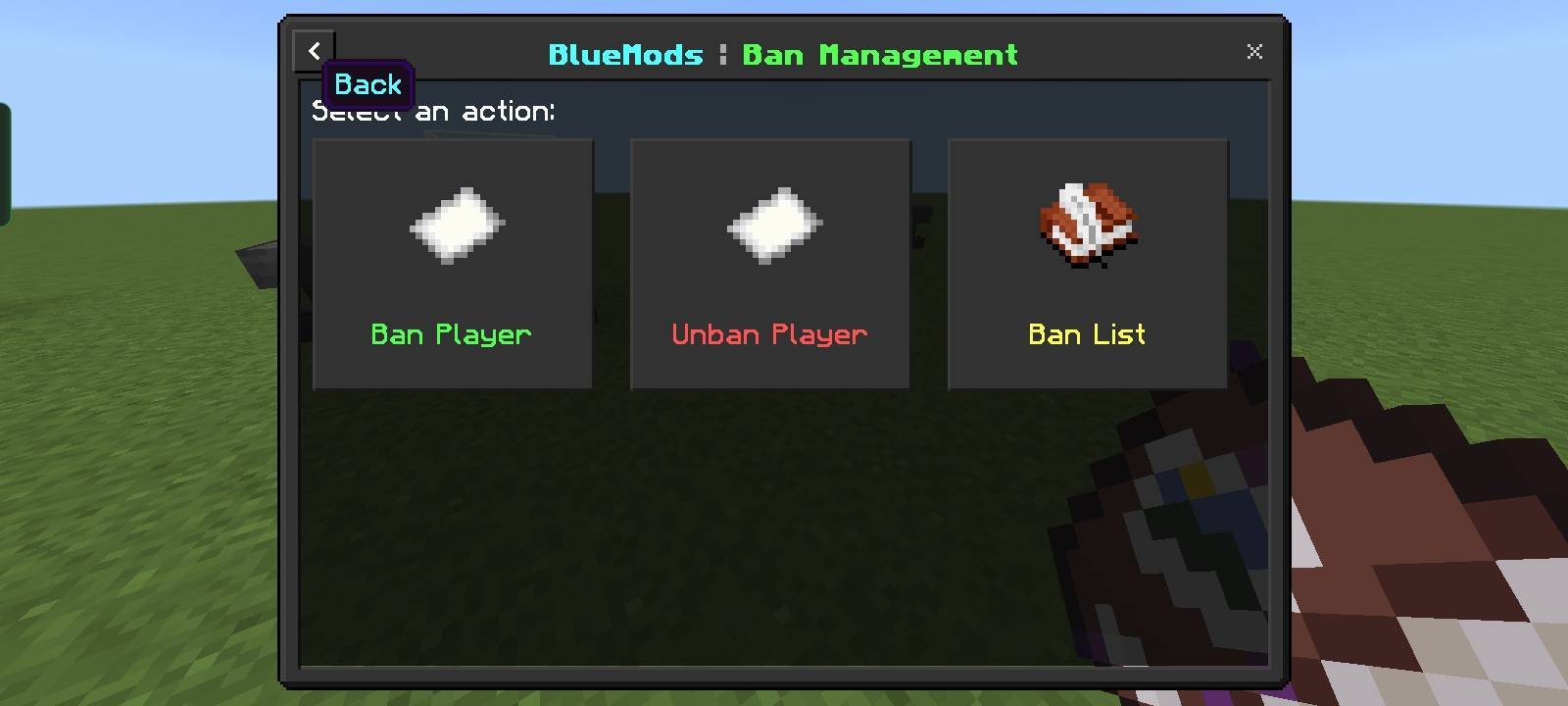
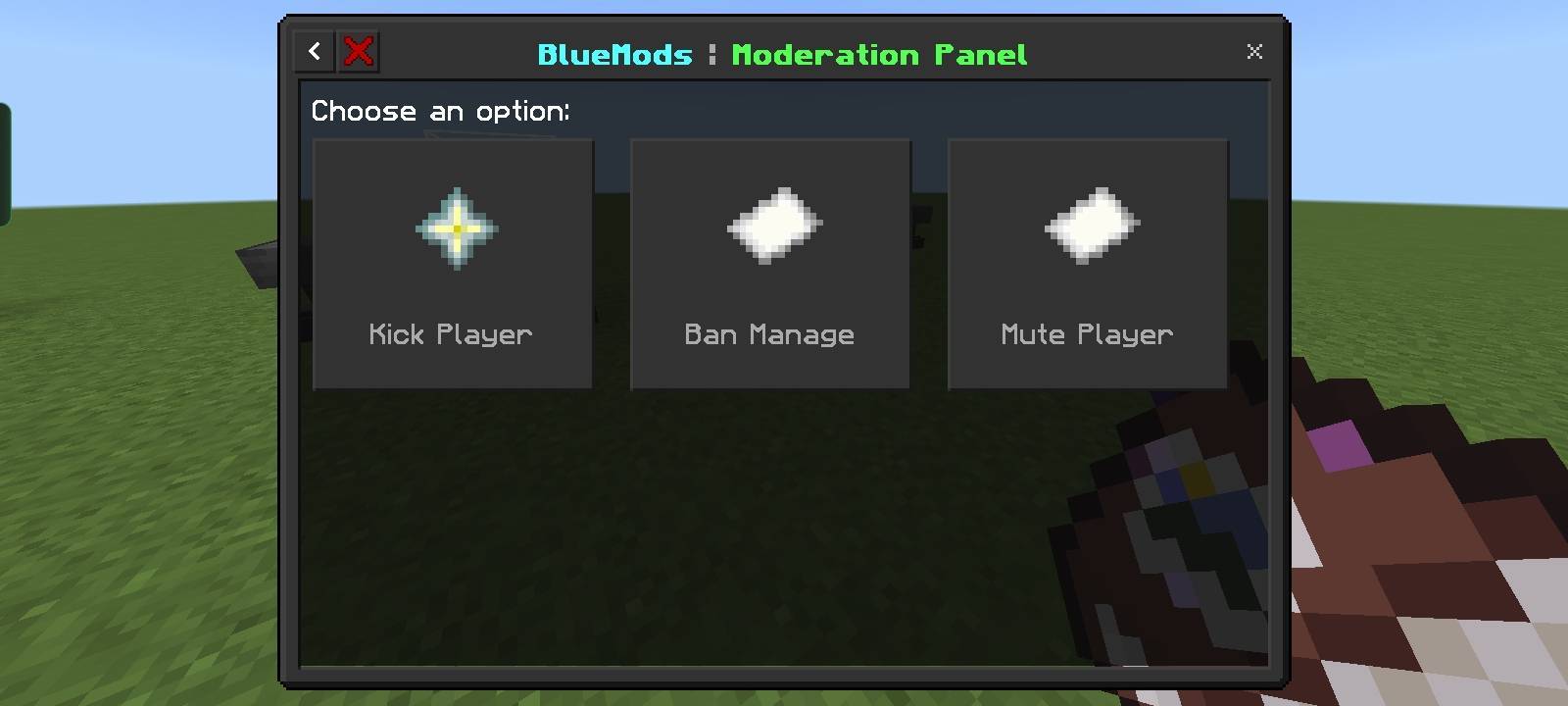
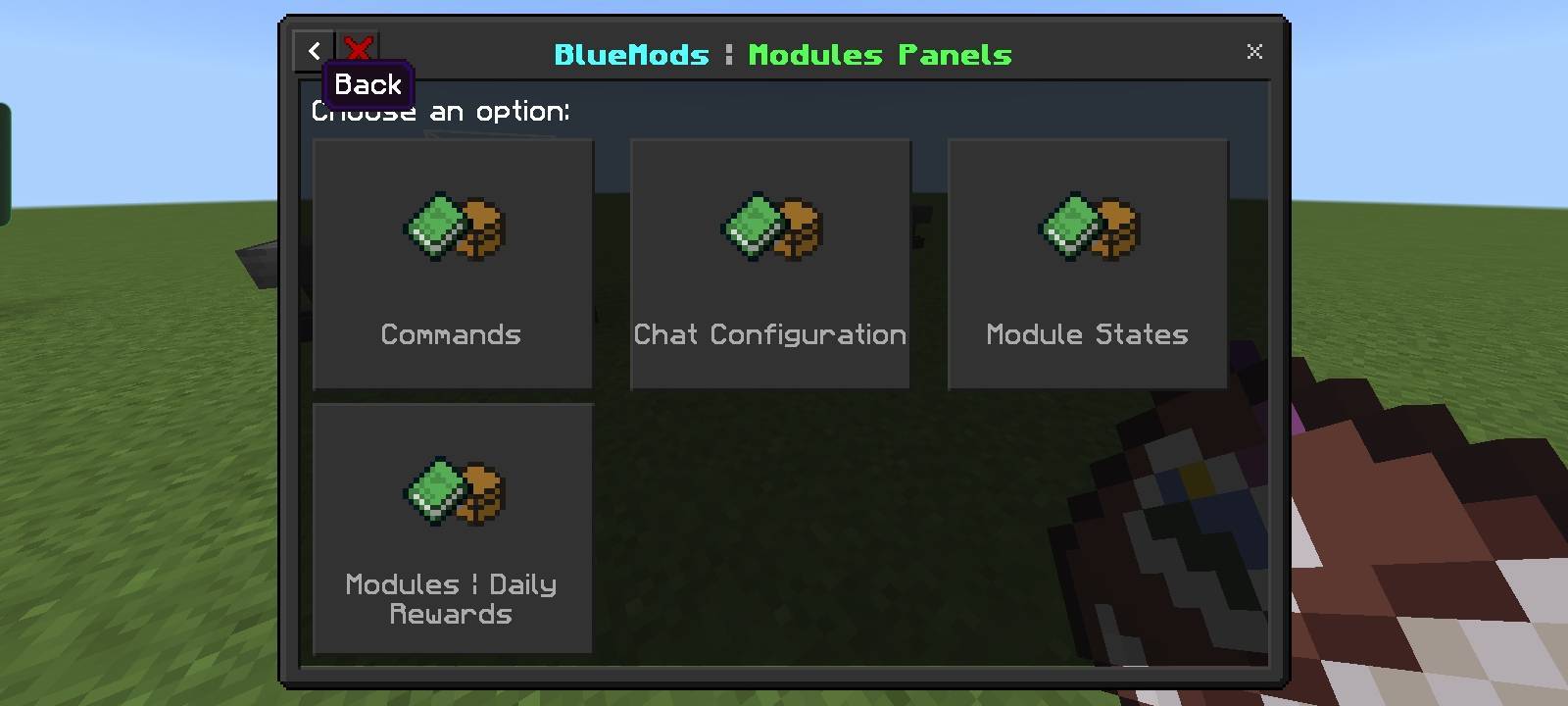
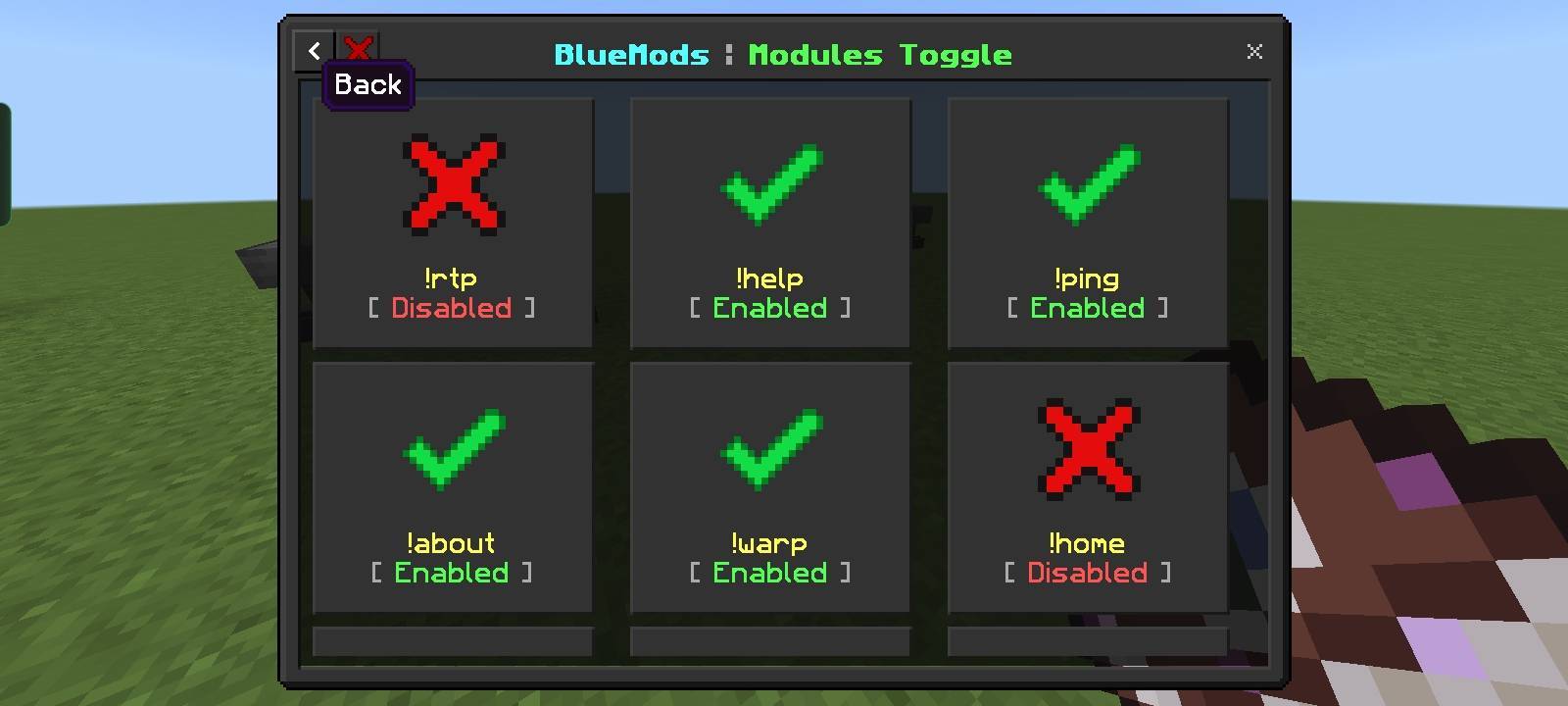
BlueMods AntiCheat
(DISCONTINUED)
https://bluemods.neocities.org
BlueMods AntiCheat for Minecraft Bedrock is a powerful tool and best solution to prevent hackers raid, its designed to protect your server from hackers and cheaters.




🚀 Features
- Panel for Everyone
- Anti Crasher
- Anti Badwords
- Anti Spamming
- Anti Force Nuker
- Anti Illegal Items
- Anti CBE Exploits
- Anti Creative Mode
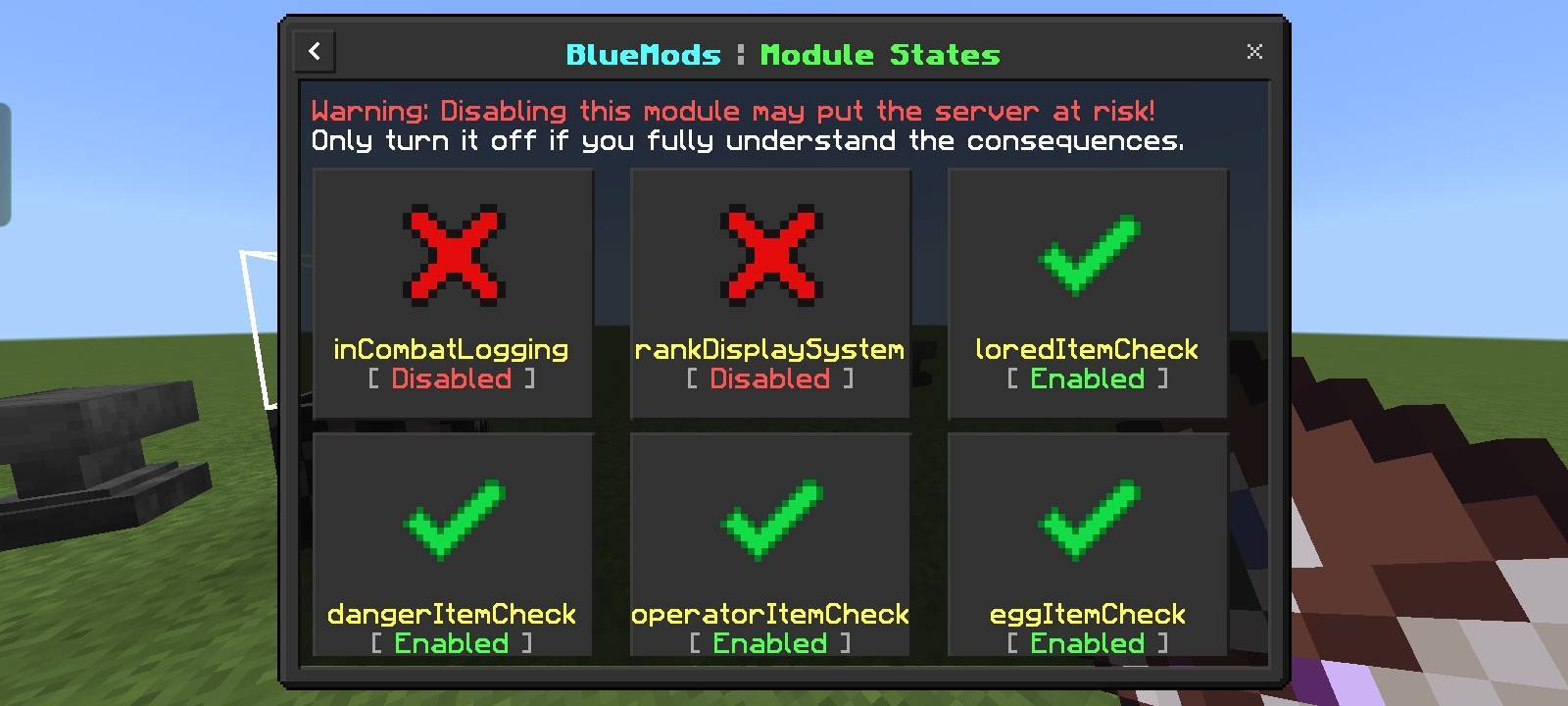
- Anti Lore Containers
- Anti Operator Blocks
- Anti Duplicate Message
- Anti Invalid Namespoof
- Anti InCombat Logging
- Anti Agent Mob & NPC Systems
- Projectile Sound
- Chat Ranks (Automated)
- Previous Banned (Hackers)
- Custom Welcome System
- Custom Chat Rank Displays
- Rank Display Name
- Modules for Commands
- Enable/Disable Chat Display
- Chat Configuration
Why are these patched preventions still here? Answer is in the Link
⚠️ Limitations
The prevention system in our addon is basic, meaning not all exploits or cheat movements can be completely prevented. While it helps reduce unfair advantages, more advanced hacks may still bypass some detections.
📌 Installation
-
Go to the official BlueMods website or GitHub page.
-
Download the BlueMods Addon file.
-
Open your Minecraft world settings.
-
Import the downloaded BlueMods Addon into your world.
-
Enable Beta APIs and Education Edition in your world settings.
-
After importing, type
!pingin the chat. -
If the addon is working, you’ll get a response. If not, double-check the addon’s requirements.
-
Before using commands like
!?or!help, you need to give a player admin rights. -
Type:
!op add <player>(replace<player>with the exact username, including capitalization). -
If
!opdoesn’t work, use this command instead:/tag @s add admin. -
Using Commands: Always use the player’s exact username (including uppercase and lowercase letters) when running commands.
-
Important Tip: Never give the "op" or "trusted" tags to players you don’t know or trust. This keeps your server safe.
💡 Contribute
Want to help improve BlueMods AntiCheat?
- Report issues on our GitHub Issues page.
- Submit pull requests with bug fixes or new features.
- Join our community for discussions and updates.
⭐ Requirements
- Education Edition: Must be enabled for
!muteand!unmutecommands to function. - Beta APIs: Required to enable command functionality.
- Upcoming Creator Features: Enable for custom entities and advanced features.
Why enable these?
These settings are essential for running commands and features that operate in beta mode. By enabling them, you ensure that your server is secure from cheaters and the addon functions as intended.
📜 License
This project is licensed under the GNU AGPLv3, allowing you to modify.
🤔 Recommendations
8Crafter's Debug Sticks, Chat Ranks, Custom UI, and JavaScript Commands/Script REPL, and Server Utilitiesadd-on - It is highly recommended that you enable this because it will allow for the UIs of this add-on to look a lot nicer, the add-on itself is also extremely useful. For more help with this add-on check out this discord server: 8Crafter Studios.
👥 Developers
-
@BlueModsYT (BlueShadow) - FOUNDER
- Email: @bluemodsyt
- Discord: BlueMods Studios
- Website: bluemods.neocities.org
-
@Trokkk (Former Developer of BlueMods AC)
- No Contact Details Provided
-
@ModdedPro (MP09) - HELPER
- No Contact Details Provided
-
@8Crafter - HELPER
- Email: @8crafter
- Discord: 8Crafter Studios
- Website: 8crafter.com
- Website 2: wiki.8crafter.com
📂 Downloads
Contact us by joining our official Discord server for bug fixes and suggestions.
- Edition: Minecraft Bedrock
- File type: .mcpack or .mcaddon
- Minecraft versions listed: 26.20, 1.21.130, 1.21.120
- How to install: Download the .mcpack or .mcaddon file. → Open it — Minecraft imports it. → In your world: Behavior Packs → Available → Activate, then the same under Resource Packs.
- Where to get it: Opens on CurseForge — not every file is mirrored on our own servers.
Install steps are the general flow for this file type — How to install Minecraft Bedrock addons & mods walks through it step by step.
- Pack type: .mcaddon — behaviour and resource pack in one file
- Manifest requires Minecraft 1.26.20 or newer
- Needs Beta APIs switched on in the world settings
- Complete pack — everything it depends on is inside the file
- Download size: 154 KB
- Download link checked 25 Aug 2026 — working
These come from our own check of the pack file, not from the source page.