Focused World Sounds
Bedrock add-on listed for Minecraft 1.21 (resource pack only). File opened and checked on 4 Oct 2026; installs from the MC Bedrock Mods app on Android.
A resource pack to quiet loud, global sounds like boss spawns and thunder. Use the gear icon (⚙️) in your world settings to select a mode: limit only boss…
⬇ Download on CurseForgeA resource pack to reduce or localize loud, global sounds like boss spawns and thunder.
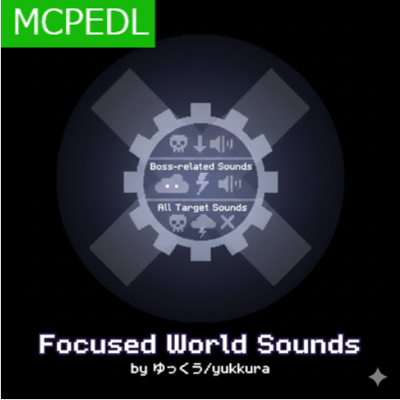
After enabling the pack in your world settings, click the gear icon (⚙️) to choose from the following modes:
・Limit Boss Sounds: Reduces the audible range of Wither and Ender Dragon sounds.
・Limit Weather Sounds: Reduces the audible range of thunder and lightning sounds.
・Limit All Target Sounds: Reduces the audible range of all sounds listed above.
- Edition: Minecraft Bedrock
- File type: .mcpack or .mcaddon
- Minecraft versions listed: 1.21.101, 1.21.100
- How to install: Download the .mcpack or .mcaddon file. → Open it — Minecraft imports it. → In your world: Behavior Packs → Available → Activate, then the same under Resource Packs.
- Where to get it: Opens on CurseForge — not every file is mirrored on our own servers.
Install steps are the general flow for this file type — How to install Minecraft Bedrock addons & mods walks through it step by step.
- Save it as Focused_World_Sounds.mcaddon before opening — it downloads as .mcpack, but it is a .mcaddon pack
- Manifest requires Minecraft 1.21.100 or newer
- Complete pack — everything it depends on is inside the file
- Download size: 641 KB
- Download link checked 6 Oct 2026 — working
These come from our own check of the pack file, not from the source page.