NameTagHidden
When playing hide and seek or roleplay with friends, show of player nametag often becomes an issue that cannot be ignored. "In-game Player Name" is not…
I don't know my version

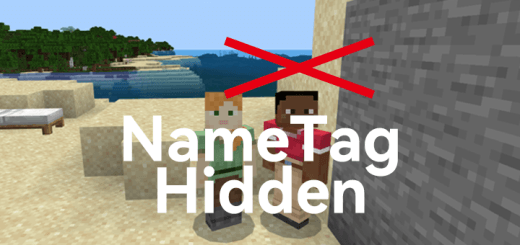
This addon has changed player.json, so it cannot be used together with other addons if they have player.json.
And this addon is uploaded on MCPEDL some years ago, so if have same function's addon on curseforge, I'm not copied them, just I want update my addon on MCPEDL.
When playing hide and seek or roleplay with friends, show of player nametag often becomes an issue that cannot be ignored. "In-game Player Name" is not always the optimal solution, because you cannot make sure that your friends will not joke about re-open it and completely dominate. This addon was created to solve this problem.
This is easy to understand. When you active this addon and into the game, your friend's nametag will no longer be displayed, it will be hidden unless your sight is aimed at your friend, and the nametag will be displayed temporary.
This way of playing hide and seek or roleplay will no longer require attention to the issue of nametag perspective, and you will no longer need to press the squat button all the way.
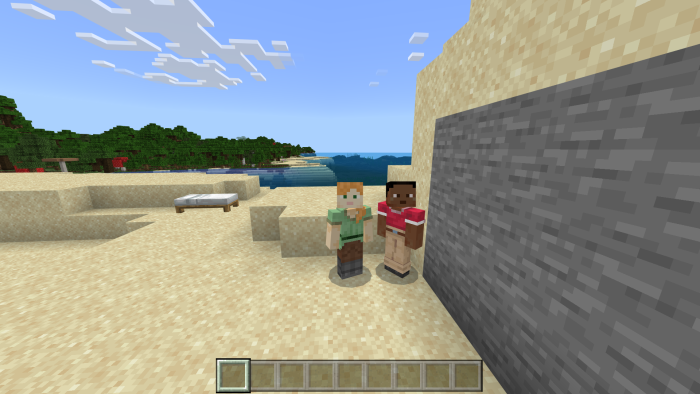 You see that the nametag in game is no longer displayed.
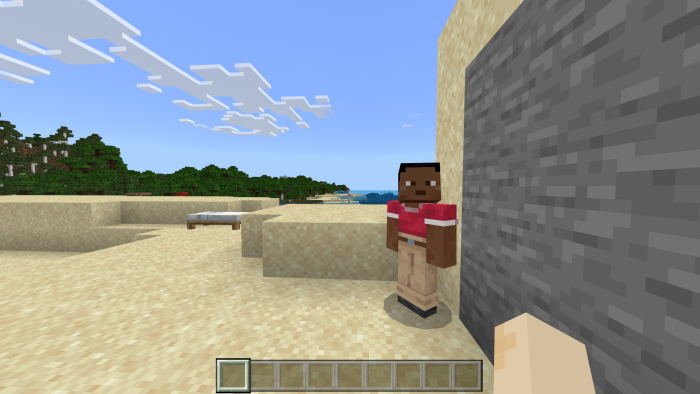
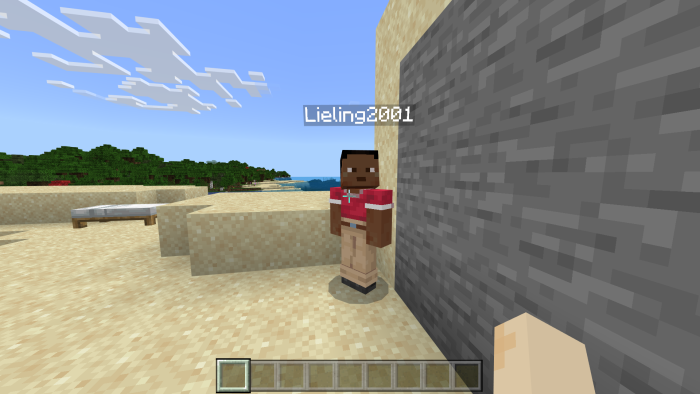
When the sight is aimed at the player, their nametag will be displayed temporary at this time.
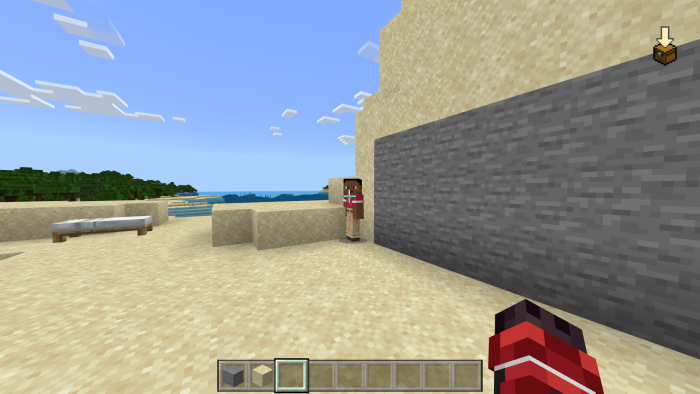
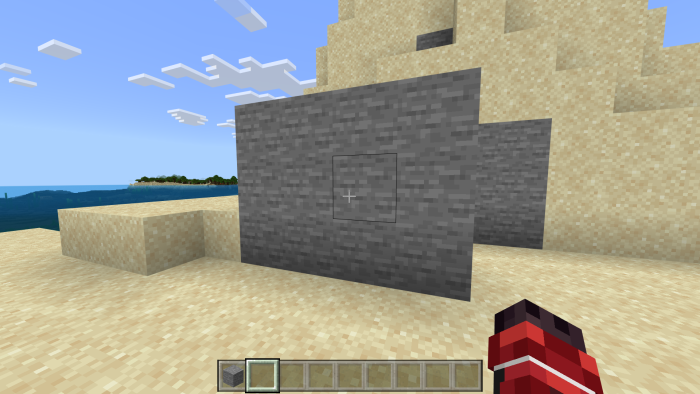
Player standing behind blocks or too far away will make their nametag hidden.
- Edition: Minecraft Bedrock
- File type: .mcpack or .mcaddon
- Minecraft versions listed: 1.21.30, 1.21.114, 1.21.50
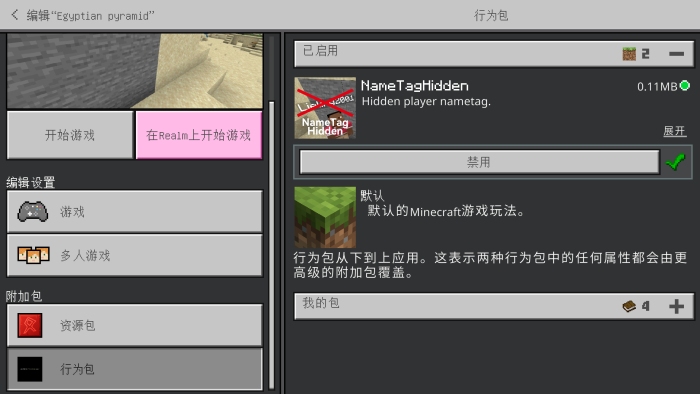
- How to install: Download the .mcpack or .mcaddon file. → Open it — Minecraft imports it. → In your world: Behavior Packs → Available → Activate, then the same under Resource Packs.
- Where to get it: Opens on CurseForge — not every file is mirrored on our own servers.
Install steps are the general flow for this file type — How to install Minecraft Bedrock addons & mods walks through it step by step.
- Pack type: .mcpack — a single pack
- Manifest requires Minecraft 1.21.0 or newer
- Complete pack — everything it depends on is inside the file
- Download size: 106 KB
- Download link checked 15 Sept 2026 — working
These come from our own check of the pack file, not from the source page.