Wan's Brickloom (2500+ Blocks)
Bedrock add-on listed for Minecraft 1.21 (behavior + resource pack). File opened and checked on 19 Sep 2026; installs from the MC Bedrock Mods app on Android.
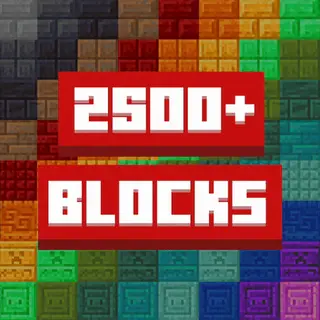
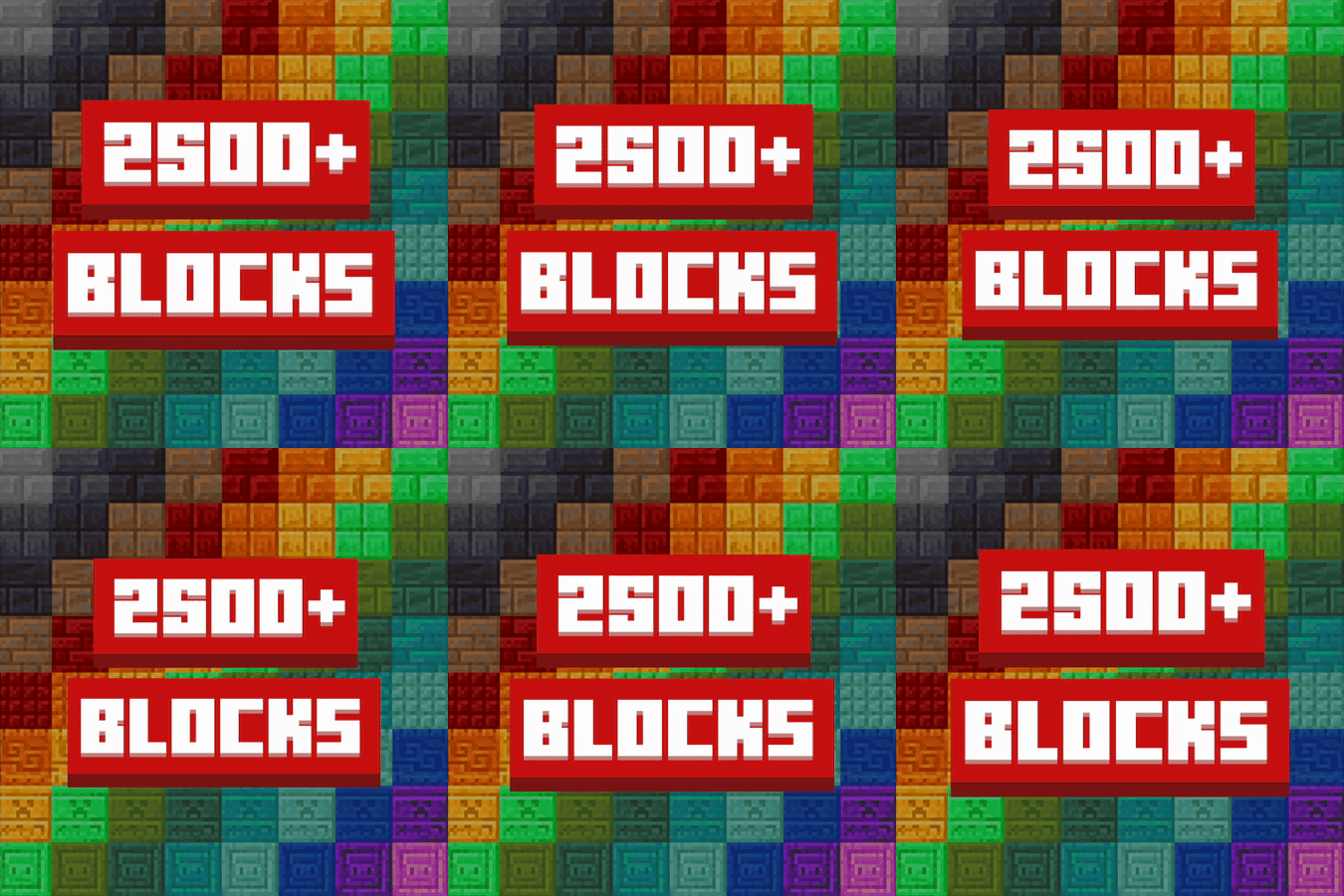
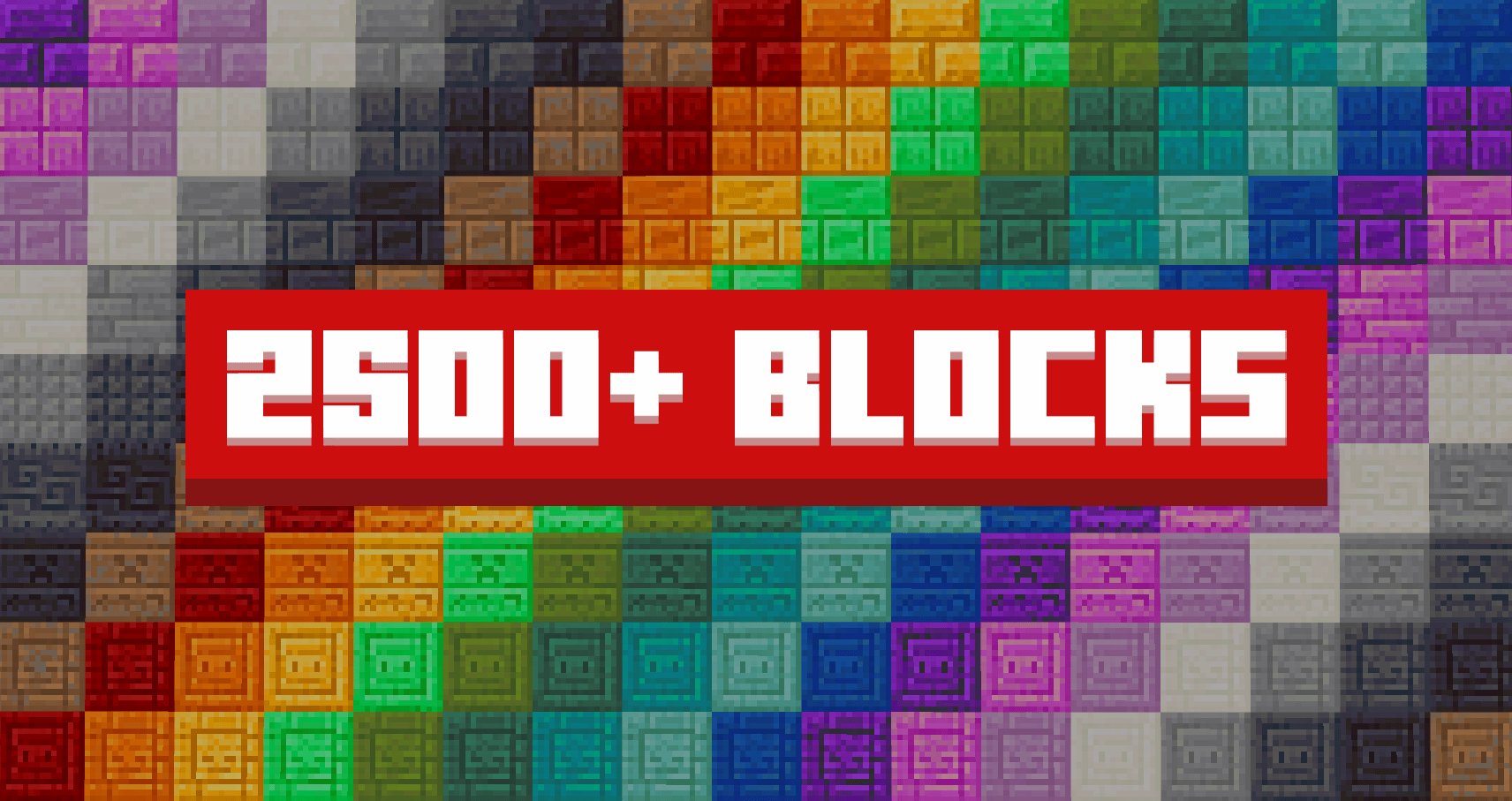
A burst of creativity in Minecraft Bedrock: over 2,500 decorative blocks, bold new artistic textures, ready to be shaped by your imagination!
⬇ Download on CurseForgeThe author built this one for Minecraft 1.21.111. On other versions it may install and then do nothing.
🚨IMPORTANT INSTALLATION WARNING🚨
⚠️ DO NOT CREATE A NEW WORLD WITH THIS ADDON ALREADY ACTIVE!
**This will cause addon corruption and bugs!
**
✅ CORRECT Installation Process:
- Create your world FIRST (without the addon)
- Exit the world completely
- Add Brickloom addon to the world settings
- OR add to existing worlds - this works perfectly!
❌ WRONG:
Creating new world with addon already active = BROKEN ADDON
Achievements stay enabled in your worlds – Addon is fully compatible!
🧱 Transform your builds with endless possibilities!
🎨 Brickloom - The Ultimate Creative Building Experience
Bring your ideas to life with Brickloom, the ultimate building addon for Minecraft Bedrock!
Packed with a massive collection of unique blocks and decorative details, it gives you endless ways to design and transform your builds from simple to breathtaking.
🎬 See it in Action!
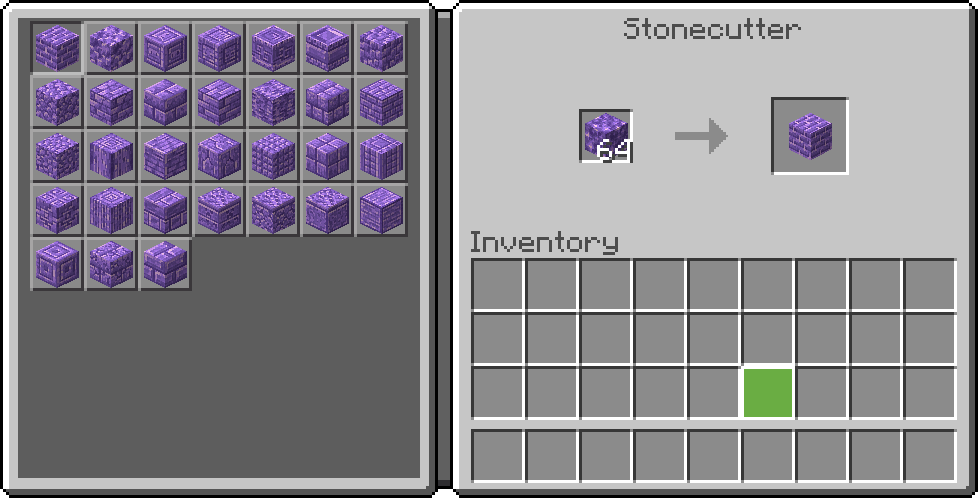
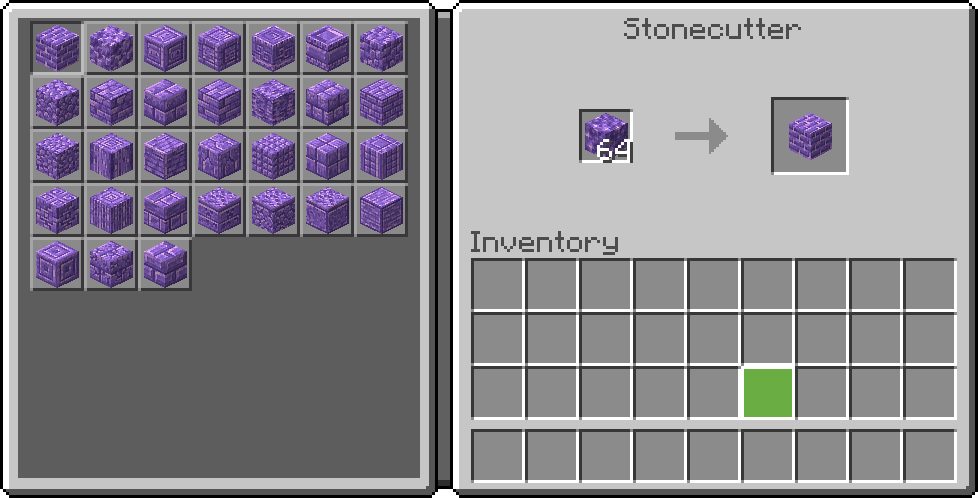
⚒️ Crafting Recipe:
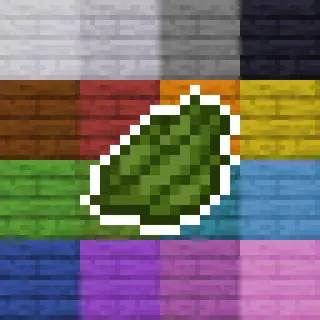
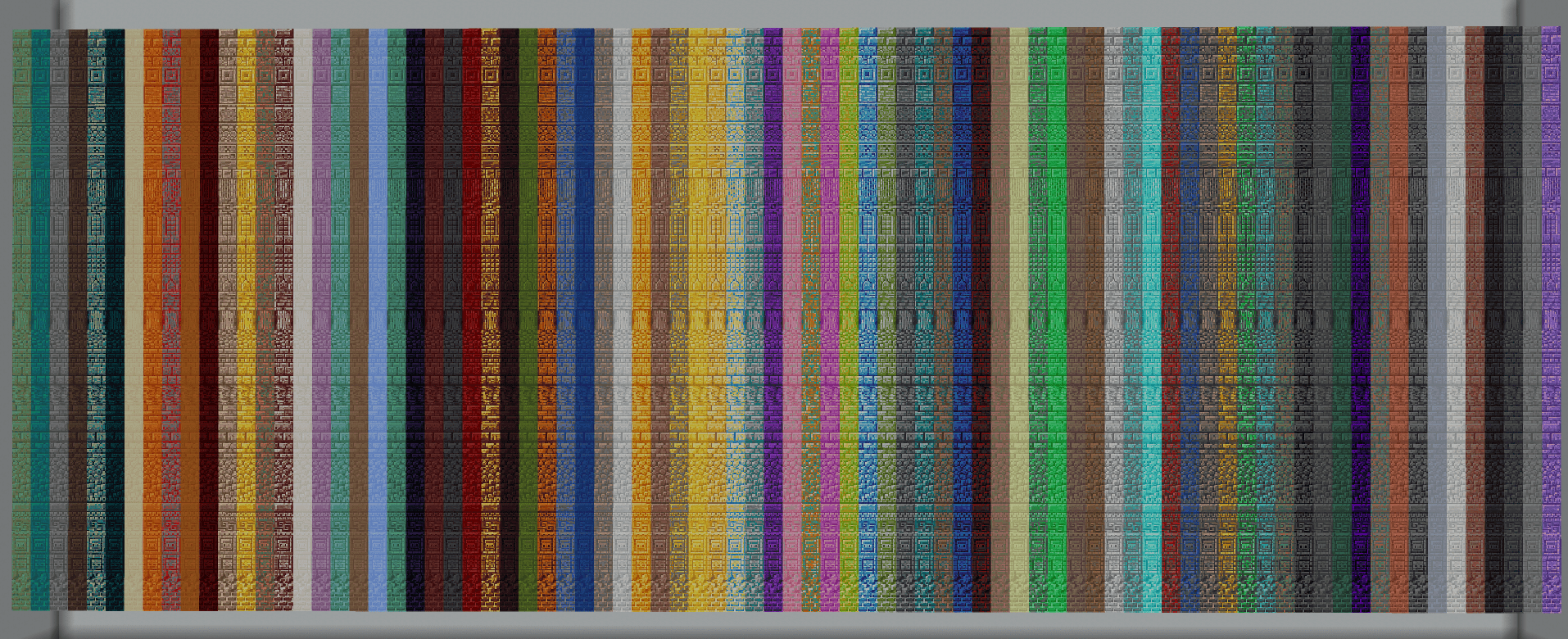
🧱 All Available Blocks:
**Why Choose Brickloom?
**
🏗️ A Massive Block Library
- Over 2,500 unique blocks — more variety than any other building addon.
- A huge palette of 83 block types across 31 design styles.
- Got an idea? We’re open to adding more based on your suggestions!
🎭 Unlimited Creative Freedom
- Build in any style: modern, medieval, futuristic, rustic, and beyond.
- Access specialized materials tailored for every kind of project.
- Customize visuals to bring even your boldest ideas to life.
Perfect for builders, architects, and creative players who want the ultimate toolkit for their masterpieces!
undefined
💬 Join Our Community
If you want to leave feedback, feel free to use the comment space below or the dedicated channel in the WanMine Discord server.

- Edition: Minecraft Bedrock
- File type: .mcpack or .mcaddon
- Minecraft version listed: 1.21.111
- How to install: Download the .mcpack or .mcaddon file. → Open it — Minecraft imports it. → In your world: Behavior Packs → Available → Activate, then the same under Resource Packs.
- Where to get it: Opens on CurseForge — not every file is mirrored on our own servers.
Install steps are the general flow for this file type — How to install Minecraft Bedrock addons & mods walks through it step by step.
- Pack type: .mcaddon — behaviour and resource pack in one file
- Manifest requires Minecraft 1.21.111 or newer
- Complete pack — everything it depends on is inside the file
- Download size: 7.2 MB
- Download link checked 5 Oct 2026 — working
These come from our own check of the pack file, not from the source page.