AddonsBedrock
QuickPort Items
This addon enables automatic item transfer between chests and supports integration with other addons for smoother storage management.
I don't know my version
Open Minecraft and look at the bottom-left corner of the main screen — the version is printed there, like v1.26.30.
The game writes a 1. in front; the buttons above leave it off. v1.26.30 in the game is 26.30 here.

- How to use it?
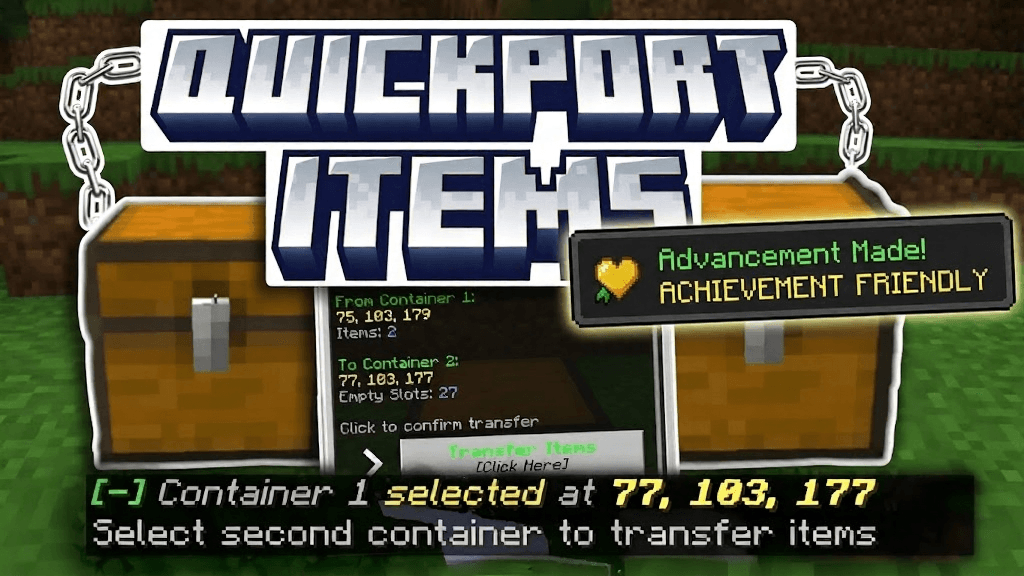
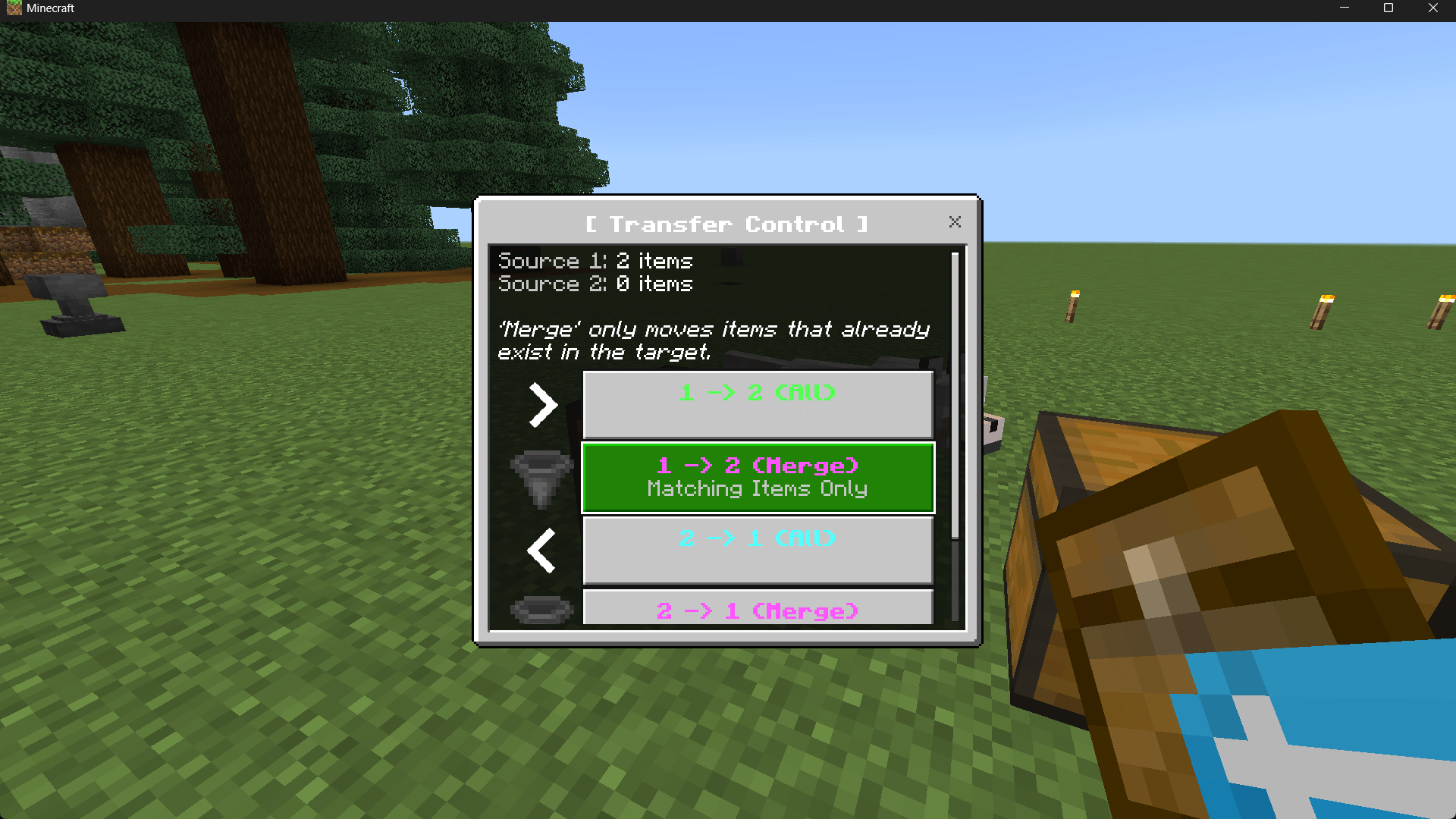
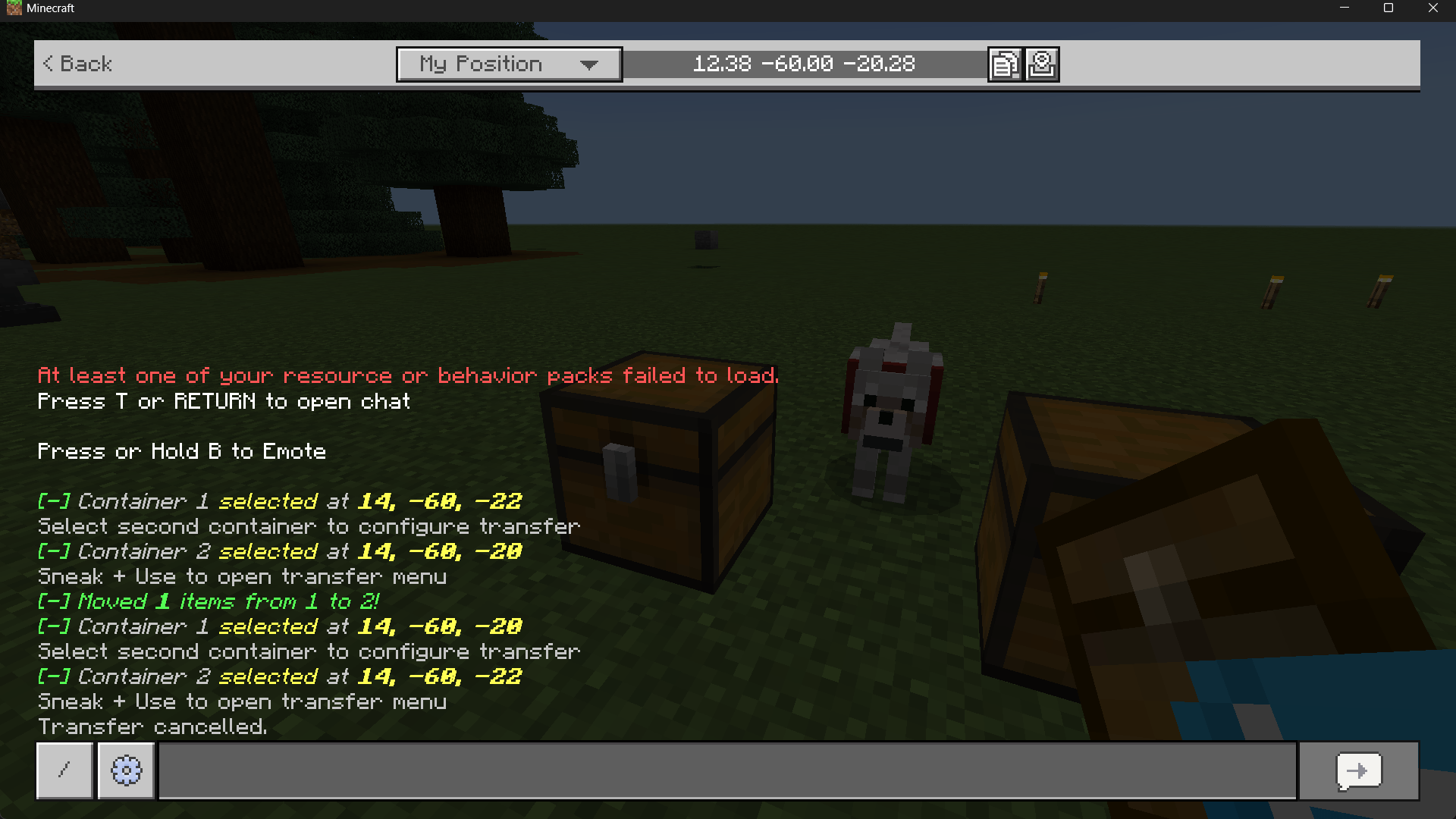
Just hold the item in your hand, sneak, and click on the first chest or container from which you want to take the items. Then you go to the other empty chest or container in which you want to put the items that you took from the first chest. Then click on it too, and a menu will appear for you containing a button with the confirmation of the transfer. Press the button. The items will be transferred automatically! :)

Quick facts
- Edition: Minecraft Bedrock
- File type: .mcpack or .mcaddon
- Minecraft versions listed: 26.10, 1.21.132
- How to install: Download the .mcpack or .mcaddon file. → Open it — Minecraft imports it. → In your world: Behavior Packs → Available → Activate, then the same under Resource Packs.
- Where to get it: Opens on CurseForge — not every file is mirrored on our own servers.
Install steps are the general flow for this file type — How to install Minecraft Bedrock addons & mods walks through it step by step.
QuickPort Items is a free Minecraft Bedrock addon. Compatible with Minecraft 26.10, 1.21.132. Downloaded 3,694 times (via CurseForge). Download it and open it directly in the game.