Disenchanter Book
Bedrock add-on listed for Minecraft 1.21–26.x (behavior + resource pack). File opened and checked on 23 Sep 2026; installs from the MC Bedrock Mods app on Android.
Have you ever been in the middle of an exploration and found a really good enchanted book, but with enchantments for different tools? Or simply wanted to…
I don't know my version
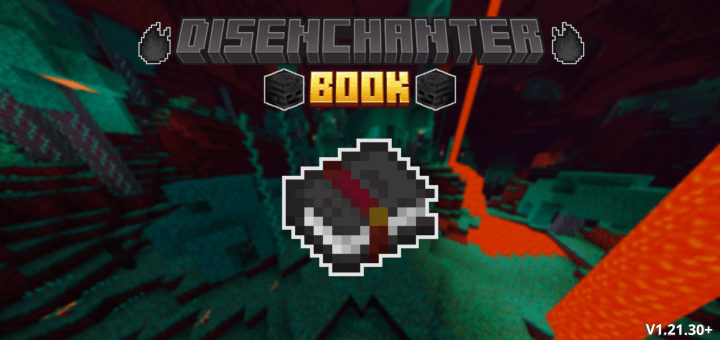
Use a Disenchanter Book to remove some enchantments from your tools, like curses or weak enchantments.
- How Get:
1° - You need to obtain the "Dark Essence" by killing a wither skeleton with 30% chance.

2° - You craft the Disenchanter Book with 1 dark essence and 1 normal book.

- How Use:
1° - Place the Disenchanter Book in your off hand and the enchanted tool in main hand.

2° - Use the item (right button or press the screen) to open the disenchant screen.

3° - Select the enchantments you want to remove and click in the "Disenchant" button, you will receive a enchanted book with the selected enchantments.

- Other Infos:
- This addon don't disable Achievements;
- This addon don't use Experimental;
- This addon don't use player.json;
- This addon is compatible with other addons.
- Edition: Minecraft Bedrock
- File type: .mcpack or .mcaddon
- Minecraft versions listed: 1.21.101, 1.21.100, 1.21.111
- How to install: Download the .mcpack or .mcaddon file. → Open it — Minecraft imports it. → In your world: Behavior Packs → Available → Activate, then the same under Resource Packs.
- Where to get it: Opens on CurseForge — not every file is mirrored on our own servers.
Install steps are the general flow for this file type — How to install Minecraft Bedrock addons & mods walks through it step by step.
- Pack type: .mcaddon — behaviour and resource pack in one file
- Manifest requires Minecraft 1.21.100 or newer
- Complete pack — everything it depends on is inside the file
- Download size: 103 KB
- Download link checked 5 Oct 2026 — working
These come from our own check of the pack file, not from the source page.