
Lucky Horseshoe | No Fall Damage | Terraria Accessories
Bedrock add-on listed for Minecraft 26.x (behavior + resource pack). File opened and checked on 17 Oct 2026; installs from the MC Bedrock Mods app on Android.
I don't know my version
About
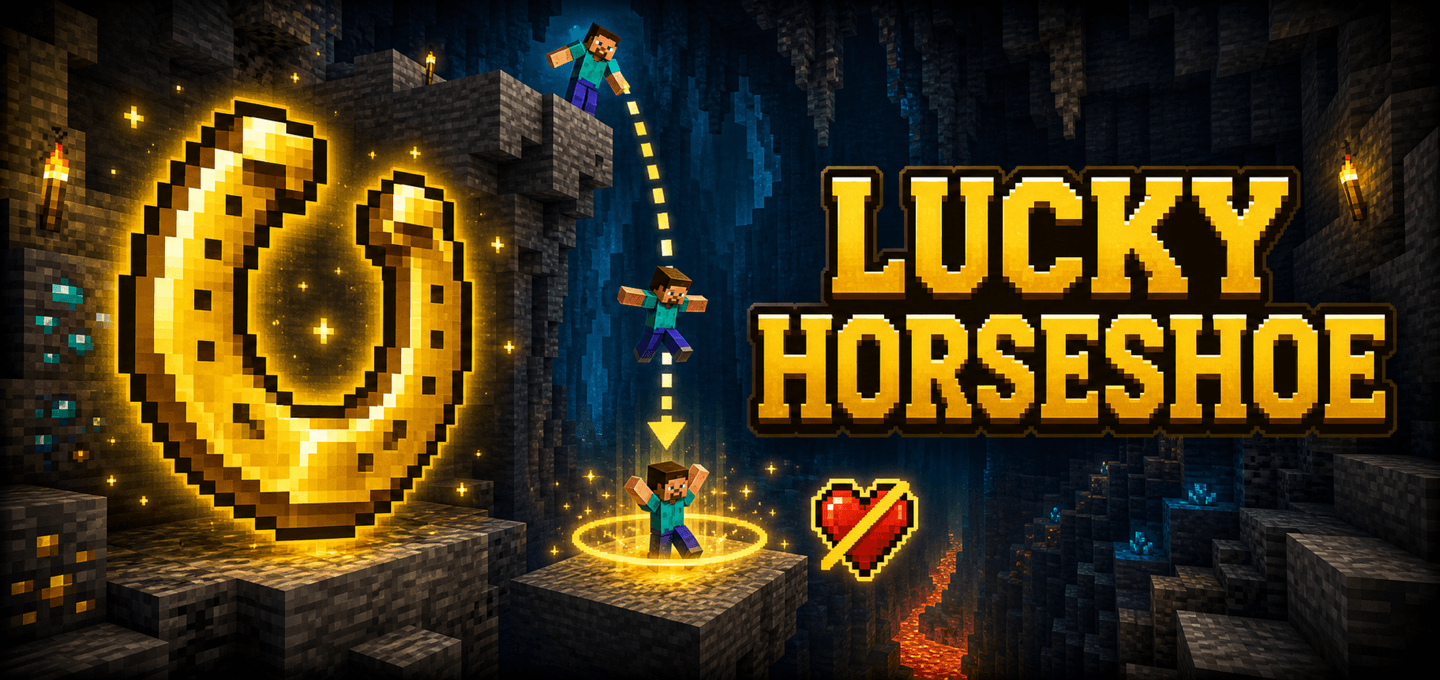
Lucky Horseshoe adds the classic Terraria artifact to Minecraft Bedrock.
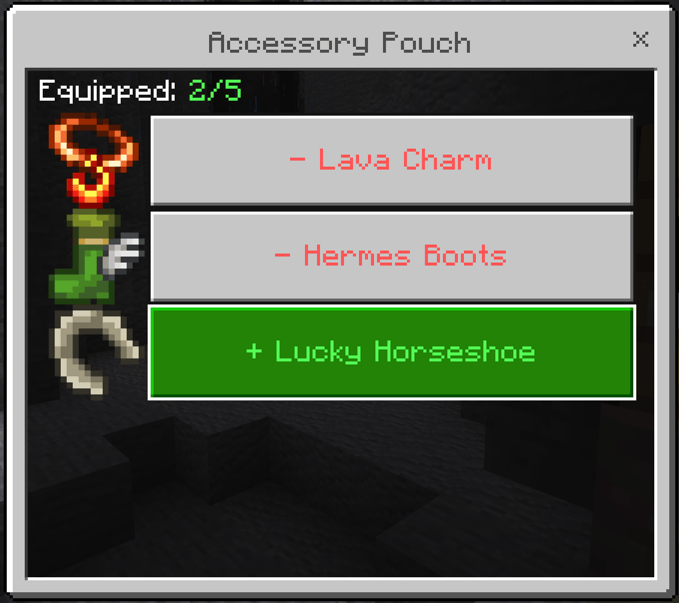
Equip the Lucky Horseshoe through the Accessory Pouch to prevent fall damage without using armor slots or taking up a permanent inventory slot.
Features
- Adds the Lucky Horseshoe artifact
- Equip it through the Accessory Pouch system
- Prevents fall damage while equipped
- Does not use armor slots
- Does not need to stay in the hotbar
- Inspired by Terraria's accessory system
How to use
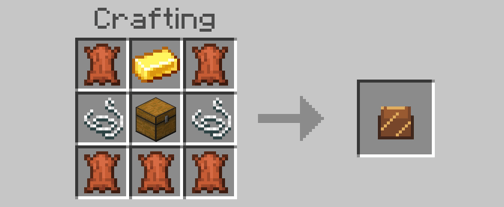
Craft or obtain the Accessory Pouch and the Lucky Horseshoe, then open the pouch and equip the horseshoe.
Open the Accessory Pouch with the pouch item or /accessories. For the optional reactive menu, use /accessories-ddui.
Crafting
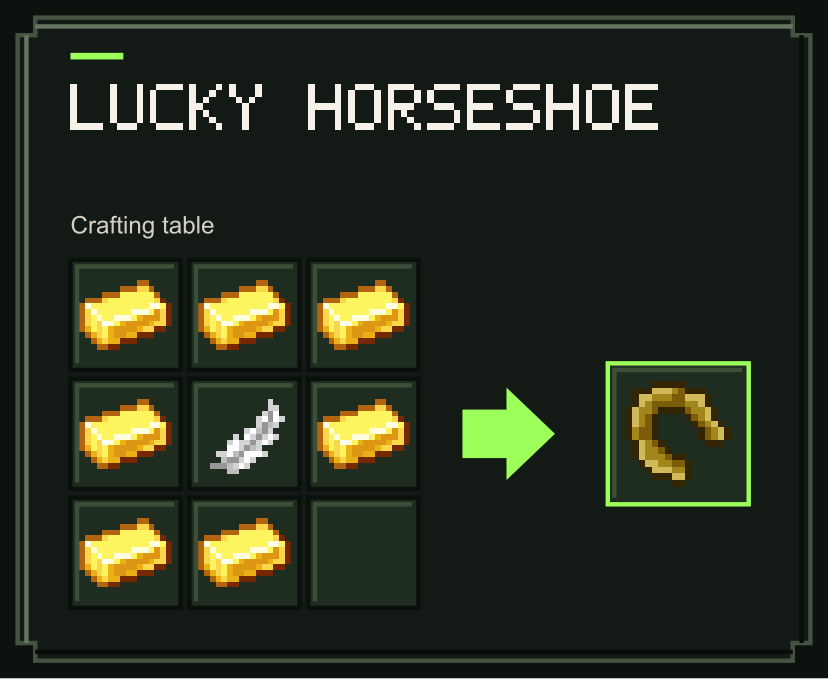
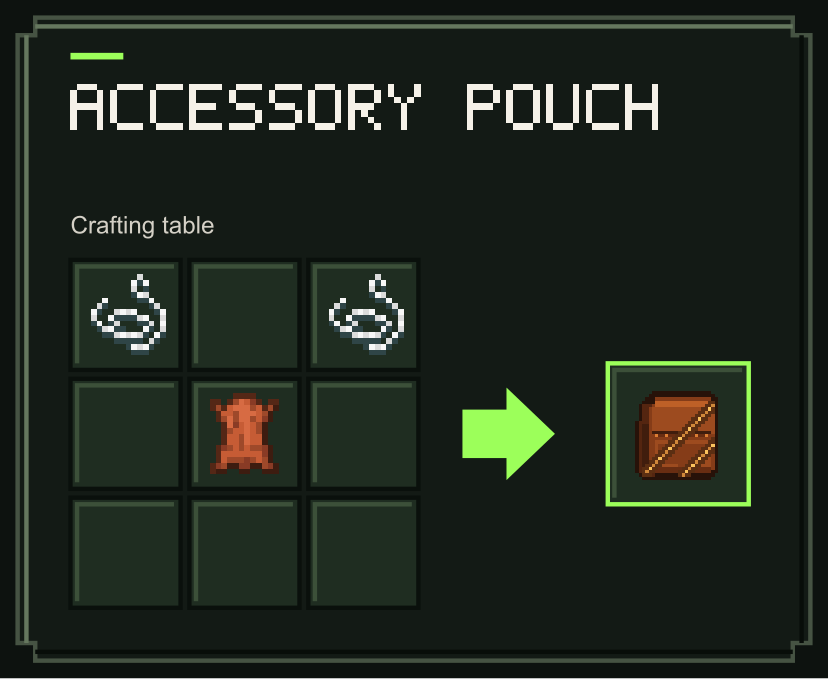
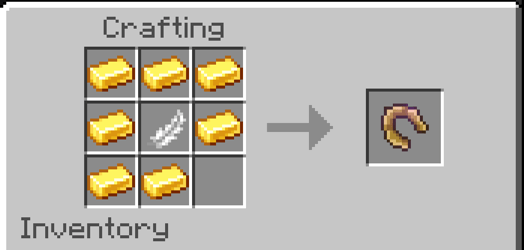
Recipes use the ingredients and quantities shown below. The Accessory Pouch recipe is included for equipping accessories.
Lucky Horseshoe
Accessory Pouch
Requirements
- Minecraft Bedrock Edition 1.26.50 or newer
- Terraria Accessories Core (already built-in)

- Edition: Minecraft Bedrock
- File type: .mcpack or .mcaddon
- Minecraft versions listed: 26.50, 26.30, 26.40
- How to install: Download the .mcpack or .mcaddon file. → Open it — Minecraft imports it. → In your world: Behavior Packs → Available → Activate, then the same under Resource Packs.
- Where to get it: Opens on CurseForge — not every file is mirrored on our own servers.
Install steps are the general flow for this file type — How to install Minecraft Bedrock addons & mods walks through it step by step.
- Pack type: .mcaddon — behaviour and resource pack in one file
- Manifest requires Minecraft 1.26.30 or newer
- Complete pack — everything it depends on is inside the file
- Download size: 248 KB
- Download link checked 6 Oct 2026 — working
These come from our own check of the pack file, not from the source page.