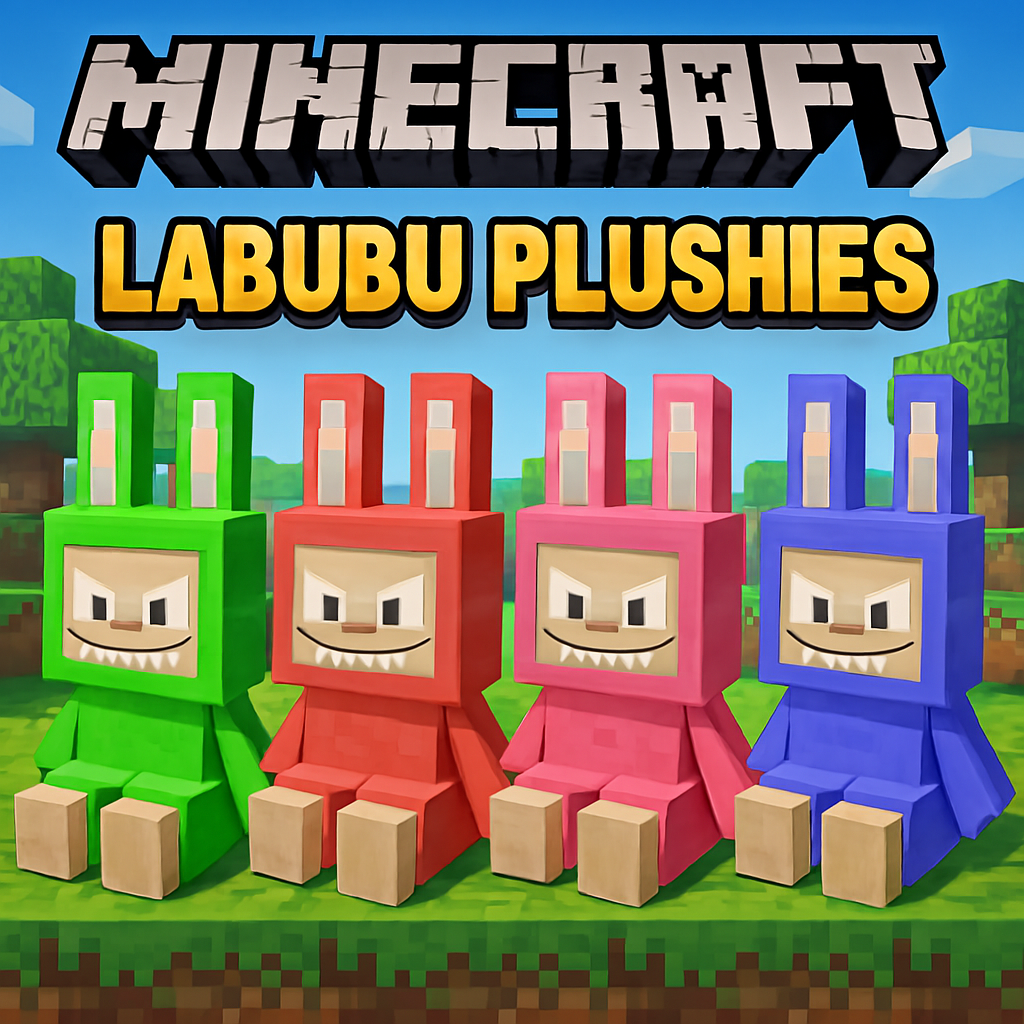
Labubus
Bedrock add-on listed for Minecraft 1.21 (behavior + resource pack). File opened and checked on 4 Oct 2026; installs from the MC Bedrock Mods app on Android.
This Addon pack introduces a collection of charming Labubu Collectibles that you can discover in two unique ways. Hunt down specific mobs for a rare…
⬇ Download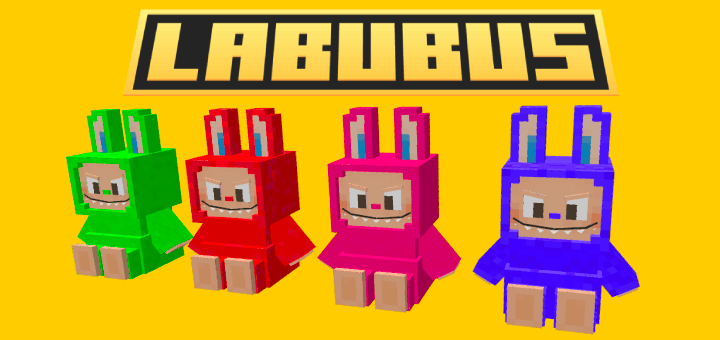
Getting Labubu Collectibles
There are two primary ways to obtain the Labubu Collectibles in-game:
Method 1: Mob Drops (Rare Chance!)
Certain vanilla Minecraft mobs now have a small chance to drop a specific Labubu Collectible when defeated.
- Common Labubus :
-Gray Labubu (bn:labubu_0): Defeat Zombies, Skeletons, Strays, or Iron Golems.
-Blue Labubu (bn:labubu_1): Defeat Drowned or Guardians.
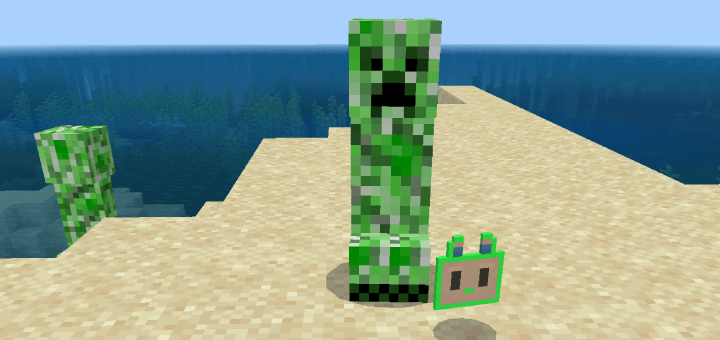
-Lime Labubu (bn:labubu_2): Defeat Creepers or Slimes.
-Rarer Labubus (bn:labubu_3 to bn:labubu_6):
These collectibles drop from other specific mobs with
much lower chances, making them exciting finds! Keep
hunting and see what you discover!
The Lucky Loot Box
- The "Labubu Box" is a custom block that, when interacted with, grants you a random Labubu Collectible and then disappears!
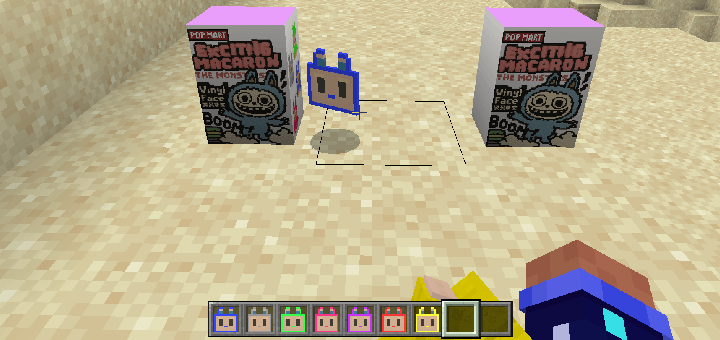
Crafting the Box:
"Labubu Box" Recipe:
- 8x Wool
- 1x Chest
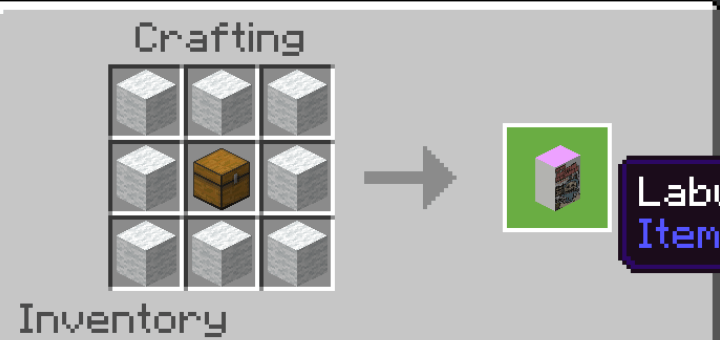
Using the Box:
Place the "Labubu Box" in your world.
Interact with it (right-click on PC, long-press on mobile).
A "pop" sound and a vibrant particle effect will play, and a random Labubu Collectible will appear! The box
will then vanish.
Displaying and Wearing Labubus
Once you've collected your Labubus, you can do more than just admire them in your inventory!
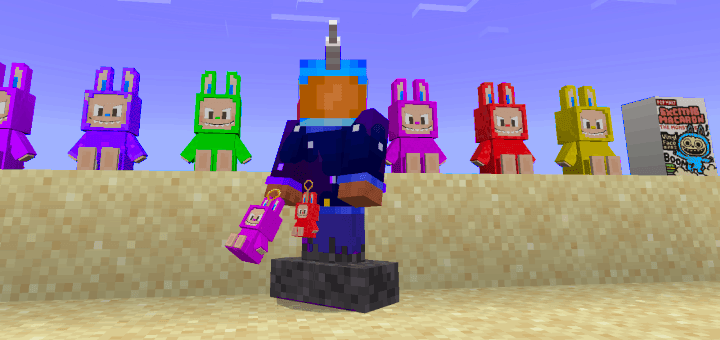
Wearing in Off-hand: Simply drag a Labubu Collectible
to your off-hand slot in your inventory. It will appear on your character.
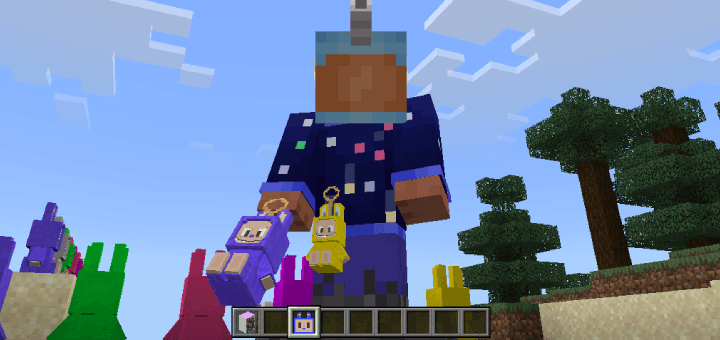
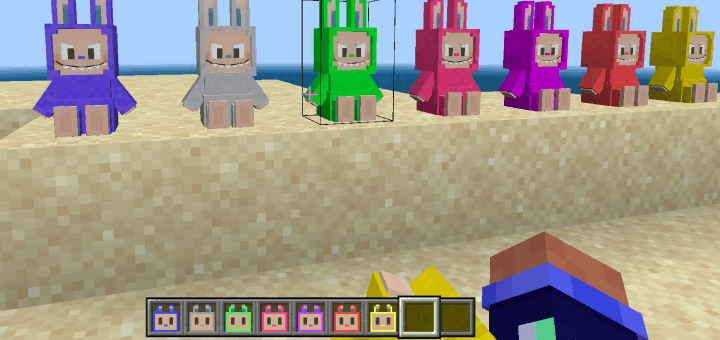
Displaying in Your World: To place a Labubu Collectible for display, select it in your hotbar and interact with any
solid block. The collectible will be placed on top of the block, allowing you to show off your rare finds!
- Edition: Minecraft Bedrock
- File type: .mcpack or .mcaddon
- Minecraft versions listed: 1.21.30, 1.21.50, 1.21.81
- How to install: Download the .mcpack or .mcaddon file. → Open it — Minecraft imports it. → In your world: Behavior Packs → Available → Activate, then the same under Resource Packs.
- Where to get it: In MCModsHub, or directly above on this page.
Install steps are the general flow for this file type — How to install Minecraft Bedrock addons & mods walks through it step by step.
- Pack type: .mcaddon — behaviour and resource pack in one file
- Complete pack — everything it depends on is inside the file
- Download size: 3.6 MB
- Download link checked 3 Aug 2026 — working
These come from our own check of the pack file, not from the source page.