BarterShelf - player-player trading
Bedrock add-on listed for Minecraft 1.21–26.x. Installs from the MC Bedrock Mods app on Android.
⬇ Download
BarterShelf
This Addon works perfectly on 26.20 and above (this line is updated regularly)
Lore: Trust is the currency of merchants. This specialized cabinet allows goods to be viewed safely behind glass, ensuring that every trade is transparent and fair.
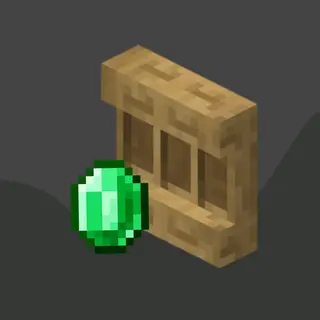
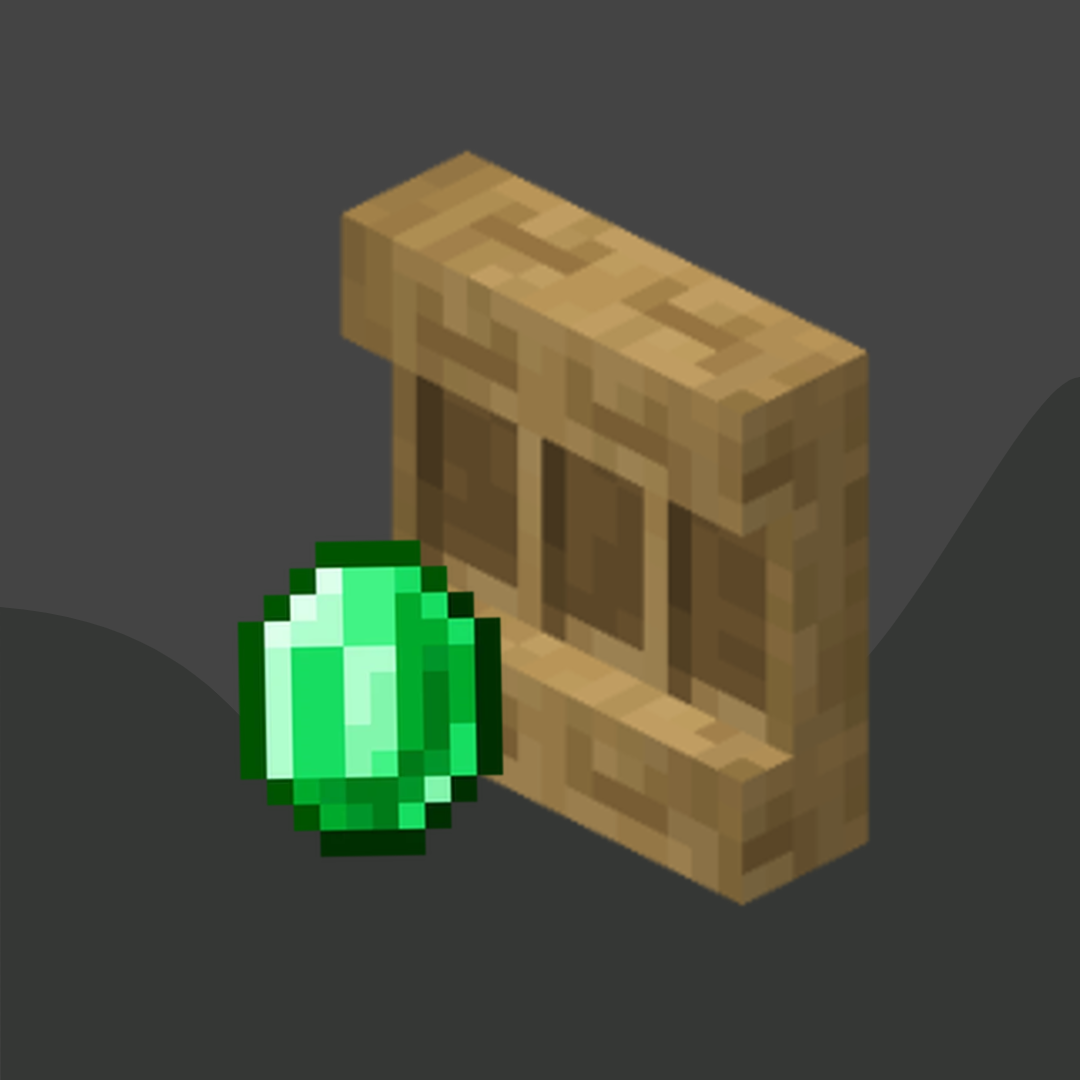
This Addon modifies the vanilla Shelves block to be used as a way for trading between players.
If you want a cheap and extremely good server, check out gravelhost, use my link or the code for 25% off for your purchase.

Usage
In order to convert a normal shelf into a BarterShelf, craft a wand with a copper ingot and a stick (no specific shape required) and click with it on the shelf you want to convert. it will make a sound to let you know.
Now, when you click the shelf again, it will open the trade setup menu. DO note that the barter shelf is attributed to the player who sets the first trade.
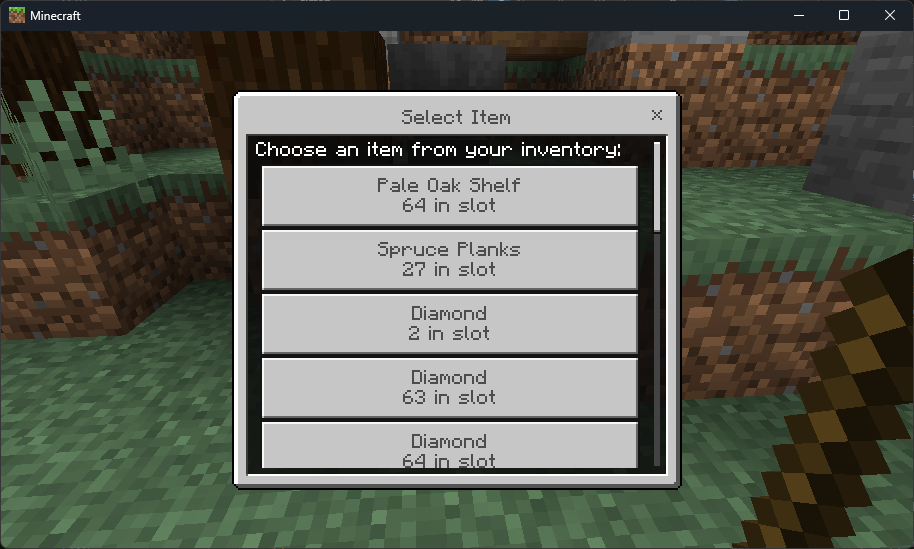
Main Trading Menu:
The Menu lists all the items present in your inventory (it basically shows your inventory lol)
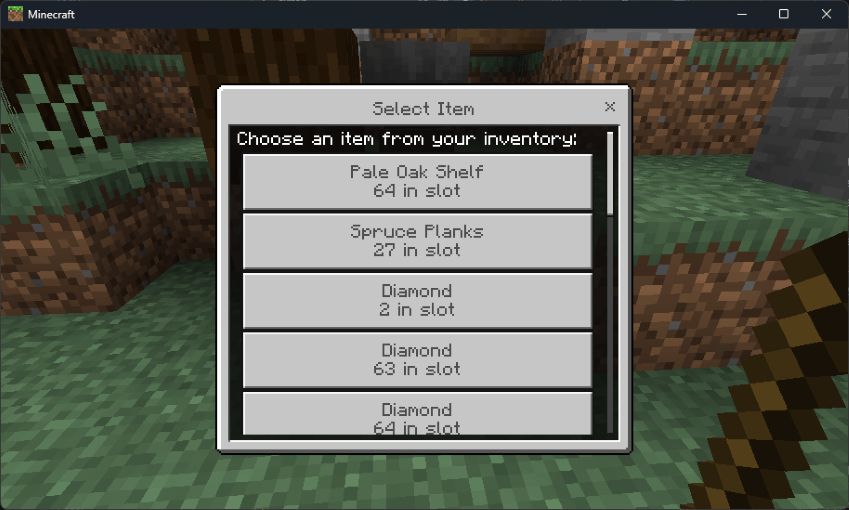
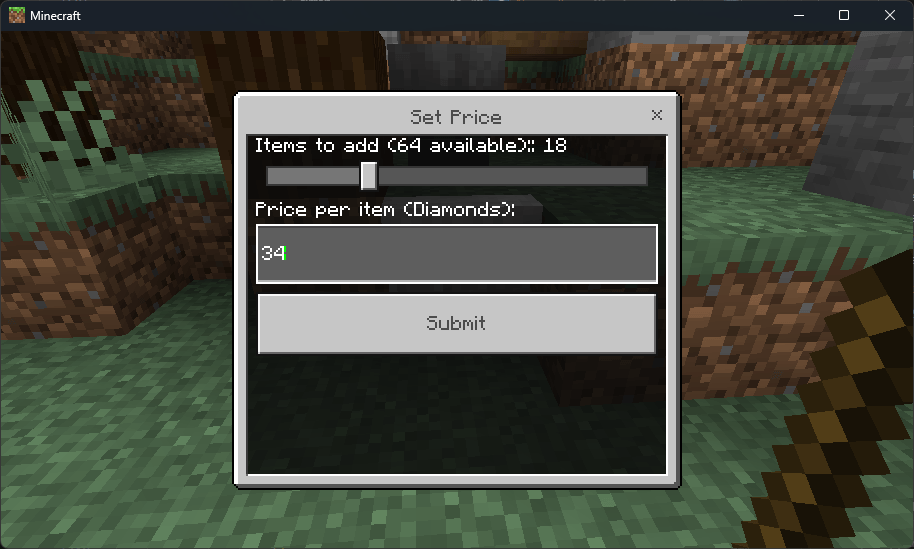
From here, you can select the item you want to sell and its price.
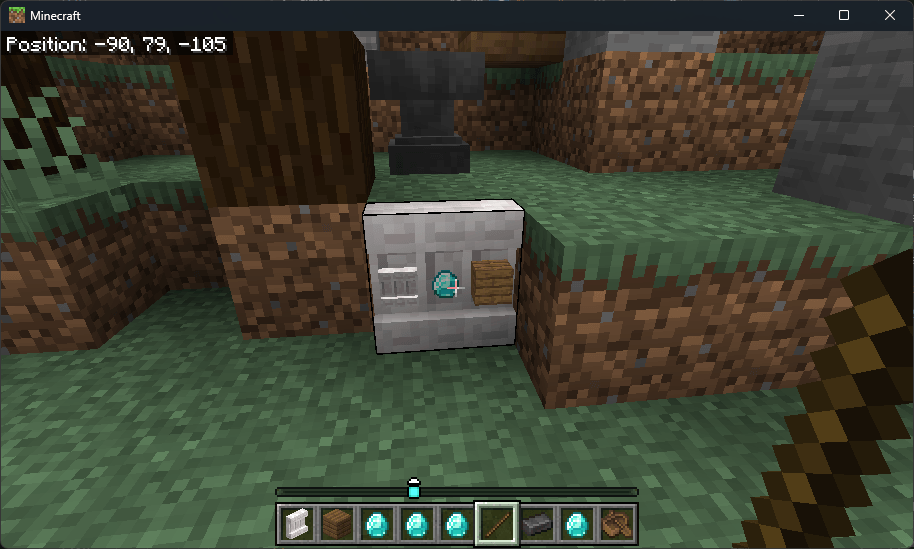
Click Submit, and your trade will become visible on the 1st slot of the shelf.
YOU CAN ADD 3 TRADES PER SHELF, AS THERE ARE 3 SLOTS IN ONE SHELF
Trade Modification Menu:
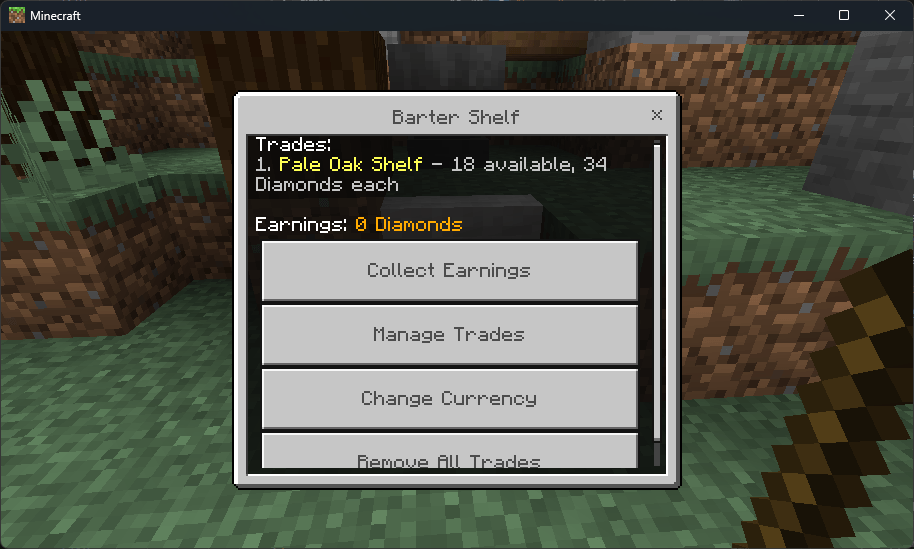
After you set your first trade, you will get this menu if you click the shelf again (You only need the stick once to convert, not everytime).
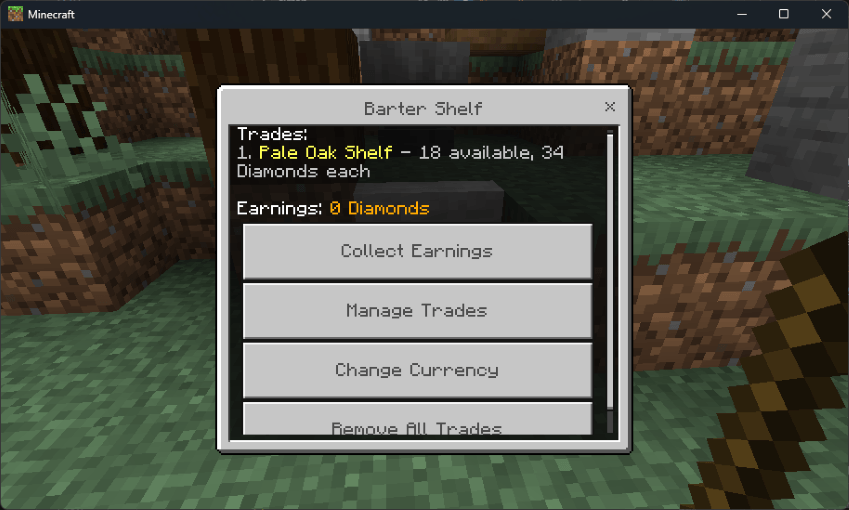
This Menu lets you:
- View and collect your earnings
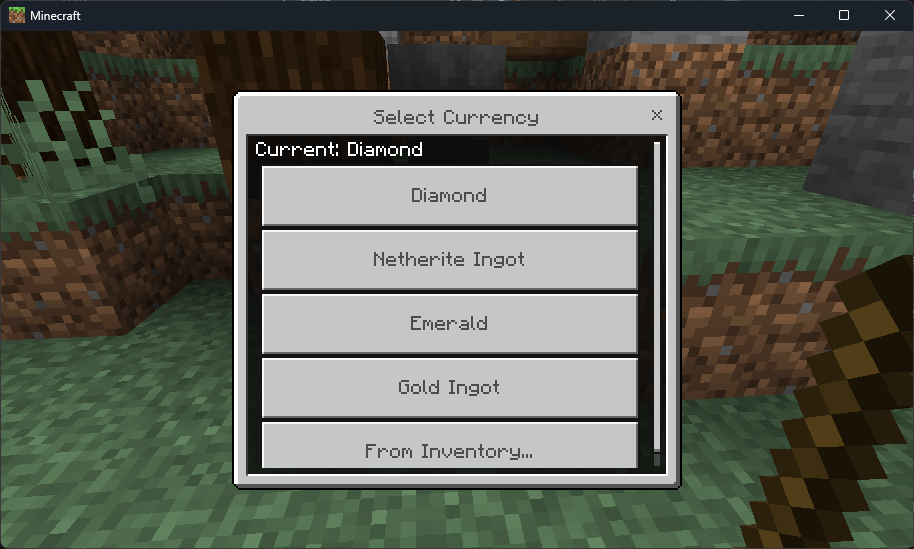
- Change Currency
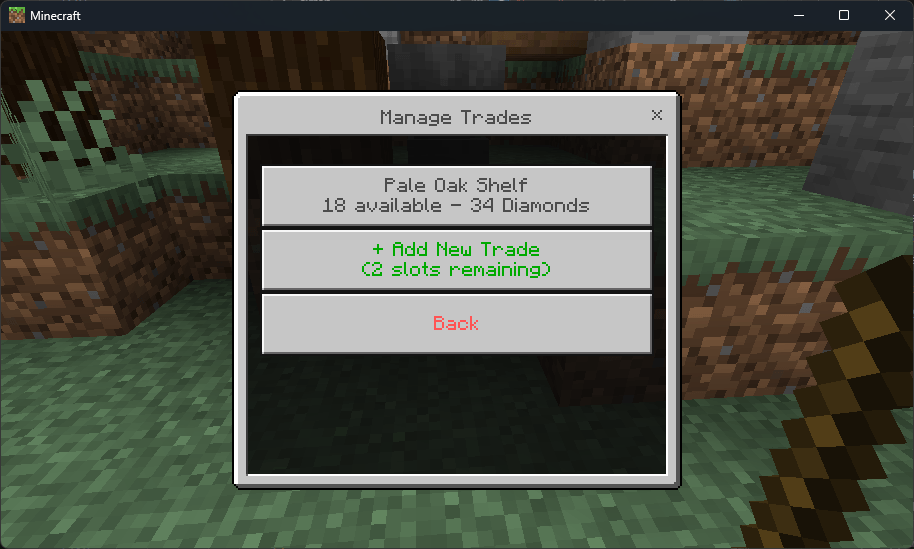
- Manage existing trades and add more items if it runs out.
- Add more trades (3 max)
- And remove all trades
Buyer's Menu:
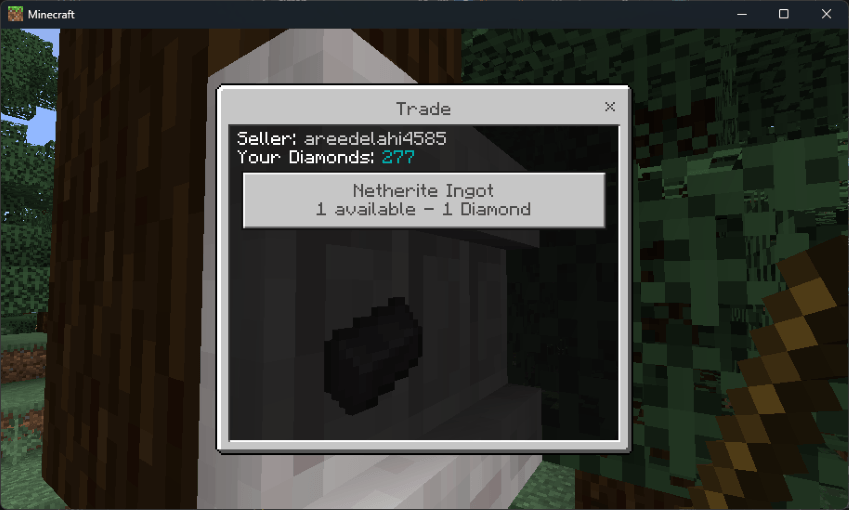
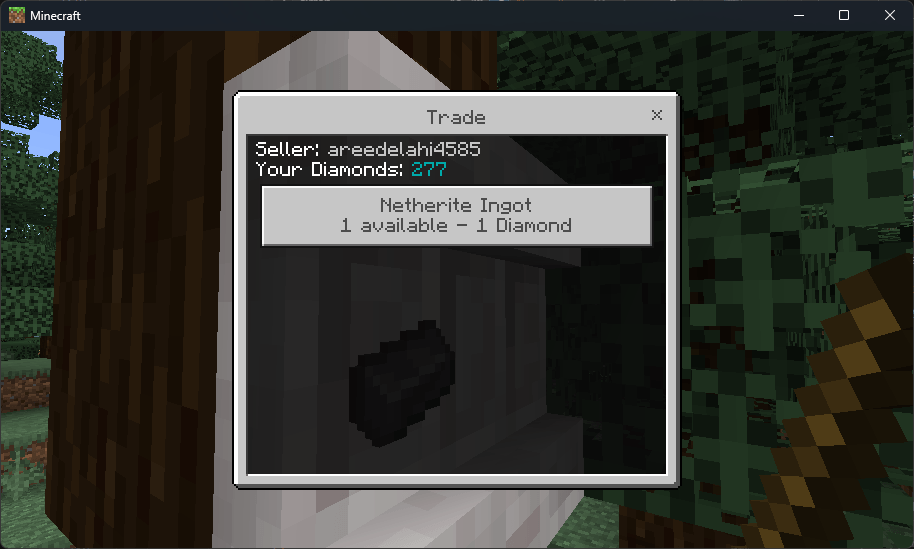
This menu lists all the trades setup by the trader, it appears when any person other than the trader themselves click the bartershelf.
just select the trade you want to buy, select quantity and click buy, simple.
How the trade is handled:
When trader setups the trade, the items the transfered from his inventory to the shelf.
When buyer buys the trade, the currency is deducted from his inventory (diamonds etc) and he is given the item.
NOTE: trade will note happen if there is not enough space in inventory
In the same way, trader can later collect his earnings from the shelf and restock it if needed etc.
I have Specifically not used chat messages for most things unless absolutely necessary, most actions depend upon sound feedback, not chat messages excluding the absolutely necessary ones. This was mainly done to make it as close to vanilla as possible.
It doesn't use beta apis and will not need constant updates to make it compatible with latest versions. Though bug fixes and Feature additions will always come :)
This Addon Doesn't Disable Achievements :)
If you want to support me and donate a small amount, please consider this one time patreon donation (no subscription or membership)
Join My Patreon
Join the discord for help and chat:
Part of the Survival Essentials collection by Areed.
- Edition: Minecraft Bedrock
- File type: .mcpack or .mcaddon
- Minecraft versions listed: 1.21.131, 1.21.132, 26.0.02
- How to install: Download the .mcpack or .mcaddon file. → Open it — Minecraft imports it. → In your world: Behavior Packs → Available → Activate, then the same under Resource Packs.
- Where to get it: In MCModsHub, or directly above on this page.
Install steps are the general flow for this file type — How to install Minecraft Bedrock addons & mods walks through it step by step.
- Pack type: .mcaddon — behaviour and resource pack in one file
- Download size: 508 KB
- Download link checked 6 Oct 2026 — working
These come from our own check of the pack file, not from the source page.