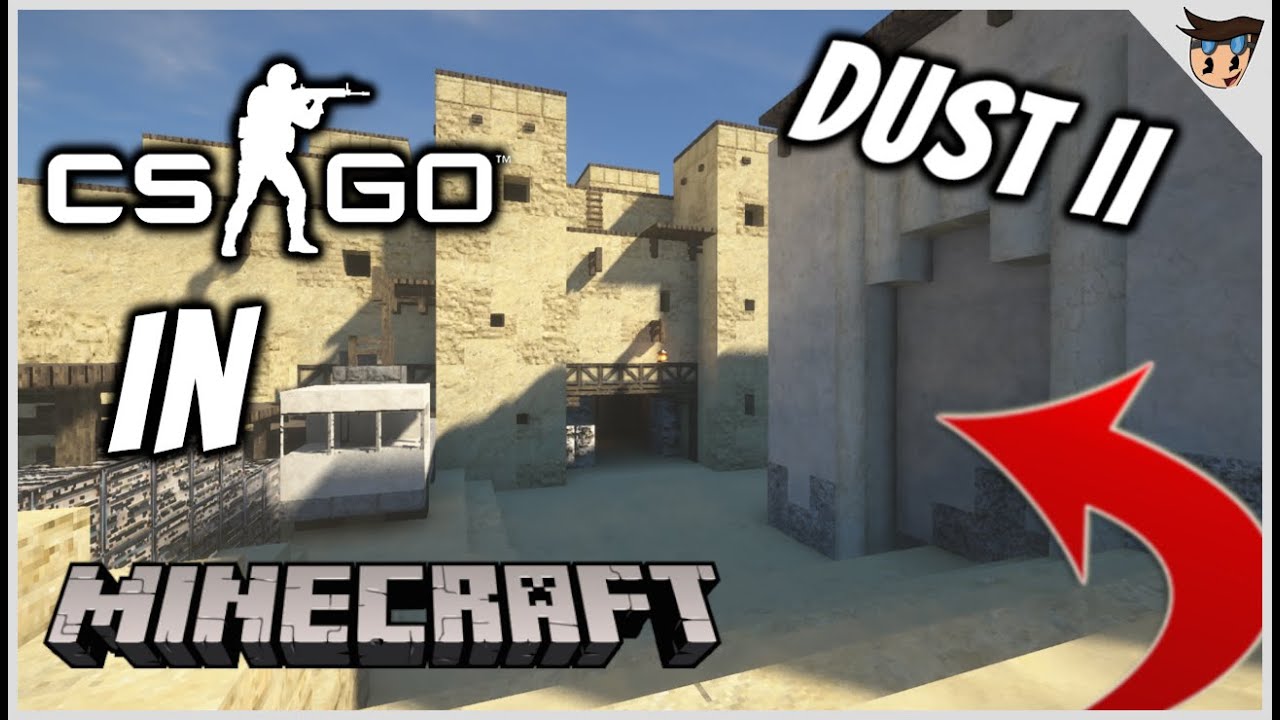
CS: GO New Dust II Map (1.21, 1.20) – Java/Bedrock
Bedrock add-on listed for Minecraft 1.20–1.21. Download on the author's site.
⬇ Download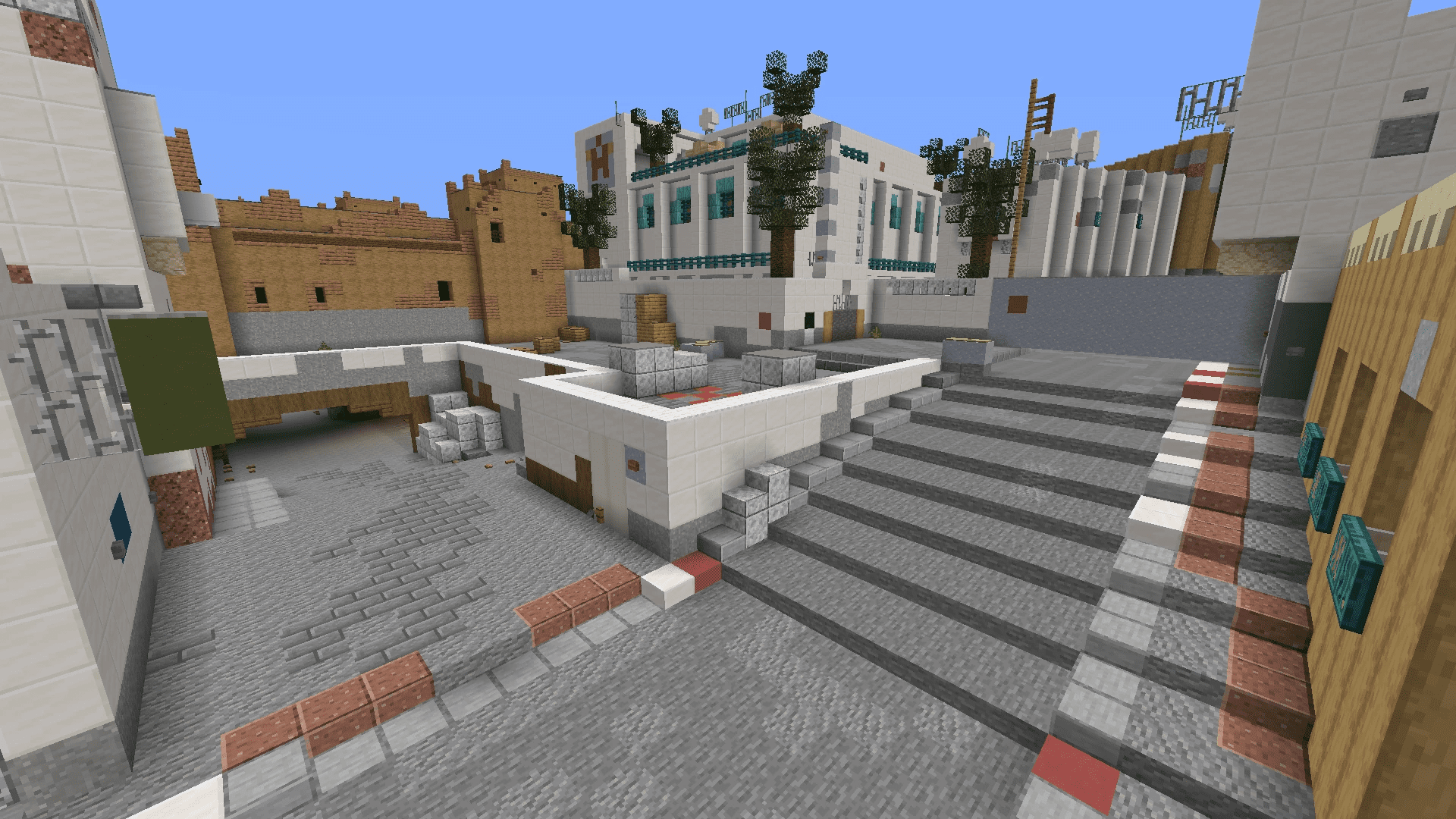
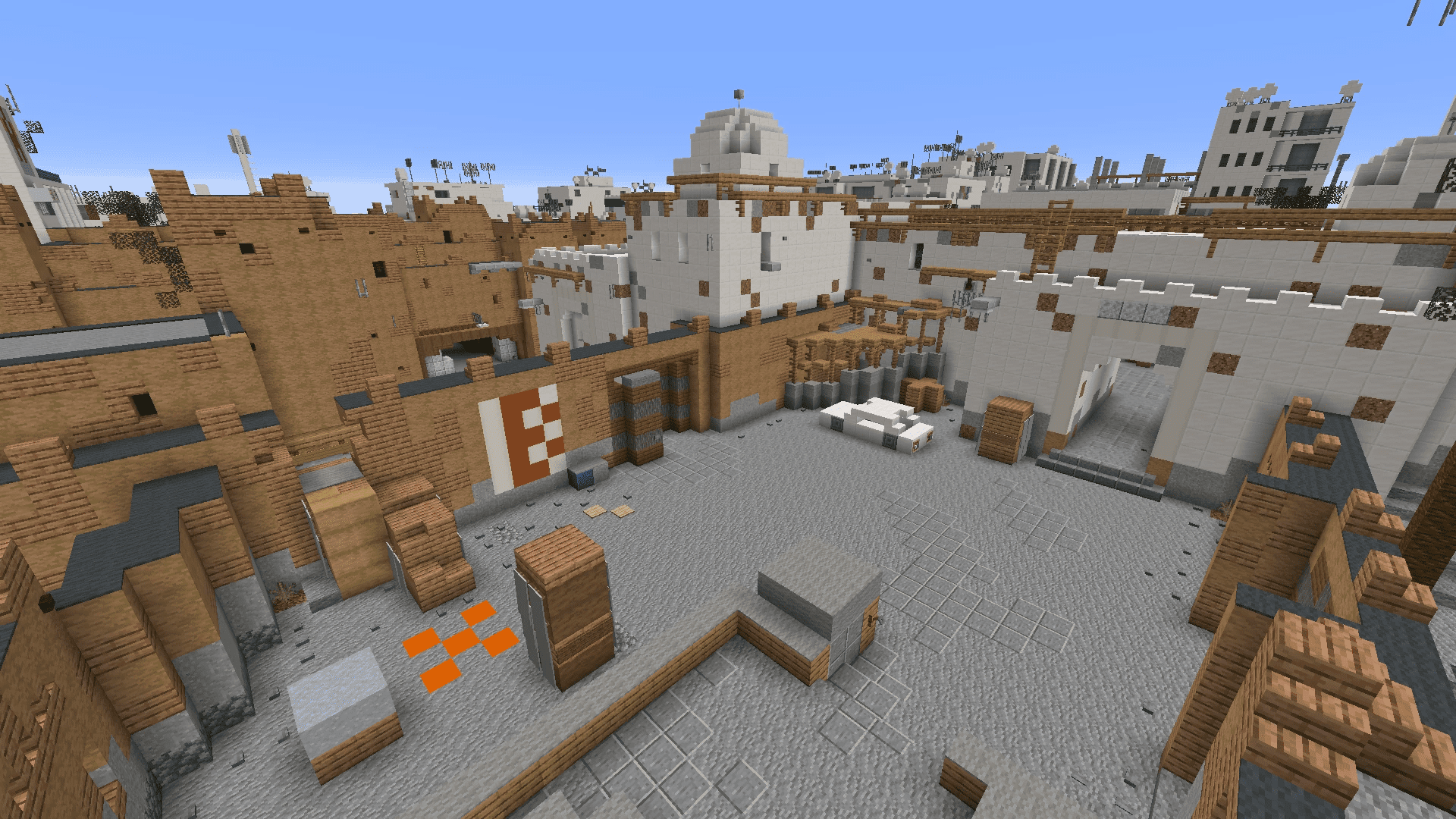
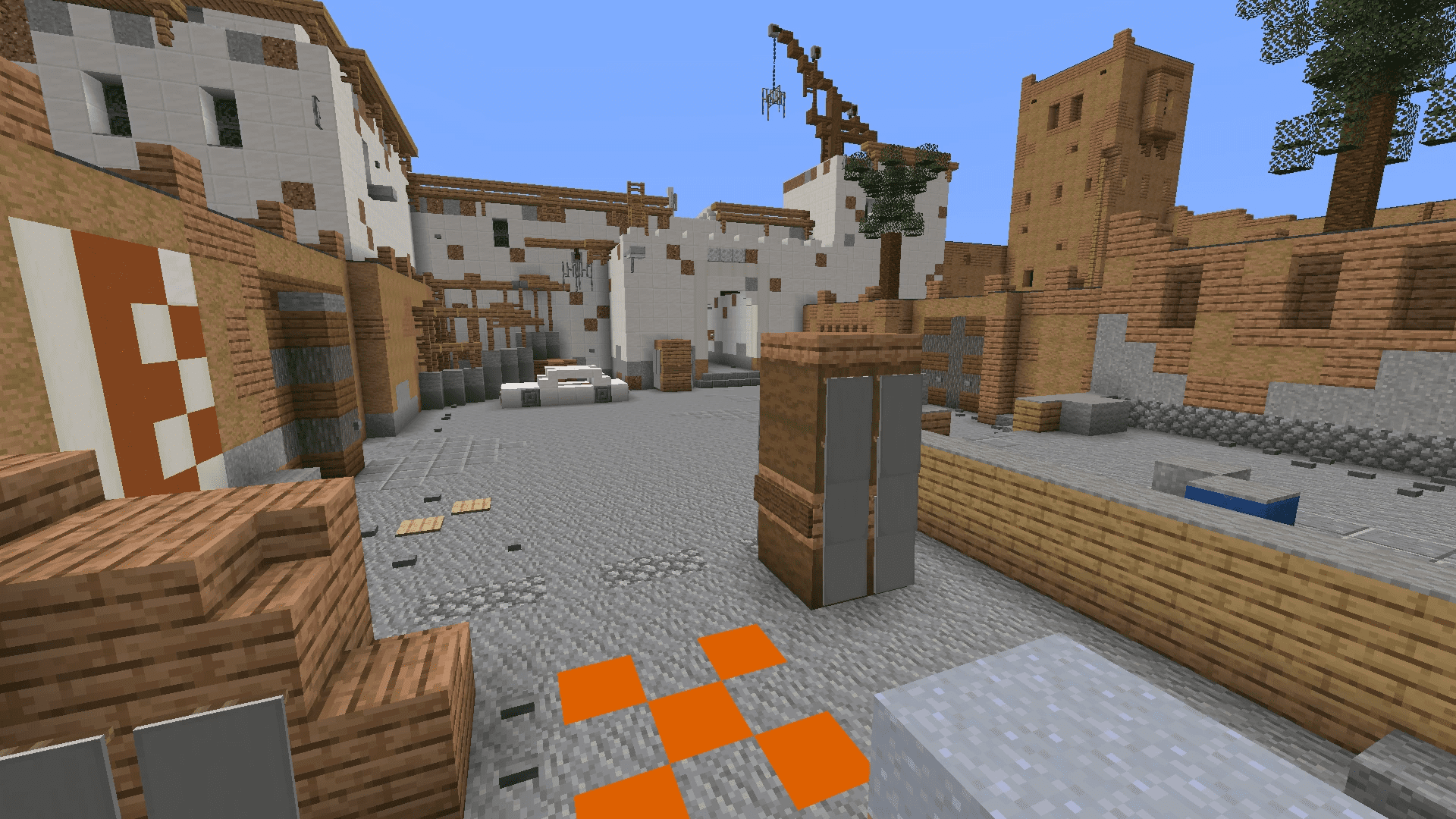
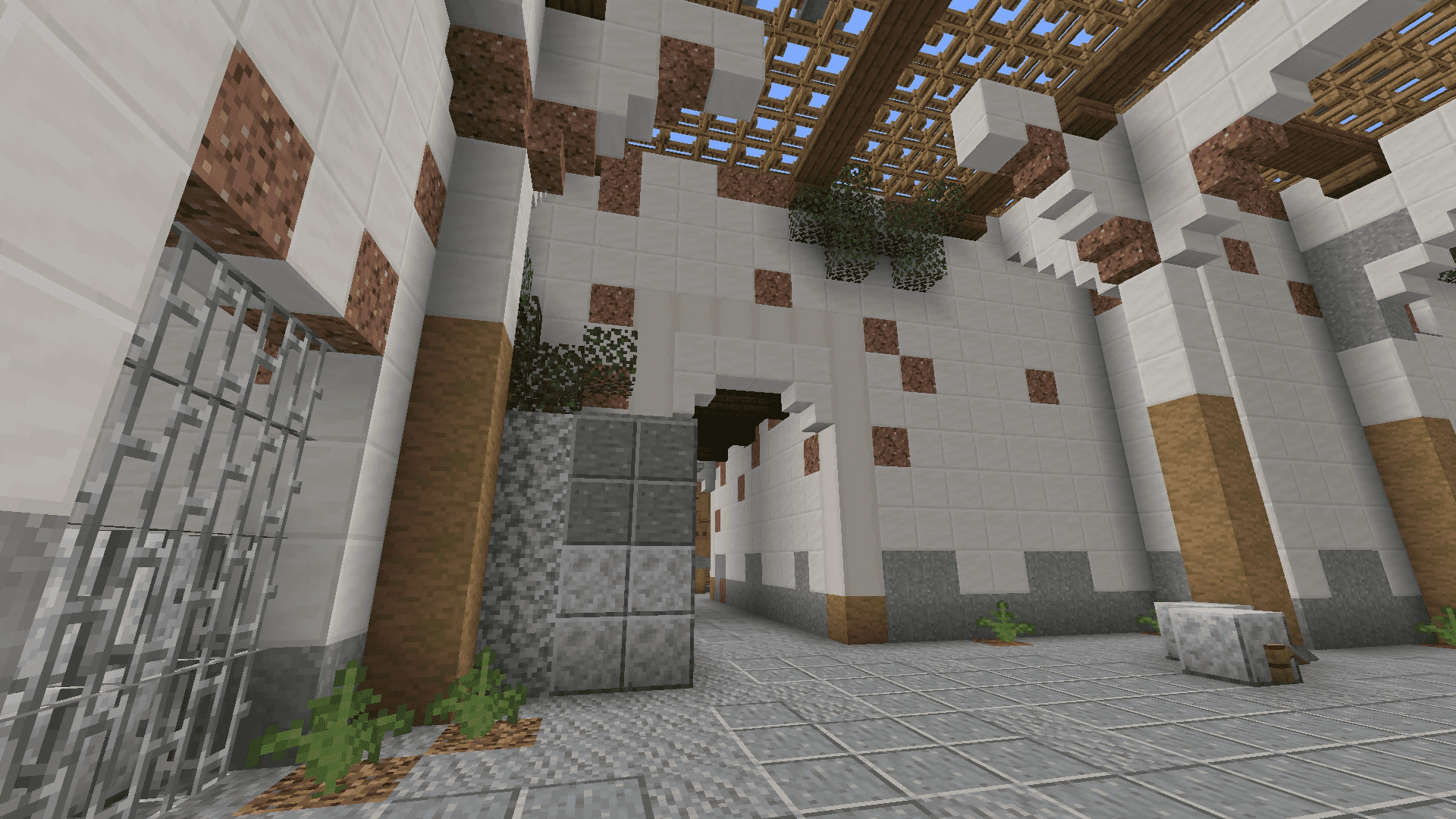
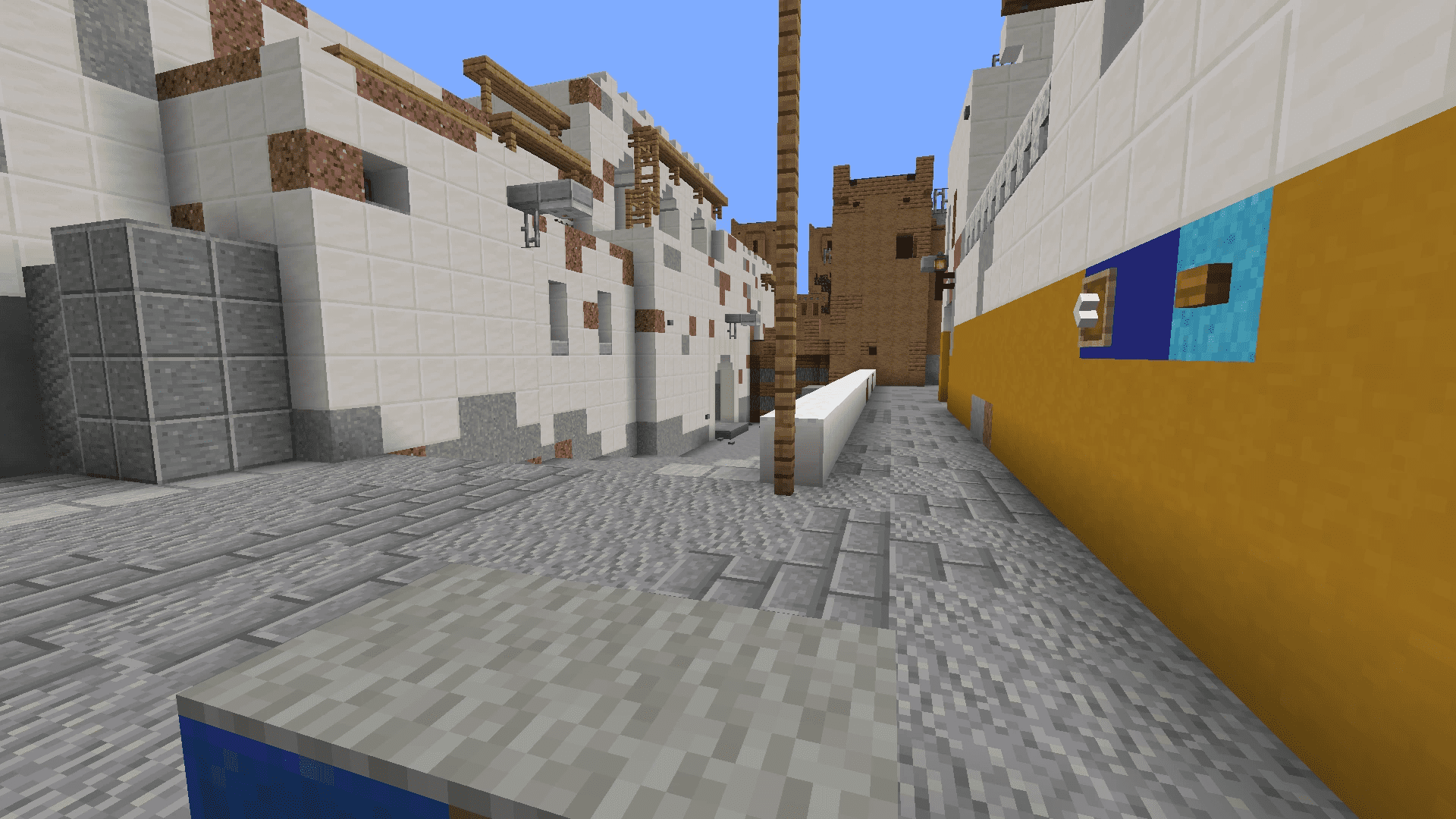
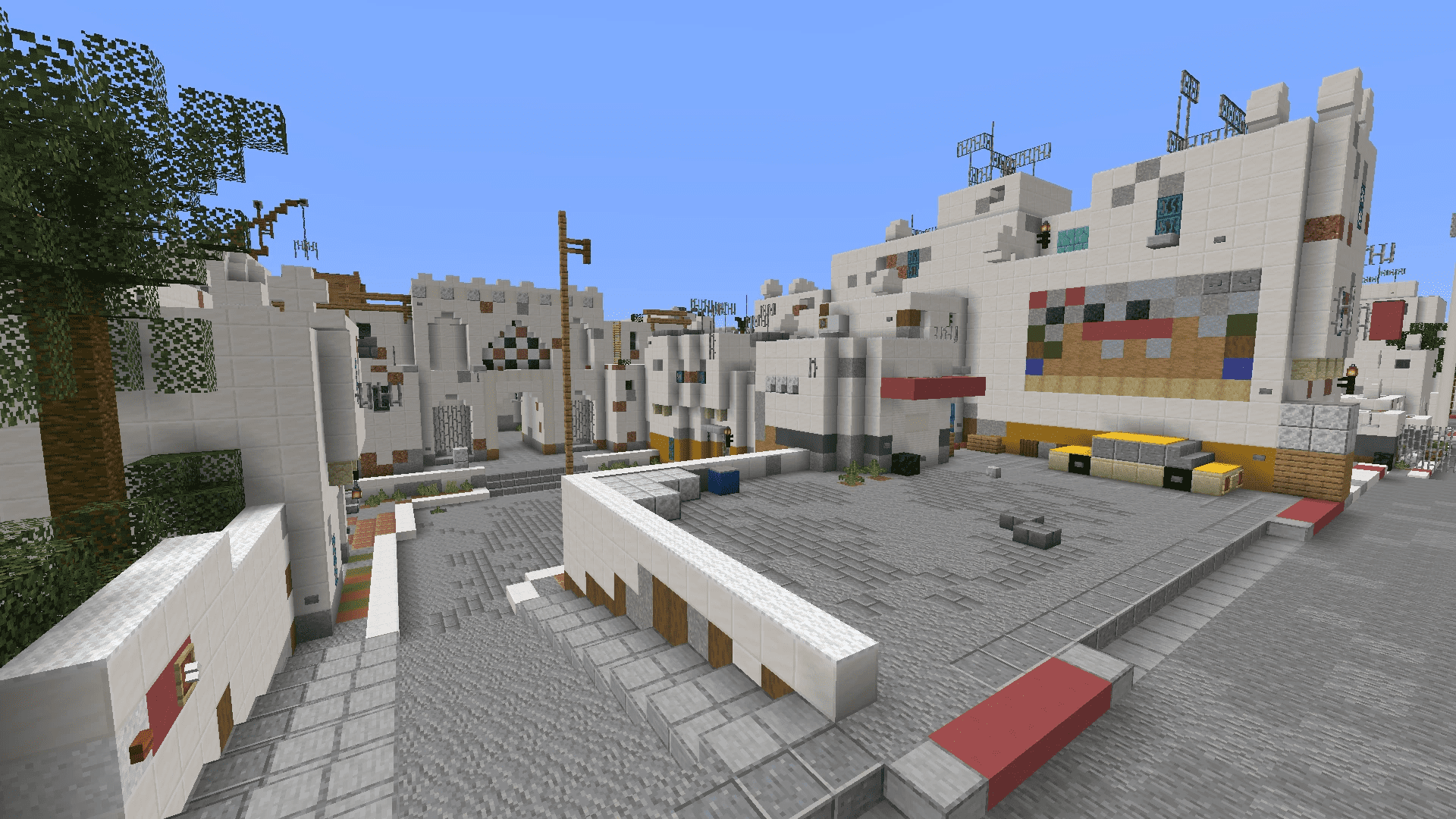
CS: GO New Dust II Map is a recreation of the famous Dust II map from Counter-Strike: Global Offensive (CSGO) in Minecraft. It needs no introduction, it’s perhaps the most iconic FPS map of all time. It is a popular map for playing bow battles or capturing the flag with other players.
Features:
Dust II, arguably the most iconic FPS map of all time, has been brought to Minecraft in the form of the CS: GO New Dust II map. This map has been ported from the Java Edition by AzozGamer936, with the original creation by Razco.
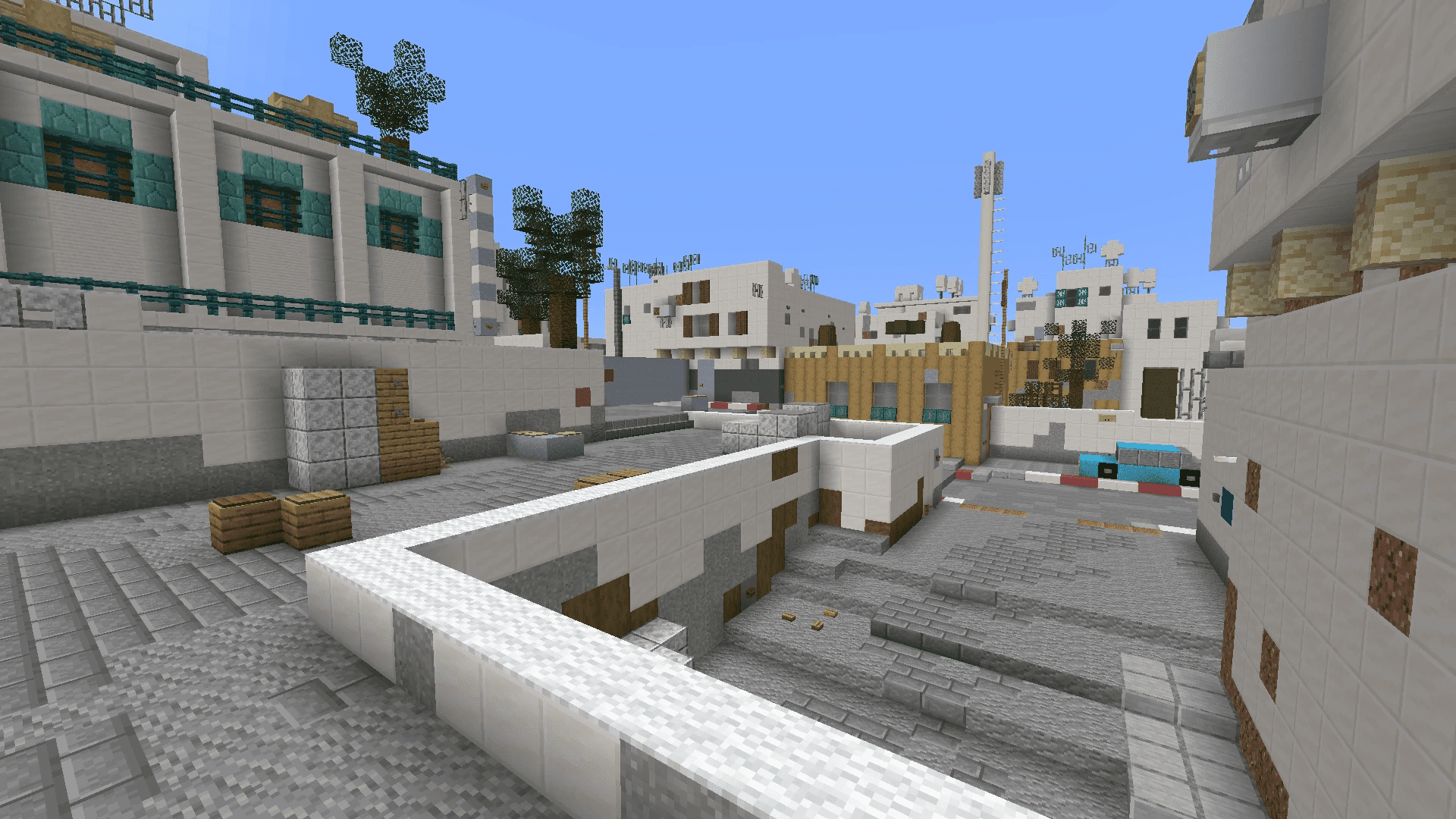
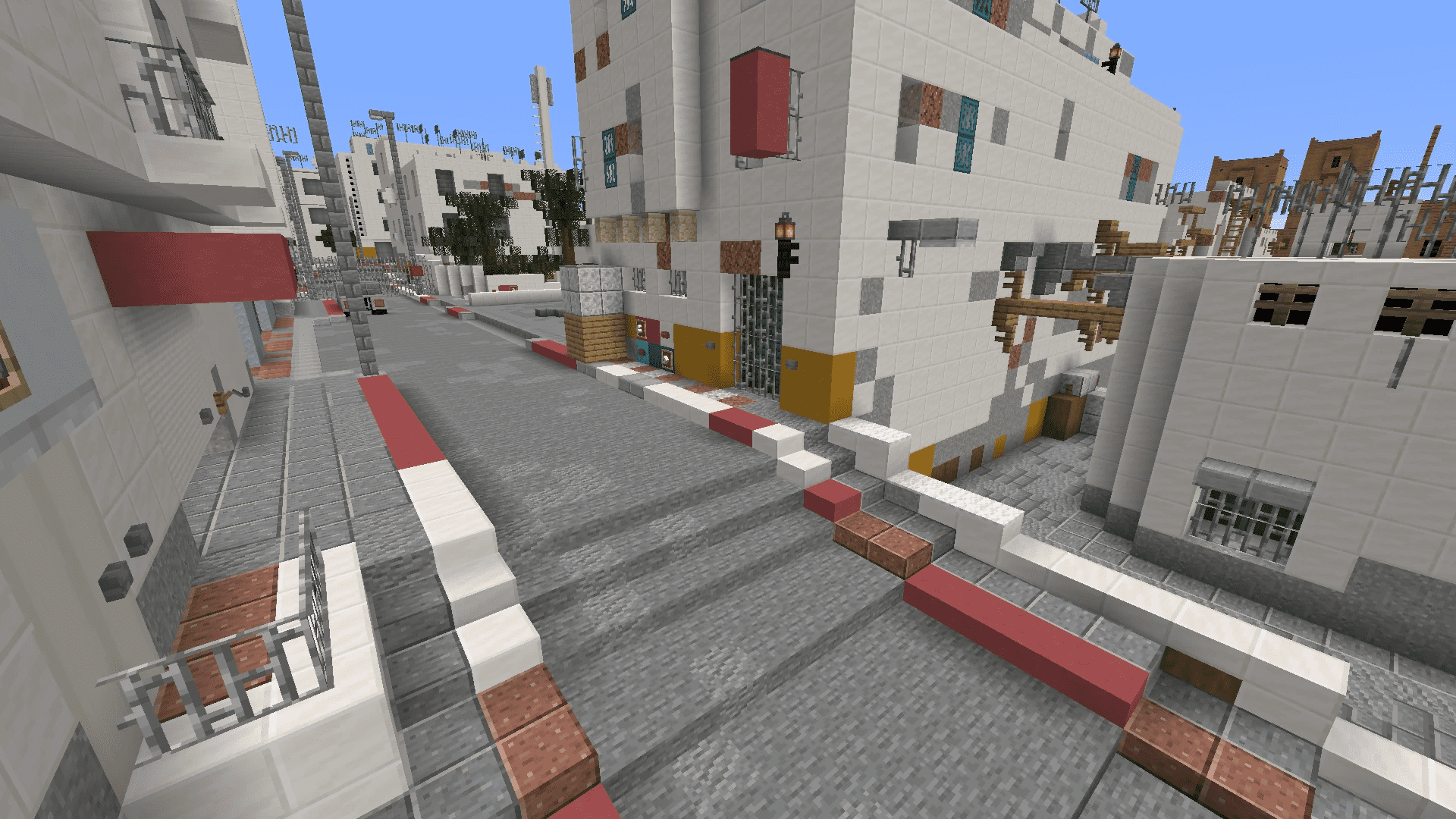
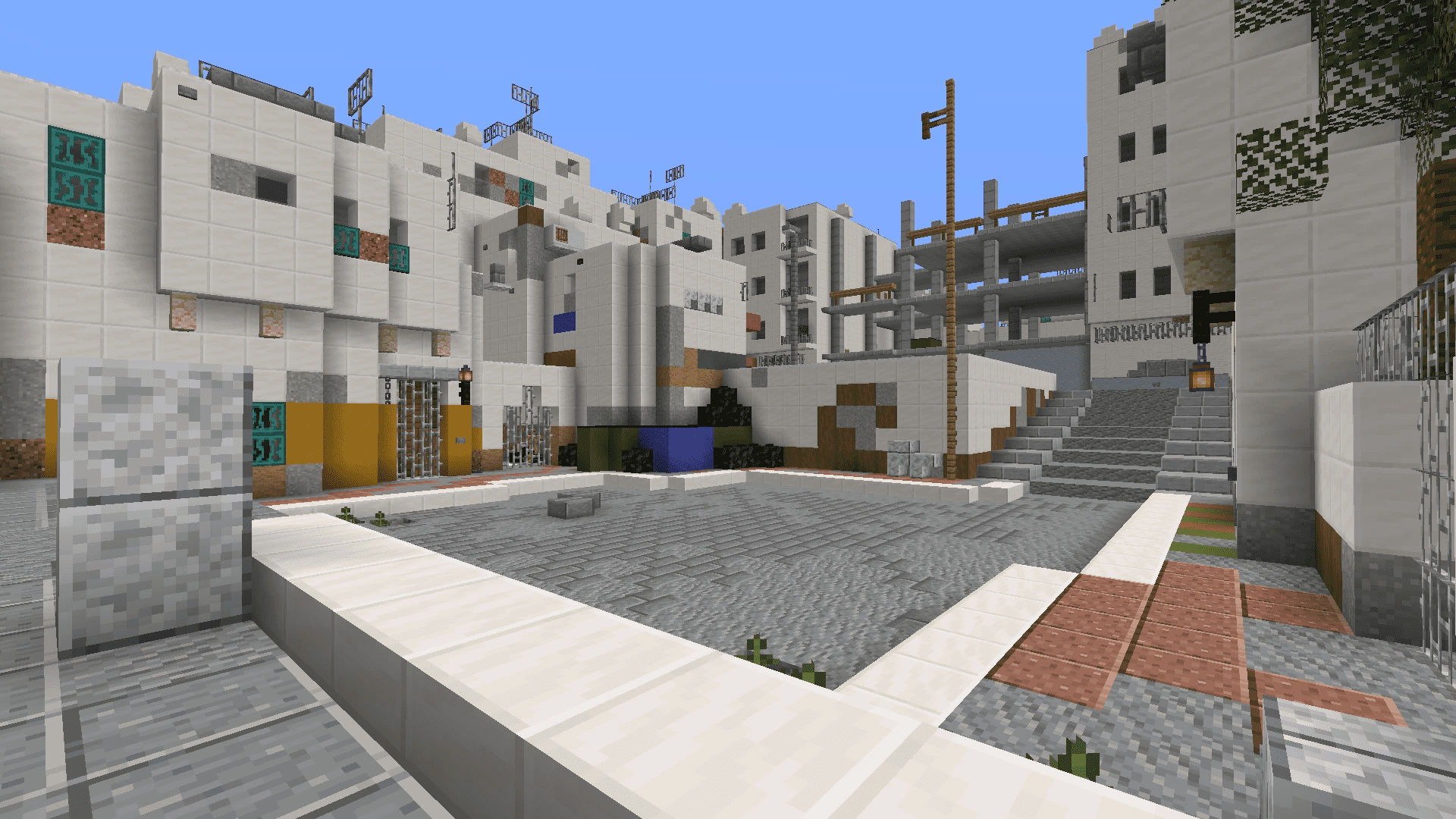
This map is a faithful recreation of the original Dust II from Counter-Strike: Global Offensive (CS: GO). It includes all the familiar sites and locations, such as the A site, B site, Middle, and T Spawn. This allows Minecraft players to experience the strategic gameplay of CS: GO’s Dust II within the blocky world of Minecraft.
Screenshots:
A Site
B Site
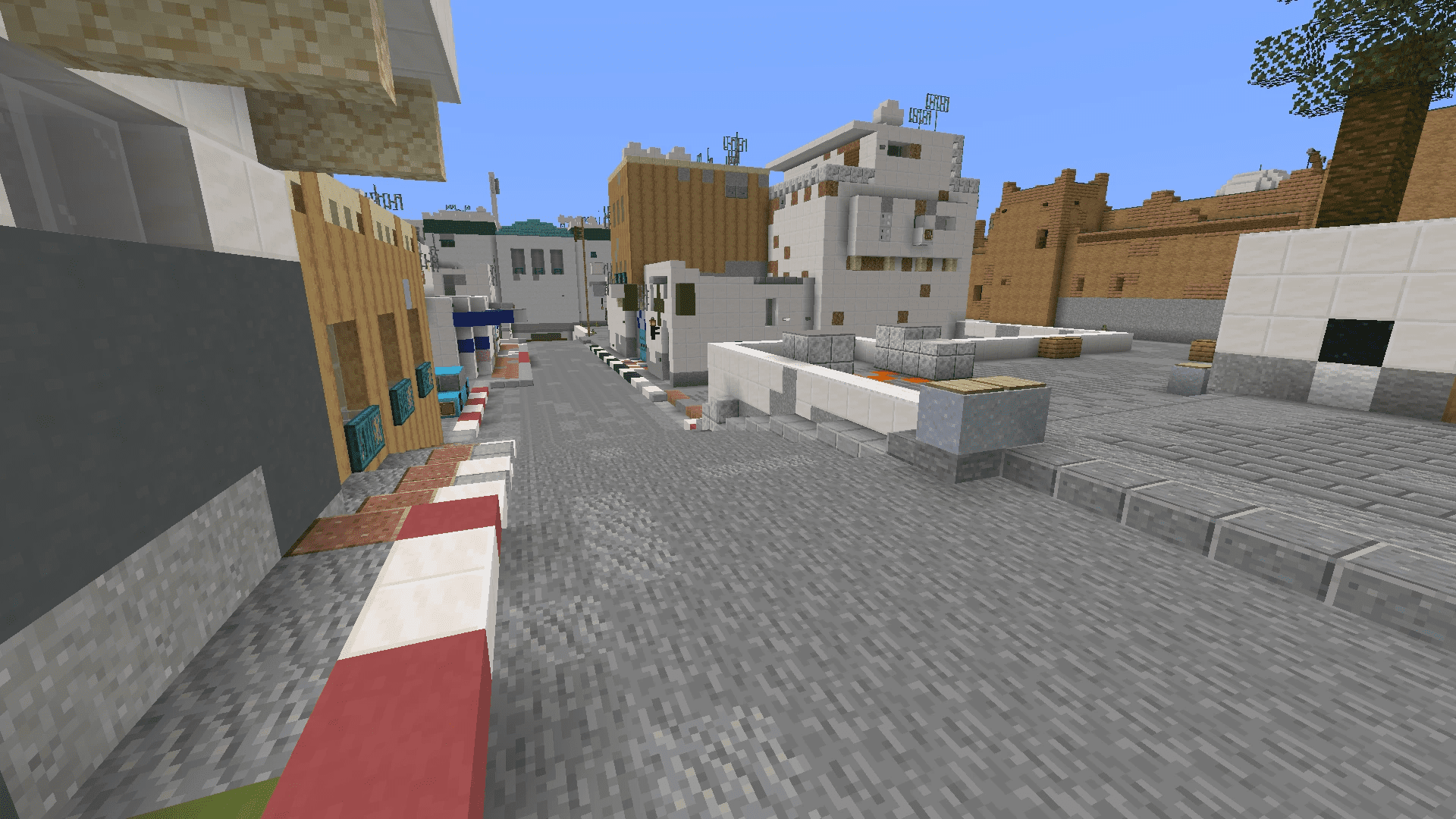
Middle
T Spawn
CS: GO New Dust II Map Download Links
For Java Edition 1.16.5
For Minecraft PE/Bedrock 1.21
mcworld: Download from server 1 – Download from server 2
For Minecraft PE/Bedrock 1.20
mcworld: Download from server 1 – Download from server 2
For Minecraft PE/Bedrock 1.19
mcworld: Download from server 1 – Download from server 2
- Edition: Minecraft Bedrock
- File type: .mcpack or .mcaddon
- Minecraft versions listed: 1.21, 1.20
- How to install: Download the .mcpack or .mcaddon file. → Open it — Minecraft imports it. → In your world: Behavior Packs → Available → Activate, then the same under Resource Packs.
- Where to get it: Opens on the file's original source — not every file is mirrored on our own servers.
Install steps are the general flow for this file type — How to install Minecraft Bedrock addons & mods walks through it step by step.
CS: GO New Dust II Map (1.21, 1.20) – Java/Bedrock is a free Minecraft Bedrock addon. Compatible with Minecraft 1.21, 1.20. Download it and open it directly in the game.