XP Bottle - Secure Level Banking
Store, withdraw, and transfer your XP levels safely in a personal bank, and never lose your experience points again with the Auto Store on Death feature.
I don't know my version
RR XP Bottle PRO v1.0.0 - The Ultimate Experience Bank
Hey everyone. We all know the absolute worst feeling in survival Minecraft. You spend hours at your mob grinder, trading with villagers, or mining quartz in the Nether to finally reach level 50 so you can do some high-level enchanting. On your way back to your base, you miss a single jump and fall into lava, or a creeper drops on your head out of nowhere. Instantly, all those hours of grinding are gone forever. In vanilla Minecraft, when you die, you only drop a tiny fraction of your experience points, and the rest simply vanishes into thin air. It is incredibly frustrating and makes taking risks late in the game feel punishing.
I wanted to create a completely safe, reliable way to protect your hard-earned levels. That is exactly why I created the RR XP Bottle addon. This is a survival utility that gives every single player on the server their own secure, personal XP bank. You can safely store your levels, withdraw them whenever you need to enchant gear, and even transfer them to your friends. There are no locked menus or hidden keys; the entire banking system is fully unlocked and ready to use right out of the box.
The XP Bank and Quick Controls
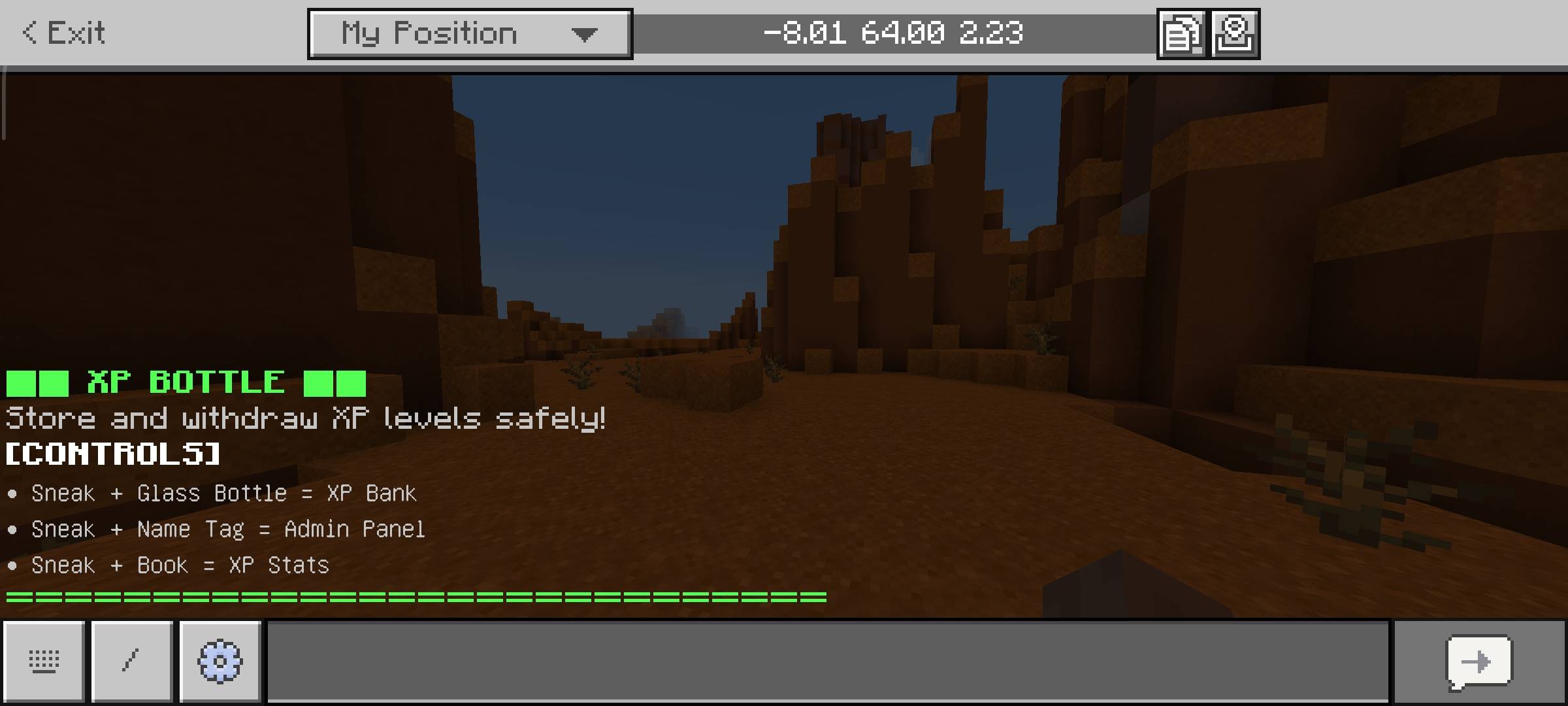
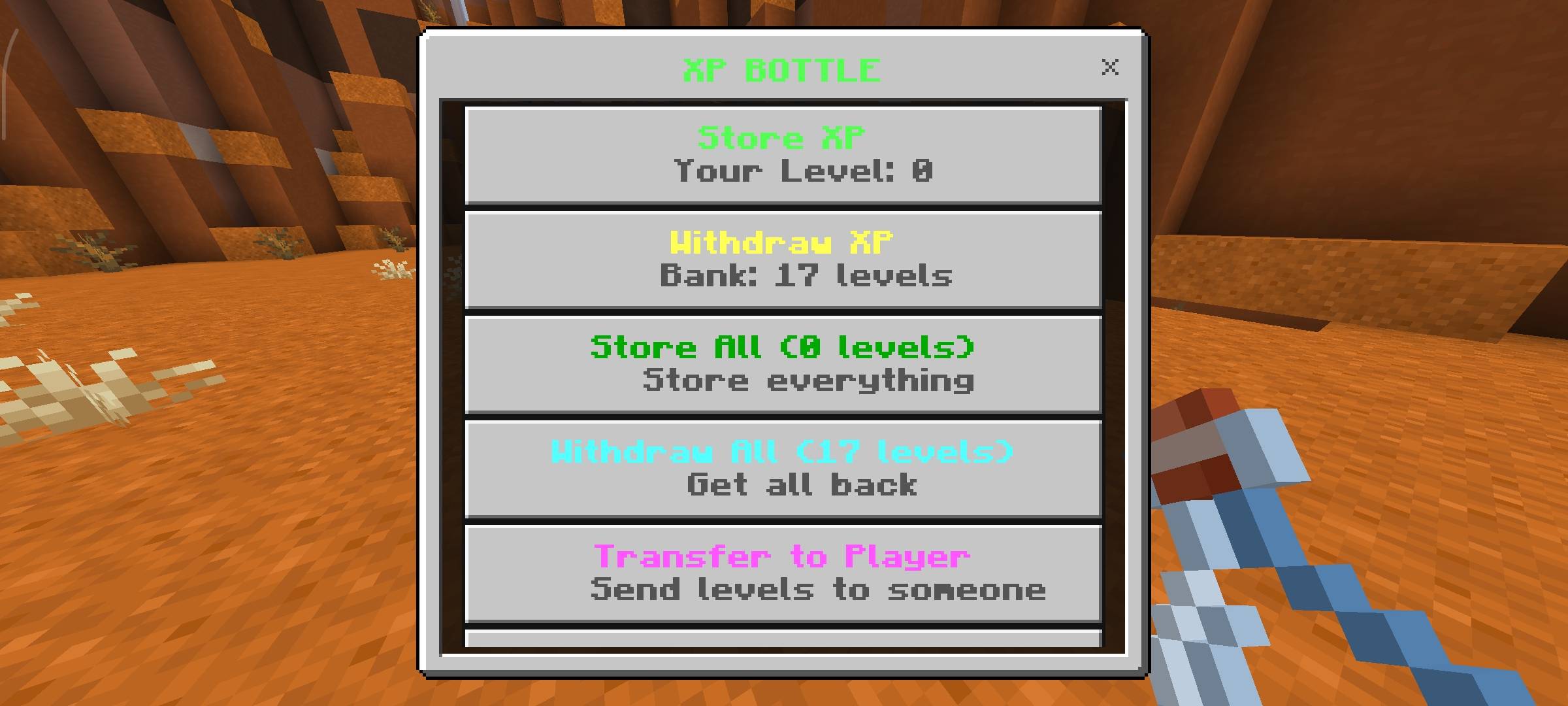
The entire banking system is built around a very simple vanilla item. To access your personal vault, all you have to do is hold a standard Glass Bottle in your hand, sneak to crouch, and use the item. This instantly opens your main XP Bank menu.
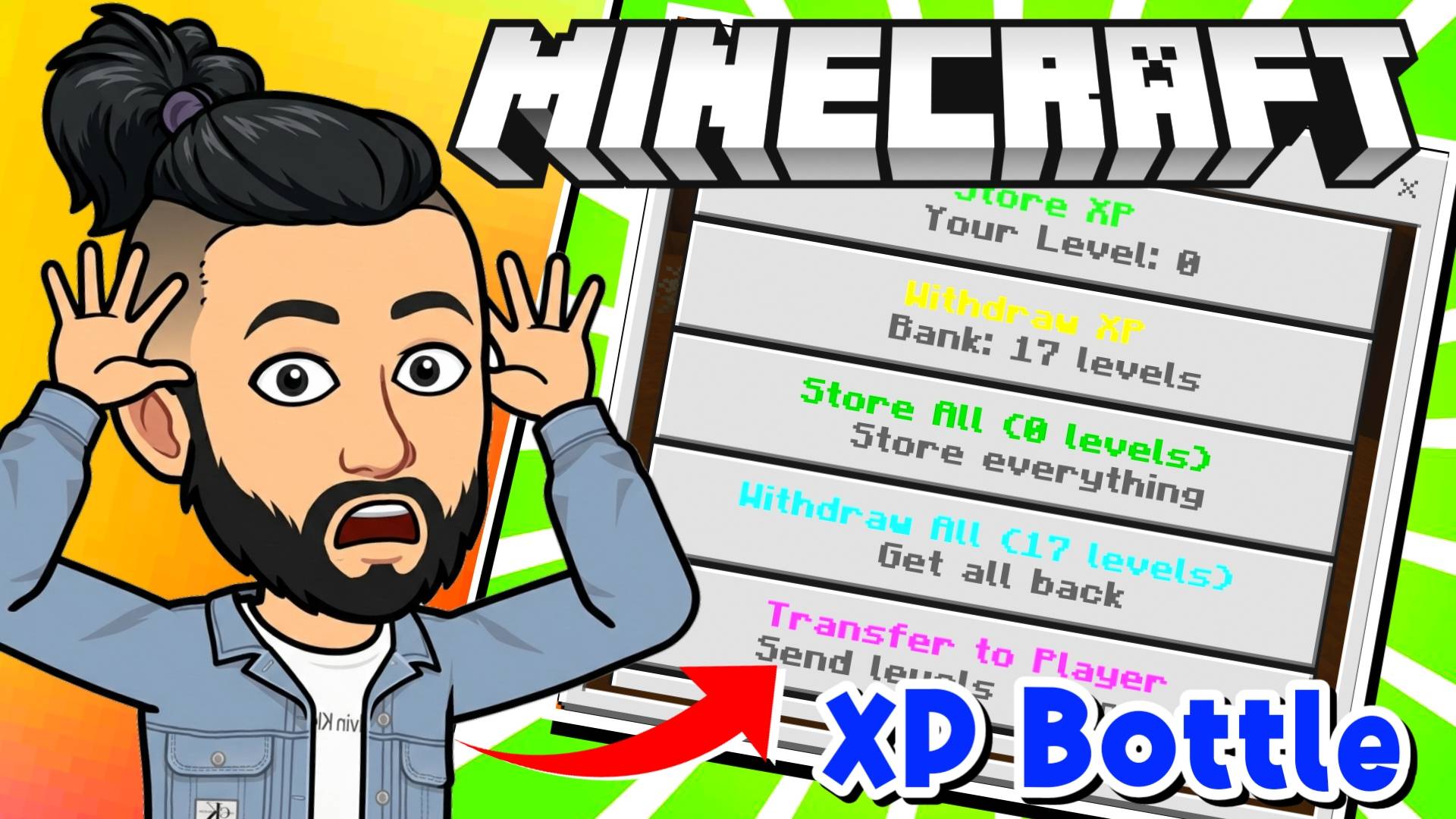
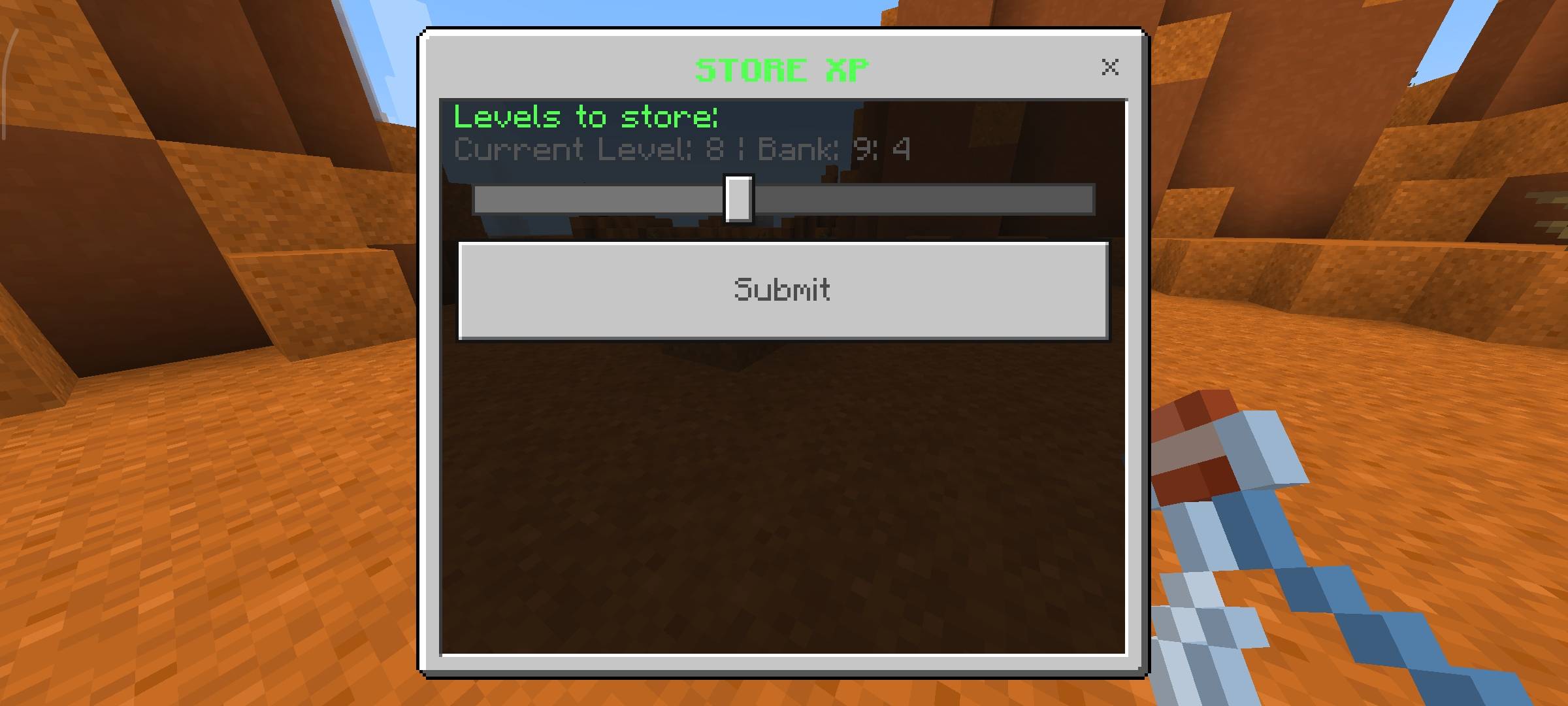
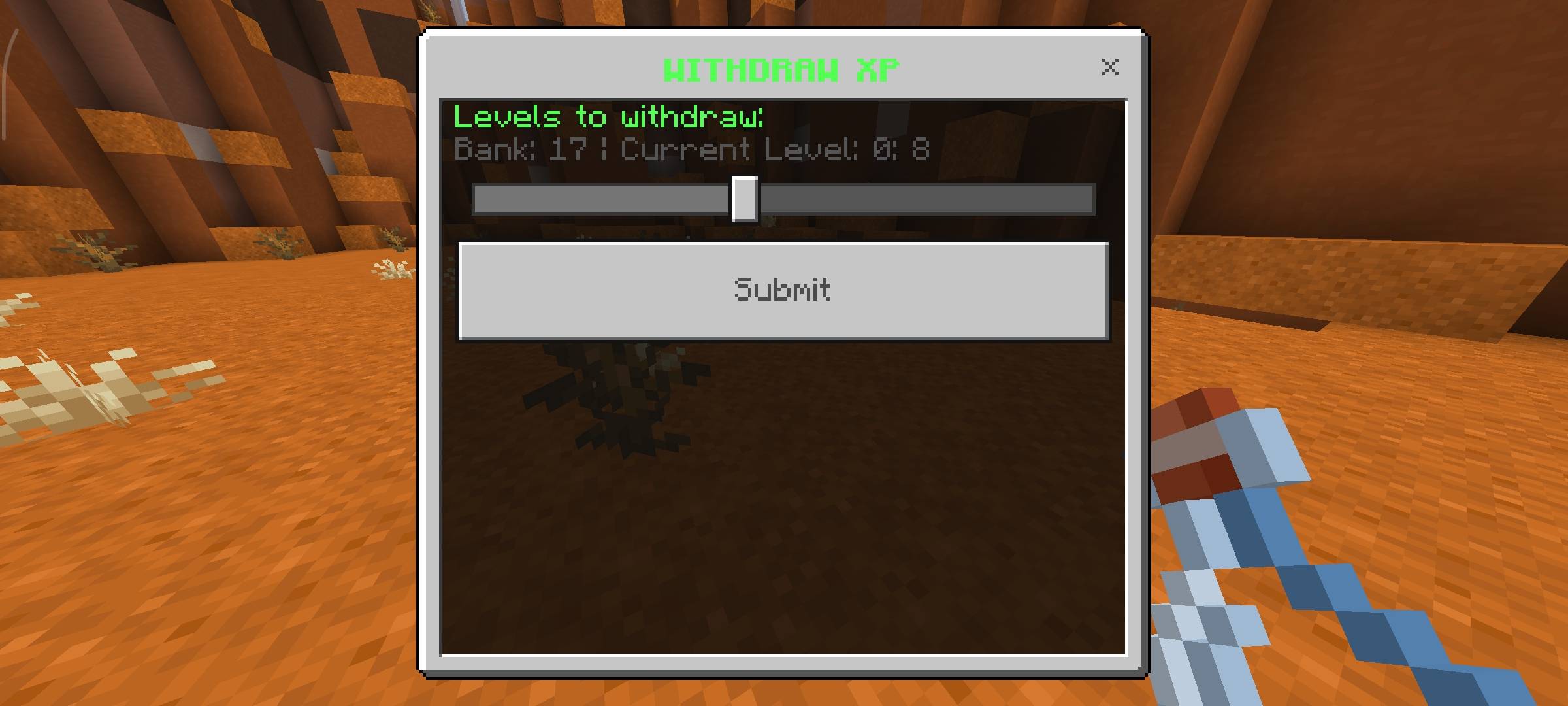
From this dashboard, you have total control over your experience. You can use a smooth slider to select the exact number of levels you want to deposit or withdraw. If you are in a rush while working at a mob farm, I added Quick Store and Quick Withdraw buttons that let you move 5, 10, 25, or 50 levels instantly with a single tap. There are also dedicated buttons to dump your entire XP bar into the bank, or withdraw your entire saved balance all at once.
Auto Store on Death Protection
The absolute best and most powerful feature in this entire addon is the Auto Store on Death system. If you open your admin settings by sneaking with a Name Tag, you can toggle this safety feature on for yourself.
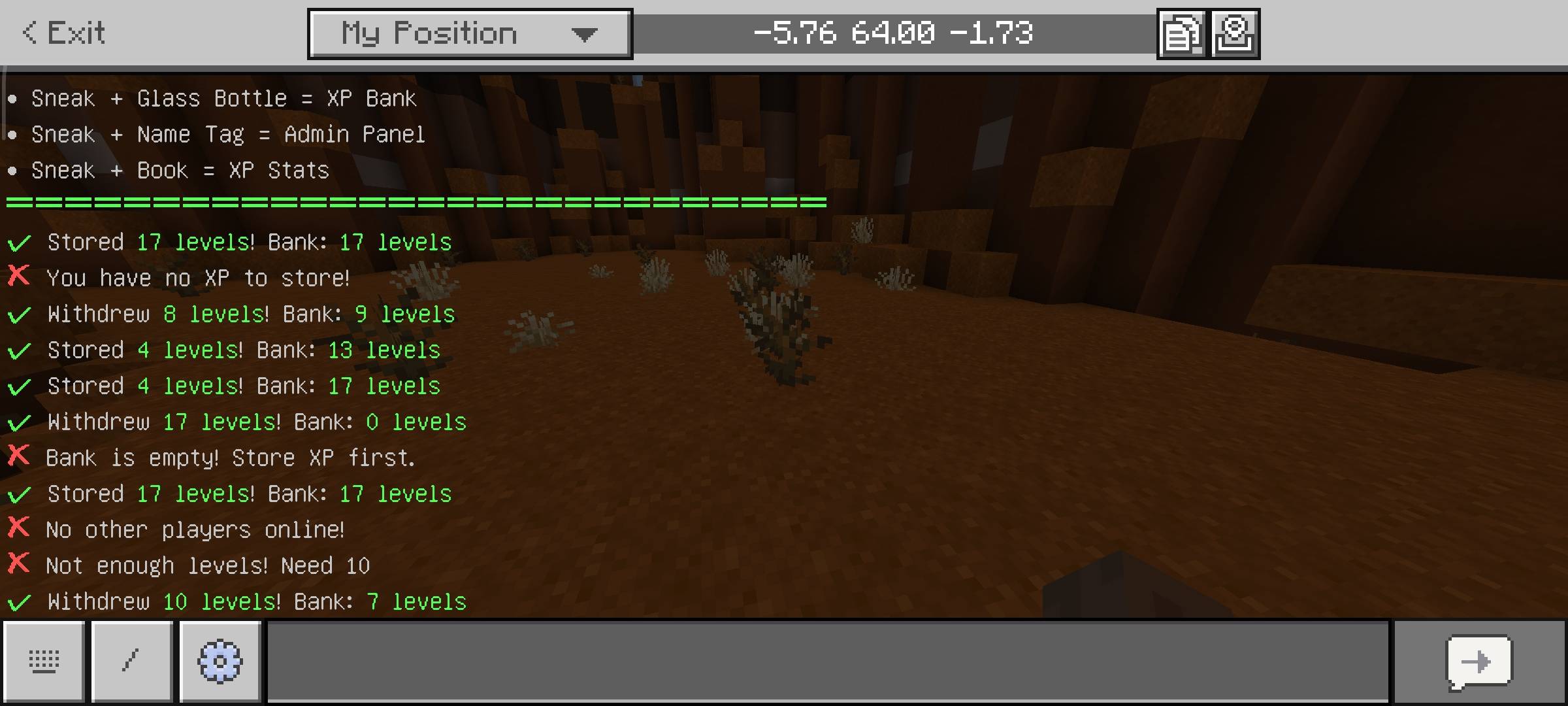
Once enabled, the script constantly monitors your character's current level. The exact moment before you take fatal damage and die, the addon automatically takes all of your current XP and safely deposits it into your personal bank. When you respawn back at your bed, you will see a message confirming that your levels were saved. You lose absolutely nothing. It completely removes the fear of dying and allows you to explore the world stress-free.
Multiplayer Transfers and Live Statistics
If you play on a multiplayer Realm or an SMP server with your friends, experience points become a highly valuable currency. I built a direct Transfer feature into the bank menu. You can select any online player from a dropdown list, set an amount, and instantly wire your banked XP levels directly into their account. It is perfect for paying someone for building materials or helping a friend enchant their first set of diamond armor.
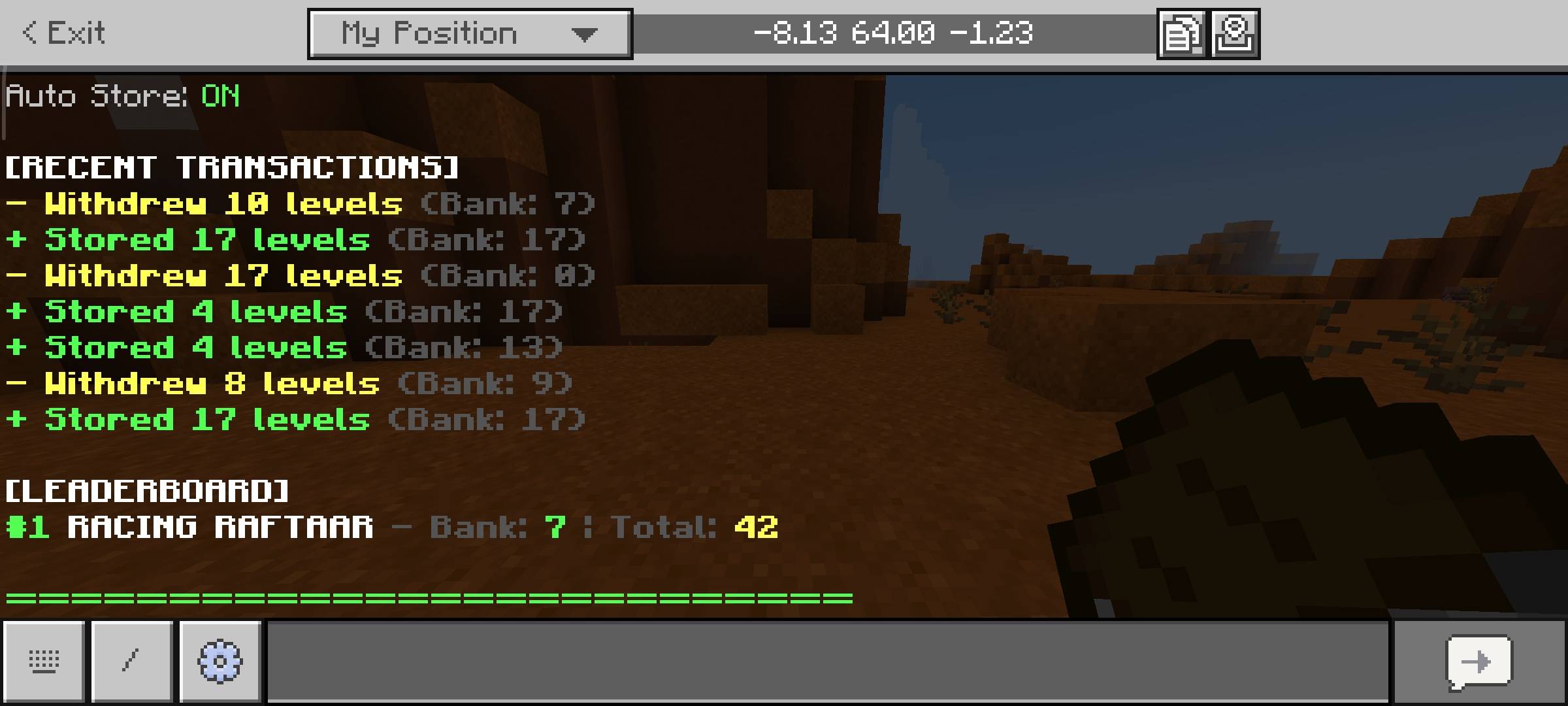
To keep track of your economy, you can sneak and use a regular Book to open your Stats Panel. This dashboard shows your lifetime stored and withdrawn amounts, as well as a detailed log of your last ten transactions so you always know where your XP went. It also features a live Top 10 Leaderboard, allowing you to see exactly who the richest player on your server is based on their bank balance.
Developer: Racing Raftaar
Version: 1.0.0
Supported Minecraft Versions: 1.21.0 and above
- Edition: Minecraft Bedrock
- File type: .mcpack or .mcaddon
- Minecraft versions listed: 1.21.131, 1.21.132, 26.0.02
- How to install: Download the .mcpack or .mcaddon file. → Open it — Minecraft imports it. → In your world: Behavior Packs → Available → Activate, then the same under Resource Packs.
- Where to get it: Opens on CurseForge — not every file is mirrored on our own servers.
Install steps are the general flow for this file type — How to install Minecraft Bedrock addons & mods walks through it step by step.
- Pack type: .mcpack — a single pack
- Manifest requires Minecraft 1.21.0 or newer
- Complete pack — everything it depends on is inside the file
- Download size: 31 KB
- Download link checked 26 Aug 2026 — working
These come from our own check of the pack file, not from the source page.