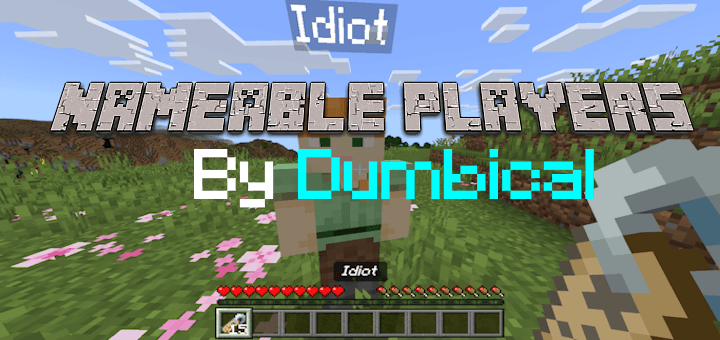
Using the Nameable Players Addon, you can rename other players using a name tag in the blink of an eye. Usually Minecraft only allows mobs to be renamed and not fellow players but after applying the addon to your newly created world you can! Want to troll your friends and use silly names on them? Why not?
You can turn players updside down by naming them "Dinnerbone" or "Grumm":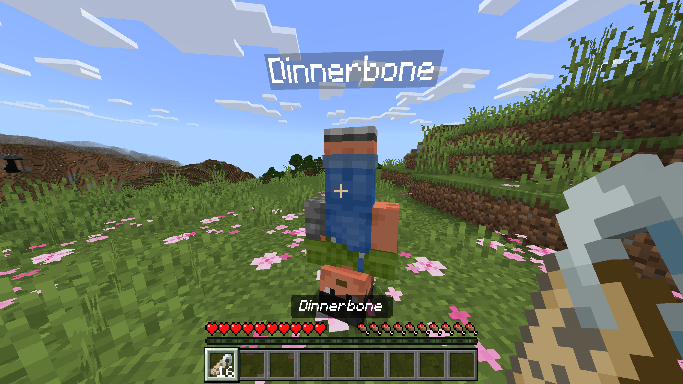
You can also name them anything you want to make them look silly. Be careful of the Minecraft built in censorship though:
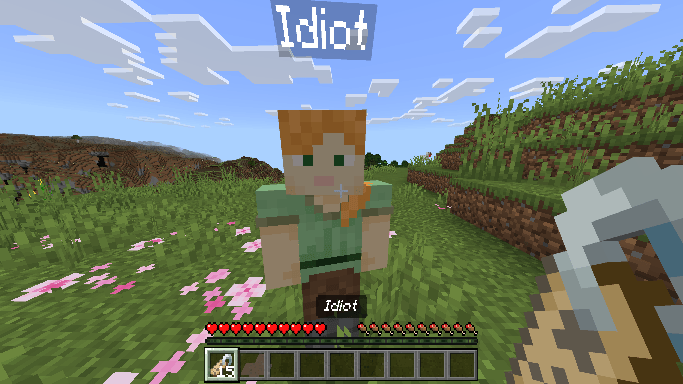
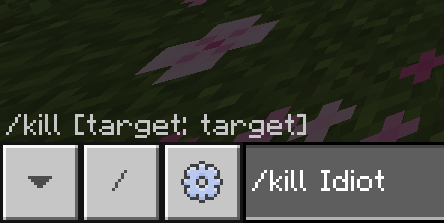
Note that while using commands you'll need to use their new renamed name instead of their original:
An Addon made by Dumbical
While you're still here, why not check some of my other addons? You'll have fun trust me :)
WORKS ON ALL VERSIONS OF 1.8 AND ABOVE
To install the addon on your world, go to Behaviour Packs in the world's settings and click "Activate" underneath the pack. This pack uses "player.json" file so if you are using any other "player.json" pack you will need to combine them manually. If you get any major problems, comment down below and I will reach out to you.
You can also add me on Discord: dumbical
- Edition: Minecraft Bedrock
- File type: .mcpack or .mcaddon
- Minecraft versions listed: 1.18, 1.16, 1.15
- How to install: Download the .mcpack or .mcaddon file. → Open it — Minecraft imports it. → In your world: Behavior Packs → Available → Activate, then the same under Resource Packs.
- Where to get it: Opens on CurseForge — not every file is mirrored on our own servers.
Install steps are the general flow for this file type — How to install Minecraft Bedrock addons & mods walks through it step by step.
- Save it as Nameable Players by Dumbical.mcaddon before opening — it downloads as .mcpack, but it is a .mcaddon pack
- Complete pack — everything it depends on is inside the file
- Download size: 2 KB
- Download link checked 16 Sept 2026 — working
These come from our own check of the pack file, not from the source page.