RolesAndTags
Bedrock add-on listed for Minecraft 1.21–26.x (behavior + resource pack). File opened and checked on 7 Oct 2026; installs from the MC Bedrock Mods app on Android.
⬇ Download on CurseForge
RolesAndTags - Discord-like roles/tags in Minecraft Bedrock
(This addon will likely continue to work even if the game updates, as it doesn't use experiments.)
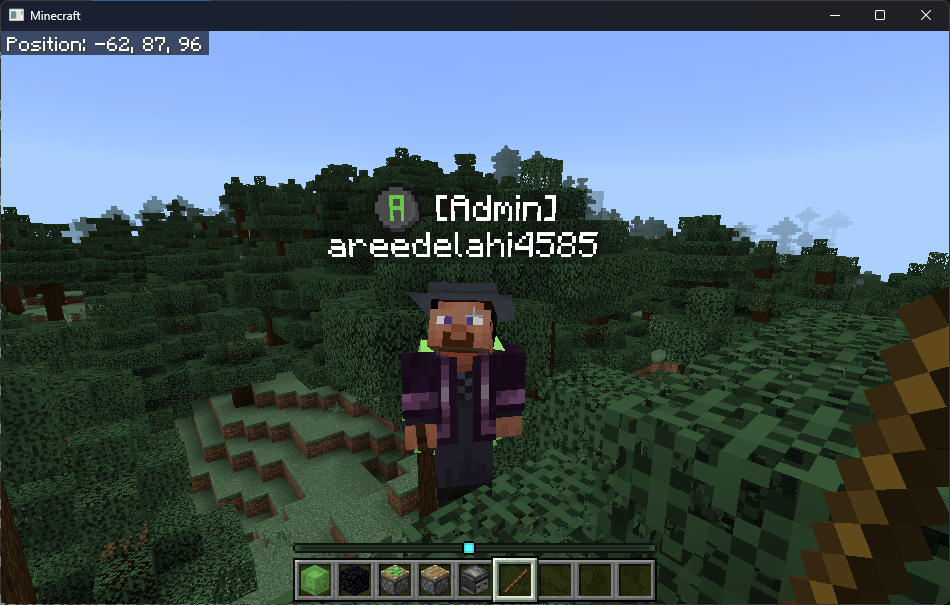
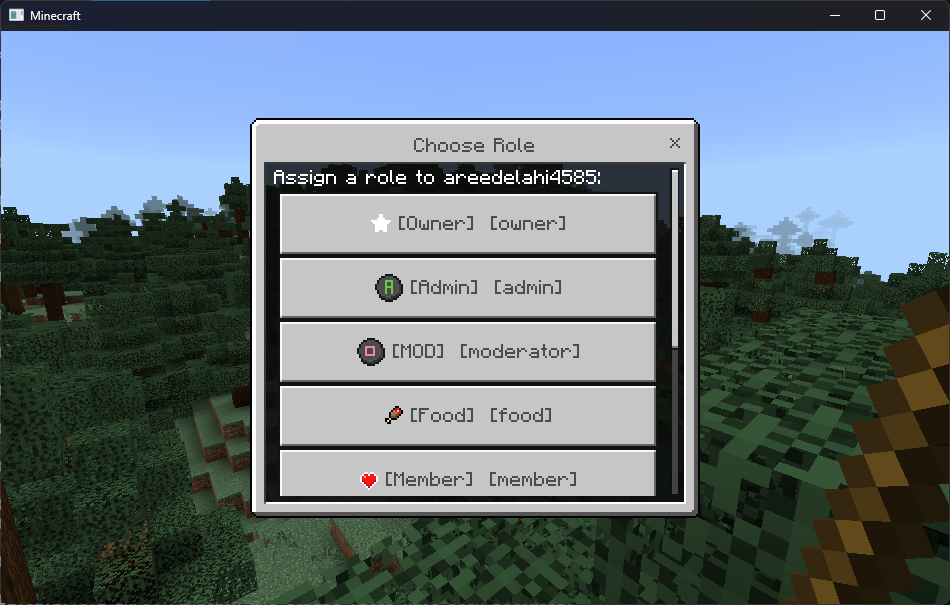
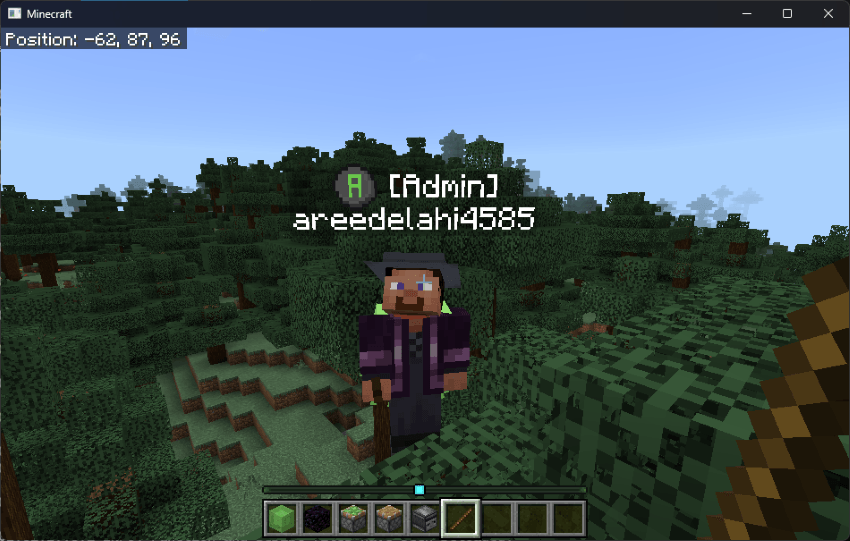
This addon adds Discord-style roles to Minecraft along with Icons (no resource pack required - built-in emojis!), support for custom roles, priority configuration, and multiple roles per person (the one with highest priority is shown above the player name).
If you want a cheap and extremely good server, check out gravelhost, use my link or the code for 25% off for your purchase.

How It Looks
The tags appear above player names like this:
Player Commands
These commands are available to everyone:
-
- Check your current role/roles:myrole -
- View all available roles/roles:list -
- Show all available commands/roles:help
Operator Commands
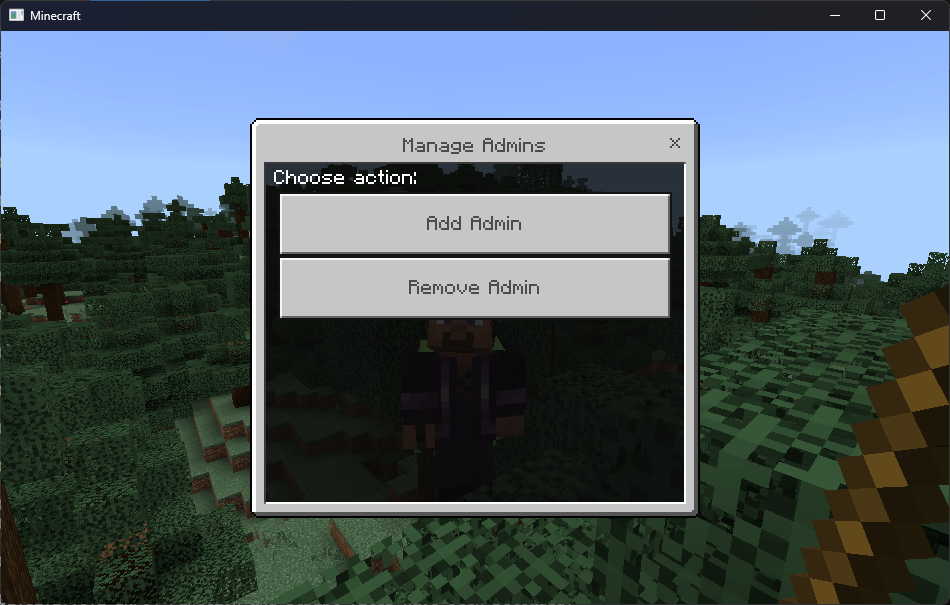
To access the admin panel and manage roles, you need to be an operator (OP). Use these commands:
-
- Open the role management menu/roles:menu -
- Assign a role to a player/roles:assign -
- Remove a role from a player/roles:remove -
- Create a new custom role/roles:create -
- Delete a custom role/roles:delete
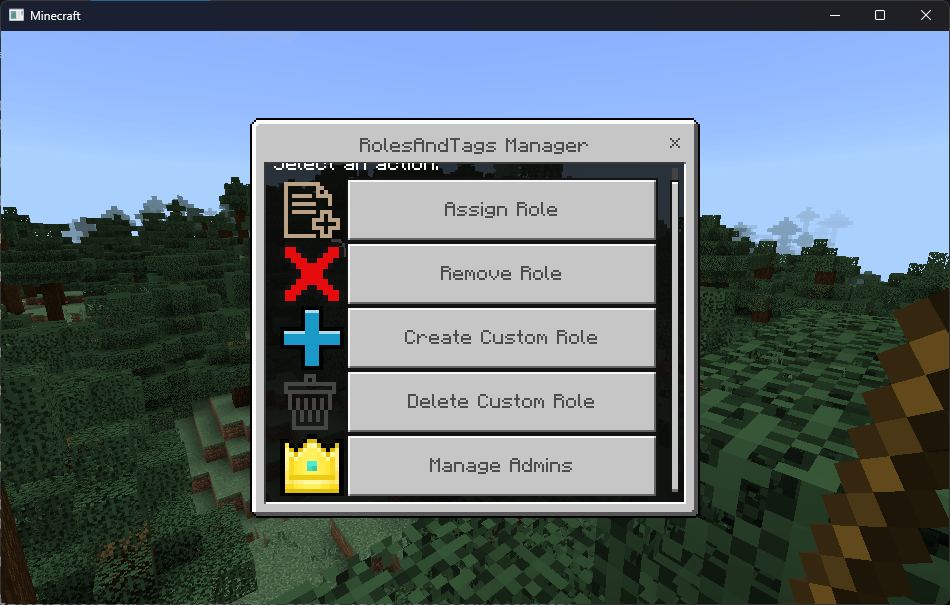
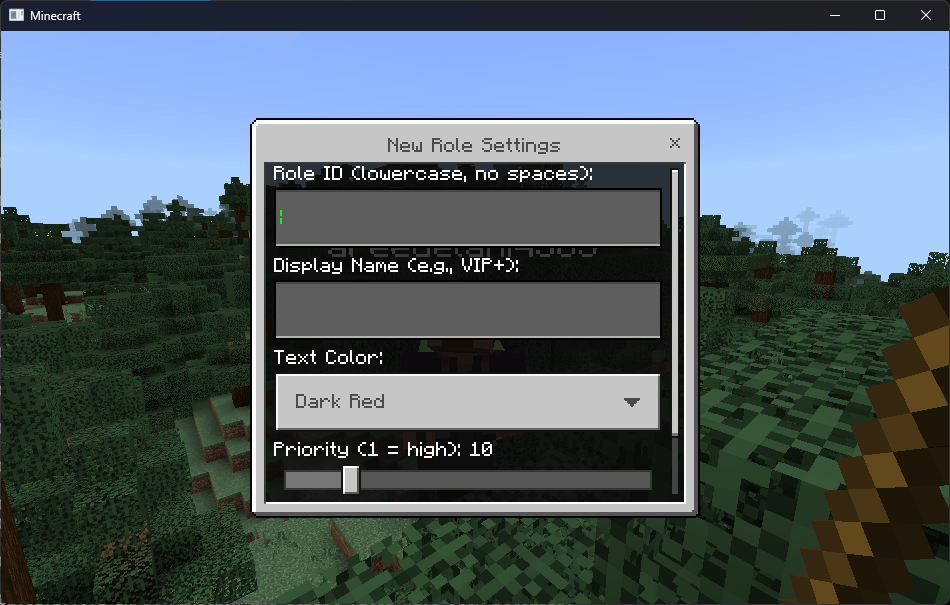
Some of the menus include:
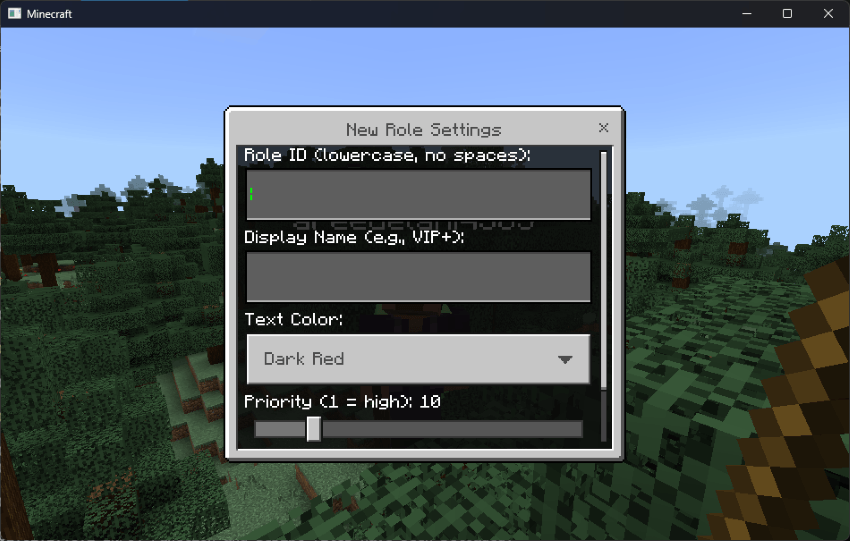
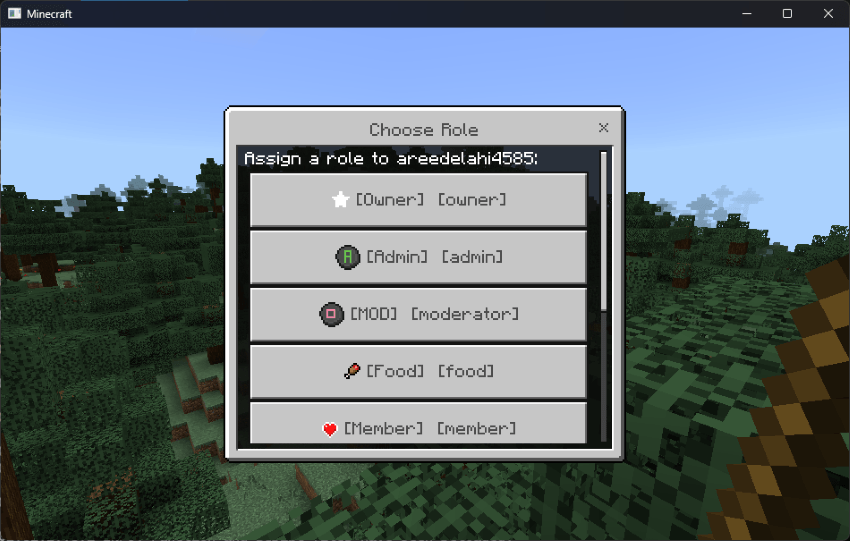
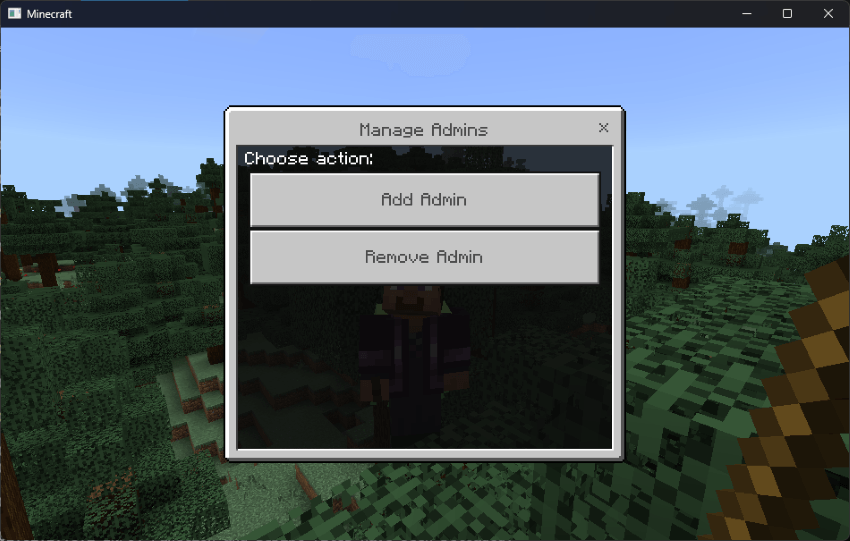
- There are multiple icons to choose from for any custom roles you want to add.
- You can also select multiple roles and priority
- you can create custom roles
- and more...
That's It, Enjoy!
This Addon Doesn't Disable Achievements :)
If you want to support me and donate a small amount, please consider this one time patreon donation (no subscription or membership)
Join My Patreon
Join the discord for help and chat:
- Edition: Minecraft Bedrock
- File type: .mcpack or .mcaddon
- Minecraft versions listed: 26.0.02, 26.0, 26.3
- How to install: Download the .mcpack or .mcaddon file. → Open it — Minecraft imports it. → In your world: Behavior Packs → Available → Activate, then the same under Resource Packs.
- Where to get it: Opens on CurseForge — not every file is mirrored on our own servers.
Install steps are the general flow for this file type — How to install Minecraft Bedrock addons & mods walks through it step by step.
- Pack type: .mcaddon — behaviour and resource pack in one file
- Manifest requires Minecraft 1.21.130 or newer
- Complete pack — everything it depends on is inside the file
- Download size: 56 KB
- Download link checked 26 Oct 2026 — working
These come from our own check of the pack file, not from the source page.