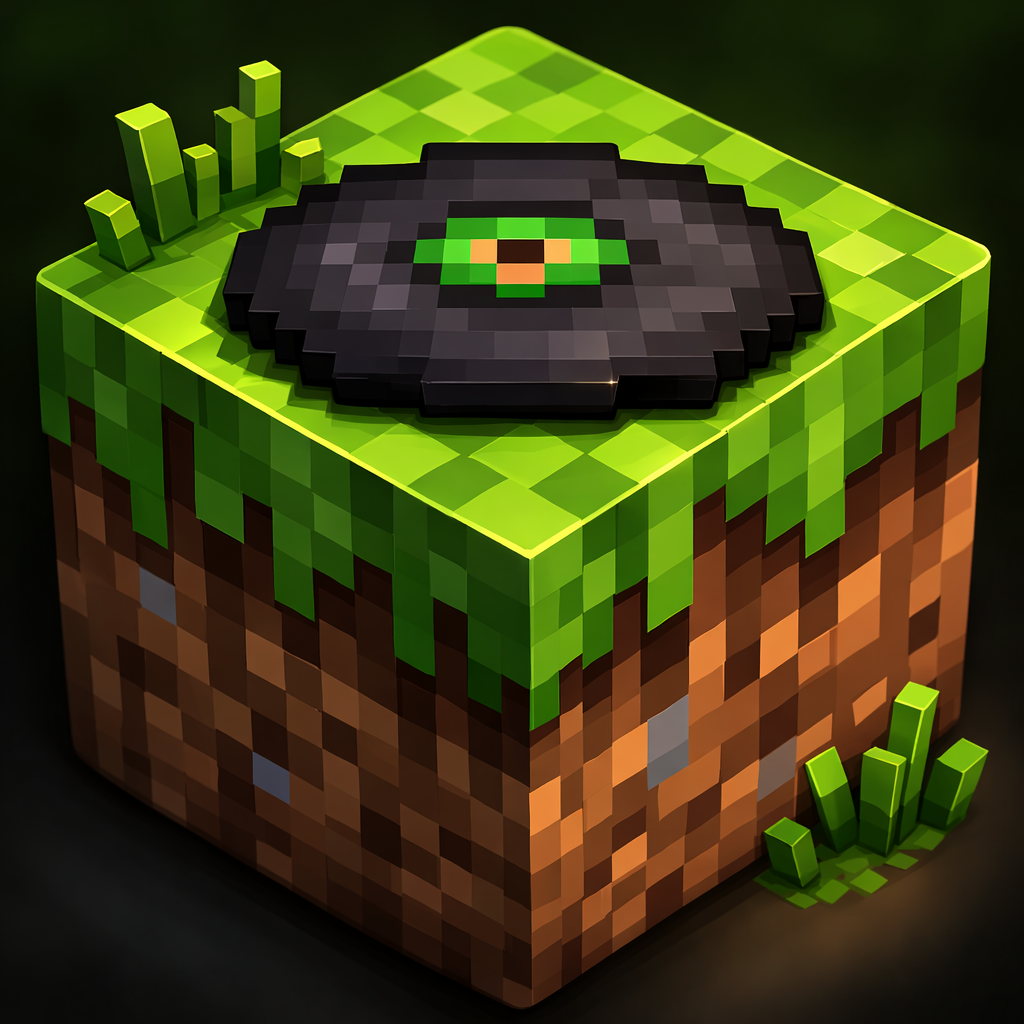
Music disc
A lightweight resource pack that customizes Minecraft music disc names with song titles and duration. Designed to improve immersion while keeping full…
⬇ Download on CurseForge
Music Disc Enhancement is a lightweight resource pack for Minecraft Bedrock Edition that improves the way music discs are displayed in-game.
This pack adds custom names, song titles, and track durations to music discs, making them easier to recognize and more immersive when using jukeboxes.
Features
• Custom music disc names
• Track duration displayed in item description
• Clean formatting and color styling
• Fully compatible with vanilla gameplay
• Lightweight and performance friendly
Compatibility
This pack works with Minecraft Bedrock Edition 1.20 and above. It only modifies resource text and does not affect gameplay mechanics.
Installation
1. Import the resource pack into Minecraft.
2. Activate it in the Resource Packs section.
3. Place it above other UI packs if needed.
Notes
This project is designed to enhance immersion while keeping the original Minecraft experience intact.
- Edition: Minecraft Bedrock
- File type: .mcpack or .mcaddon
- Minecraft versions listed: 1.21, 26.0
- How to install: Download the .mcpack or .mcaddon file. → Open it — Minecraft imports it. → In your world: Behavior Packs → Available → Activate, then the same under Resource Packs.
- Where to get it: Opens on CurseForge — not every file is mirrored on our own servers.
Install steps are the general flow for this file type — How to install Minecraft Bedrock addons & mods walks through it step by step.
- Save it as Discs music.mcaddon before opening — it downloads as .mcpack, but it is a .mcaddon pack
- Manifest requires Minecraft 1.20.0 or newer
- Complete pack — everything it depends on is inside the file
- Download size: 17.7 MB
- Download link checked 16 Sept 2026 — working
These come from our own check of the pack file, not from the source page.