
Void Satchel 'Achievements Friendly'
Void Satchel addon is an automated trash system. It filters junk blocks, saves inventory space, and features a 1,000-durability repair system, allowing…
I don't know my version
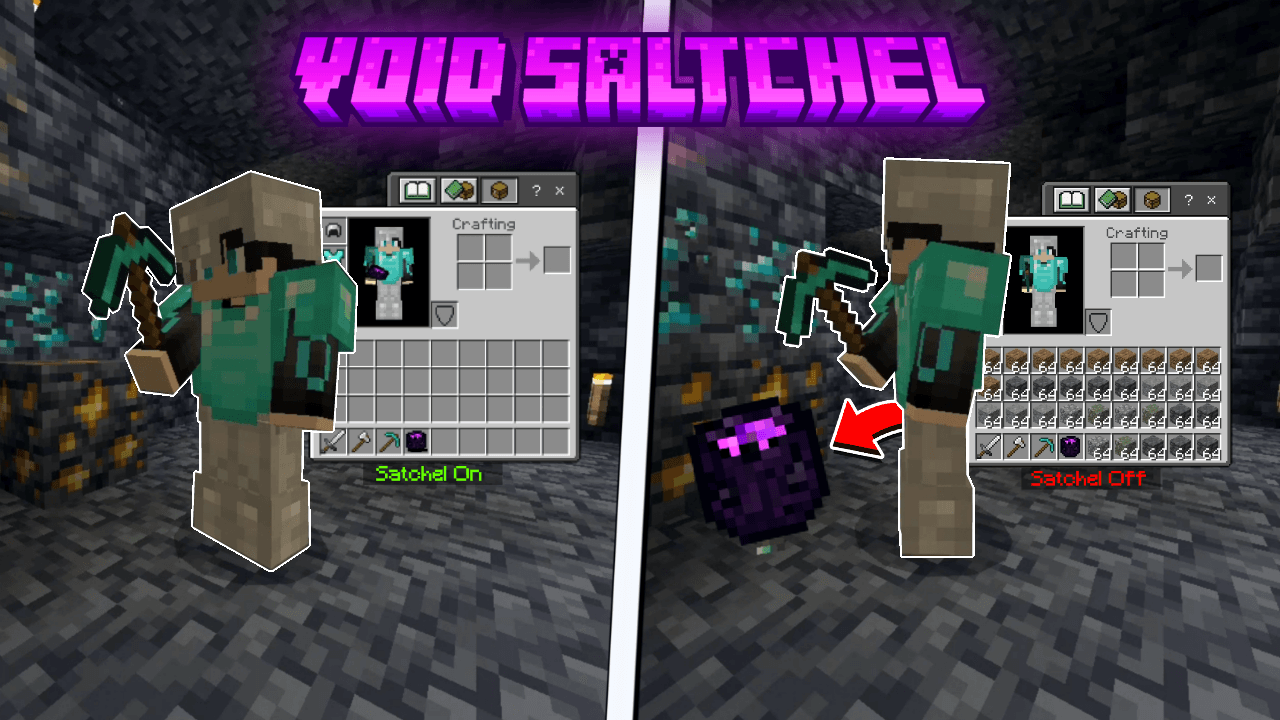
ShowCase
How To Use
Crafting
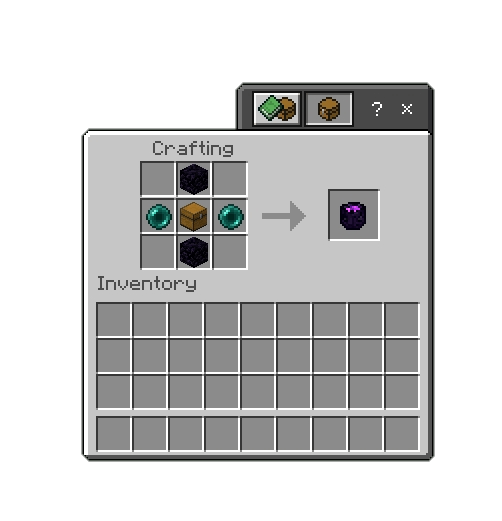
To craft Void Satchel Item, you’ll need 2x obsidian blocks, 2x ender_pearls, 1x chest
Main Menu
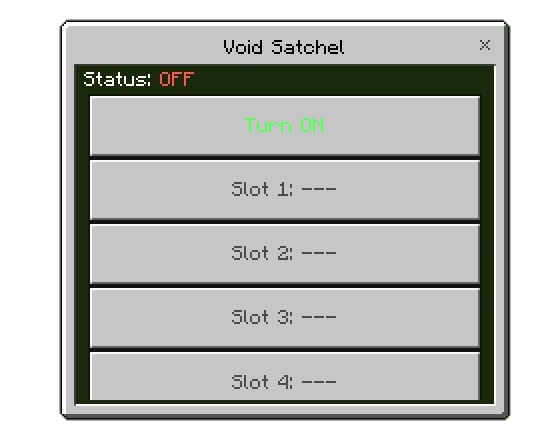
To open main menu shift + right click while holding the item
You can add to 5 blocks
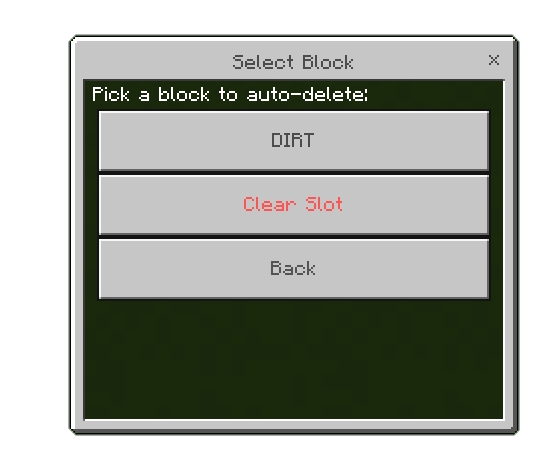
You can clear the slot or choose the block or item you want to remove
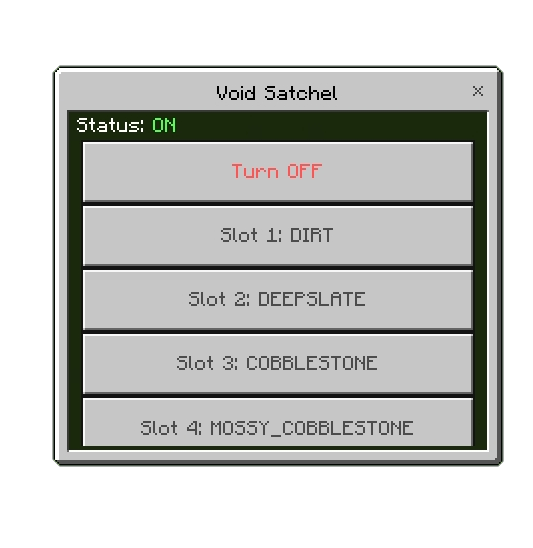 You Can turn Void Satchel on or off through the menu or right click while holding the item
Void Satchel Item
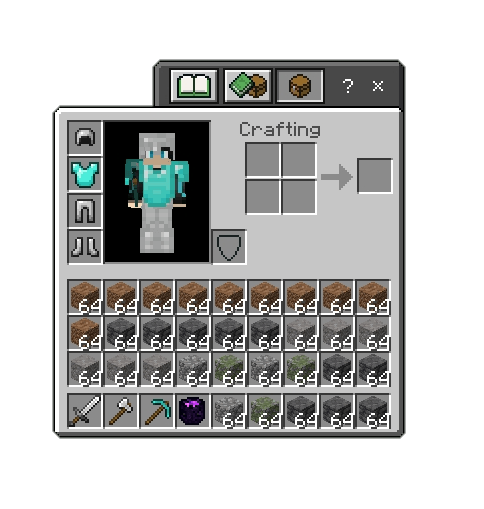
Before Activating Void Satchel
After Activating Void Satchel
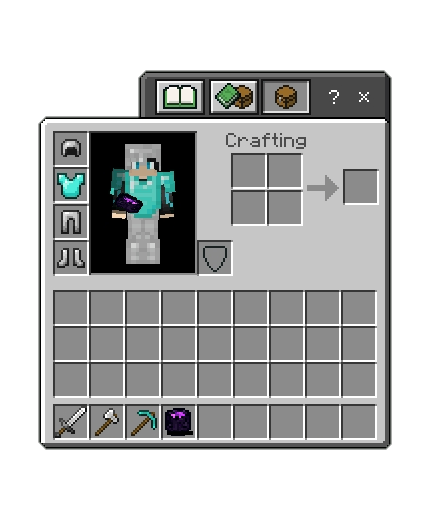
The Void Satchel Can clear 1000 blocks/items off your inventory after that it will be broke
In order to repair it you will need 2 ender_pearls to fully repair it through the anvil
Support
If you had any problem with the addon you can join our discord server
- Edition: Minecraft Bedrock
- File type: .mcpack or .mcaddon
- Minecraft versions listed: 26.0.02, 26.0, 26.3
- How to install: Download the .mcpack or .mcaddon file. → Open it — Minecraft imports it. → In your world: Behavior Packs → Available → Activate, then the same under Resource Packs.
- Where to get it: Opens on CurseForge — not every file is mirrored on our own servers.
Install steps are the general flow for this file type — How to install Minecraft Bedrock addons & mods walks through it step by step.
- Pack type: .mcaddon — behaviour and resource pack in one file
- Manifest requires Minecraft 1.17.0 or newer
- Complete pack — everything it depends on is inside the file
- Download size: 10 KB
- Download link checked 16 Sept 2026 — working
These come from our own check of the pack file, not from the source page.