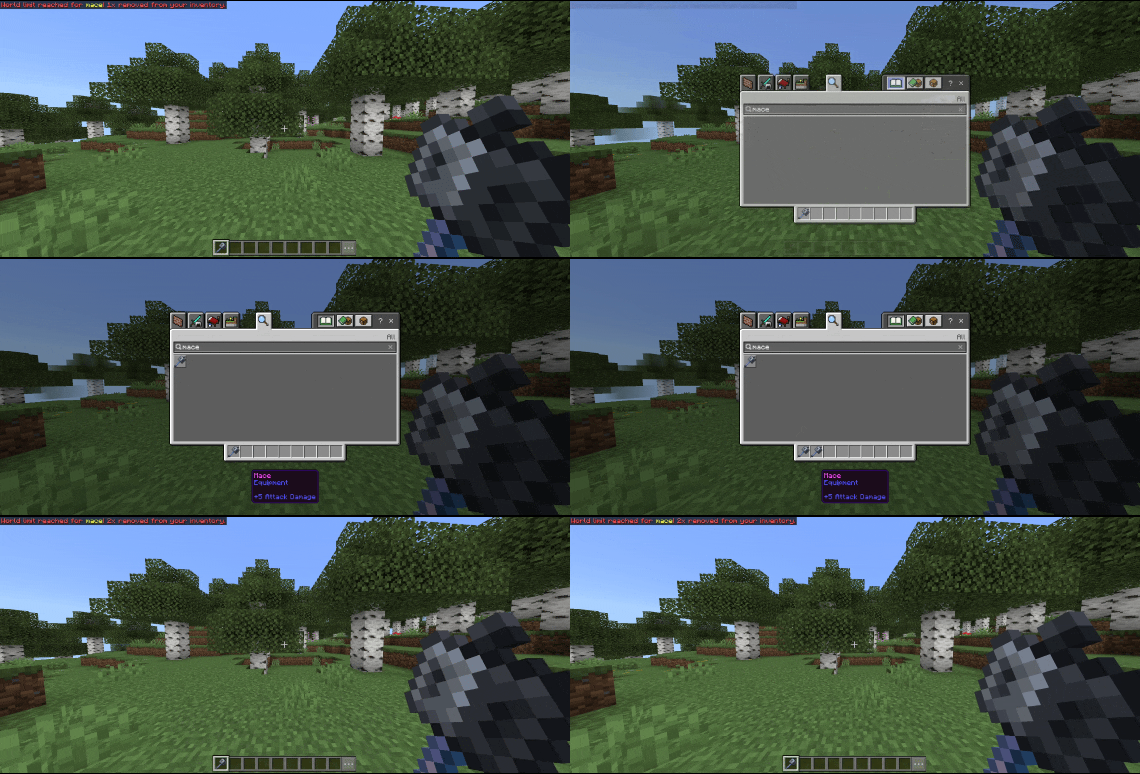
Limit how many of any item can exist across your entire world. inventories, dropped items, and all three dimensions included.
When a limit is exceeded, excess items are automatically removed and players are notified instantly.
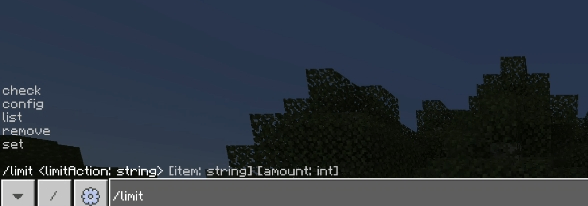
Commands
(Admin only — requires operator permissions)
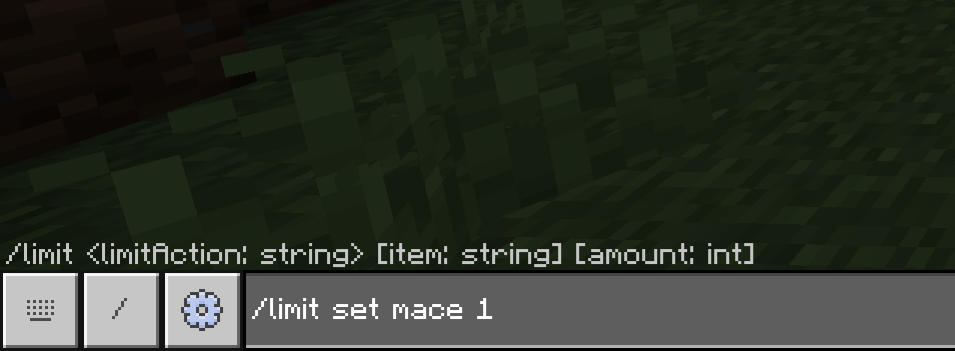
Set a world limit
/cen:limit set <item> <amount>
Remove a limit
/cen:limit remove <item>
View all limits & counts
/cen:limit list
Check current counts and limits
/cen:limit check <item>
Open config GUI
/cen:limit config <item>
• Craft alerts — broadcasts to the server when a limited item is crafted
• Drop location leaking — announces exact coordinates when a limited item is dropped
• Destroy alerts — notifies the server when a limited item is removed from the world.
Requirements
Minecraft Bedrock 1.21.130 to 1.26.1.3+
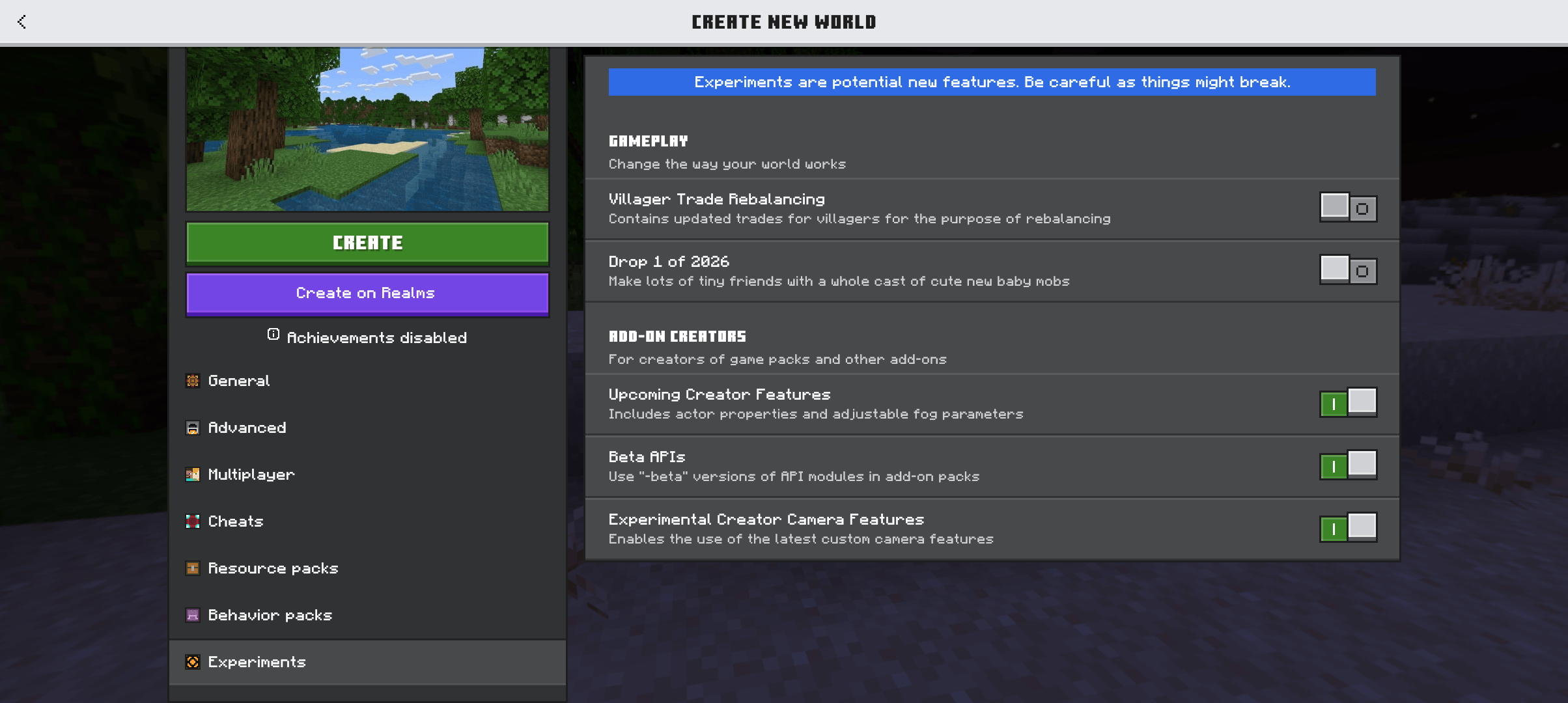
Beta APIs experiment enabled
- Edition: Minecraft Bedrock
- File type: .mcpack or .mcaddon
- Minecraft version listed: 26.0
- How to install: Download the .mcpack or .mcaddon file. → Open it — Minecraft imports it. → In your world: Behavior Packs → Available → Activate, then the same under Resource Packs.
- Where to get it: Opens on CurseForge — not every file is mirrored on our own servers.
Install steps are the general flow for this file type — How to install Minecraft Bedrock addons & mods walks through it step by step.
- Save it as IItemWorldLimit.mcaddon before opening — it downloads as .mcpack, but it is a .mcaddon pack
- Manifest requires Minecraft 1.21.100 or newer
- Complete pack — everything it depends on is inside the file
- Download size: 133 KB
- Download link checked 16 Sept 2026 — working
These come from our own check of the pack file, not from the source page.