Spartan's Fireworks
Bedrock add-on listed for Minecraft 1.21 (behavior + resource pack). File opened and checked on 4 Oct 2026; installs from the MC Bedrock Mods app on Android.
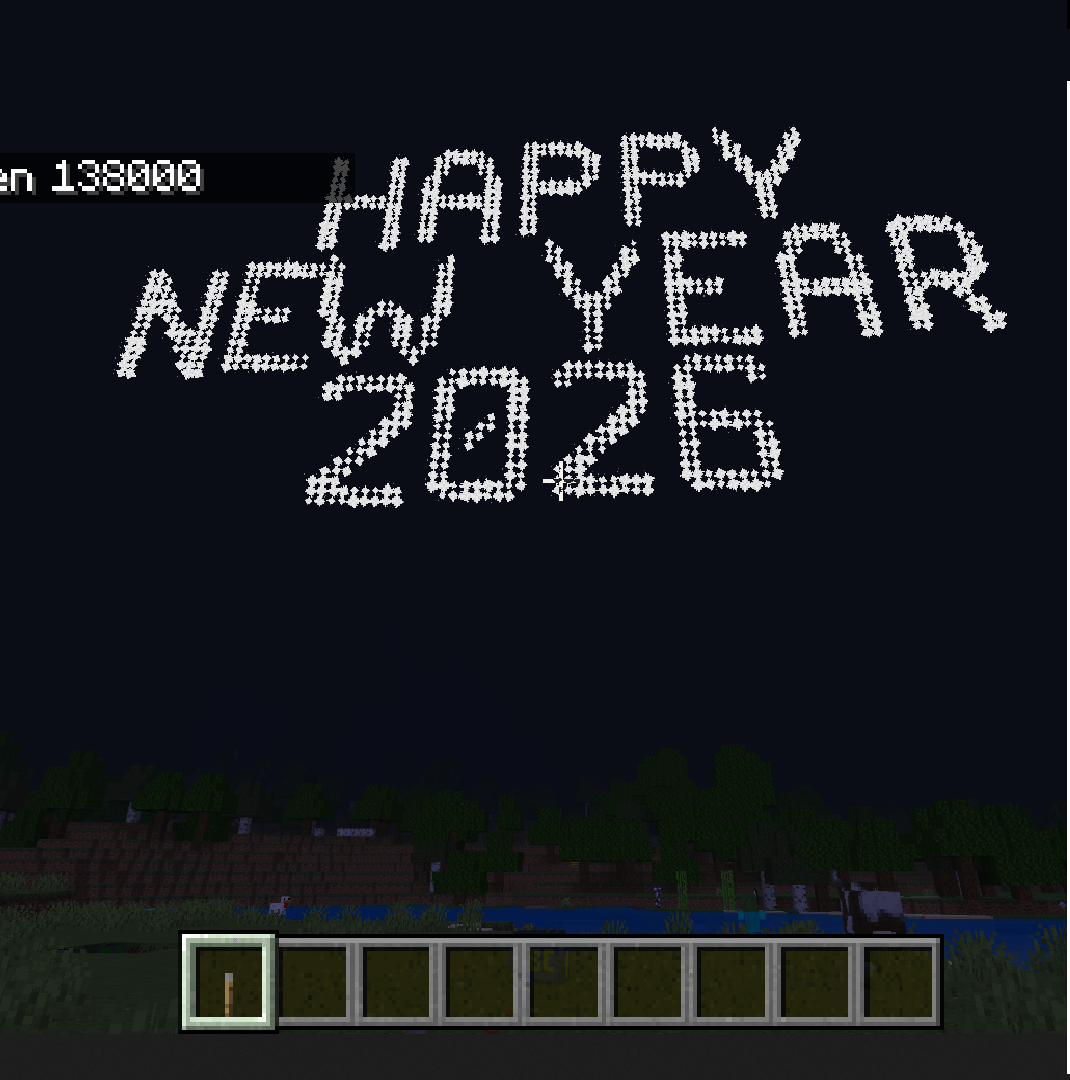
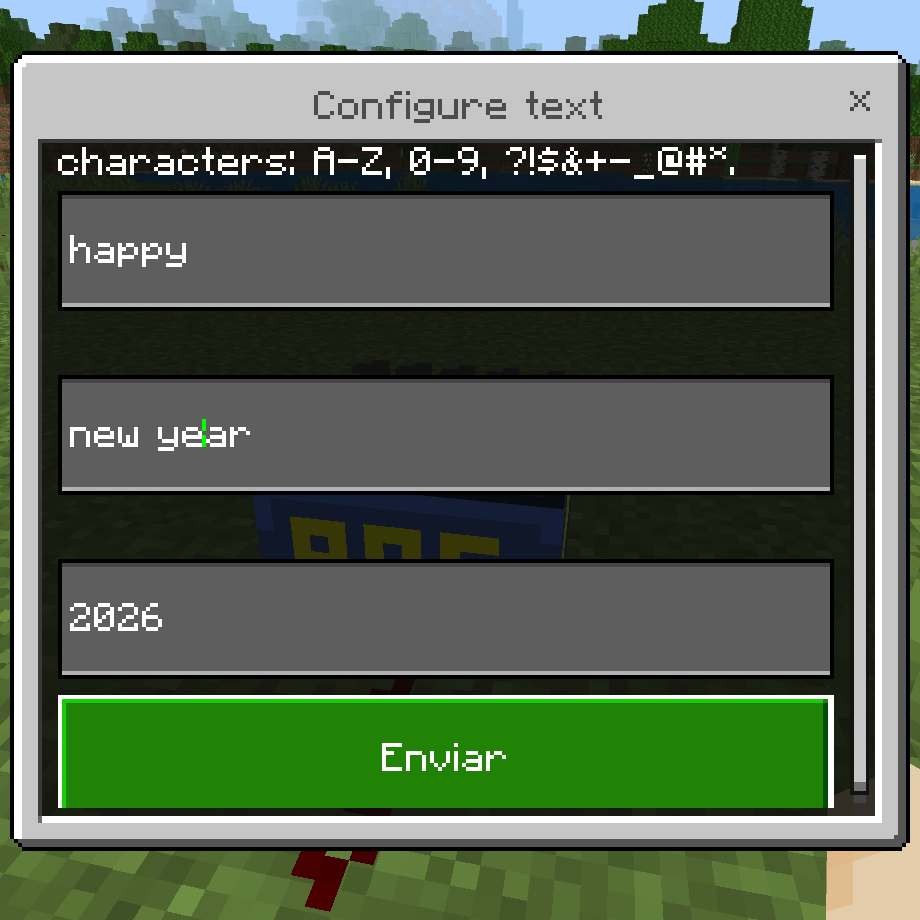
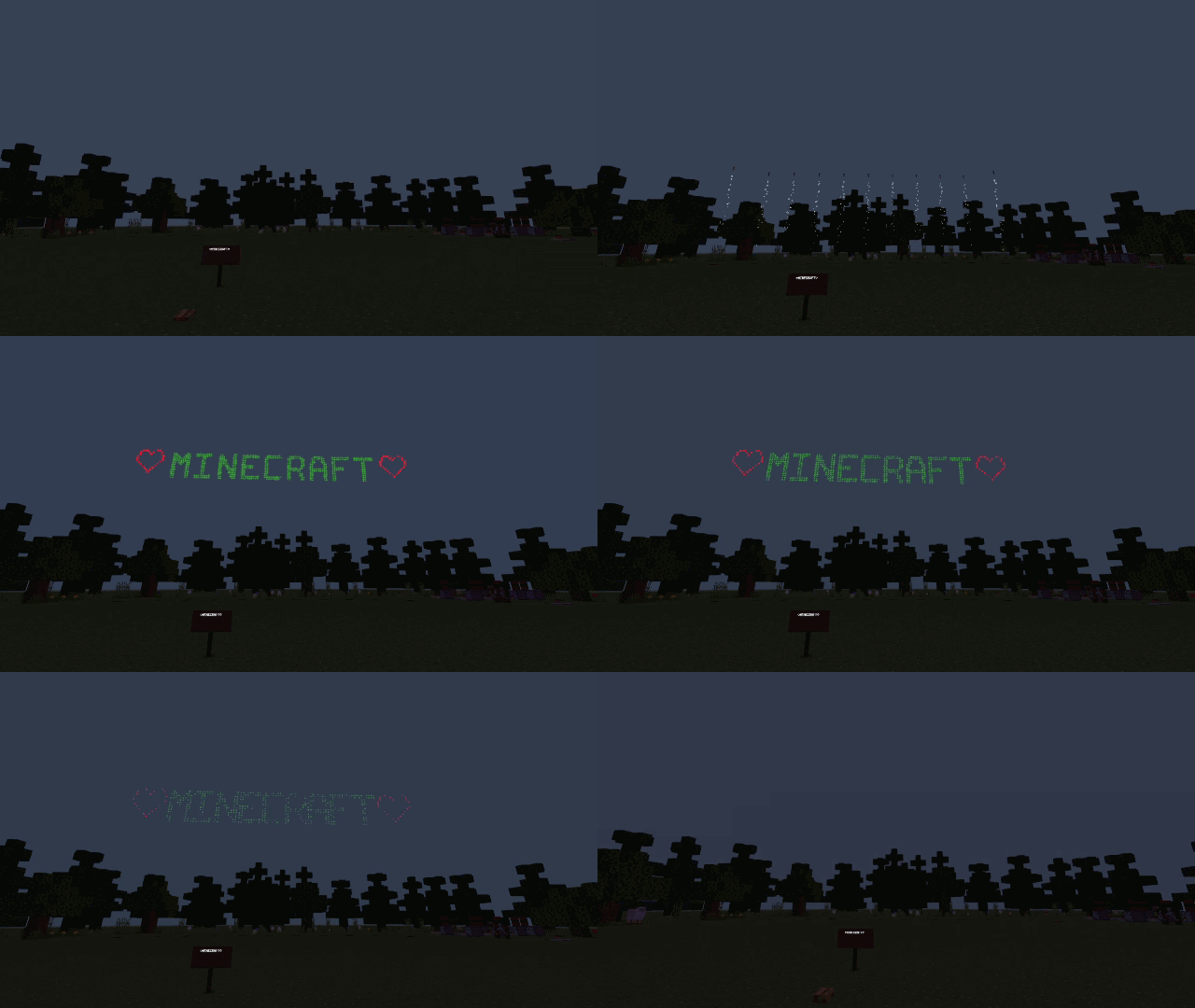
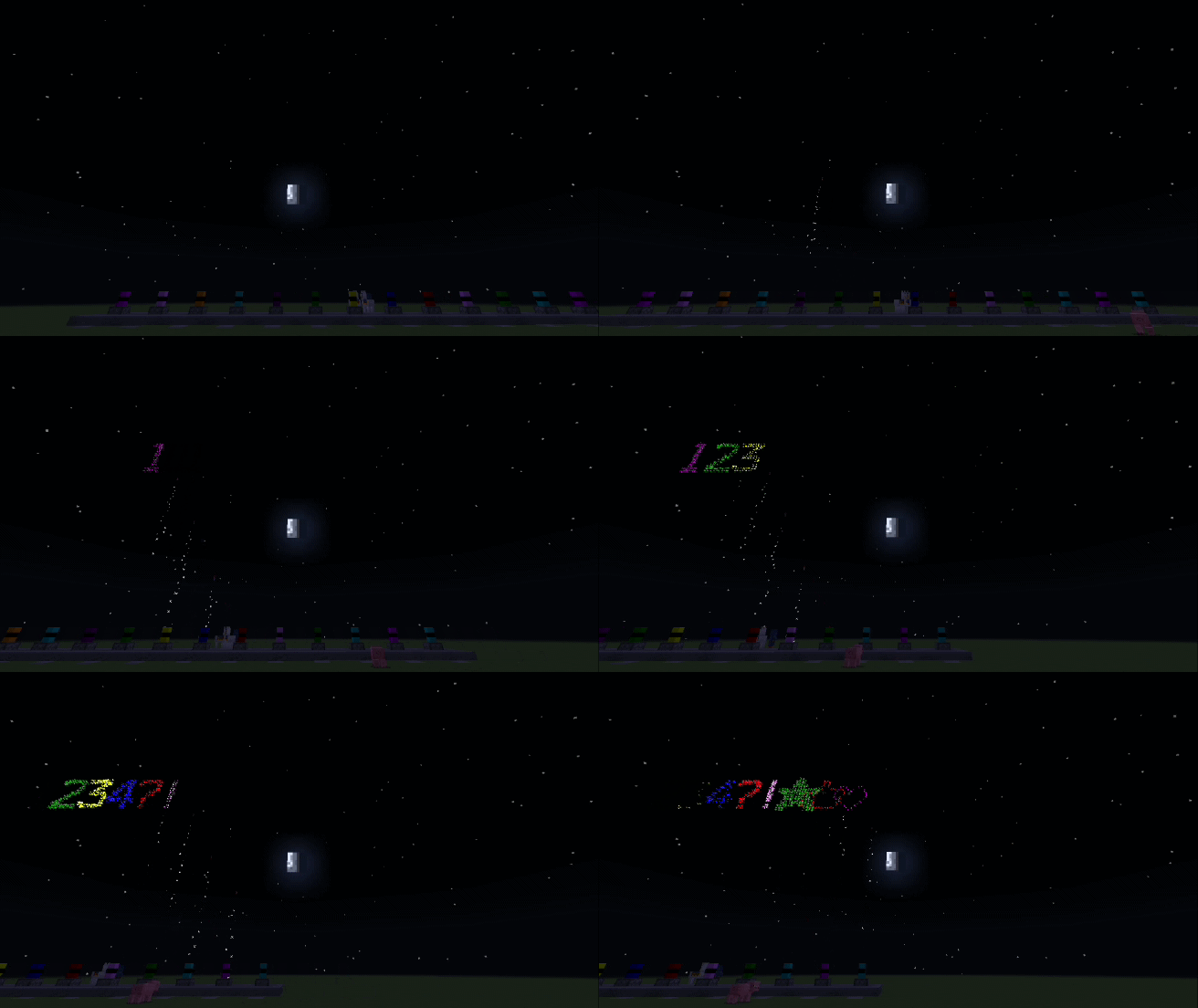
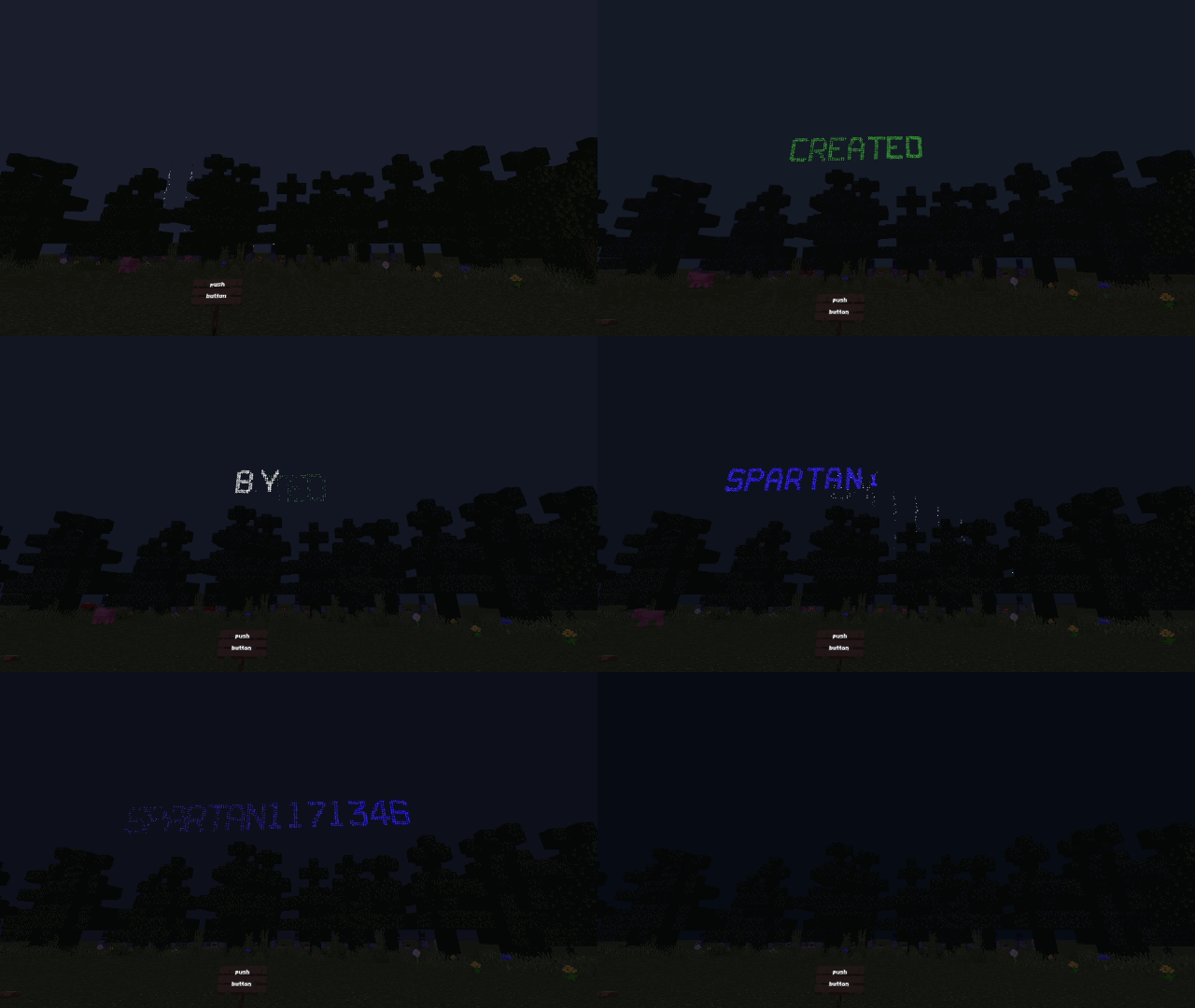
With this addon you can write personalized messages in the sky with fireworks of the color that you like, it contains the letters of the alphabet, numbers…
⬇ Download on CurseForge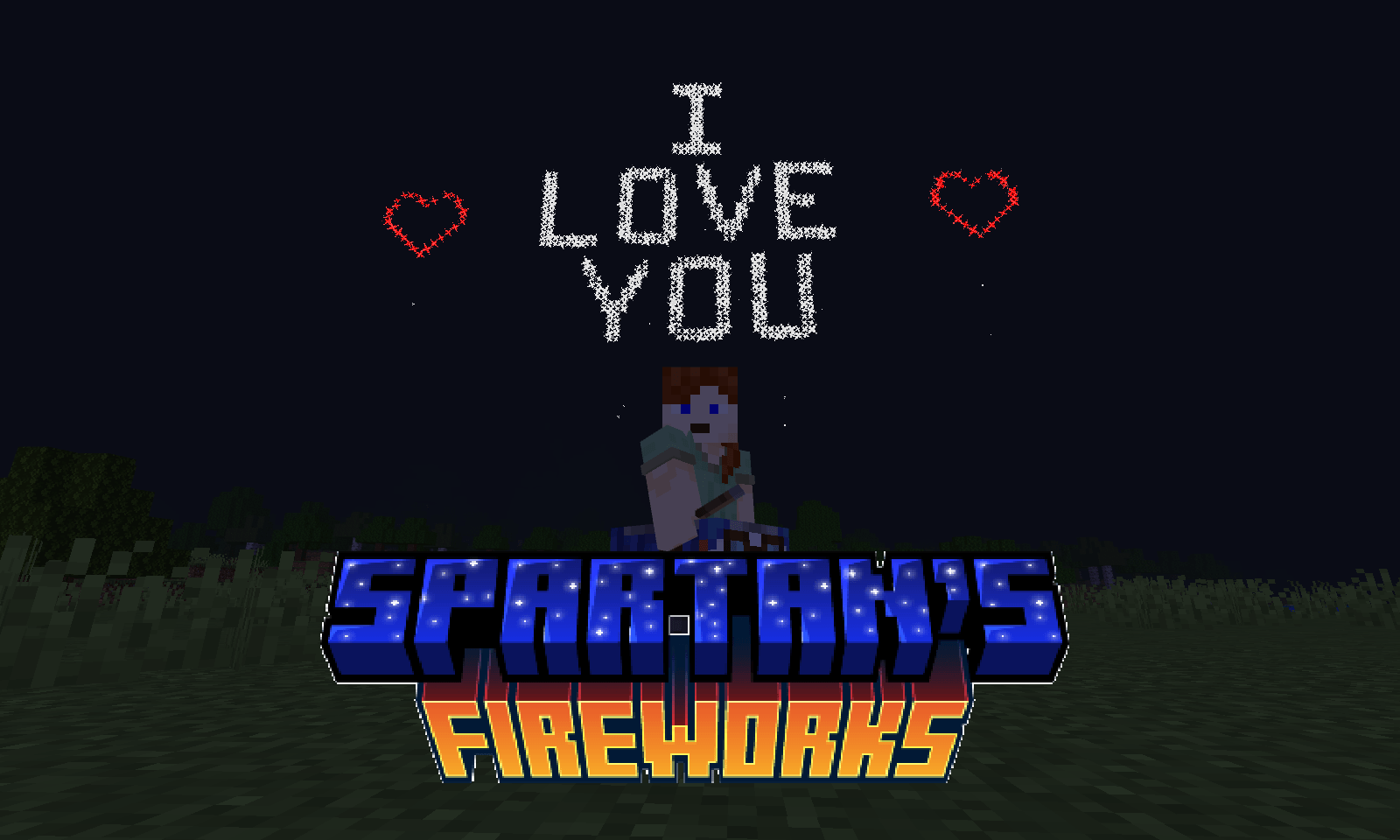
ITEMS
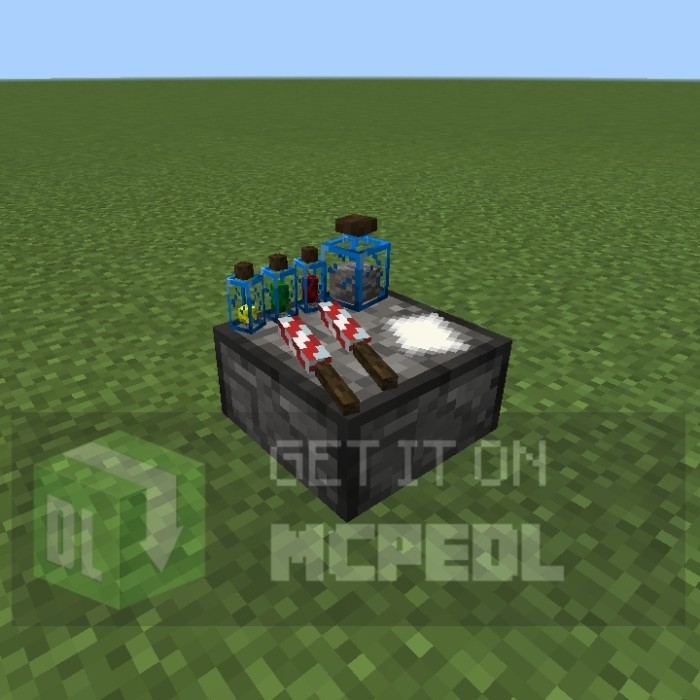
- Crafting (crafting table): 2 cobblestone + 2 gunpowder
- Description: This table is used to manufacture cannons and fireworks rockets
- Type: block
 </figure>
- Crafting table: gunpowder + paper
- Description: fireworks that explode to form a figure. It fulfills the same function as minecraft fireworks, but they do not work to fly with elytras.
- Type: item/projectile
 </figure>
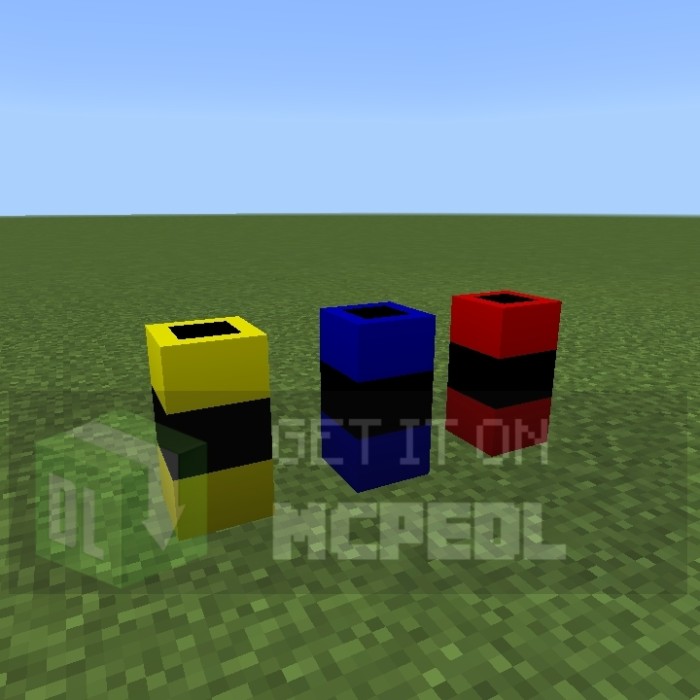
- Crafting table: bamboo + dye (color) + lead
- Description: block that changes the color of the fireworks when they pass through these blocks, the default color of fireworks is white and causes 4 points of damage
- Type: block
 </figure>
<figure class="image image_resized">
</figure>
<figure class="image image_resized">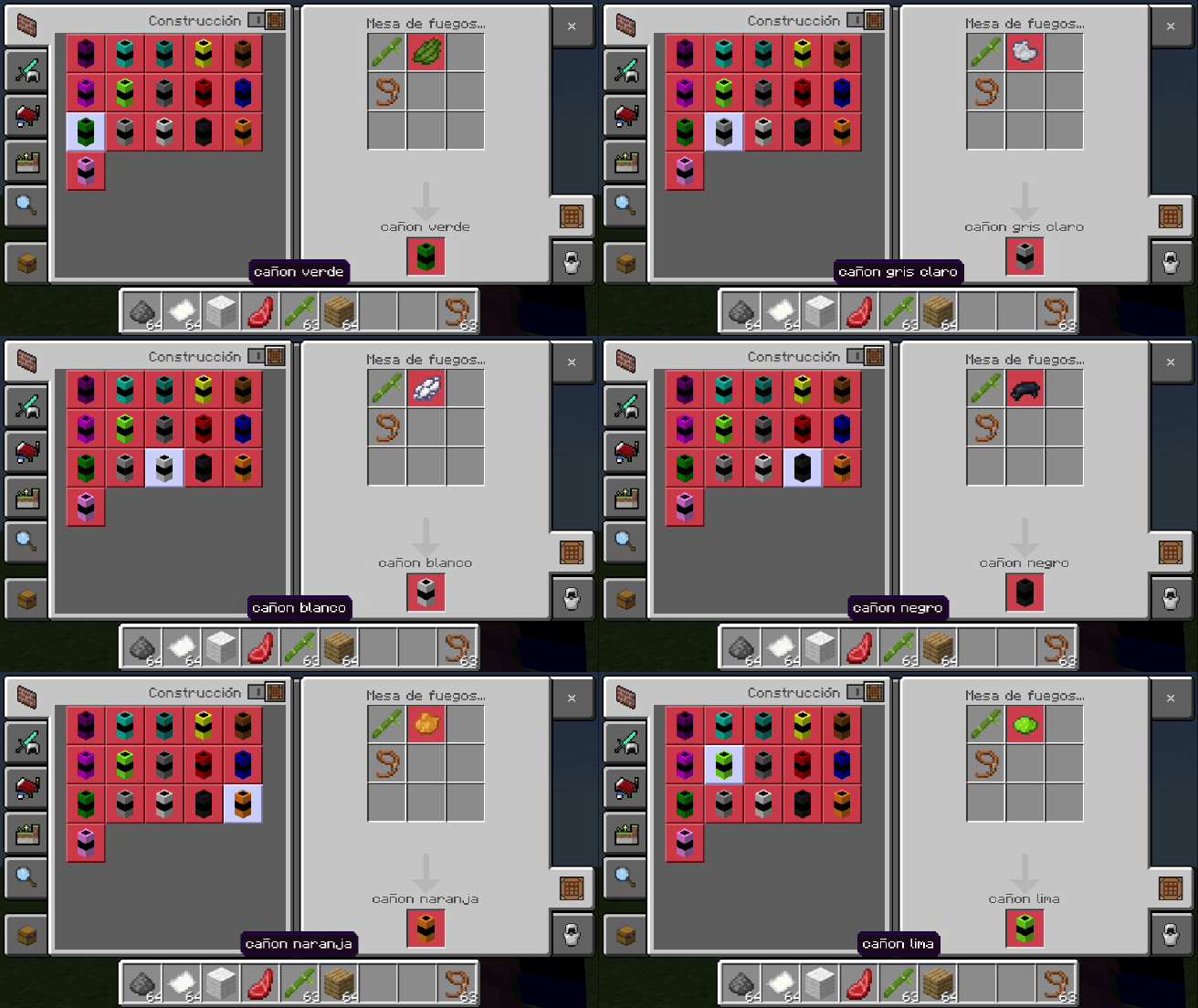 </figure>
FIREWORK BATTERY (NEW ITEM)
- Crafting table: firework x9
- Description: It allows you to send a 3-line message instantly. Use right-click to access the menu, and activate redstone.
- Type: block
SPARKLERS (The flares are back)
- Crafting table: bamboo + dye (color) + gunpowder
- Description: It shoots constant sparks into the sky while using redstone.
- Type: block
MECHANISM
Dispenser + color cannon+ redstone system
<figure class="image image_resized">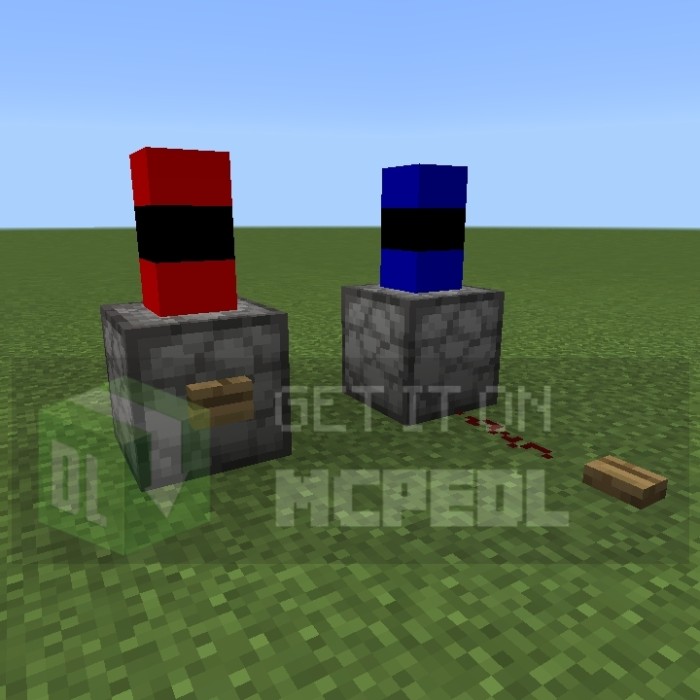 </figure>
<figure class="image image_resized">
 </figure>
<figure class="image">
</figure>
<figure class="image">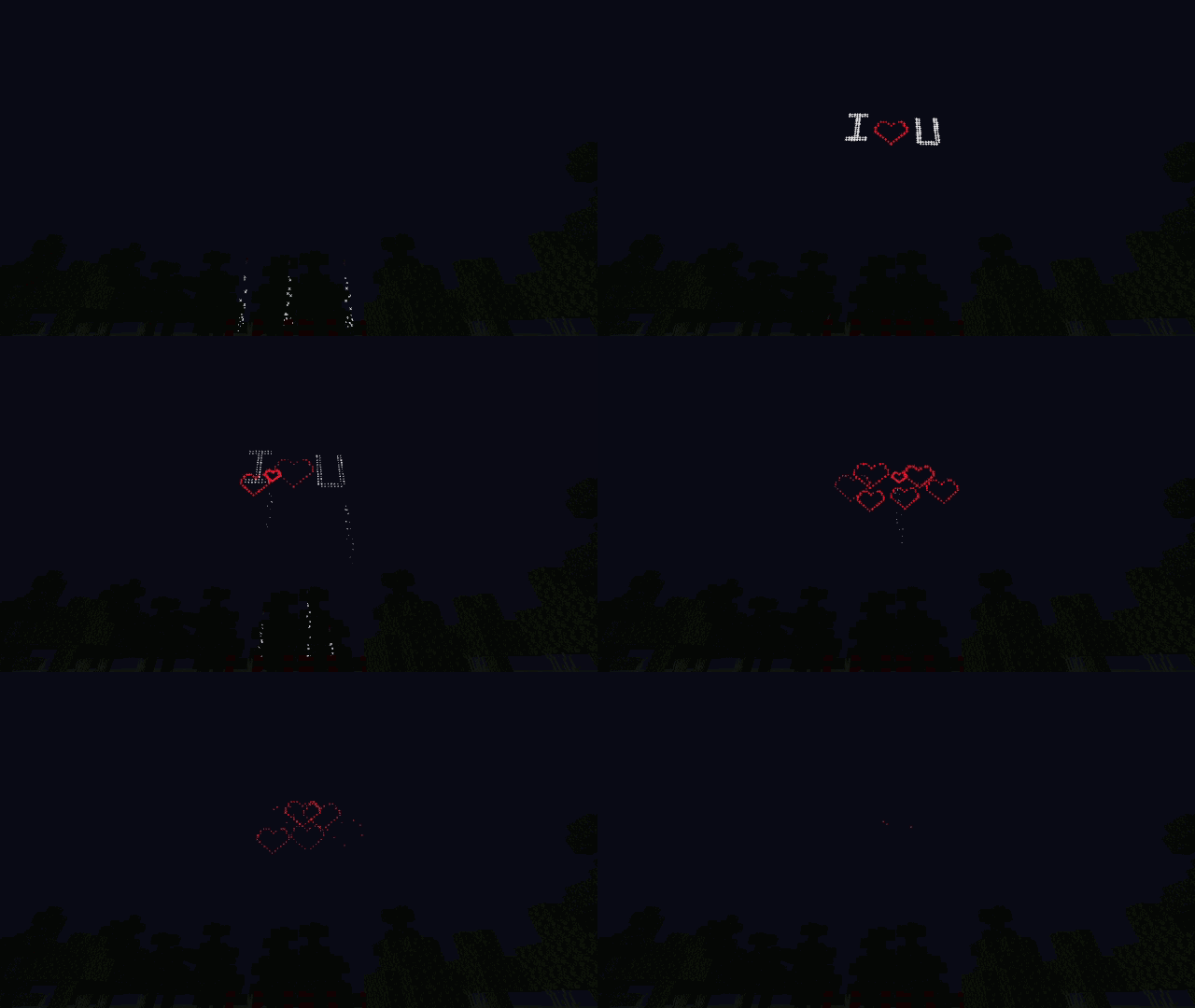 </figure>
I also leave a download link of a world with all the content of this addon for content creators.
11 more symbols were added:
- "hashtag"
- "@"
- "_"
- "-"
- "+"
- "peace symbol"
- "%"
- "asterisk"
- "Snowflake"
- "musical note 1"
- "musical note 2"
 </figure>
<figure class="image">
 </figure>
- Edition: Minecraft Bedrock
- File type: .mcpack or .mcaddon
- Minecraft versions listed: 1.21.120, 1.21.122, 1.21.121
- How to install: Download the .mcpack or .mcaddon file. → Open it — Minecraft imports it. → In your world: Behavior Packs → Available → Activate, then the same under Resource Packs.
- Where to get it: Opens on CurseForge — not every file is mirrored on our own servers.
Install steps are the general flow for this file type — How to install Minecraft Bedrock addons & mods walks through it step by step.
- Pack type: .mcaddon — behaviour and resource pack in one file
- Manifest requires Minecraft 1.21.90 or newer
- Complete pack — everything it depends on is inside the file
- Download size: 551 KB
- Download link checked 27 Oct 2026 — working
These come from our own check of the pack file, not from the source page.