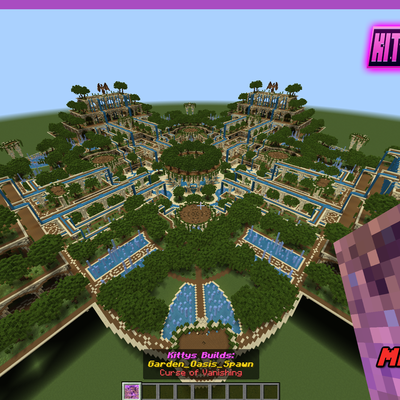
Instant Build: Garden Oasis Spawn
Bedrock add-on listed for Minecraft 1.21 (behavior pack only). File opened and checked on 24 Oct 2026; installs from the MC Bedrock Mods app on Android.
Effortlessly spawn the build with a single command! Perfect for quick creations and seamless integration into your worlds with instant builds no hassle…
⬇ Download
Instant Build Addon!!
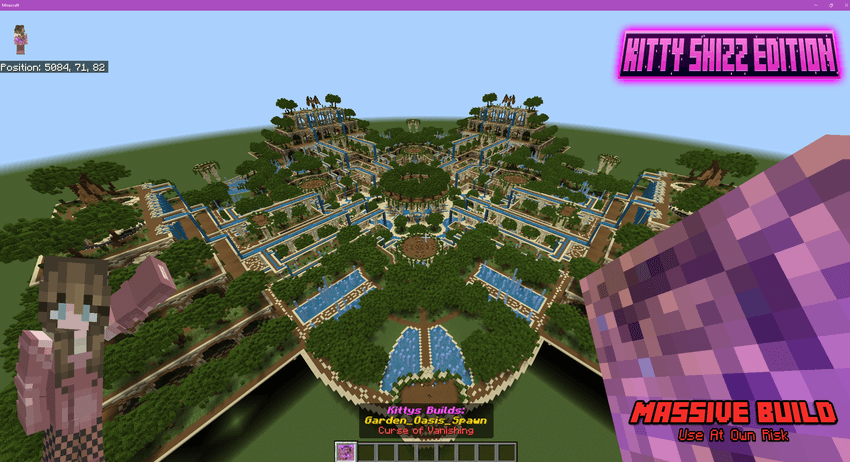
Spawn The Build Where Ever You Like!
How to Use:👀
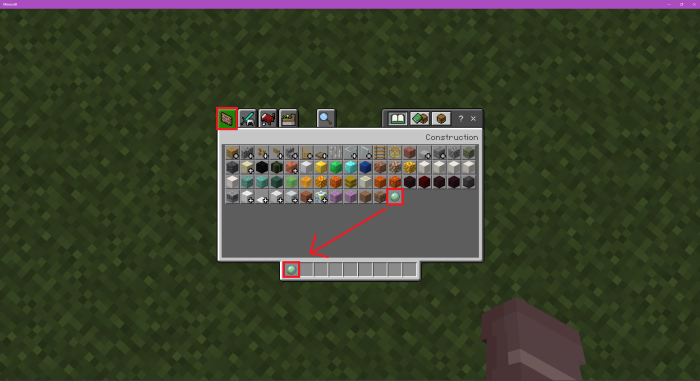
Open the Creative Menu and grab the "Build Ball"
🖱️Right-click to spawn the build.
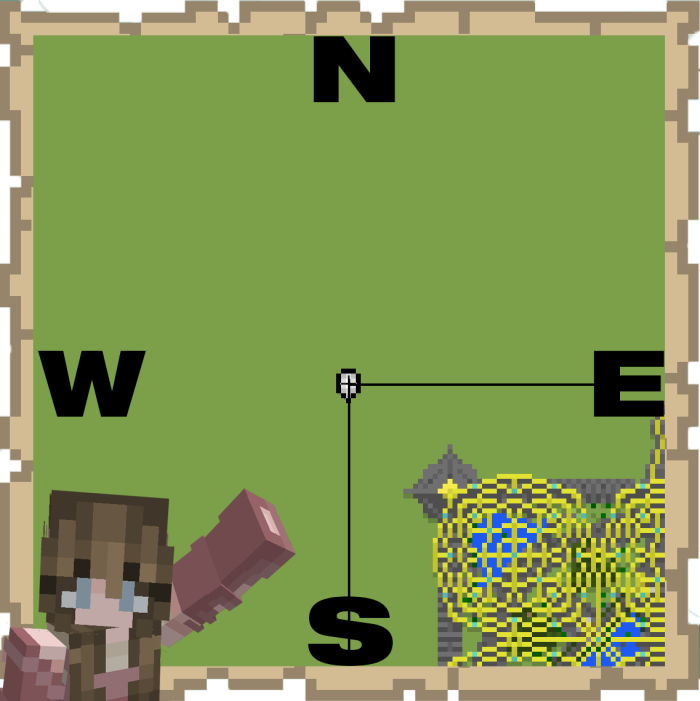
The build will generate starting at your height and expand upwards, extending to the southeast.
So plan the placement carefully!🤔
⚠️ (Maybe Use A Practice World First) There Is No Undo!⛔
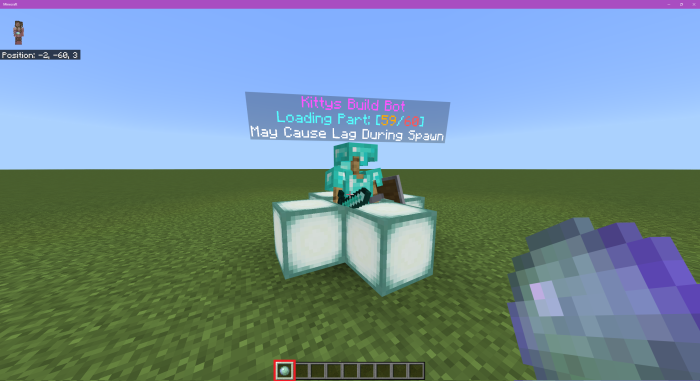
Troubleshooting!🔧
⚙️ Large Builds May Cause Performance Issues On Weaker Systems!⚙️
⚠️If A Build Doesn't Spawn Fully:⚠️

Respawn the build in the same location and stand near the gap to ensure it fills in.
Alternatively, Set your simulation distance to 12 or as high as possible to allow the build to load properly!
Let Me Know If You Have Any Issues In My Discord Kittys Builds!*

Want More Builds? Also Check in My Discord I Have Over 700+ Builds For Bedrock!
https://discord.gg/aujyATgMVy
- Edition: Minecraft Bedrock
- File type: .mcpack or .mcaddon
- Minecraft versions listed: 1.21.30, 1.21.50, 1.21.81
- How to install: Download the .mcpack or .mcaddon file. → Open it — Minecraft imports it. → In your world: Behavior Packs → Available → Activate, then the same under Resource Packs.
- Where to get it: In MCModsHub, or directly above on this page.
Install steps are the general flow for this file type — How to install Minecraft Bedrock addons & mods walks through it step by step.
- Pack type: .mcpack — a single pack
- Complete pack — everything it depends on is inside the file
- Download size: 1.8 MB
- Download link checked 6 Oct 2026 — working
These come from our own check of the pack file, not from the source page.