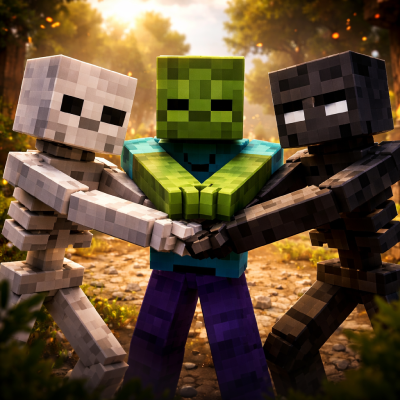
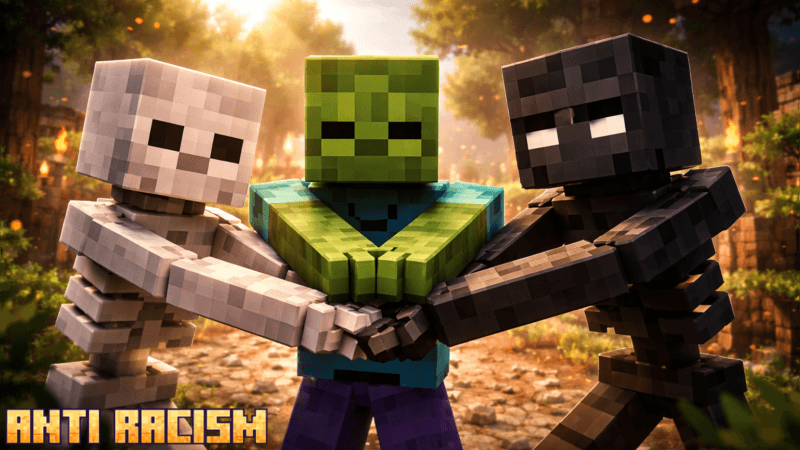
Anti Racism Difficulty (very crazy hard mode)
Bedrock add-on listed for Minecraft 1.20–26.x (behavior pack only). File opened and checked on 8 Oct 2026; installs from the MC Bedrock Mods app on Android.
Anti-racism makes you more respectful toward humanoid mobs and other humans, whether they are alive or undead.
⬇ Download on CurseForgeThe author built this one for Minecraft 26.10–26.50. On other versions it may install and then do nothing.
MY DISCORD
(disclaimer the image is made by ai)
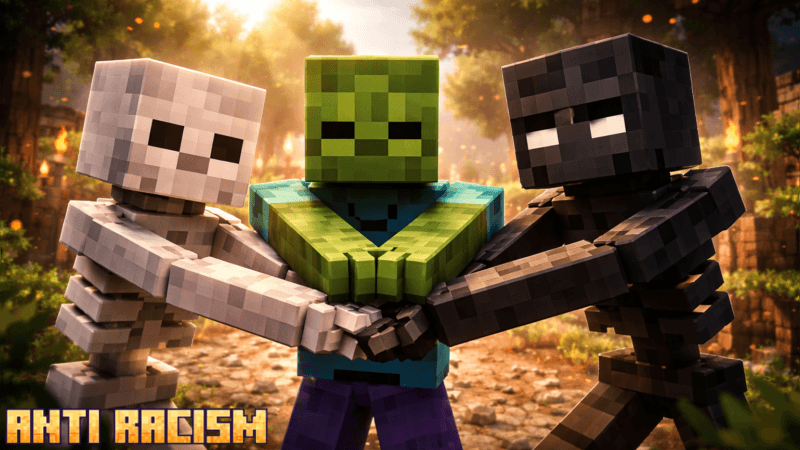
Anti-racism makes you more respectful toward humanoid mobs and other humans, whether they are alive or undead. It promotes fairness, empathy, and unity, encouraging you to treat every being equally regardless of their origin, form, or condition. With this effect, you avoid hostile actions toward neutral or friendly entities and instead focus on cooperation and balance within the world.
Anti-racism focuses on humanoid mobs.
This addon protects specific humanoid mobs and promotes fair treatment toward them. Here is the list of humanoid mobs protected by the Anti-Racism addon:
-
Zombie (because of their green skin)
-
Skeleton (because of their white skin, not a yellow/cream skin)
-
Wither Skeleton (because of their black skin, not a dark chocolate skin)
-
Locked
-
Locked
These protections encourage players to treat these mobs with respect and avoid unnecessary hostility, reinforcing the theme of equality within the game.
This add-on does not include player.json.
This add-on does not require experimental features.
If the add-on does not work, please report it on Discord.
If you want to request an add-on, please make a request on Discord.
If you want to collaborate or work together, please contact me on Discord.
- Edition: Minecraft Bedrock
- File type: .mcpack or .mcaddon
- Minecraft versions listed: 26.10, 26.20, 26.50
- How to install: Download the .mcpack or .mcaddon file. → Open it — Minecraft imports it. → In your world: Behavior Packs → Available → Activate, then the same under Resource Packs.
- Where to get it: Opens on CurseForge — not every file is mirrored on our own servers.
Install steps are the general flow for this file type — How to install Minecraft Bedrock addons & mods walks through it step by step.
- Save it as anti racism 1.3.mcaddon before opening — it downloads as .mcpack, but it is a .mcaddon pack
- Manifest requires Minecraft 1.20.30 or newer
- Complete pack — everything it depends on is inside the file
- Download size: 307 KB
- Download link checked 6 Oct 2026 — working
These come from our own check of the pack file, not from the source page.