
Void Walker Add-on
Bedrock add-on listed for Minecraft 1.21–26.x (behavior + resource pack). File opened and checked on 3 Oct 2026; installs from the MC Bedrock Mods app on Android.
⬇ Download on CurseForge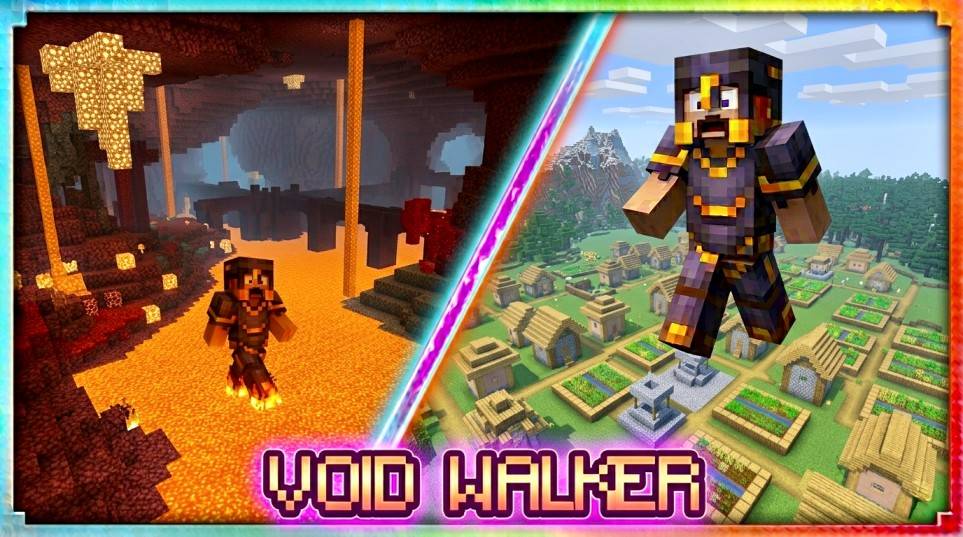
Void Walker is a Bedrock Edition addon that gives you three legendary pairs of boots, each granting the power to traverse terrain that would otherwise stop you dead in your tracks.
🥾 Water Walker Boots
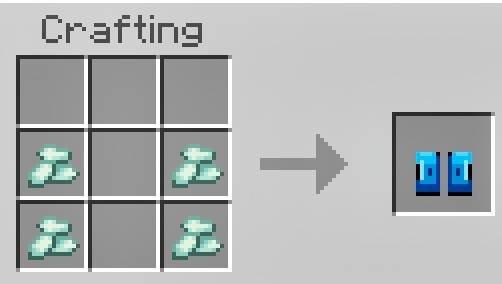
Glide across the surface of any water body like it's solid ground. Temporary water platforms form beneath your feet as you move, reverting back to water after 5 seconds. No more drowning, no more slow swimming — just seamless exploration across oceans, rivers, and lakes. Also negates all fall damage.
🔥 Lava Walker Boots
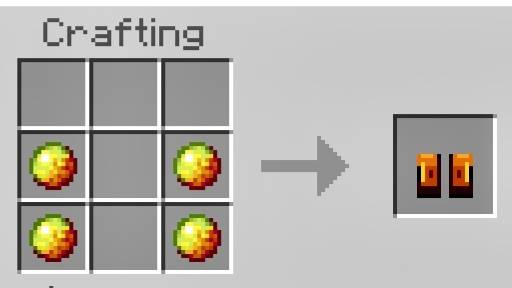
Born from the Nether itself. These boots let you walk straight across lava lakes without flinching. Solidified lava platforms appear under each step, reverting after 5 seconds. You also gain constant Fire Resistance to keep you fully protected from flames, and fall damage is completely negated — making the Nether feel like a casual stroll.
🌌 Void Walker Boots
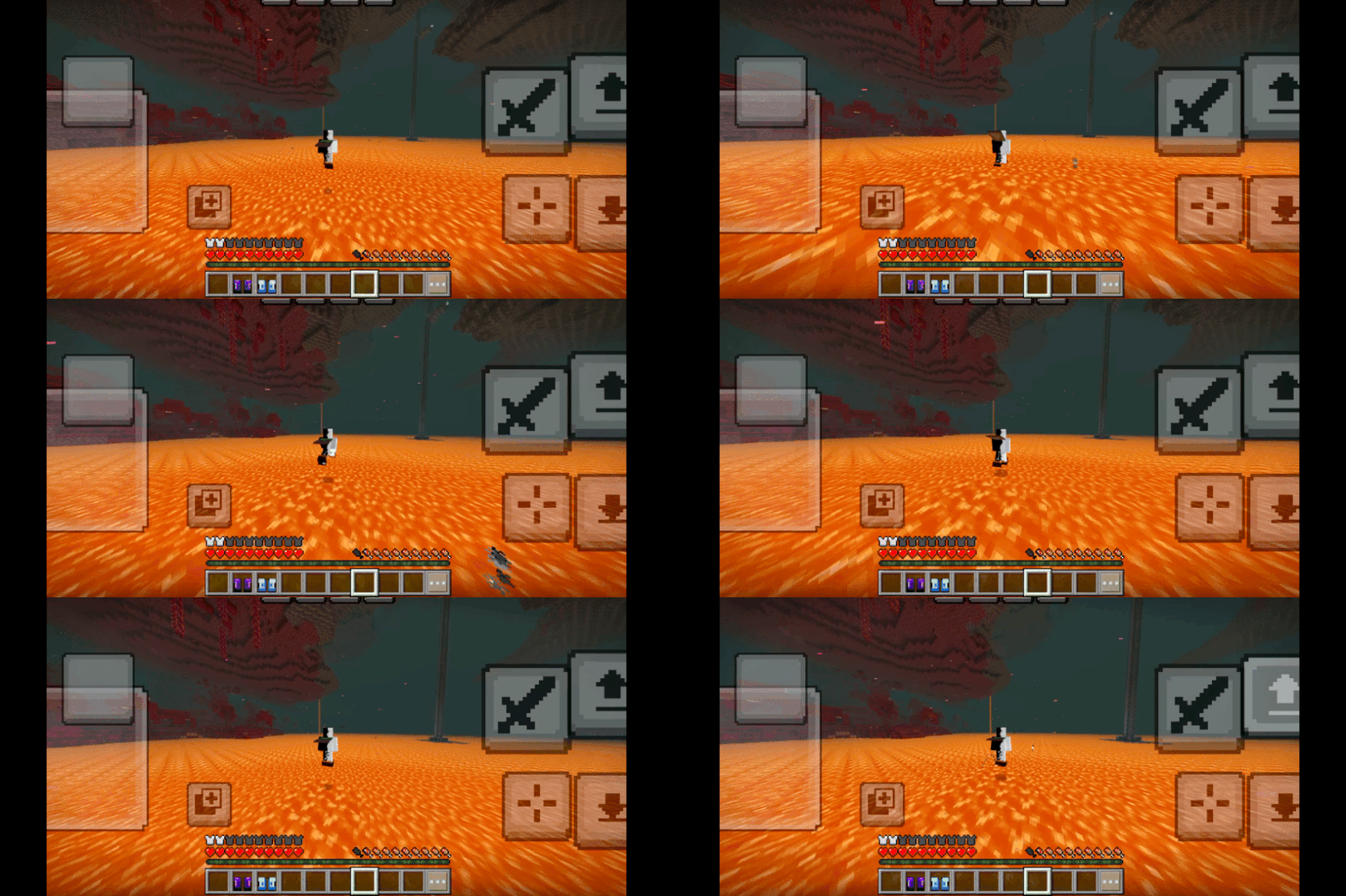
The most powerful of the three. When there's no ground beneath you, these boots conjure solid void platforms out of thin air in a wide radius around you, disappearing after just 2.5 seconds — so you need to keep moving. On top of that, you permanently gain Jump Boost II and Speed I while wearing them, making you faster and more agile than ever. The sky is no longer the limit.
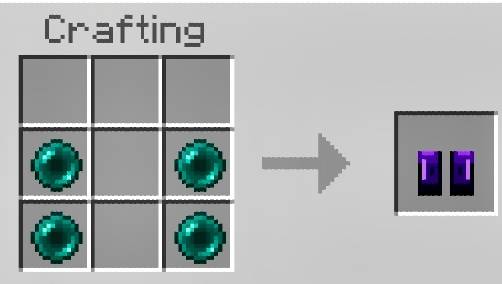
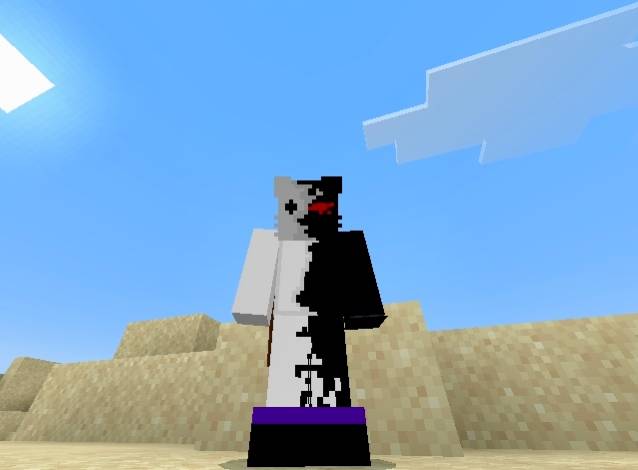
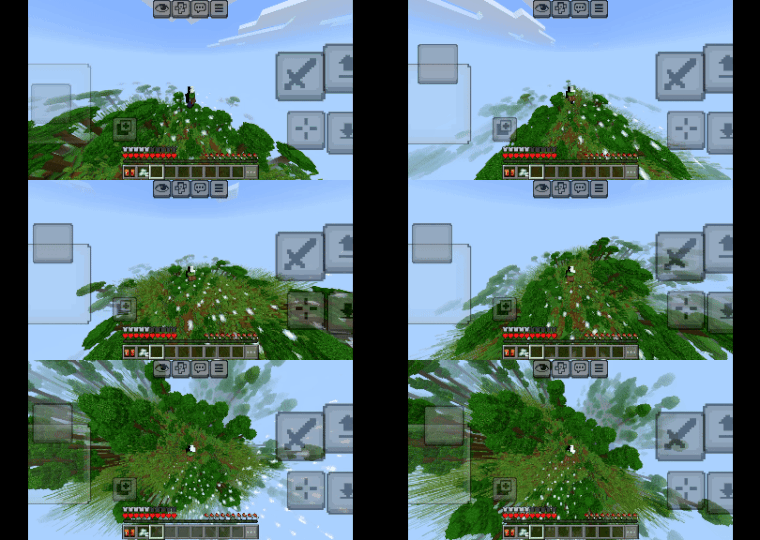
All three boots are craftable at a standard Crafting Table, wearable in the feet slot, enchantable, and have 500 durability. Each boot has a custom armor texture designed to look clean and low-profile on your player model — no bulky shafts, just sleek footwear.
Whether you're exploring the ocean floor, raiding a lava-filled fortress, or building platforms in the sky, Void Walker has a boot for every challenge.
Made by Creator Studios.
Instructions to Download
- Install the file
- Open the .mcaddon and import to Minecraft
- Create a world and apply both behaviour and resource or just one the other one will automatically be activated
- Turn ON experimental settings
- Play and enjoy;)
- Edition: Minecraft Bedrock
- File type: .mcpack or .mcaddon
- Minecraft versions listed: 1.21.100, 1.21, 26.20
- How to install: Download the .mcpack or .mcaddon file. → Open it — Minecraft imports it. → In your world: Behavior Packs → Available → Activate, then the same under Resource Packs.
- Where to get it: Opens on CurseForge — not every file is mirrored on our own servers.
Install steps are the general flow for this file type — How to install Minecraft Bedrock addons & mods walks through it step by step.
- Pack type: .mcaddon — behaviour and resource pack in one file
- Manifest requires Minecraft 1.21.0 or newer
- Complete pack — everything it depends on is inside the file
- Download size: 34 KB
- Download link checked 6 Oct 2026 — working
These come from our own check of the pack file, not from the source page.