
AddonsBedrock
Switch Inventory
Bedrock add-on listed for Minecraft 1.21 (behavior + resource pack). File opened and checked on 24 Sep 2026; installs from the MC Bedrock Mods app on Android.
A multi-inventory system that allows players to switch between multiple inventory slots. Save and load different inventory setups including armor and…
⬇ Download on CurseForge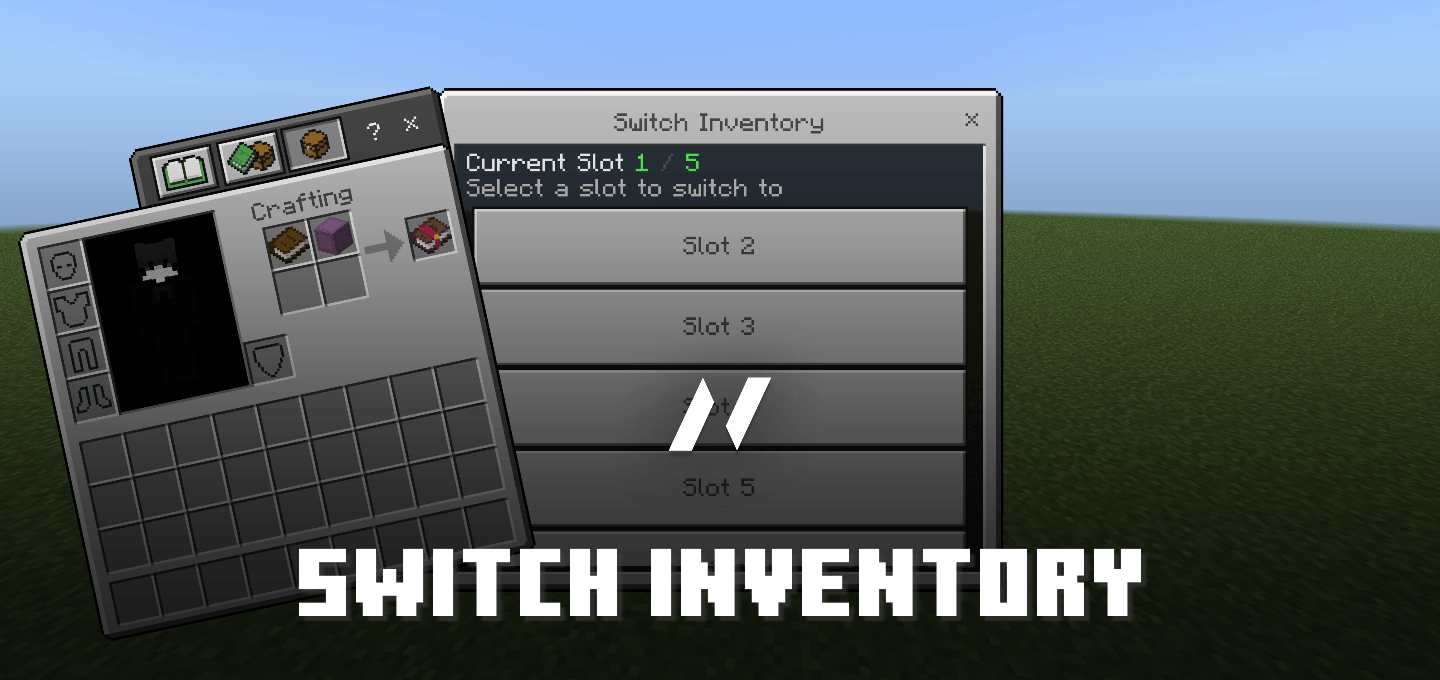
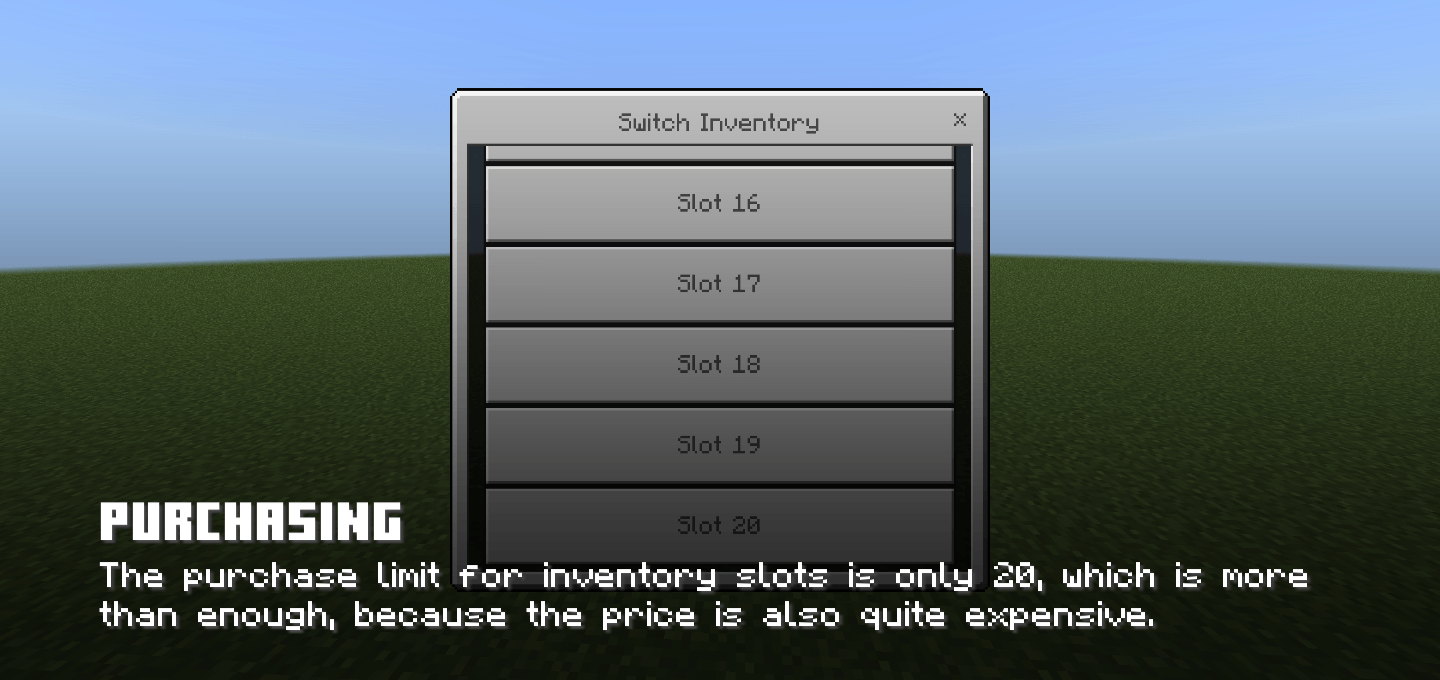
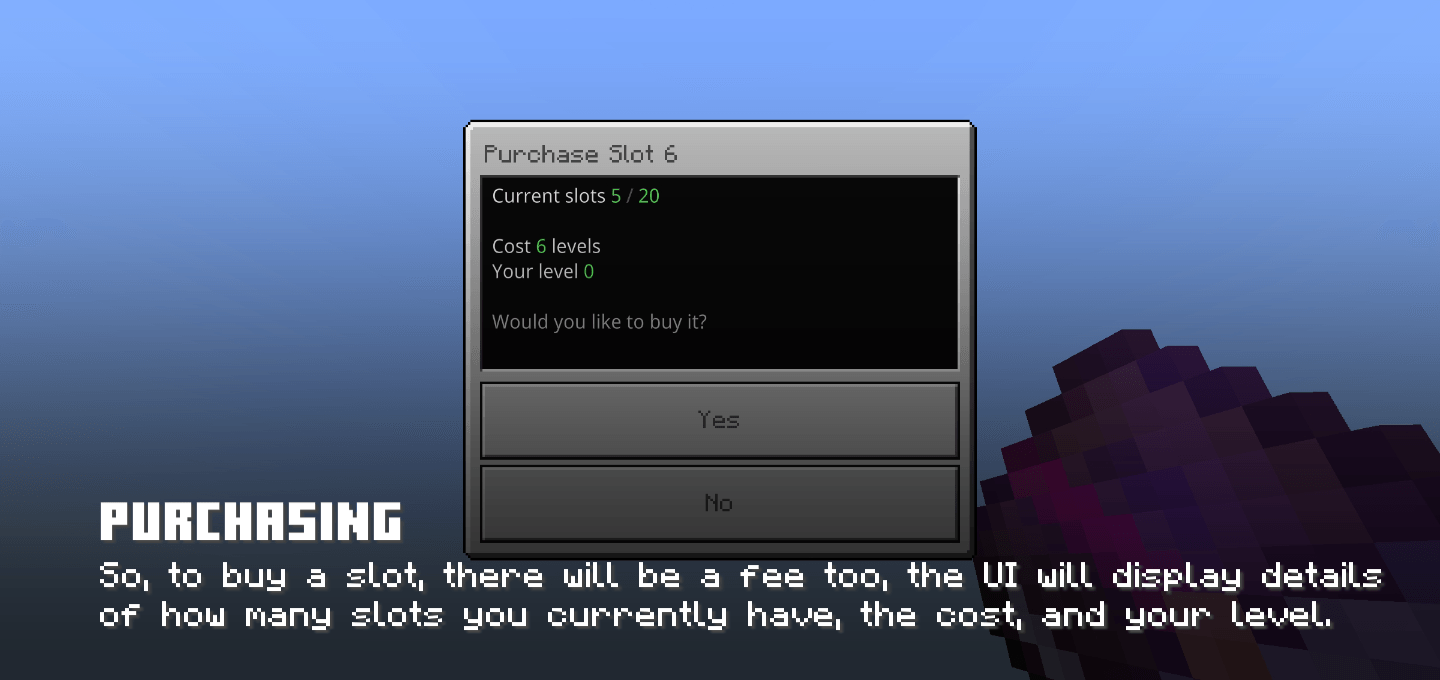
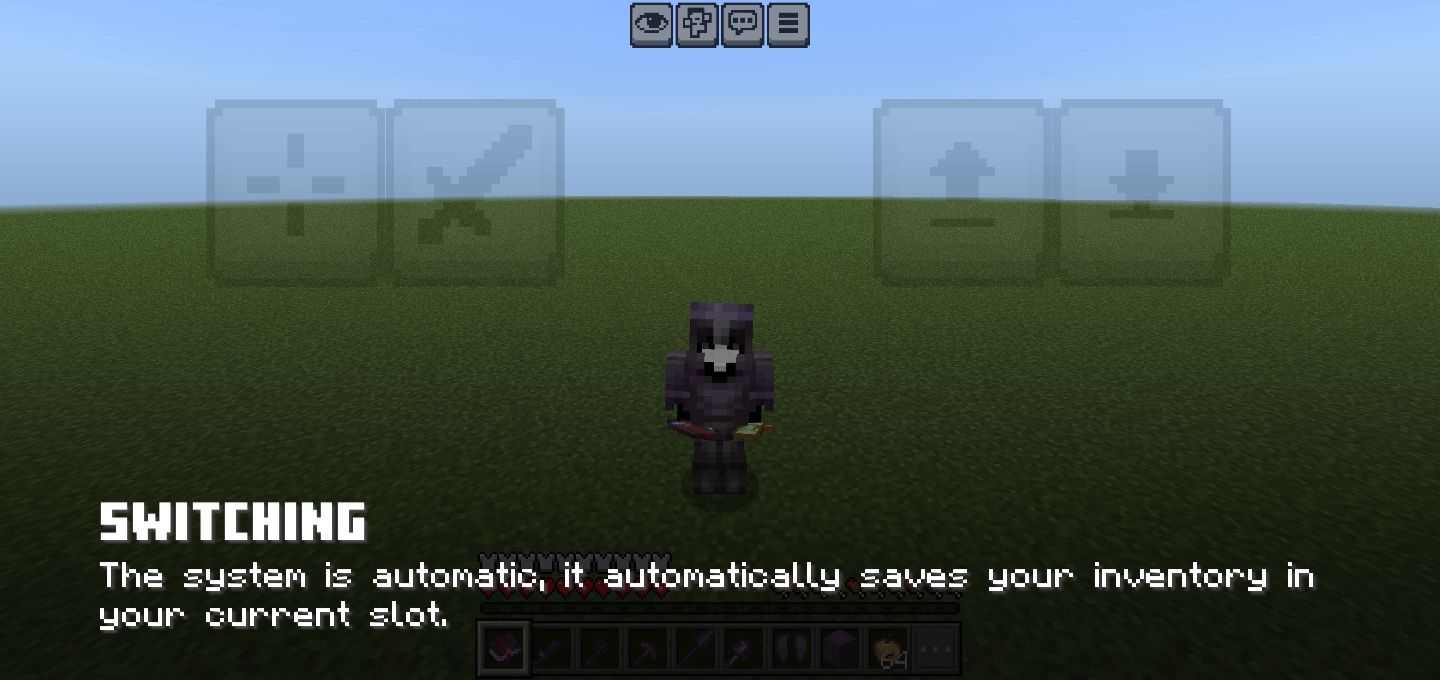
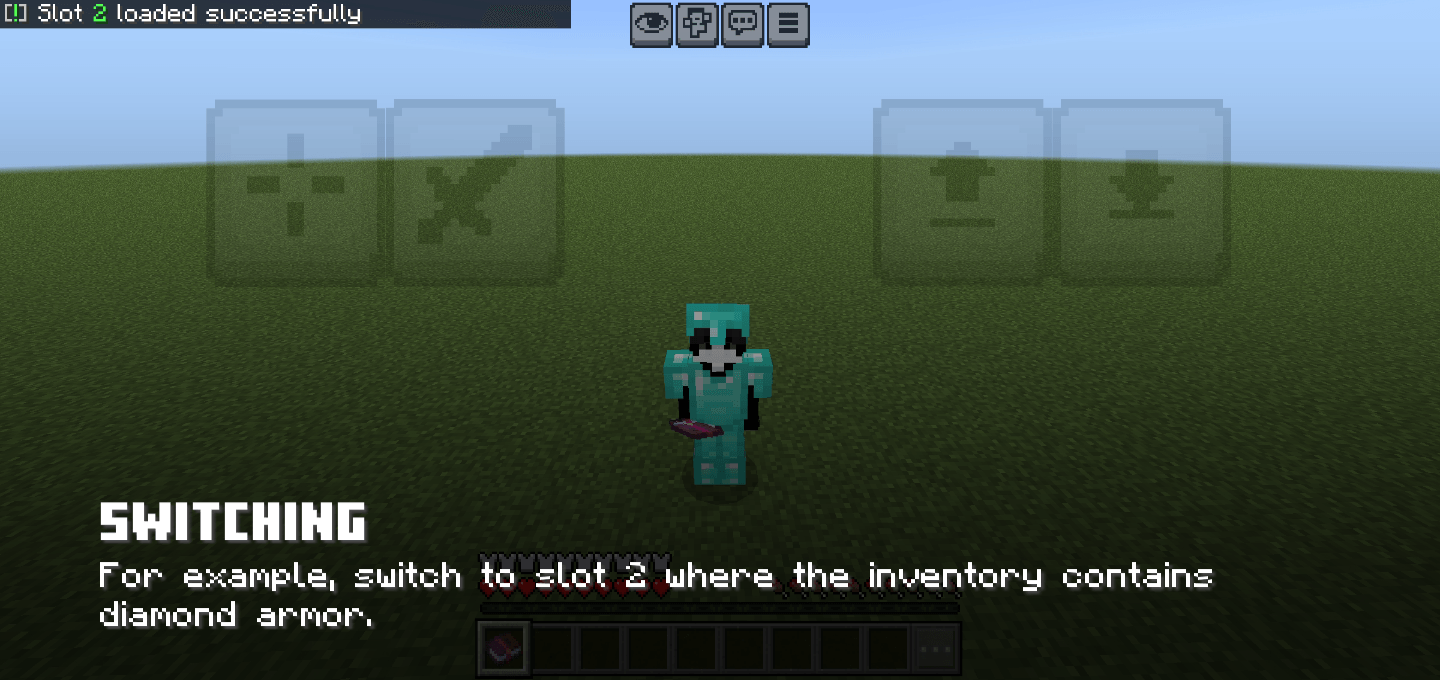
Multi-Inventory System
This addon provides a powerful inventory management system that allows players to save and switch between multiple inventory configurations.
Features
- Switch between multiple inventory slots seamlessly
- Save entire inventory including armor and offhand items
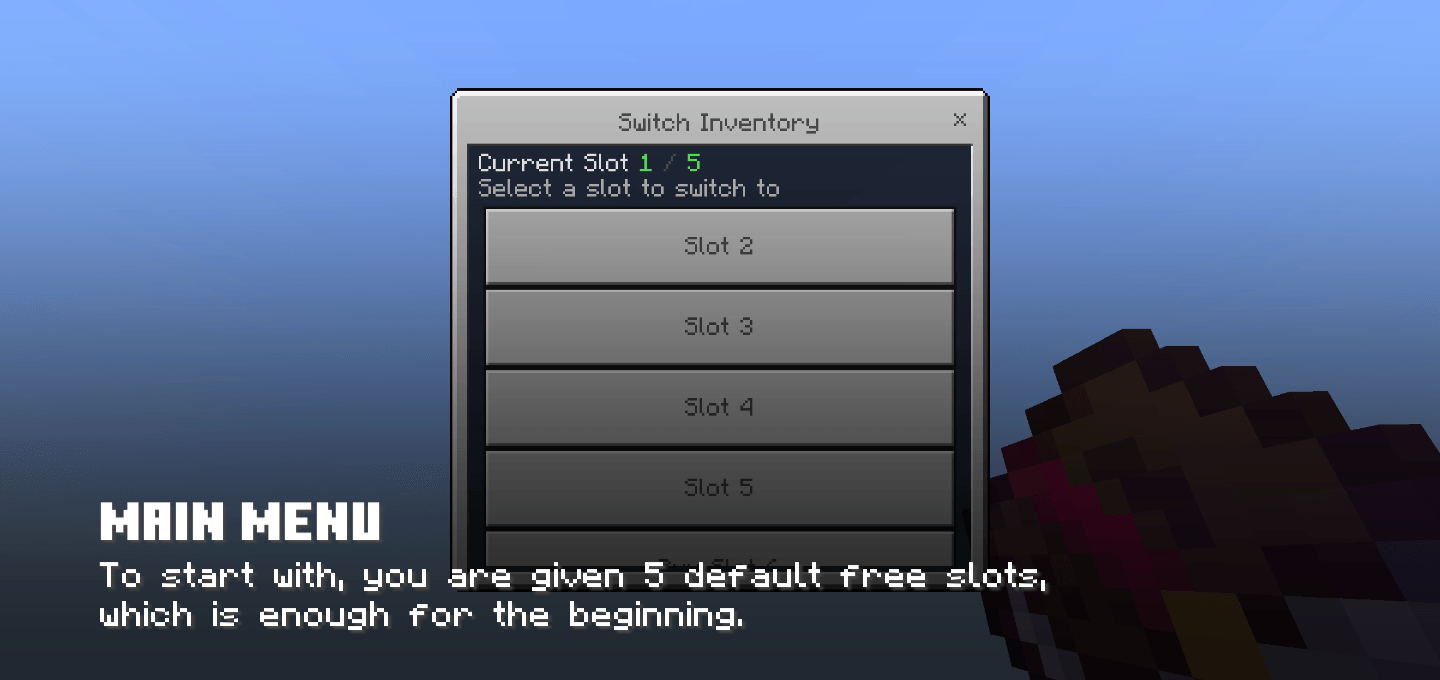
- Start with 5 inventory slots by default
- Expand up to 20 inventory slots maximum
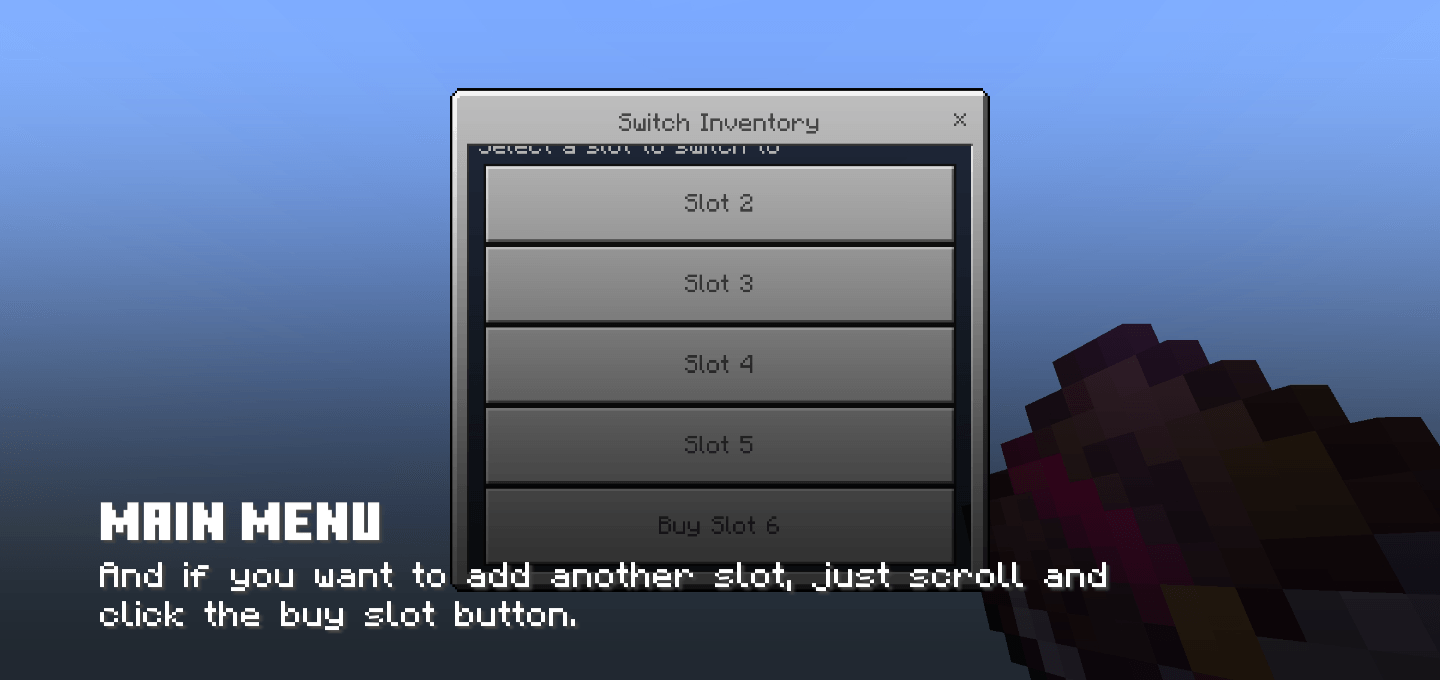
- Purchase additional slots using levels
- Persistent storage across world restarts
- Simple and intuitive UI interface
- No commands required, all through UI
- Multiplayer compatible
- Lightweight and optimized performance
- And achievement friendly of course
How It Works
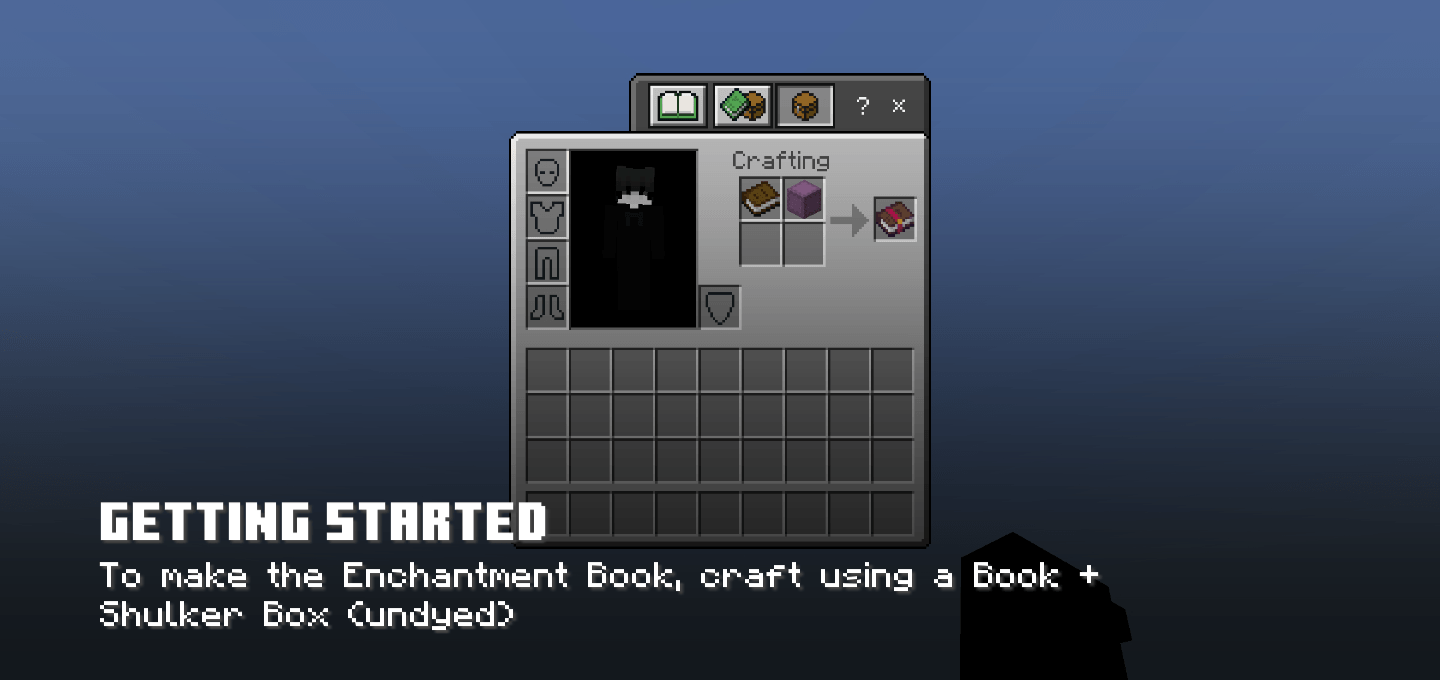
Players receive a special inventory selector item that opens a menu to switch between different inventory slots. Each slot stores a complete inventory snapshot including all items, armor pieces, and offhand equipment. When switching slots, the current inventory is automatically saved and the selected slot is loaded.
Slot Pricing
Additional inventory slots can be purchased using experience levels. The cost increases progressively from 1 level for the 6th slot up to 20 levels for the 20th slot. This creates a balanced progression system that rewards active gameplay.
Technical Details
- Uses Minecraft structure system for reliable data persistence
- Stores inventory data in world structures for cross-session compatibility
- Dynamic property system for player configuration
- Efficient entity-based temporary storage
- Compatible with Minecraft Bedrock 1.21.130 and above
Installation
- Download and install the behavior pack
- Download and install the resource pack
- Activate both packs in your world settings
Usage
Simply use the inventory selector item to open the slot selection menu. Choose a slot to switch to, or purchase additional slots when available. Your current inventory will be saved automatically when switching slots or leaving the world.
Perfect For
- RPG servers with class systems
- Adventure maps with multiple loadouts
- Survival servers with specialized tool sets
- Creative builders who need organized inventories
- Any world requiring inventory management
This addon is ideal for players and server owners looking to enhance inventory management with a reliable, user-friendly system that integrates seamlessly with existing gameplay.
Quick facts
- Edition: Minecraft Bedrock
- File type: .mcpack or .mcaddon
- Minecraft versions listed: 1.21.130, 1.21.131, 1.21.132
- How to install: Download the .mcpack or .mcaddon file. → Open it — Minecraft imports it. → In your world: Behavior Packs → Available → Activate, then the same under Resource Packs.
- Where to get it: Opens on CurseForge — not every file is mirrored on our own servers.
Install steps are the general flow for this file type — How to install Minecraft Bedrock addons & mods walks through it step by step.
File checked by MCModsHub
- Pack type: .mcaddon — behaviour and resource pack in one file
- Manifest requires Minecraft 1.21.130 or newer
- Complete pack — everything it depends on is inside the file
- Download size: 197 KB
- Download link checked 6 Oct 2026 — working
These come from our own check of the pack file, not from the source page.