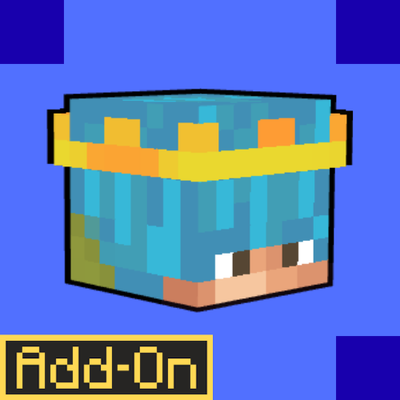
BlueFireFroggy's Player Heads
Bedrock add-on listed for Minecraft 1.16–26.x (behavior + resource pack). File opened and checked on 24 Sep 2026; installs from the MC Bedrock Mods app on Android.
I don't know my version
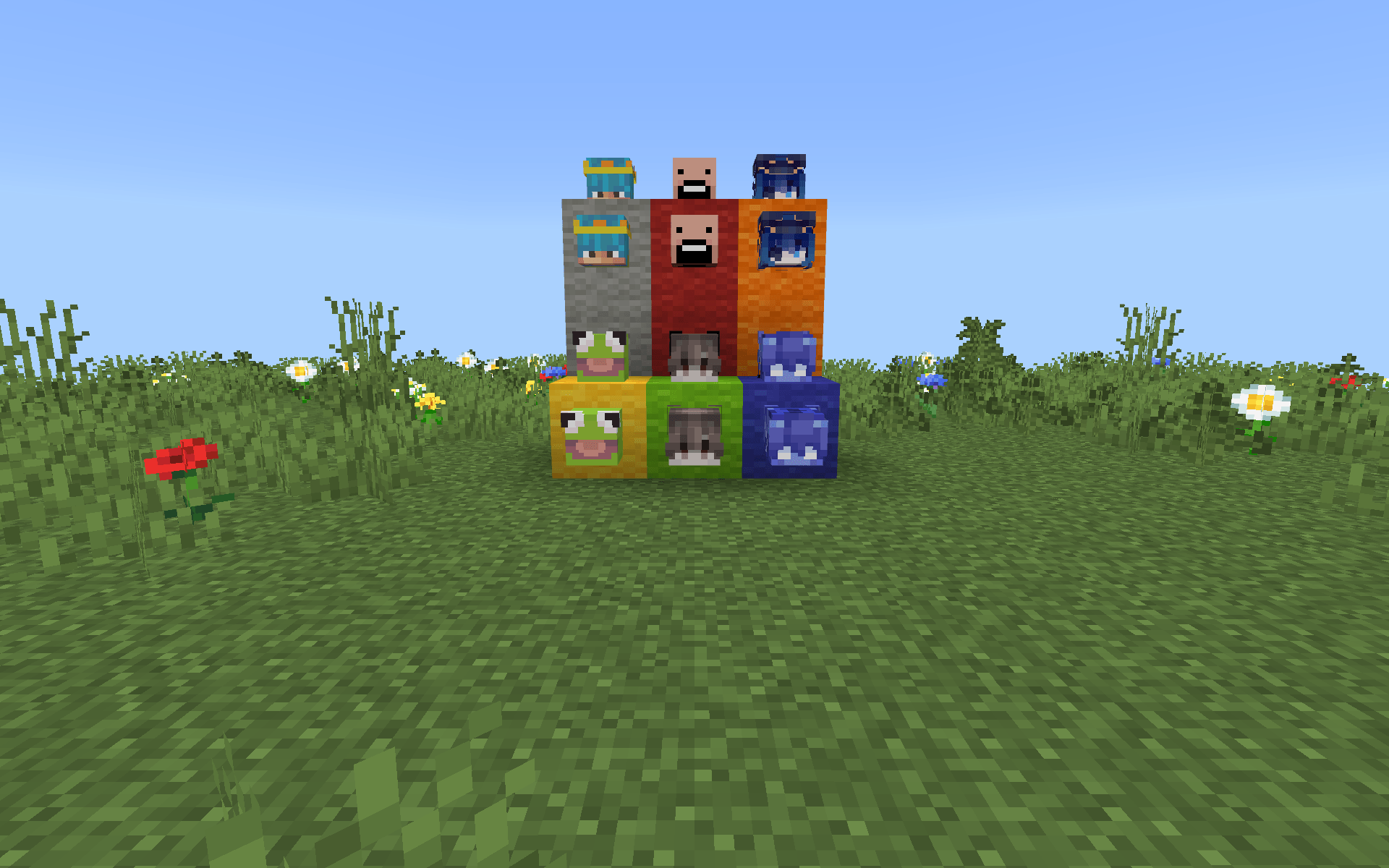
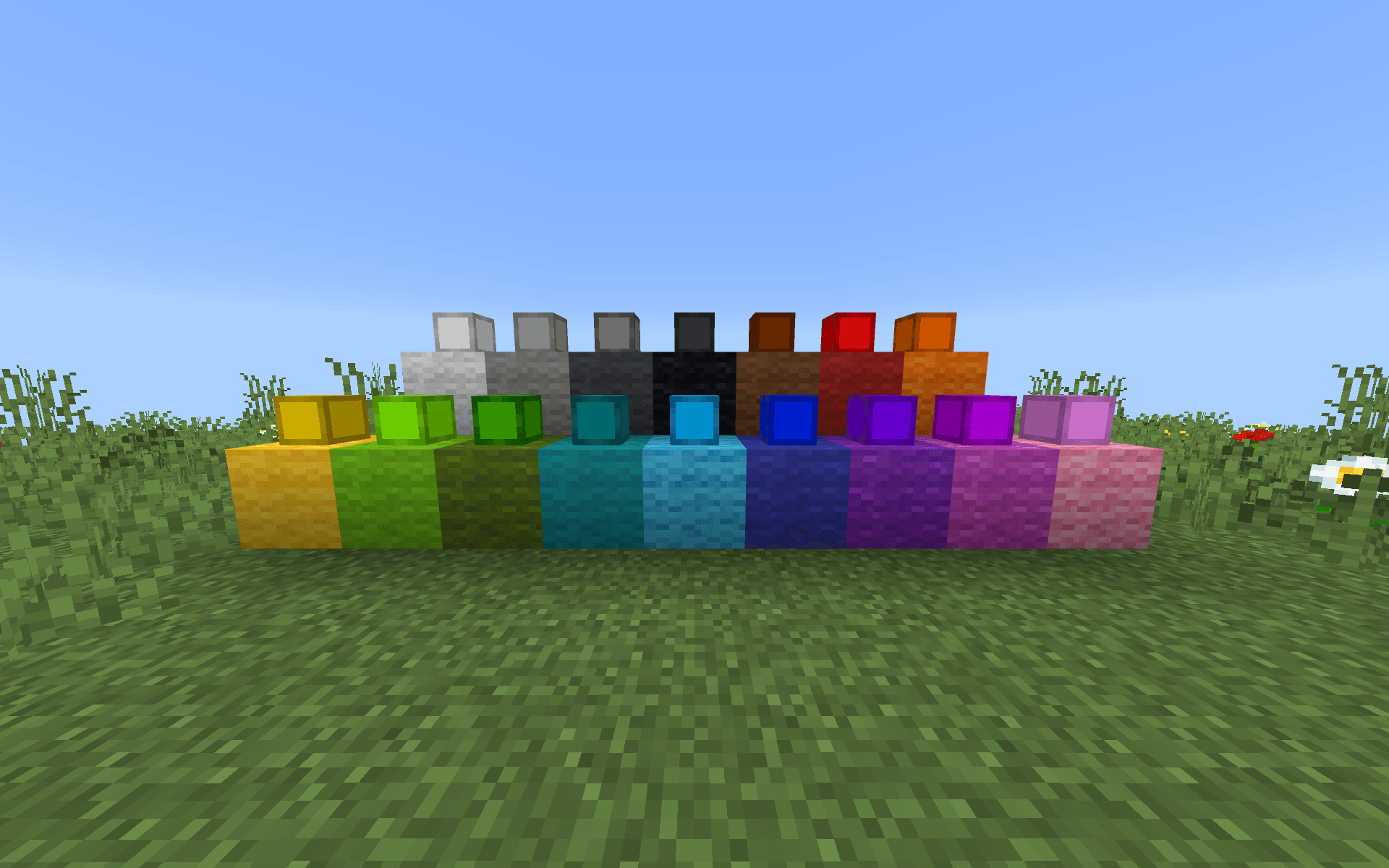
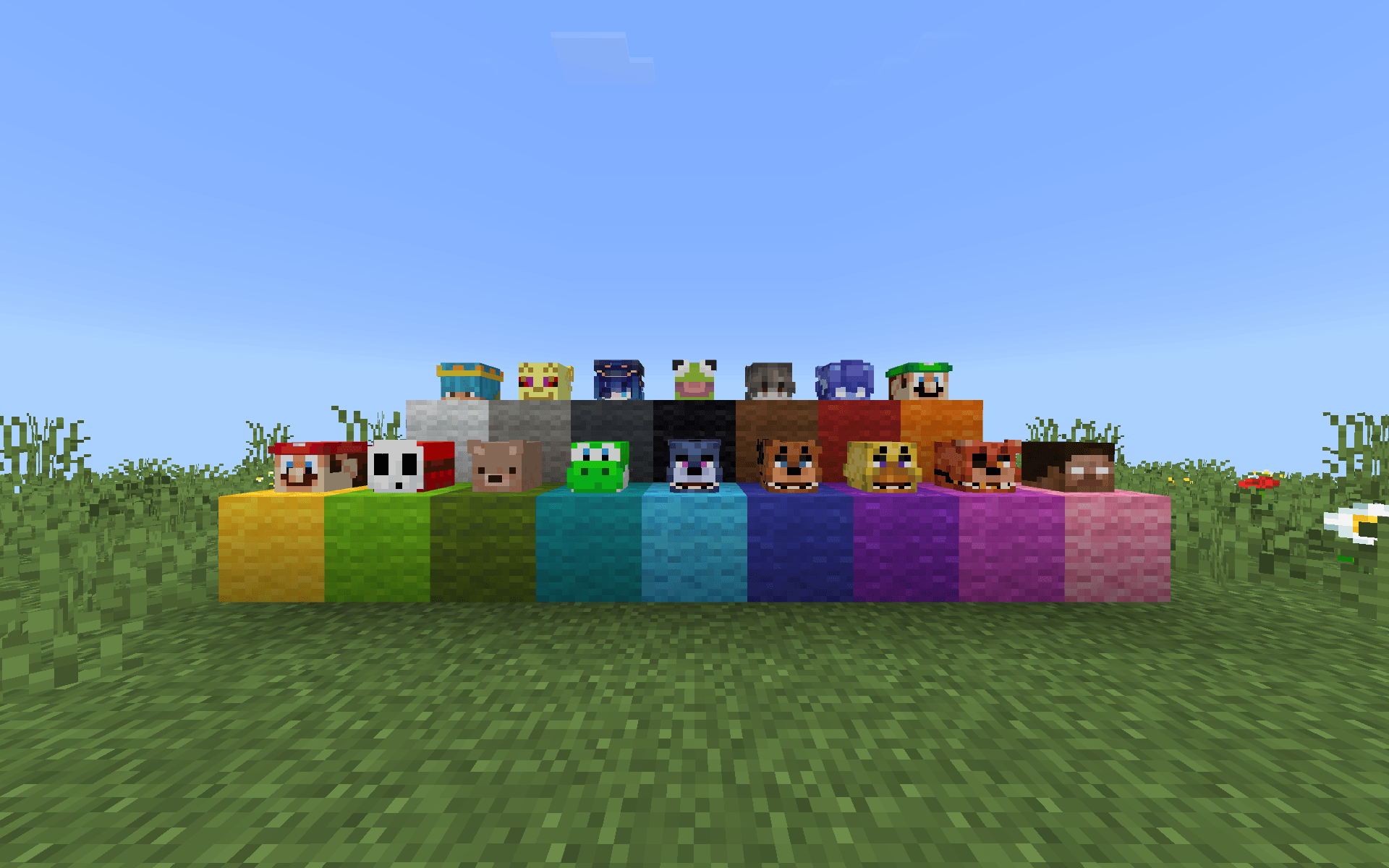
This is an addon for the Bedrock Edition that makes multiplayer more fun and helps server owners keep things organized. It does this by giving players heads and nicknames that stick with them. The people in charge of the server can make sure each player looks unique. It is easy to tell who is who.
The server owners and Operators can assign players a head using a simple command. There are 16 heads to choose from and each one is special so no two players can have the same head. You would have to change the texture file to make the head the same head of the skin. To give a player a head the server owner types /playerhead set and the players name and the head number. If they want to take the head they type /playerhead remove and the players name and the head number. This way every player has a head that's just for them.
If the someone wants to see who has which head they can use the /headowners command. This shows them who has each head and if a head is not being used it says so. They can also use the "all" option to see all the players who are online and what heads they have. If a player does not have a head they are not shown, which makes it easier to know who has what head.
Players can also give their heads custom names. To do this they hold the head in their hand and type /namehead. The name they want. The head will then be called "[name]s Head". This is a way for players to make better short and give a name to the head without using xp.
The addon also has a command called /localtime that shows the time on the server. This is a thing but it can be really useful for players and server owners.
The addon also lets server owners or operators give players custom nicknames. They can do this by typing /nick. /nickname and the players name and the nickname they want. These nicknames stay with the player even when they leave the game and come back. When a player dies their nickname is shown on their head, which makes the whole game more fun and exciting. Player Heads and Nicknames makes the game more fun for everyone.
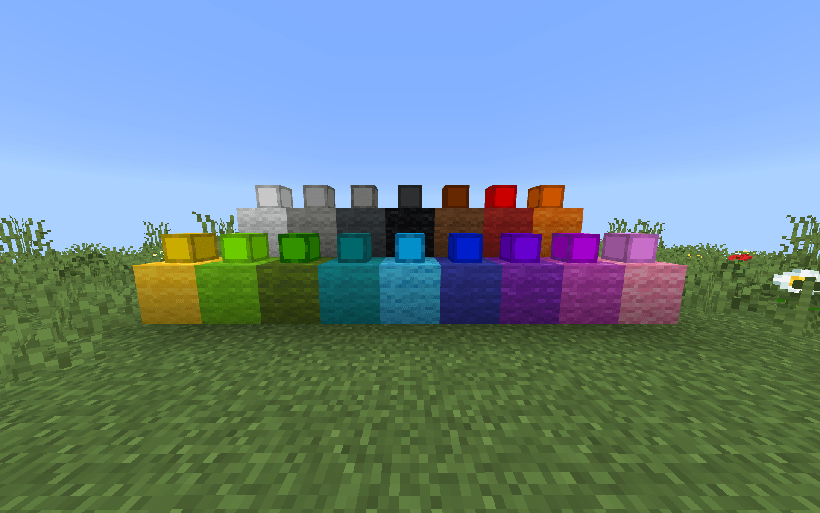
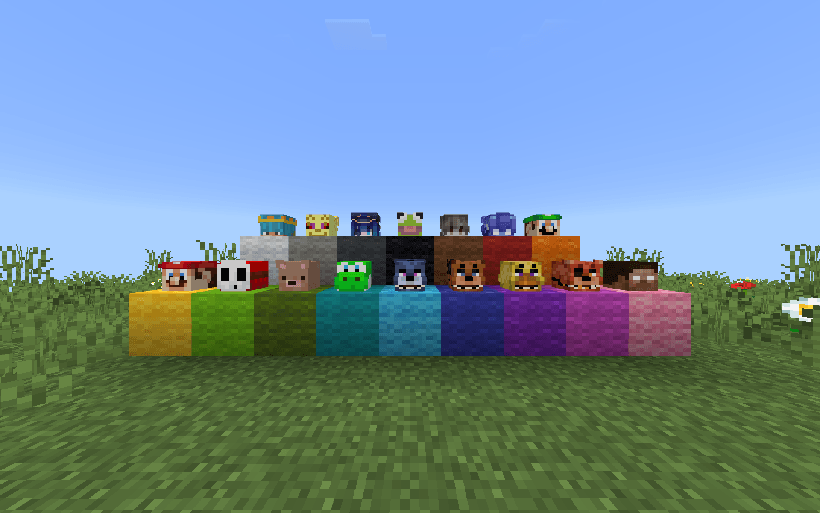
\
How to Customize Heads & Names
To customize the player heads and their names, you’ll need to access and edit the addon files:
1. Convert to .ZIP
- Rename the file from
.mcaddonto.zip - Open the
.zipfile
2. Find the Resource Pack
- Inside the zip, locate and open the folder labeled “R”
3. Change Player Skins
- Go to:
textures > heads - Replace the existing skin files with your own
- Keep the same file names (example: Player Head 1 uses the Player 1 texture)
4. Change Head Names
- Go to:
texts > en_US.lang - Open the file and find:
tile.bluefirefroggy:player_head_1_block.nameitem.bluefirefroggy:player_head_1
- Change the text after the
=to your custom name- Example:
BlueFireFroggy's Head
- Example:
5. Turn It Back Into a .mcaddon
- After editing, go back to the main folder (where the “R” folder is)
- Select all files and folders inside
- Right-click and choose Send to > Compressed (zipped) folder (Windows)
(or right-click > Compress on Mac) - Rename the new
.zipfile back to.mcaddon - Open it to import back into Minecraft
- Edition: Minecraft Bedrock
- File type: .mcpack or .mcaddon
- Minecraft versions listed: 26.0.02, 26.0, 26.3
- How to install: Download the .mcpack or .mcaddon file. → Open it — Minecraft imports it. → In your world: Behavior Packs → Available → Activate, then the same under Resource Packs.
- Where to get it: Opens on CurseForge — not every file is mirrored on our own servers.
Install steps are the general flow for this file type — How to install Minecraft Bedrock addons & mods walks through it step by step.
- Pack type: .mcaddon — behaviour and resource pack in one file
- Manifest requires Minecraft 1.16.0 or newer
- Complete pack — everything it depends on is inside the file
- Download size: 158 KB
- Download link checked 6 Oct 2026 — working
These come from our own check of the pack file, not from the source page.