AddonsBedrock
Scoreboards UI
Are you tired of writing commands to change a score or create a scoreboard objective, use this addon to manage scoreboards with a user interface without…
⬇ Download on CurseForge
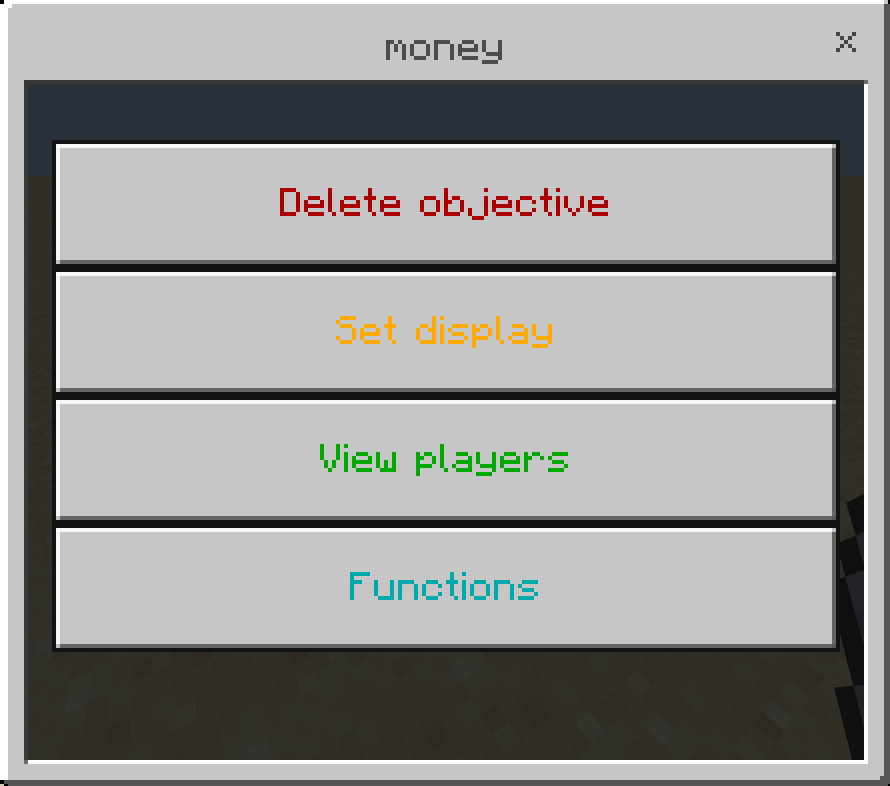
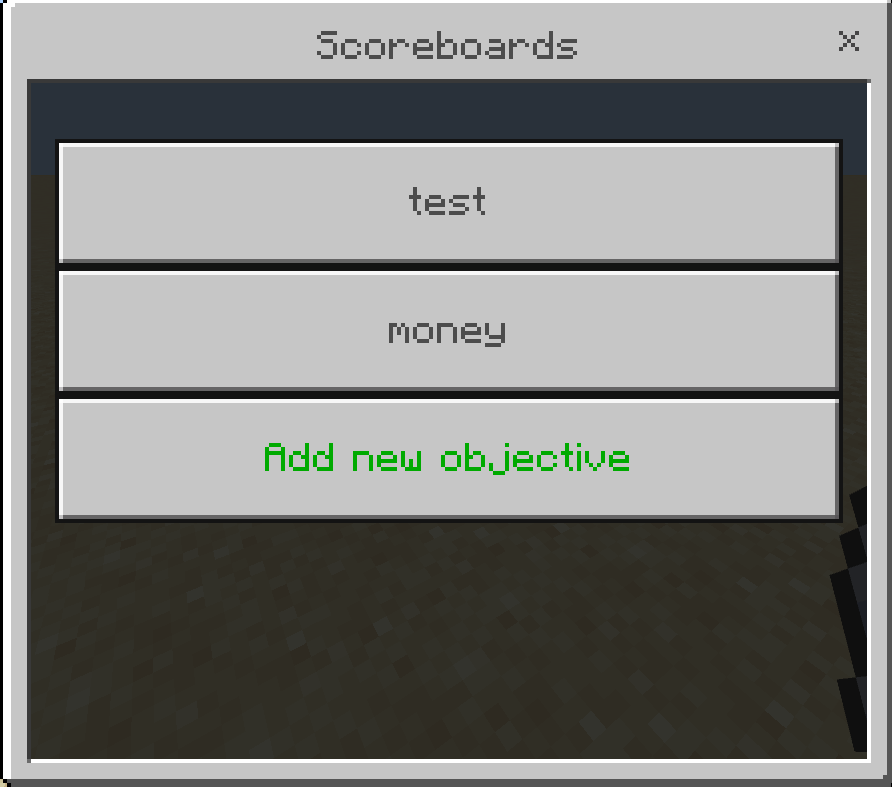
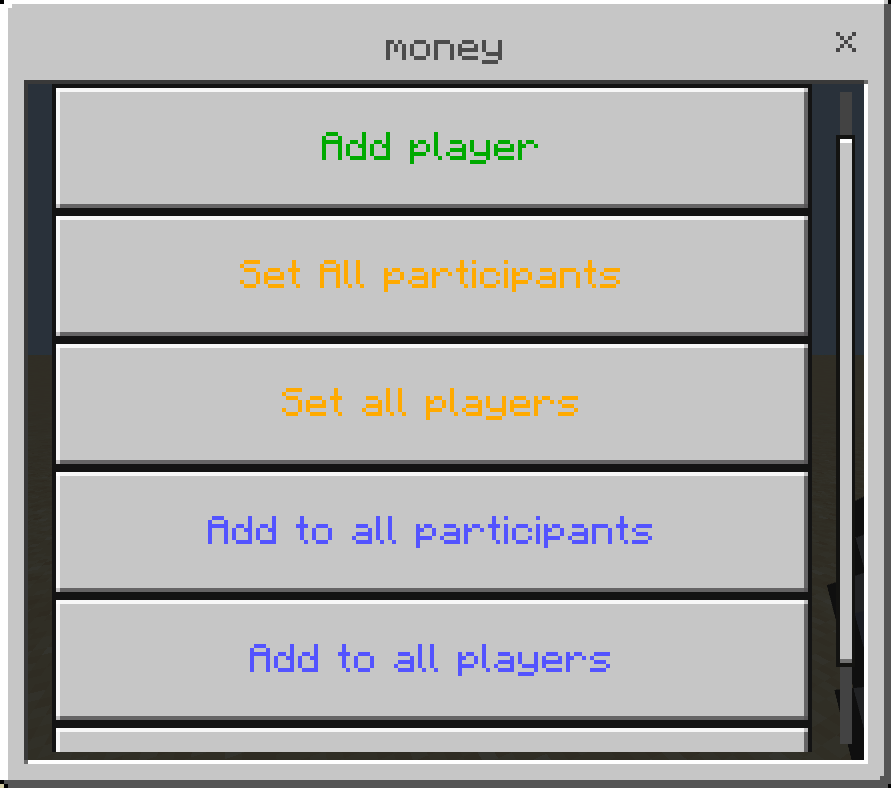
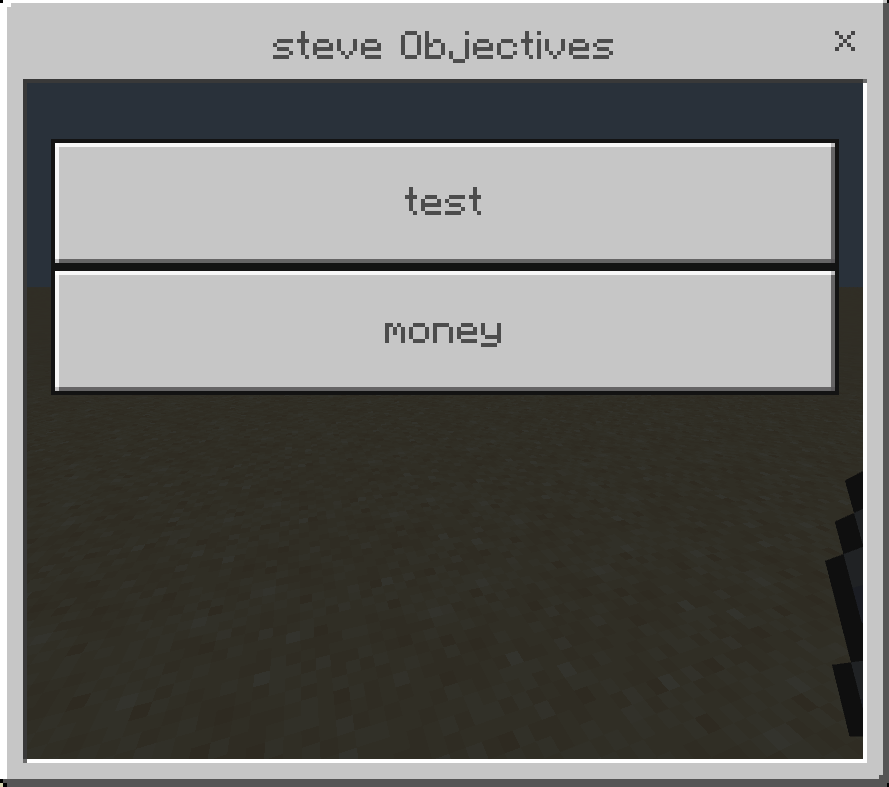
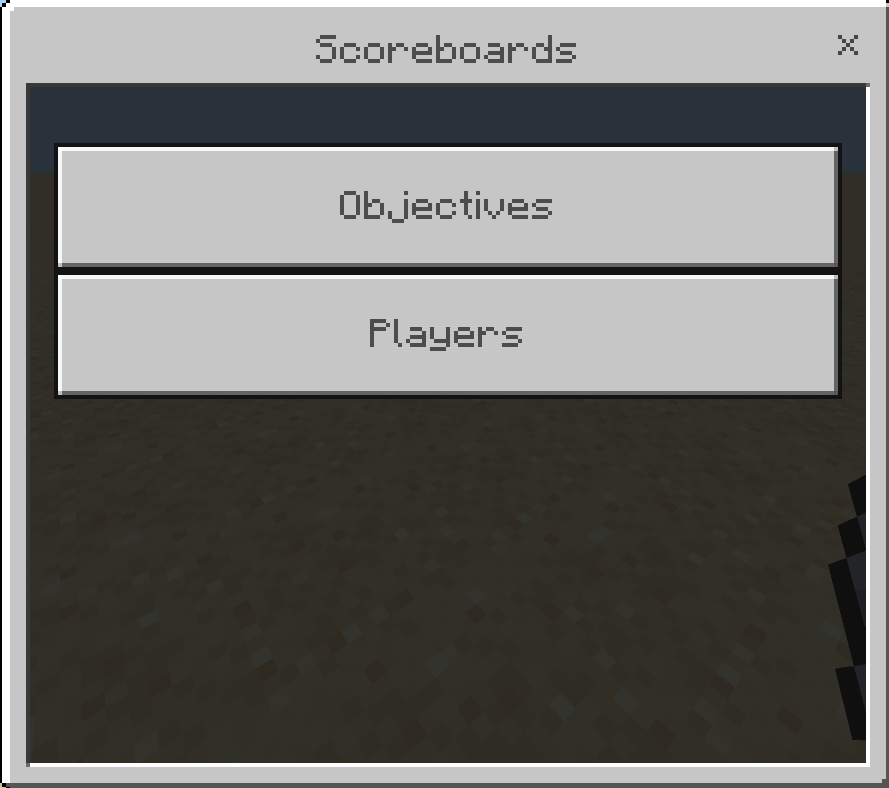
Manage your scoreboards with a user interface instead of writing long commands.
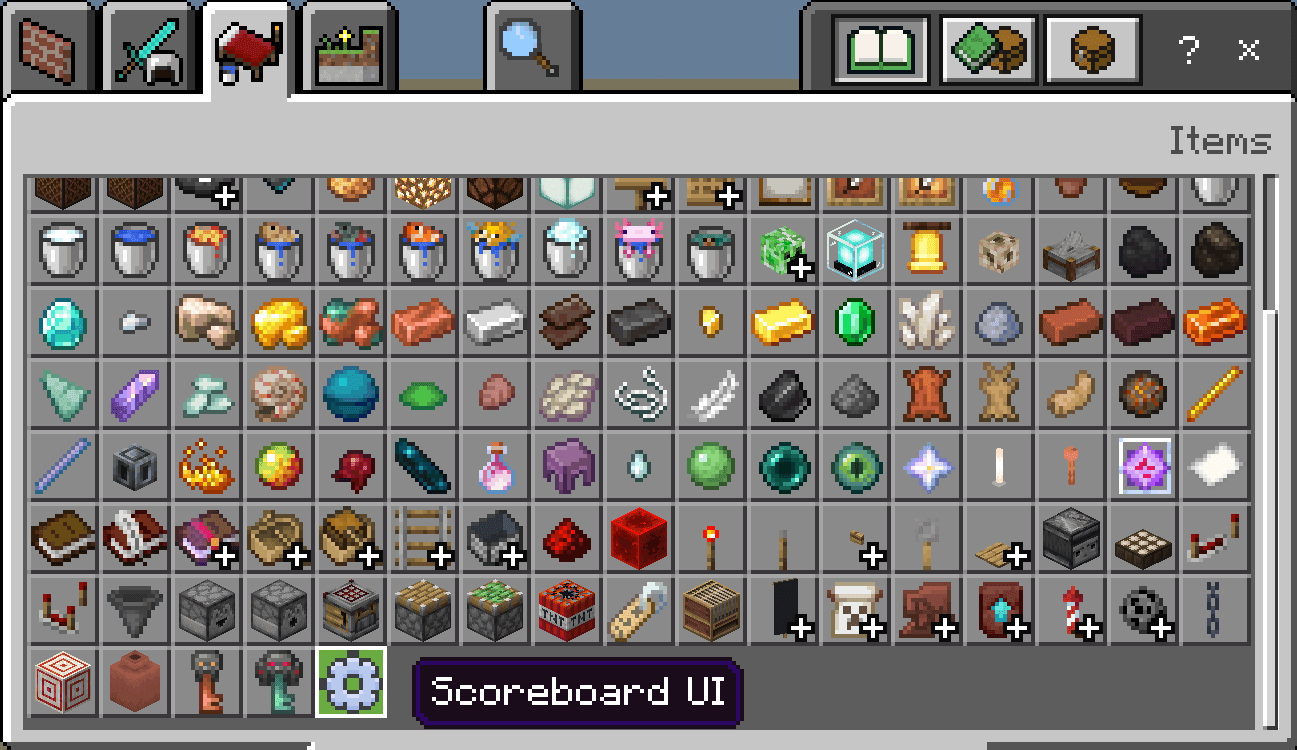
to open the UI use the settings item
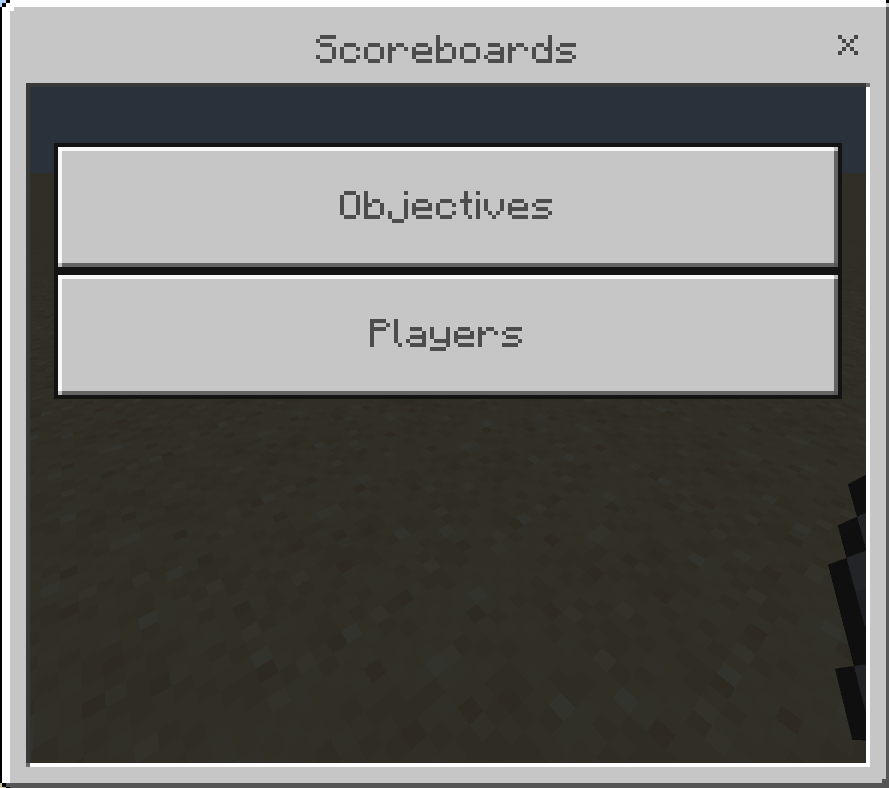
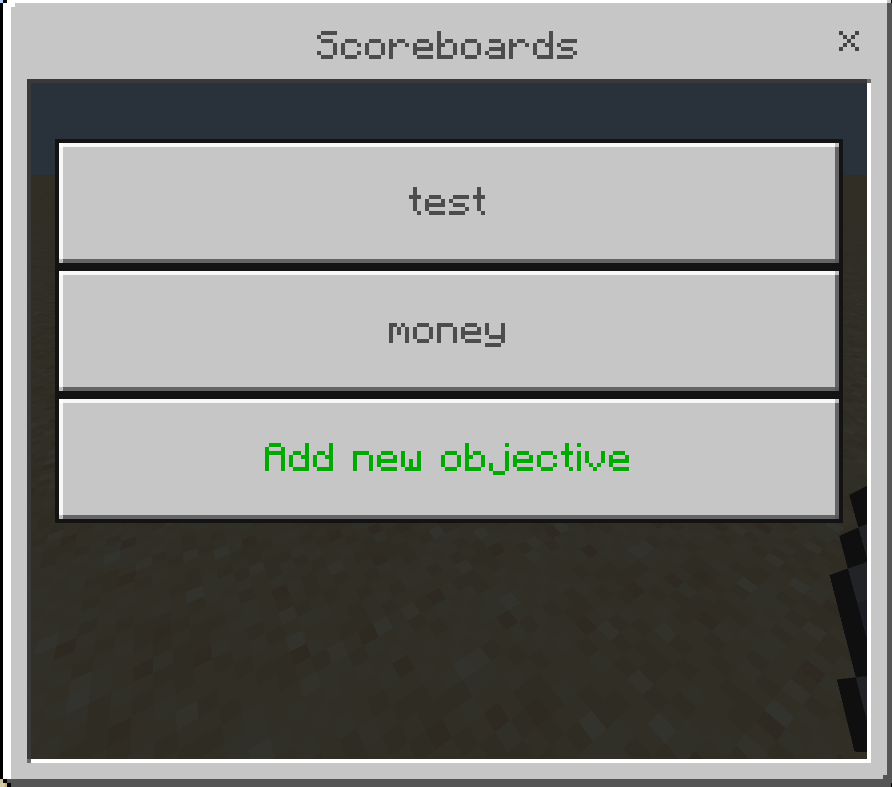
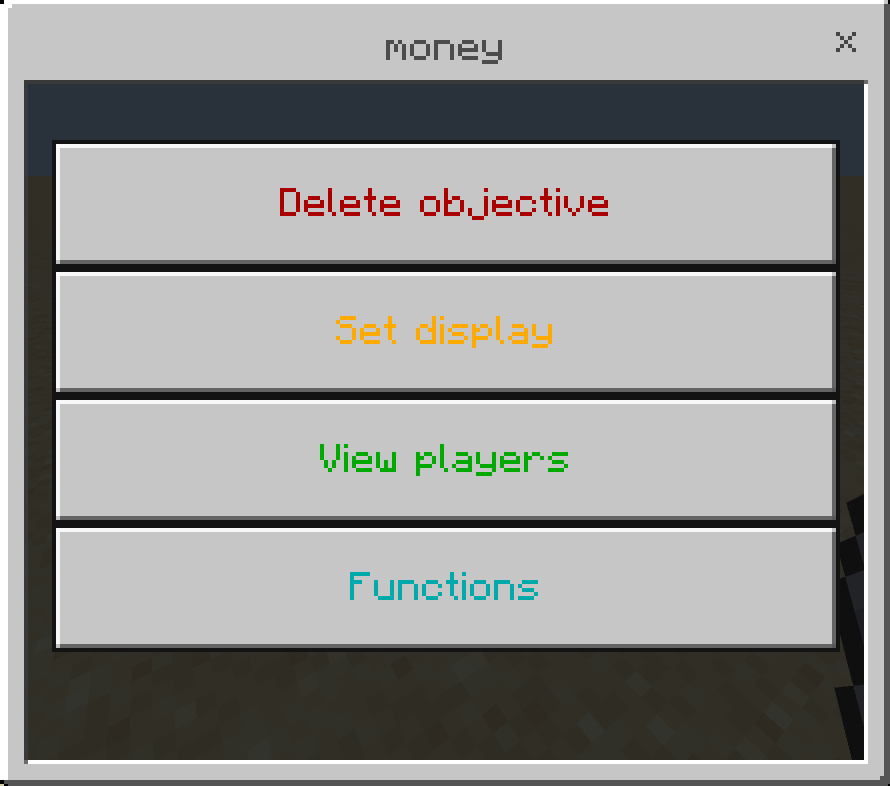
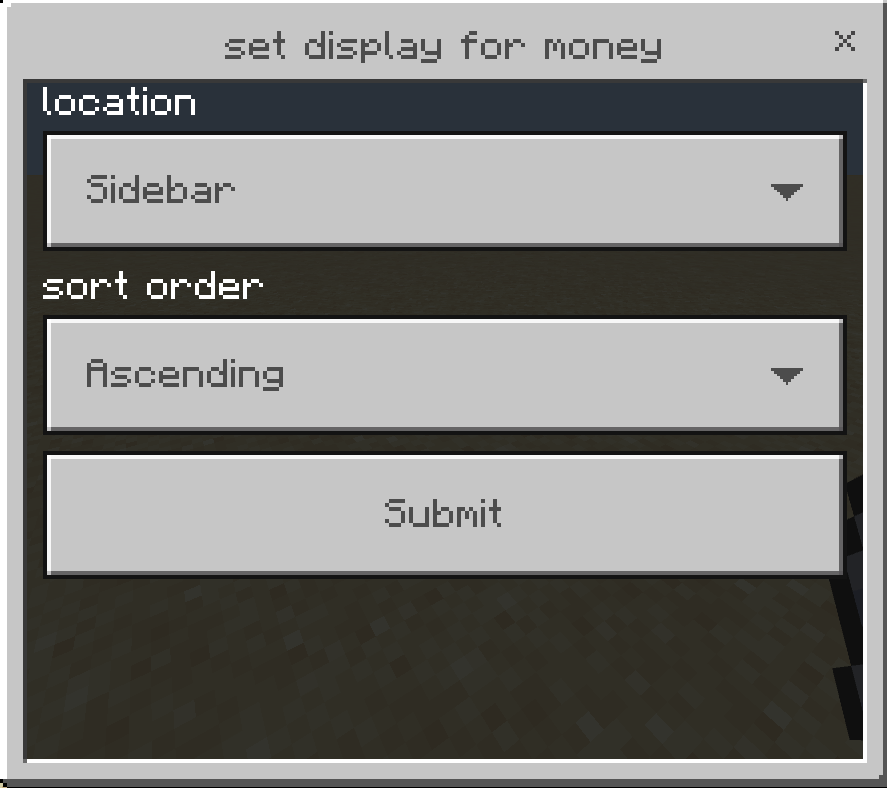
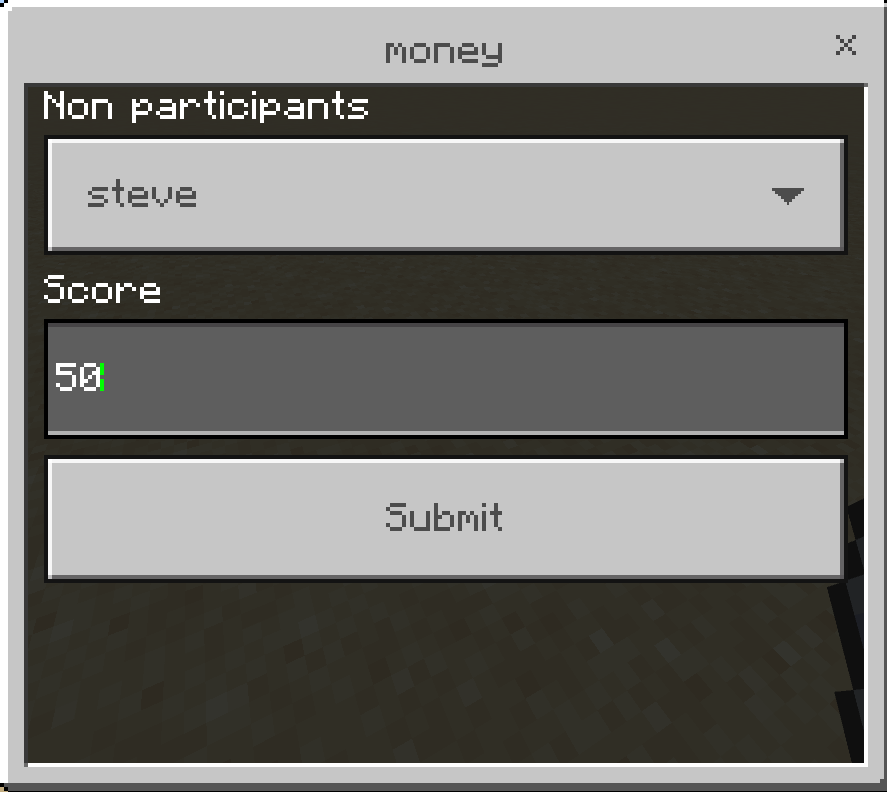
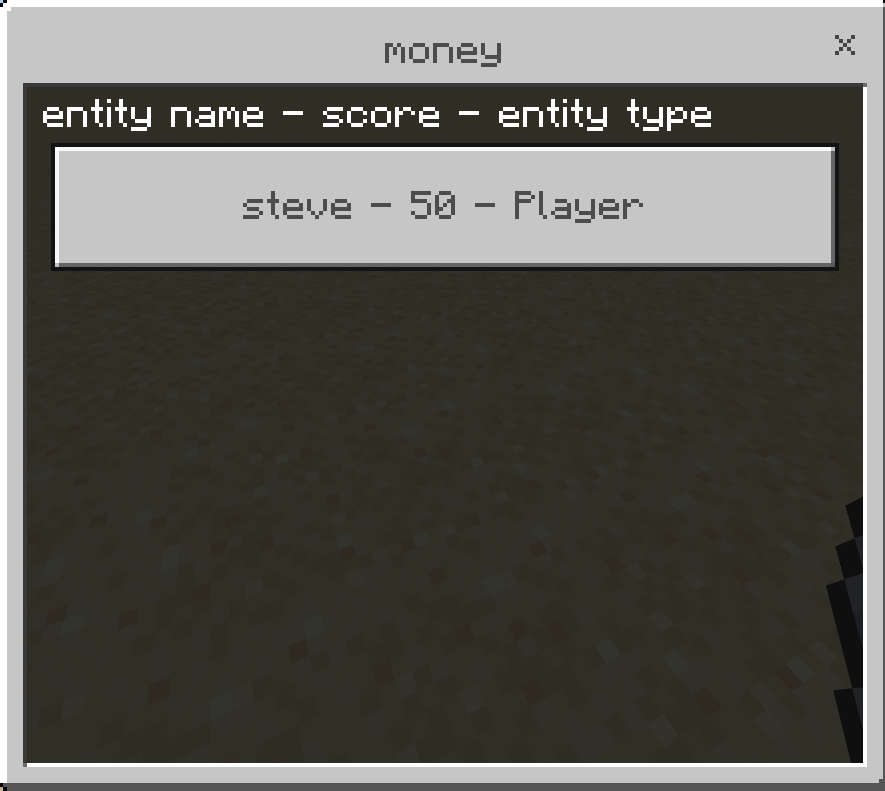
set all participants will set score for players who already have a score in the scoreboard objective (even if 0), set all players will set the score for all players including those who dont have a score yet.
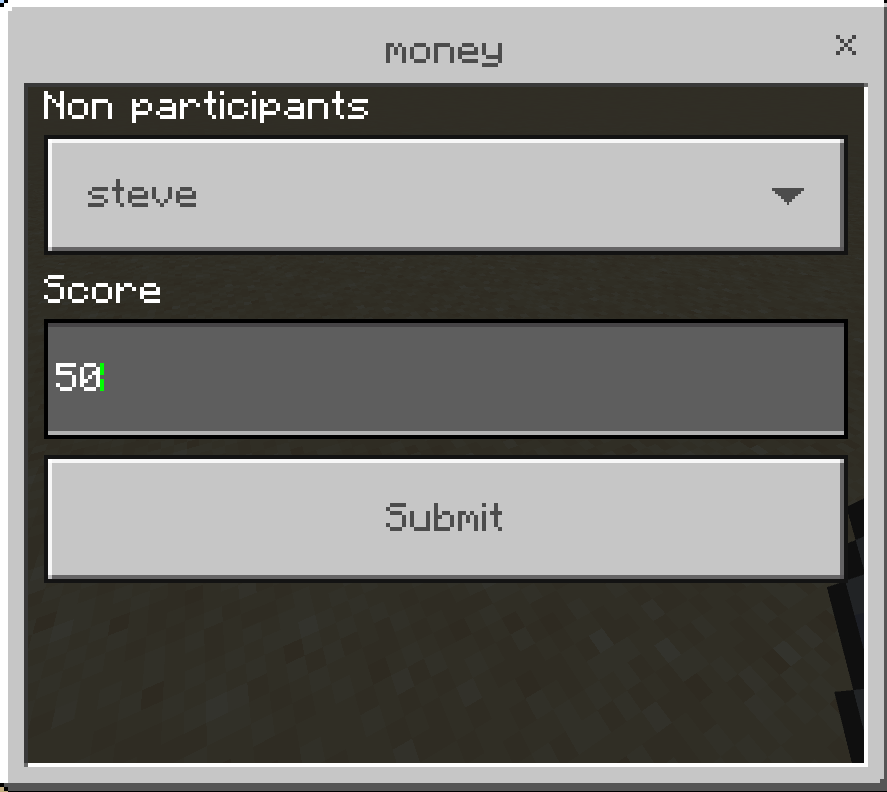
"set" changes the score to that number, for example if the player's score was 10 and you set it to 50 it will become 50.
"add" add a score to player's existing score, in the previous example the score becomes (10 + 50 = 60).
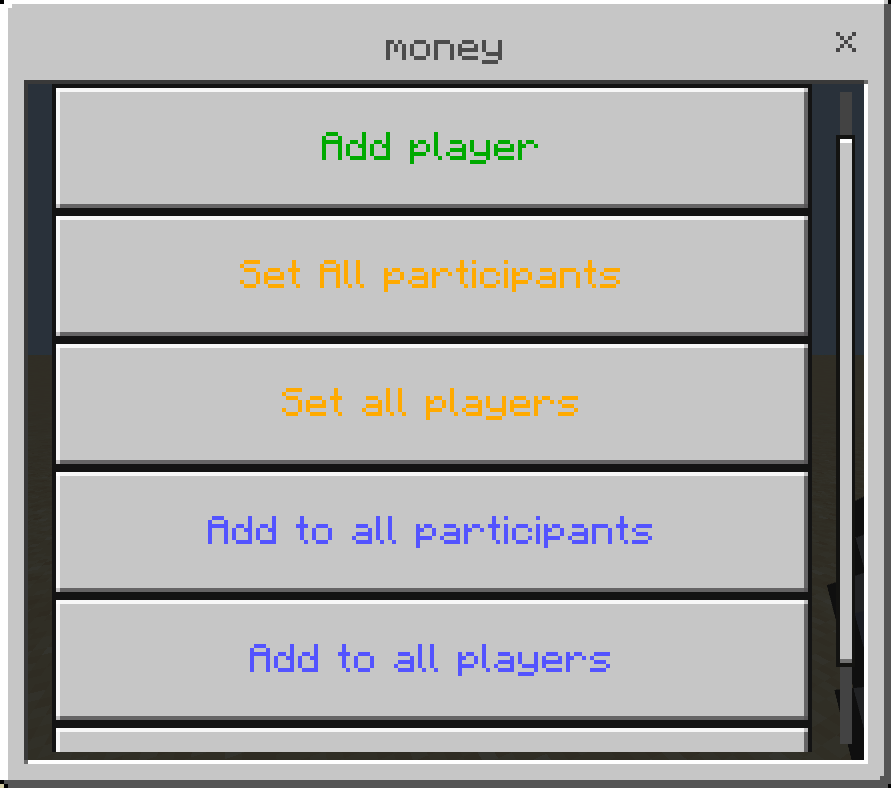
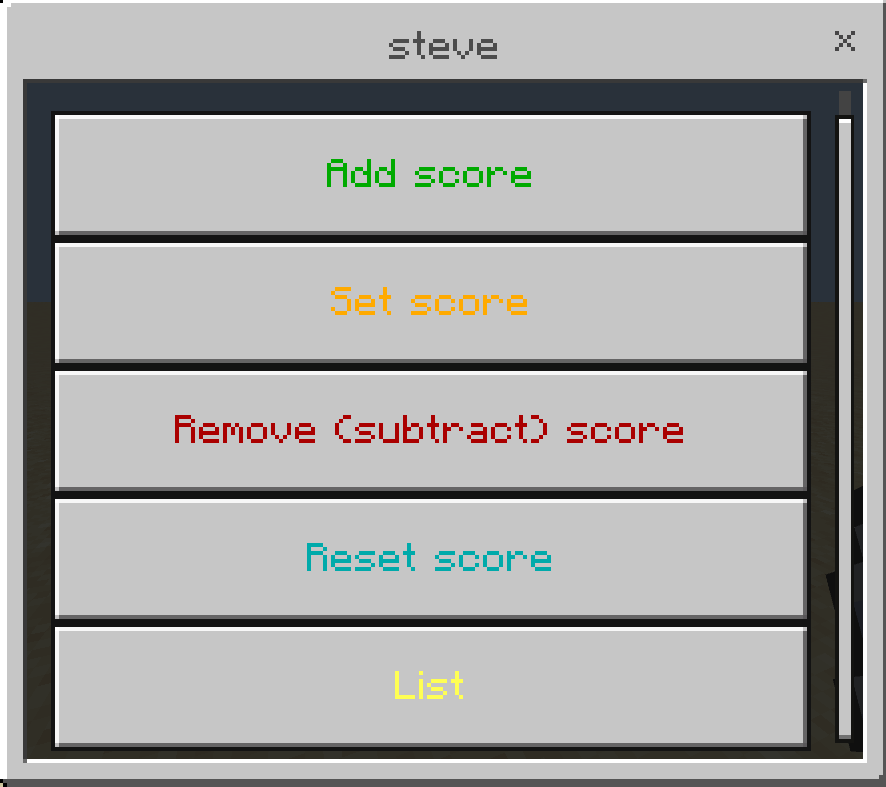
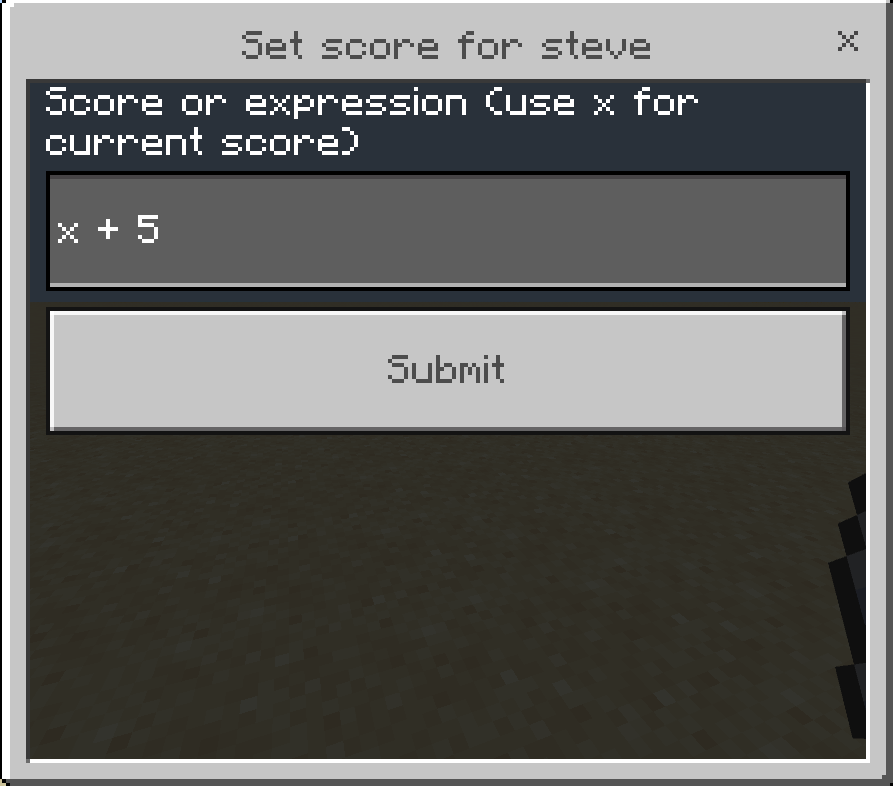
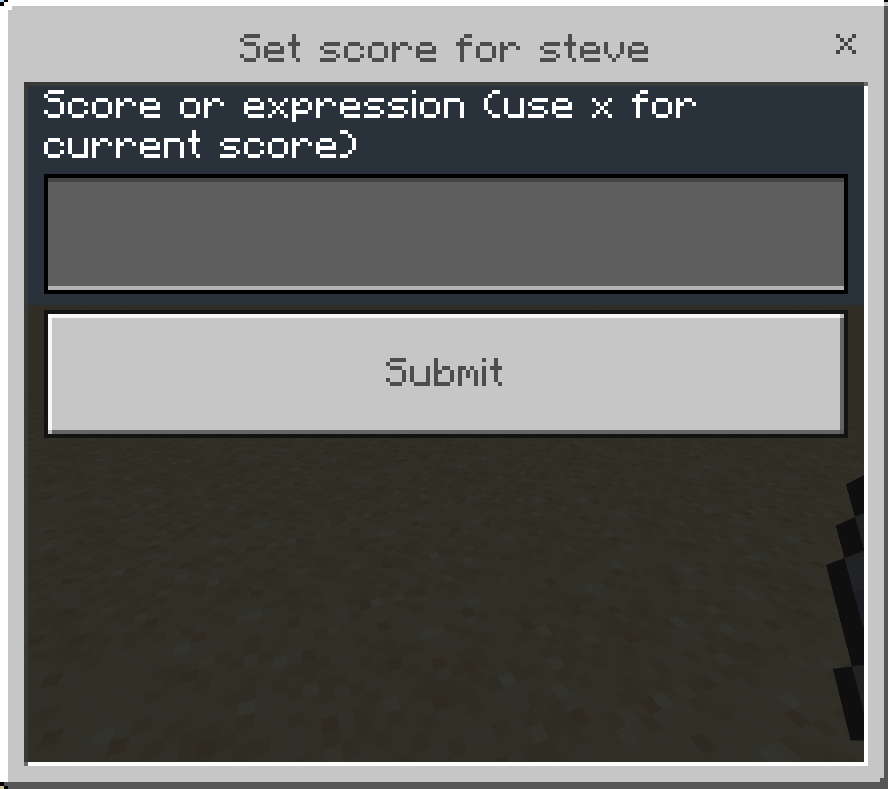
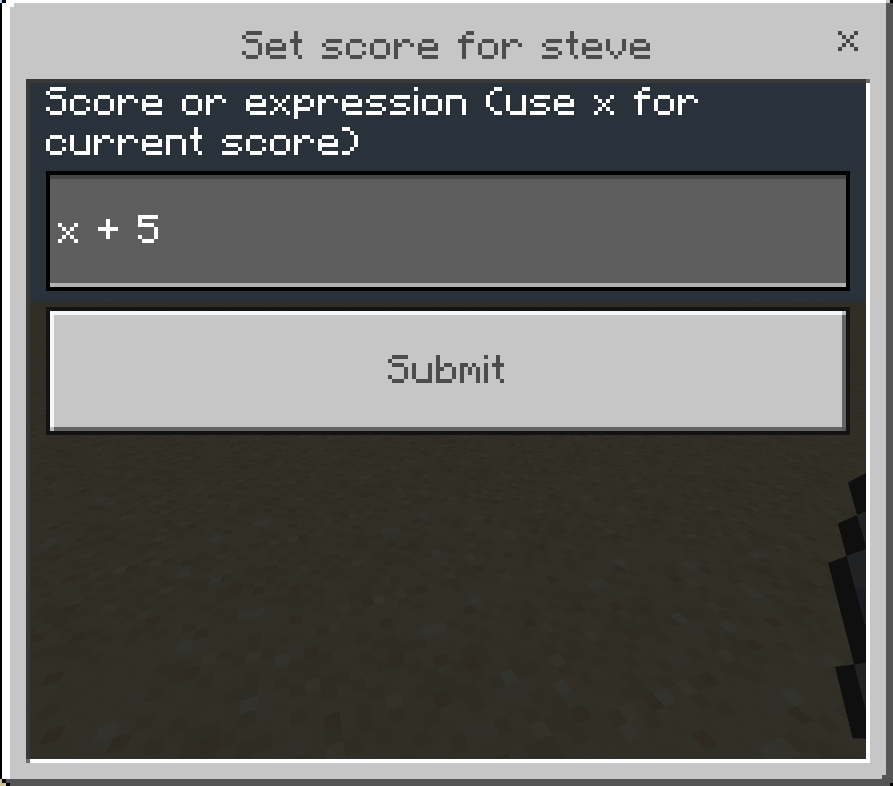
here you can use player current score in a math expression, for example you have 3 players with different scores (20, 100, 105) and you want to double their score, instead of changing each player's score manually you can use this expression: x * 2 this will double each player's score, you can also use: + - / *
this will add 5 to each player's score.
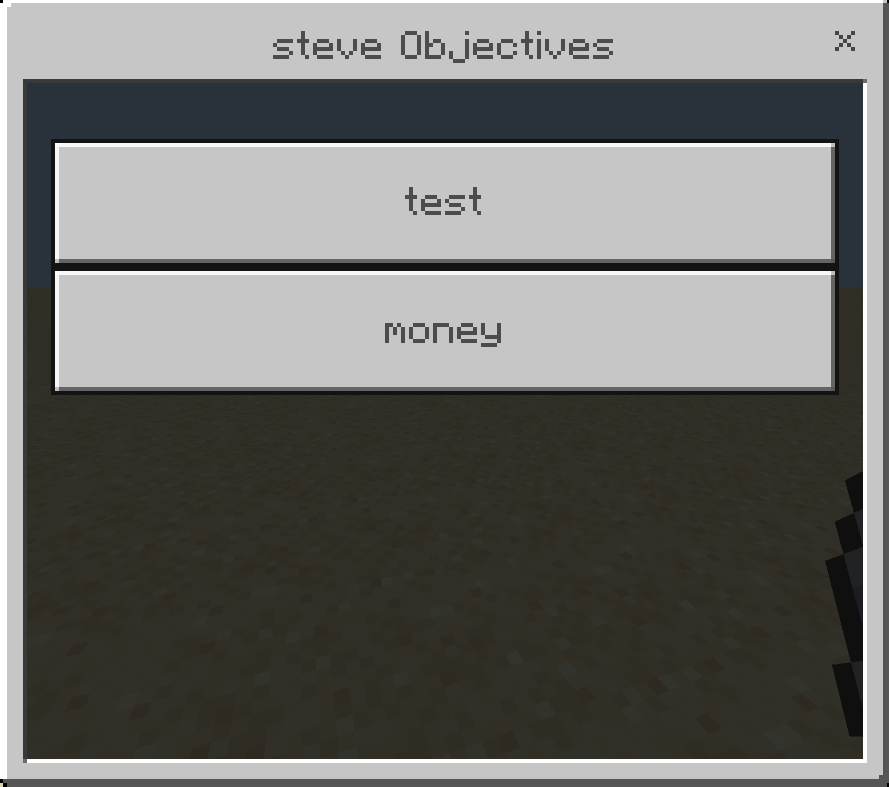
NOTE: you must be Operator to use the item
Quick facts
- Edition: Minecraft Bedrock
- File type: .mcpack or .mcaddon
- Minecraft version listed: 1.21.101
- How to install: Download the .mcpack or .mcaddon file. → Open it — Minecraft imports it. → In your world: Behavior Packs → Available → Activate, then the same under Resource Packs.
- Where to get it: Opens on CurseForge — not every file is mirrored on our own servers.
Install steps are the general flow for this file type — How to install Minecraft Bedrock addons & mods walks through it step by step.
Verified by MCModsHub
- Pack type: .mcaddon
- Manifest requires Minecraft 1.21.20 or newer
- Ships one half — this pack asks for another pack that is not included
- Download size: 96 KB
- Download link checked 16 Sept 2026 — working
These come from our own check of the pack file, not from the source page.