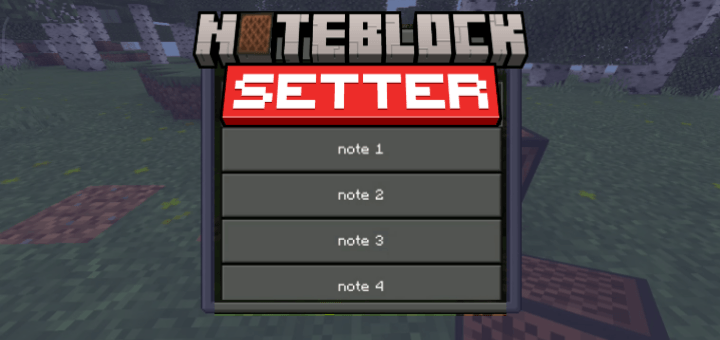
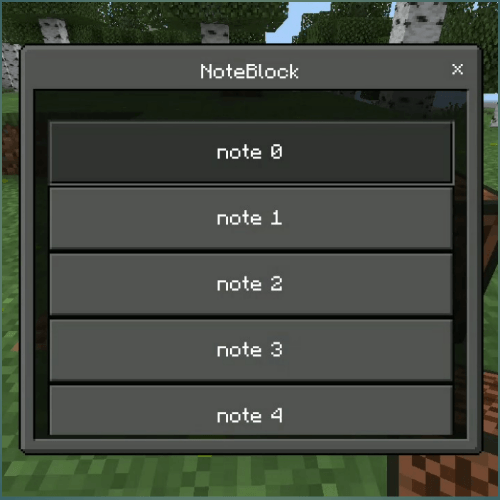
Change the way you set noteblock with ui.
just put the behavior pack in, and you good to go. its that simple, no need beta api too.
use it just like when you want to change the note normaly
video:
<video controls="controls" width="300" height="150"> <source src="https://youtube.com/shorts/ye3z9HZb2k4?si=lmbAOj1NAKrF1Ypj"></video>
note: for now you can only hear the harp note preview sound when setting it, but it don't change the actual instrument sound
Quick facts
- Edition: Minecraft Bedrock
- File type: .mcpack or .mcaddon
- Minecraft versions listed: 1.21.50, 1.21.51
- How to install: Download the .mcpack or .mcaddon file. → Open it — Minecraft imports it. → In your world: Behavior Packs → Available → Activate, then the same under Resource Packs.
- Where to get it: Opens on CurseForge — not every file is mirrored on our own servers.
Install steps are the general flow for this file type — How to install Minecraft Bedrock addons & mods walks through it step by step.
Verified by MCModsHub
- Pack type: .mcpack — a single pack
- Manifest requires Minecraft 1.21.0 or newer
- Complete pack — everything it depends on is inside the file
- Download size: 100 KB
- Download link checked 16 Sept 2026 — working
These come from our own check of the pack file, not from the source page.