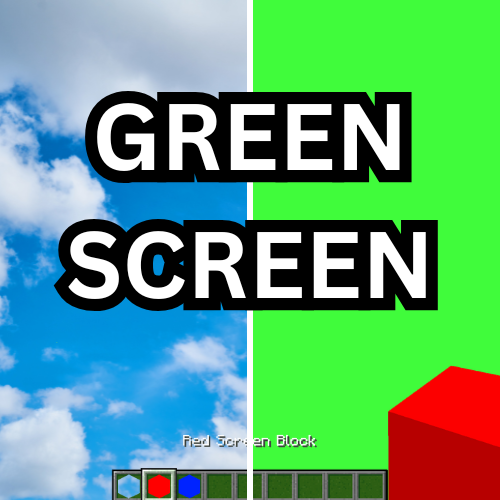
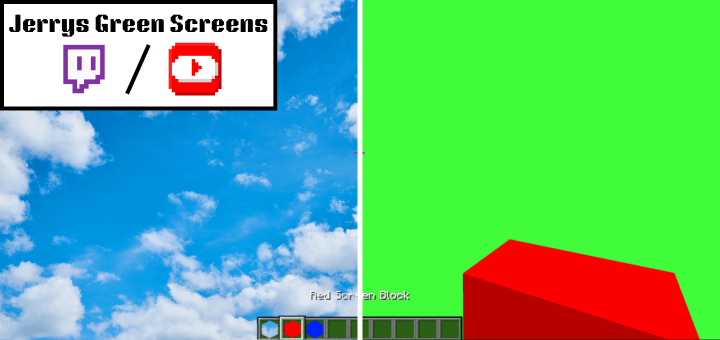
This addon adds 3 different green screens you can use for chroma keying thumbnails, videos, etc for content creation on Bedrock Edition

The three types of screens are:
-Red
-Blue
-Green
The point of having different colors is so that if your skin is neon green, you can use a red or blue screen instead. They can be obtained in the tools tab of the creative inventory.
If you need assistance with deleting the chroma key, here's a website that does it: https://onlinepngtools.com/remove-png-chroma-key
Here's an example with after on the left and before on the right

- Edition: Minecraft Bedrock
- File type: .mcpack or .mcaddon
- Minecraft version listed: 1.21.50
- How to install: Download the .mcpack or .mcaddon file. → Open it — Minecraft imports it. → In your world: Behavior Packs → Available → Activate, then the same under Resource Packs.
- Where to get it: Opens on CurseForge — not every file is mirrored on our own servers.
Install steps are the general flow for this file type — How to install Minecraft Bedrock addons & mods walks through it step by step.
- Pack type: .mcaddon — behaviour and resource pack in one file
- Manifest requires Minecraft 1.16.0 or newer
- Complete pack — everything it depends on is inside the file
- Download size: 289 KB
- Download link checked 16 Sept 2026 — working
These come from our own check of the pack file, not from the source page.