
AddonsBedrock
Fake Mob Blocks
Bedrock add-on listed for Minecraft 1.21 (behavior + resource pack). File opened and checked on 18 Oct 2026; installs from the MC Bedrock Mods app on Android.
This add-on will add some blocks that look like to certain mobs of Minecraft. It can be very useful for decoration!
⬇ Download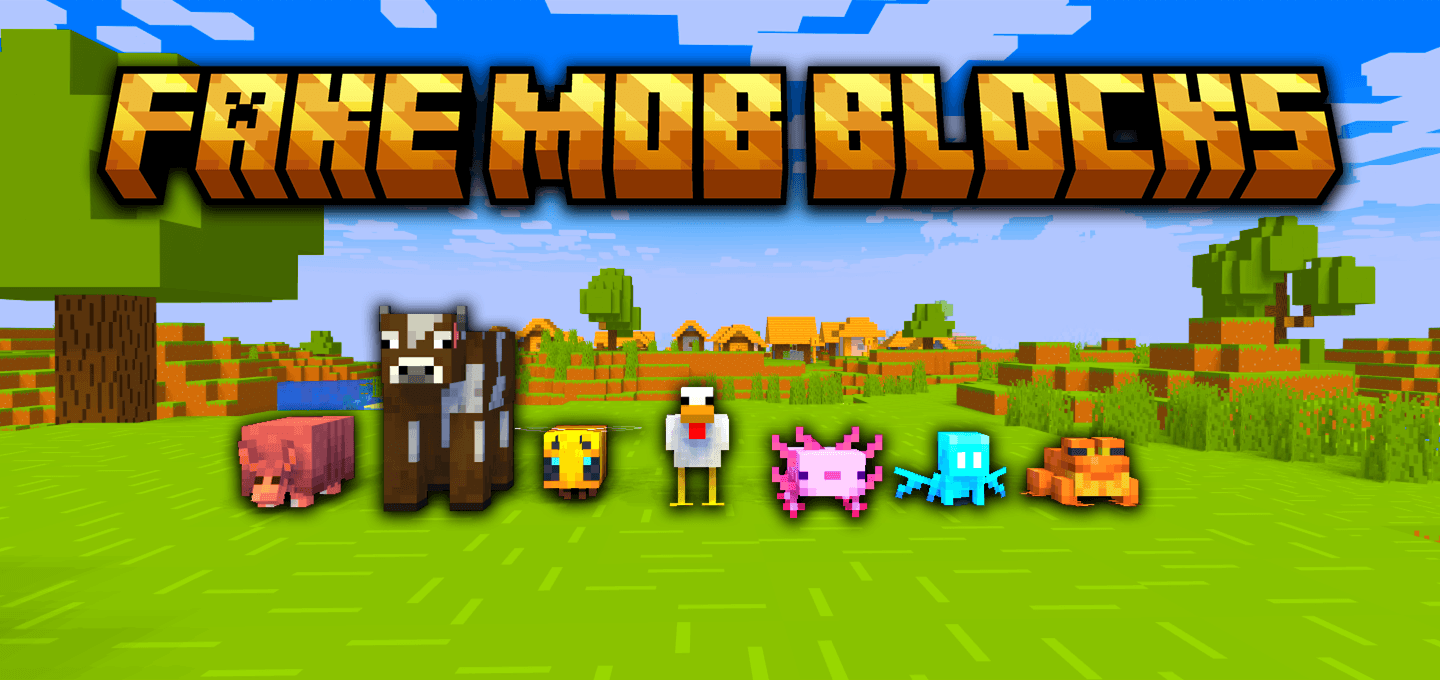
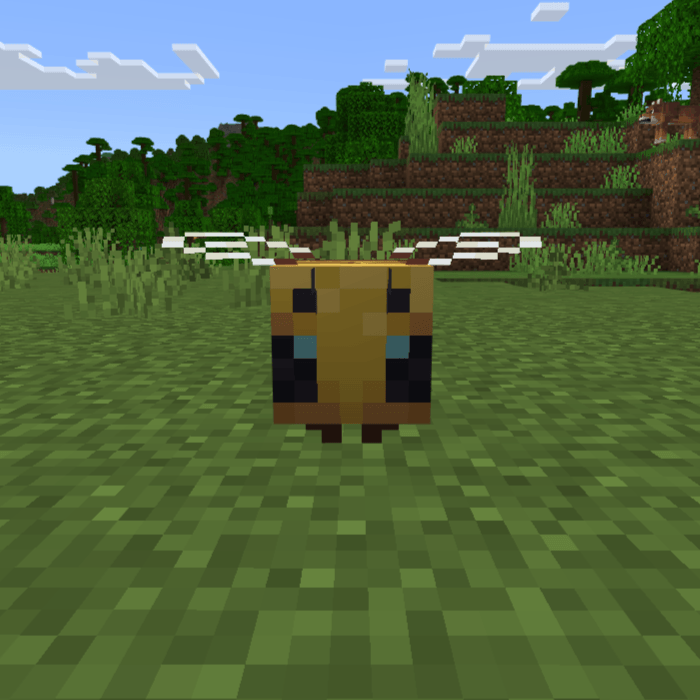
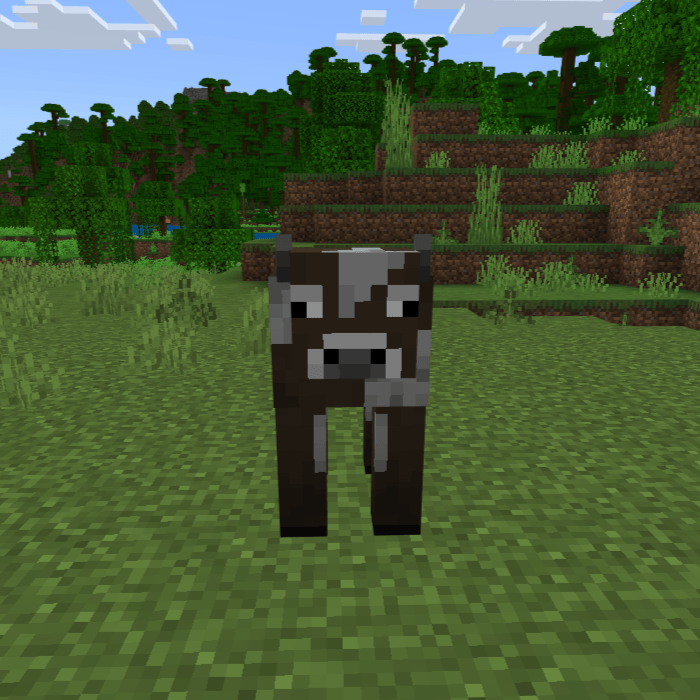
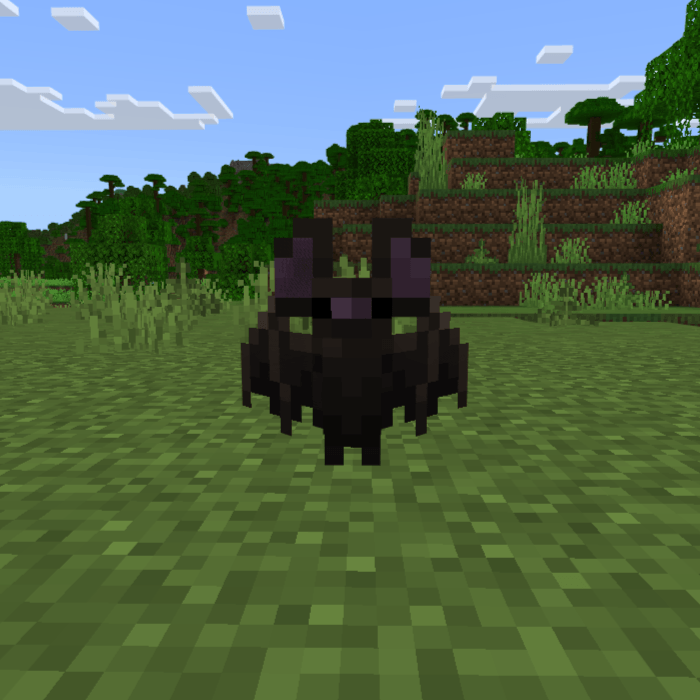
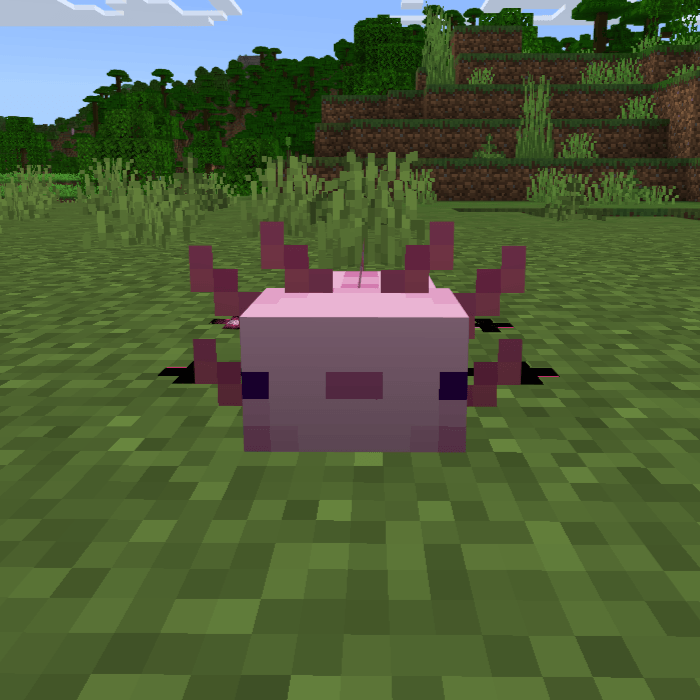
Bring your builds to life with Fake Mob Blocks! This add-on adds new decorative blocks that perfectly mimic the appearance of vanilla mobs, making them ideal for pranks, decorations, or creating unique builds in your world.
Features :
- Realistic blocks based on popular Minecraft mobs
- Perfect for tricking your friends or adding life-like details to your builds
- Available only through commands or the creative inventory for now
List of Fake Mob Blocks :
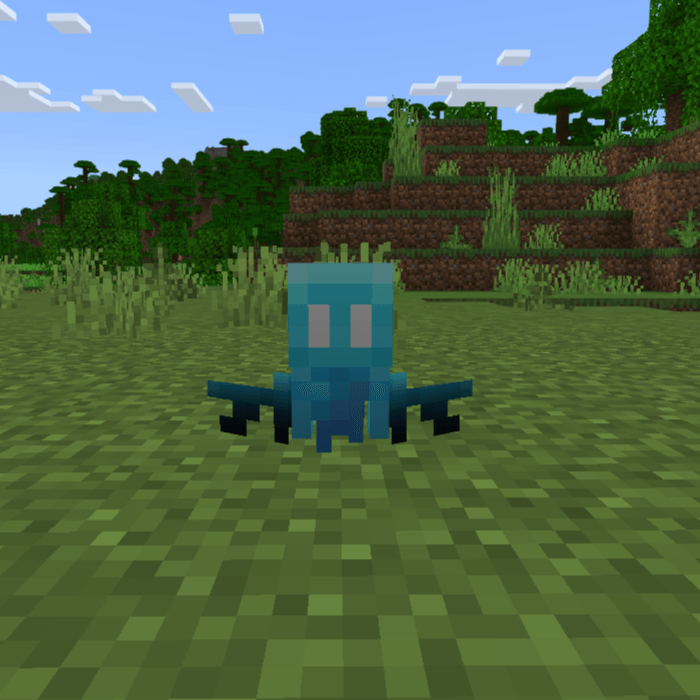
- Fake Allay :
- Fake Armadillo :
- Fake Axolotl :
- Fake Bat :
- Fake Bee :
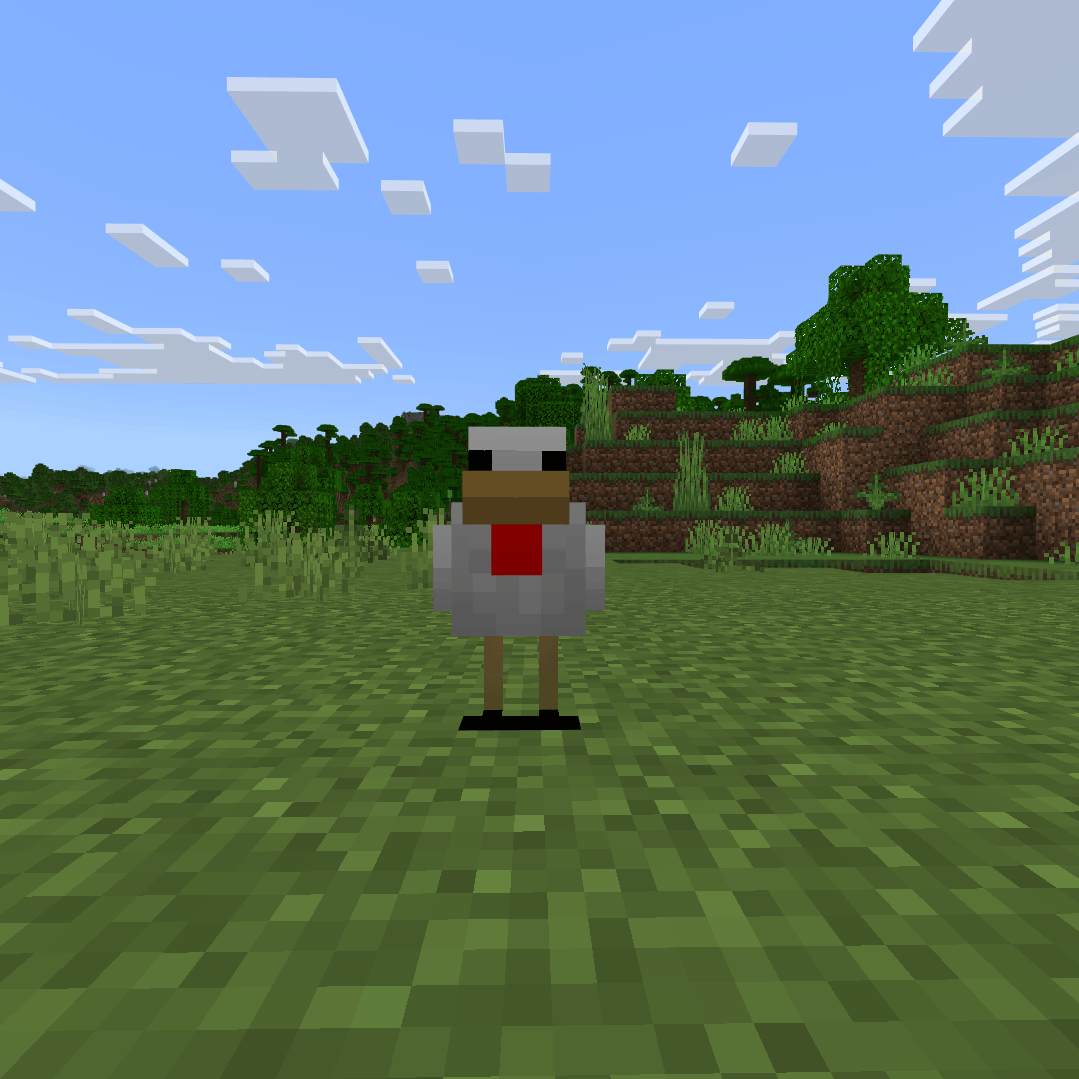
- Fake Chicken :
- Fake Cow :
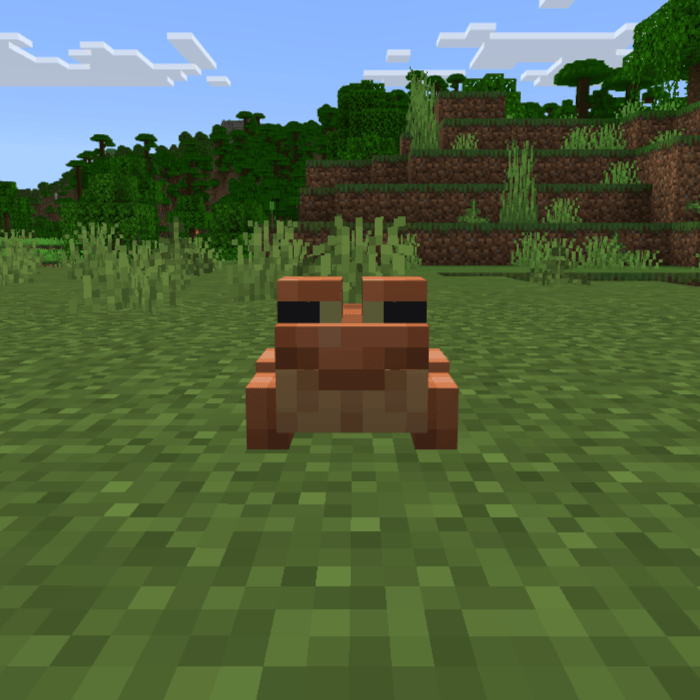
- Fake Frog :
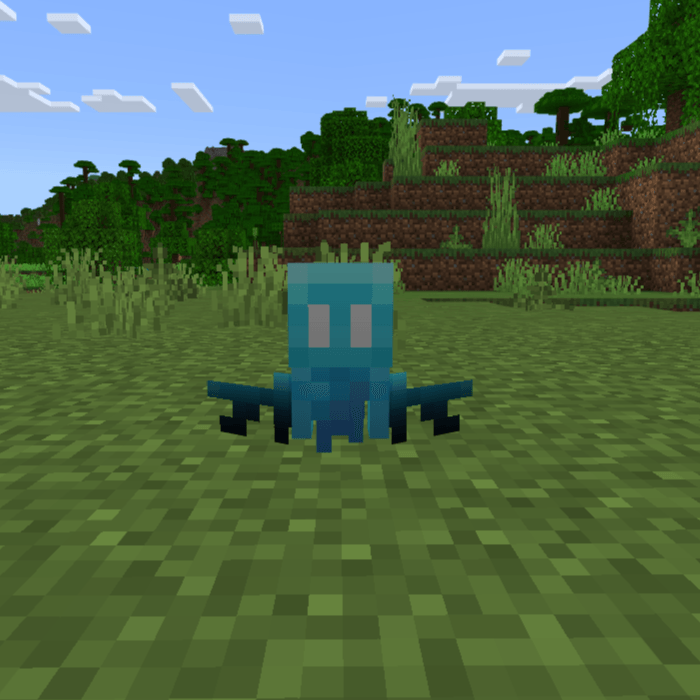
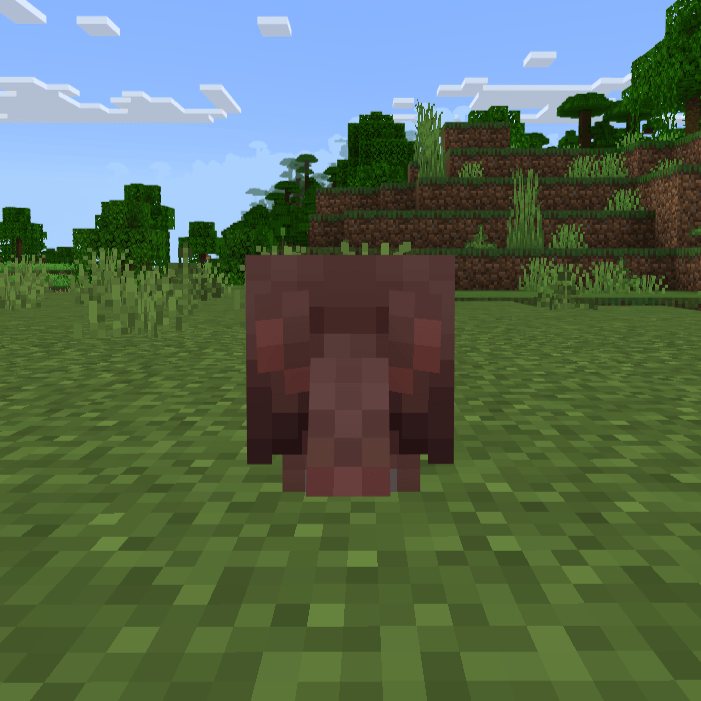
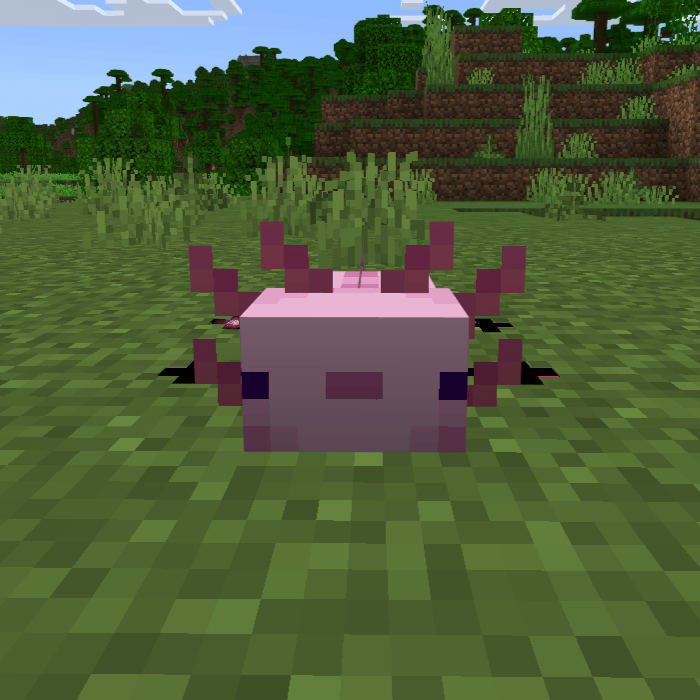
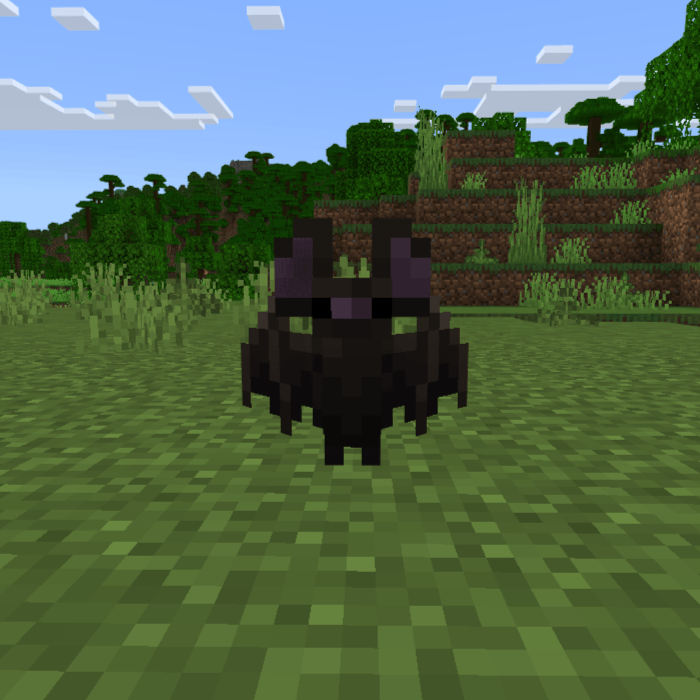
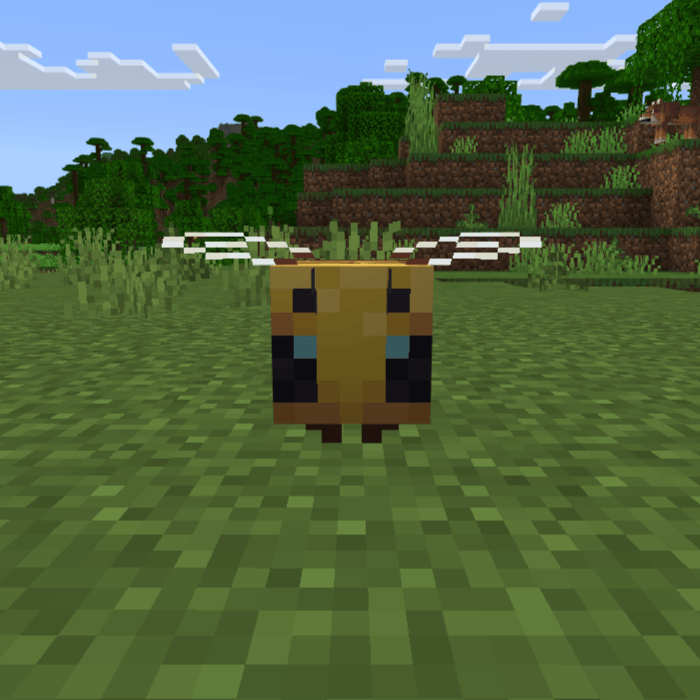
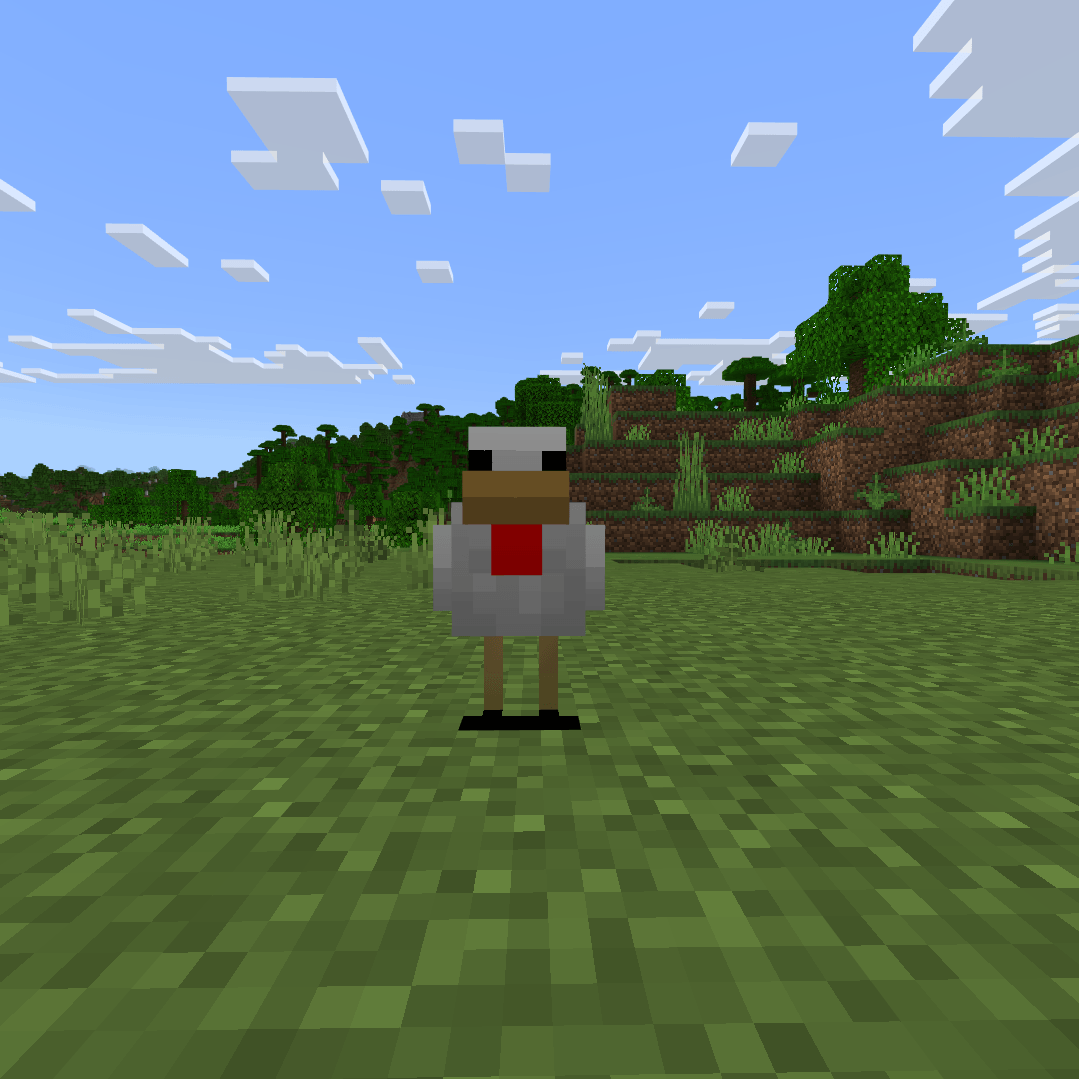
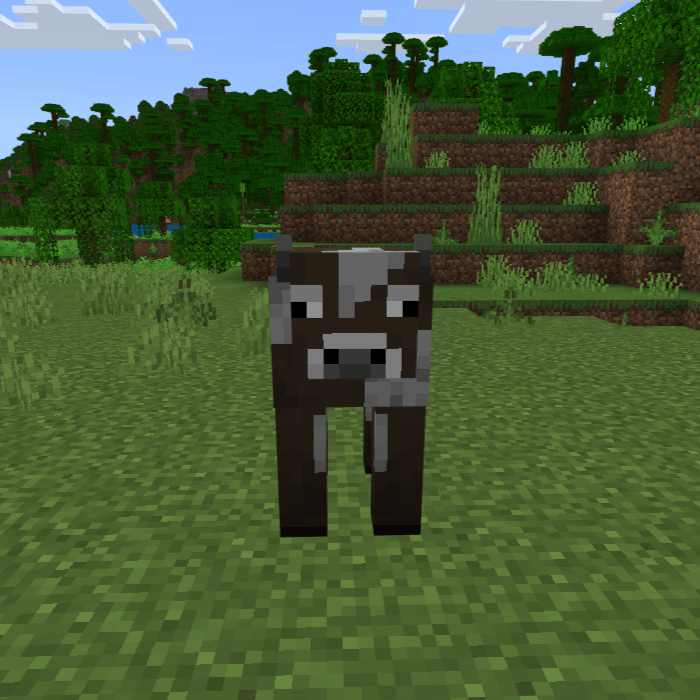
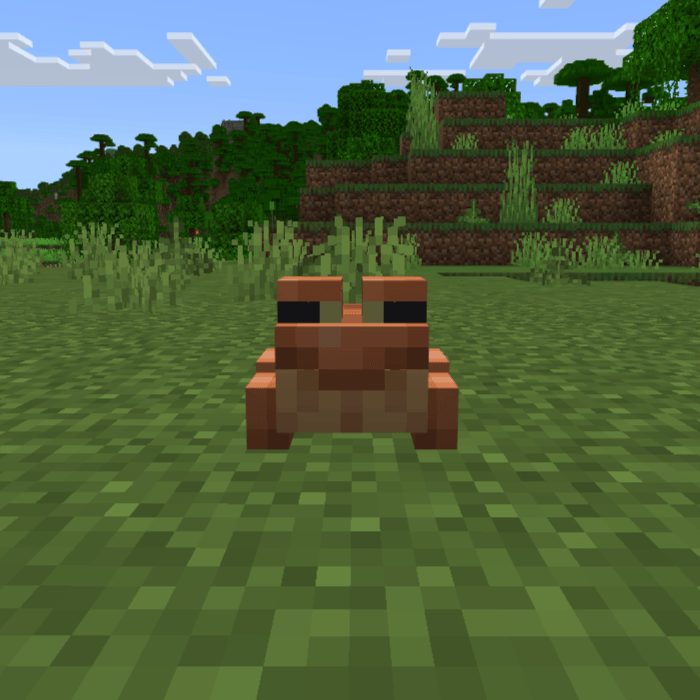
(More blocks will be added in future updates!)
Quick facts
- Edition: Minecraft Bedrock
- File type: .mcpack or .mcaddon
- Minecraft versions listed: 1.21.61, 1.21.60
- How to install: Download the .mcpack or .mcaddon file. → Open it — Minecraft imports it. → In your world: Behavior Packs → Available → Activate, then the same under Resource Packs.
- Where to get it: In MCModsHub, or directly above on this page.
Install steps are the general flow for this file type — How to install Minecraft Bedrock addons & mods walks through it step by step.
File checked by MCModsHub
- Pack type: .mcaddon — behaviour and resource pack in one file
- Manifest requires Minecraft 1.21.60 or newer
- Complete pack — everything it depends on is inside the file
- Download size: 76 KB
- Download link checked 5 Oct 2026 — working
These come from our own check of the pack file, not from the source page.