
Biome Indicator BE
Bedrock add-on listed for Minecraft 1.21–26.x (behavior pack only). File opened and checked on 30 Sep 2026; installs from the MC Bedrock Mods app on Android.
⬇ Download on CurseForge

Biome Indicator is a lightweight, survival-friendly utility addon that helps you instantly identify the biome you’re standing in — just by holding a gold, iron, or copper nugget.
Ever built a farm that should work… but doesn’t? Some game mechanics are biome-dependent. So this addon instantly allows you to see what biome you're in to make that farm without having to do any guesswork or use websites like Chunkbase.
Why use it?
Some farms and mechanics only work in specific biome types, even when they look exactly the same. With Biome Indicator, you’ll always know what biome the game truly thinks you’re in.
Lightweight. Survival-friendly. Multiplayer compatible.
FEATURES:
- Gold nugget - Shows the biome id in the actionbar of the screen
- Iron nugget - Shows the biome id in the subtitle area of the screen
- Copper nugget - Shows the biome id in chat (only visible to you)
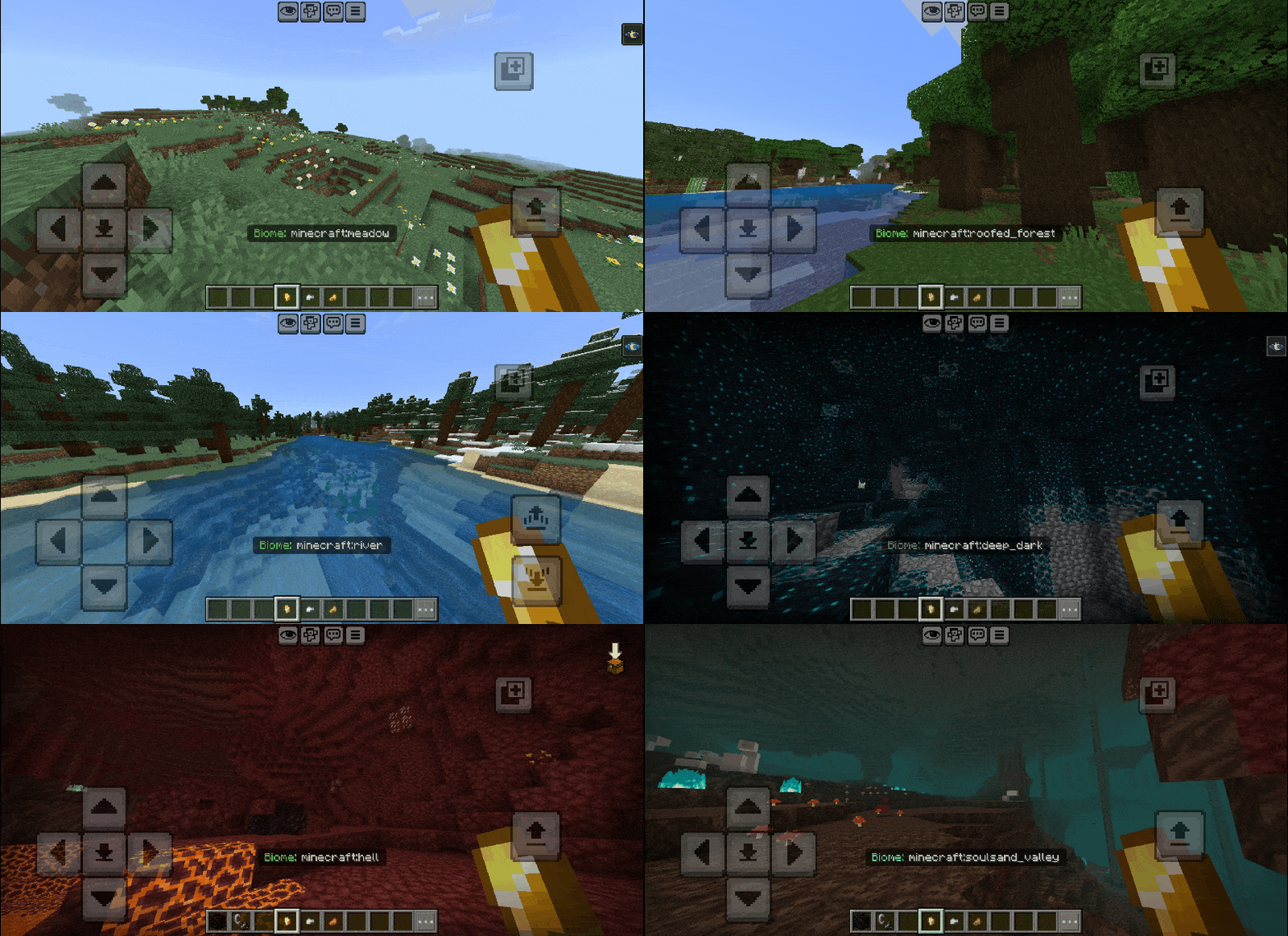
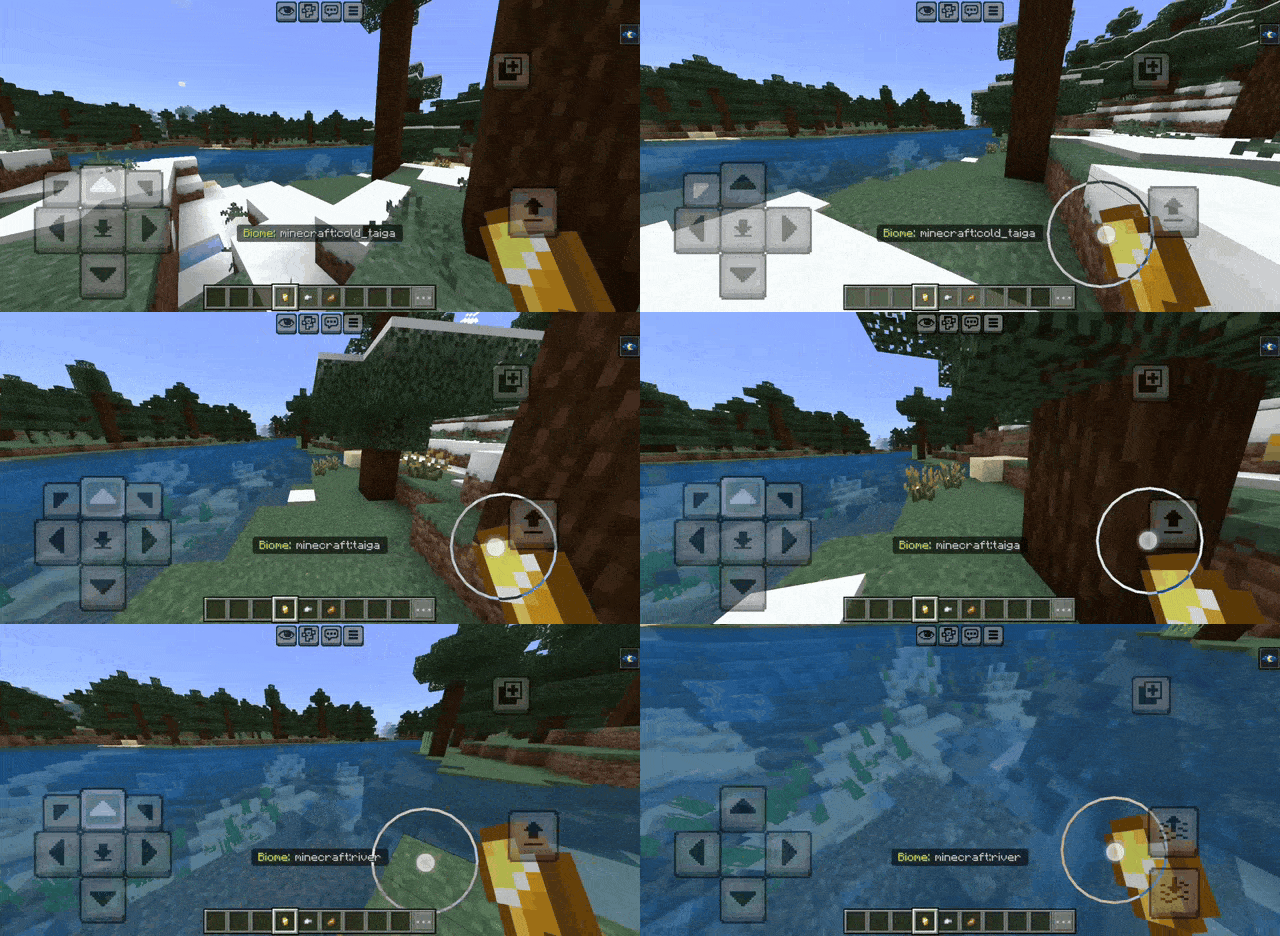
Updates the biome indicator every 5 ticks (0.25 seconds)
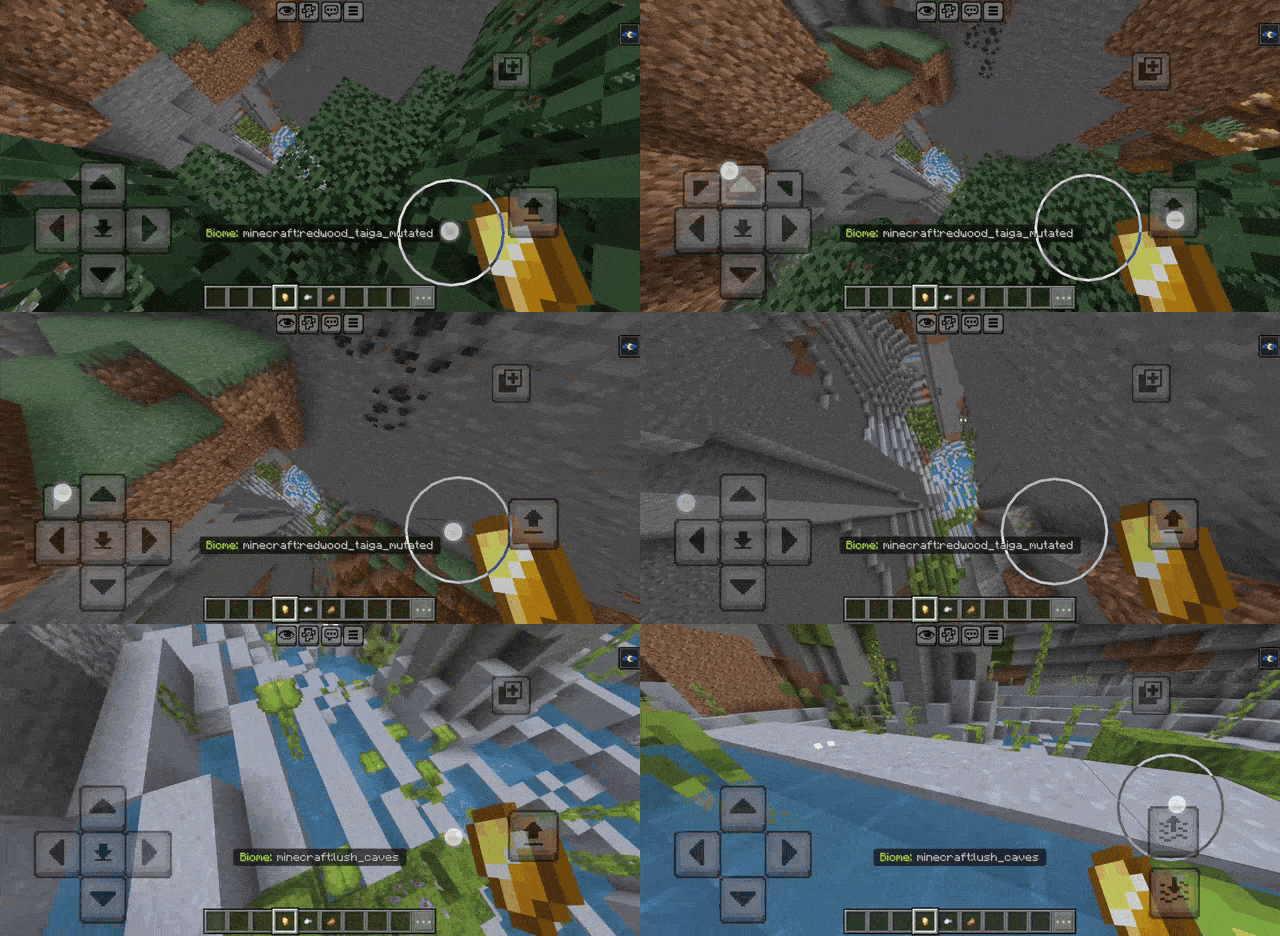
Also detects different biomes at different Y-level!
- Edition: Minecraft Bedrock
- File type: .mcpack or .mcaddon
- Minecraft versions listed: 1.21.124, 1.21.130, 26.0
- How to install: Download the .mcpack or .mcaddon file. → Open it — Minecraft imports it. → In your world: Behavior Packs → Available → Activate, then the same under Resource Packs.
- Where to get it: Opens on CurseForge — not every file is mirrored on our own servers.
Install steps are the general flow for this file type — How to install Minecraft Bedrock addons & mods walks through it step by step.
- Pack type: .mcpack — a single pack
- Manifest requires Minecraft 1.21.0 or newer
- Complete pack — everything it depends on is inside the file
- Download size: 726 KB
- Download link checked 27 Oct 2026 — working
These come from our own check of the pack file, not from the source page.